AI After-Hours Answering Service: How Night and Weekend Calls Actually Work
A look under the hood of out-of-hours call handling: how the assistant knows it's closed, what it says at 11 p.m. versus 11 a.m., how it books into tomorrow, and how it decides what counts as urgent.
 Vunoon16 min read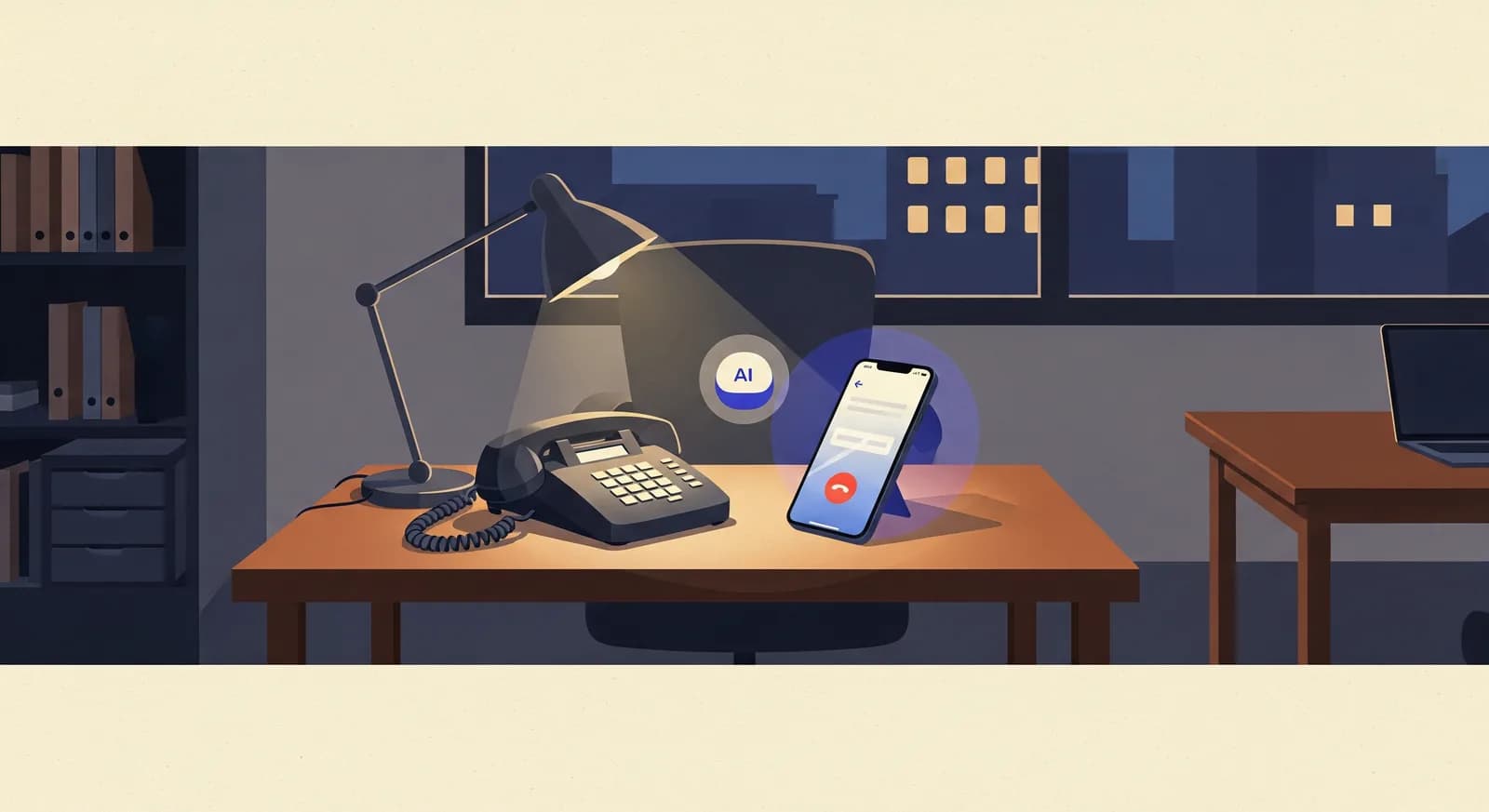
Plenty of articles will tell you that missing after-hours calls costs you money. This one is about the boring, useful part nobody explains: what actually happens on the line at 11:47 p.m. on a Saturday when someone calls your closed business and, for once, the phone gets picked up.
An AI after-hours answering service is easy to describe in a sentence and surprisingly interesting once you open it up. "It answers calls when you're closed" hides a stack of small decisions: How does it know you're closed? Does it say anything different at midnight than it would at noon? If someone wants an appointment, which day does it offer? And what if the caller is genuinely in trouble — does the assistant just take a message and shrug?
This piece walks through the mechanics end to end. Not the marketing version, the plumbing version. By the time you finish, you'll understand exactly what your callers experience after dark, what you can control, and — just as important — where the honest limits are.
What "after hours" actually means to the software
To a human, "after hours" is obvious: the lights are off and everyone's gone home. To an answering system it's a rule, and the rule is only as good as the schedule behind it. This matters more than it sounds, because most of the frustration people have with automated answering comes from a schedule that doesn't match reality.
A schedule-driven assistant looks at three things every time the phone rings: the current time, your configured opening hours, and any exceptions. If the call lands inside your open window, it can behave one way — or you might let your team answer live. If it lands outside that window, the after-hours behaviour kicks in. The switch is automatic and happens per call, not on a timer someone has to flip.
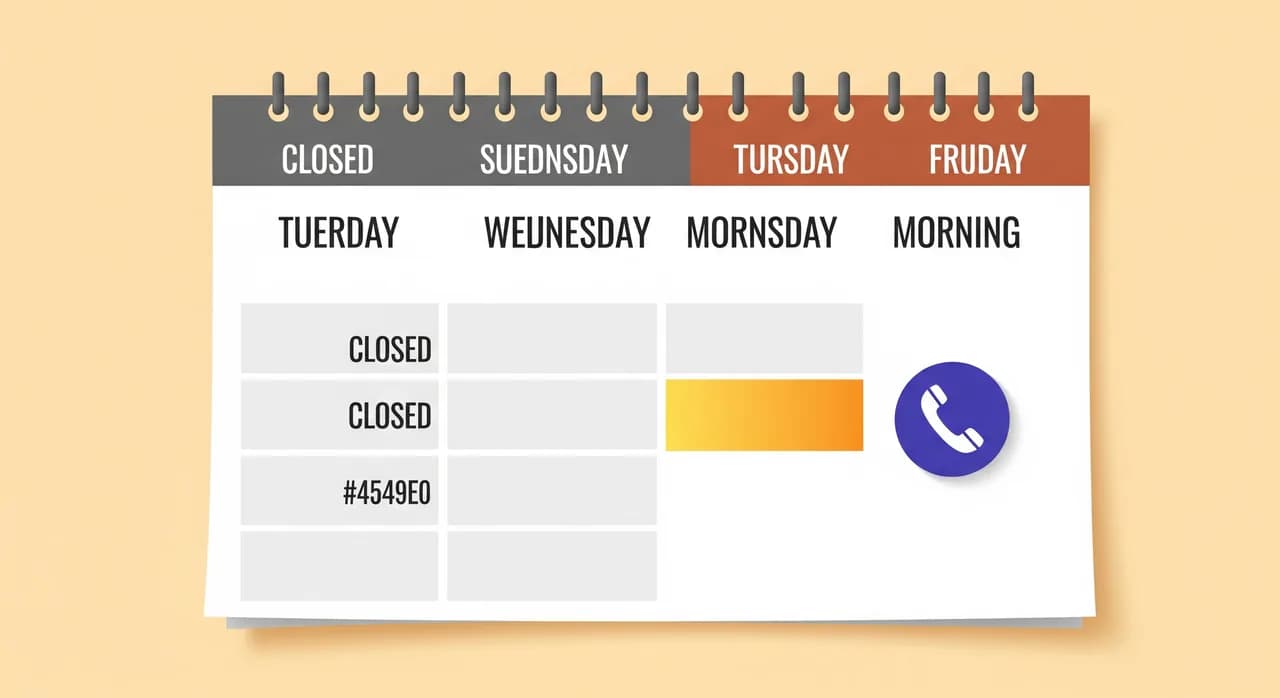
The exceptions are where a good setup earns its keep. Public holidays, a half-day before a long weekend, the two weeks you close in summer, the Tuesday you shut early for a family thing — each of these is a case where your "normal hours" lie. If the assistant only knows Monday-to-Friday nine-to-five, it will cheerfully tell a caller you're open on a day you're not. The fix is unglamorous but real: keep your hours and holiday exceptions current, the same way you'd update a sign on the door.
What it says at 11 p.m. versus 11 a.m.
Here's a subtle thing that separates a thoughtful after-hours setup from a glorified voicemail: the greeting should acknowledge the situation. A caller who reaches a business at eleven at night already knows they're calling late. Pretending otherwise feels robotic. Naming it — gently — feels human.
During open hours the assistant can be brisk and transactional: greet, help, done. After hours, a small shift in tone does a lot of work. It can note that the office is currently closed, reassure the caller that their call still matters, and make clear what happens next. That last part is the one people care about most. Nobody minds reaching an assistant at night; they mind not knowing whether their message will actually reach a human.
Concretely, compare the two. At 11 a.m. the assistant might say some version of: "Thanks for calling — how can I help?" and go straight into answering questions or taking a booking. At 11 p.m. the framing changes: "Thanks for calling. The office is closed right now, but I can still help — I can take a message for the team first thing tomorrow, or get you booked in. What do you need?" Same assistant, same knowledge, different opening move.
The knowledge itself doesn't change with the clock. If a caller asks whether you handle a particular service, or what your address is, or whether you take walk-ins, the answer at midnight is the same answer as at noon — it comes from the business profile you configured, not from whoever happens to be awake. The clock changes the framing and the next step, not the facts.
“Nobody minds reaching an assistant at night. They mind not knowing whether their message will actually reach a human.”
How a typical night call flows, step by step
It helps to see the whole thing as a sequence. Imagine a caller phones a two-chair dental practice at 9:40 on a Sunday evening because a filling came loose at dinner. Here's the shape of that call from the moment it connects.
- 1Pick up and set expectationsThe assistant answers within a ring or two — no hold music, no "please leave a message after the tone". It greets the caller, notes the practice is closed for the evening, and signals it can still take a booking or a message.
- 2Understand the reason for the callIt listens to why they're calling. A loose filling that isn't painful is a routine booking. Sudden swelling, bleeding that won't stop, or a knocked-out tooth is a different category — the assistant is watching for that distinction.
- 3Answer what it can from the profileIf the caller asks something the practice has configured — do you take new patients, where are you, do you offer emergency slots — it answers straight away instead of making them wait until morning to find out.
- 4Take the actionFor the loose filling, it offers the next available appointment and books it. For a message, it captures the caller's name, number, and a clear summary in their own words.
- 5Confirm and closeIt reads back the important details — the appointment time, or that a message will reach the team in the morning — so the caller hangs up knowing exactly what happens next.
- 6Notify the ownerYou get a summary and a transcript. Not at 2 a.m. as a jolting phone alarm, but waiting for you when you look — every call accounted for, nothing lost between the pillow and the morning coffee.
None of these steps is dramatic. That's the point. A good after-hours call is uneventful for the caller and invisible-until-useful for you. The drama only shows up when one of the steps is missing — no acknowledgement, no clear next step, no notification — and the caller is left guessing.
Booking into tomorrow (and the day after)
The single most valuable thing after-hours answering does isn't taking messages — it's booking. A message means someone still has to phone the caller back, catch them, and find a slot. A booking made at the moment of the call is finished business. But booking overnight has a wrinkle: the assistant is closing a deal for a shop that's shut.
So the logic has to reach into the future. When someone calls at midnight, there is no "today" left to offer — the assistant works from your genuine availability going forward. It offers the next real openings: tomorrow morning, tomorrow afternoon, whatever your configured schedule actually has free. If tomorrow is a Sunday and you're closed Sundays, it skips to Monday without the caller having to know your week.
This is where accurate availability matters as much as accurate opening hours. The assistant can only offer slots it believes are open. If your real calendar lives elsewhere and the assistant doesn't see it, you risk double-booking; if it's cautious and offers fewer slots than you have, you lose bookings. The cleaner your availability information, the better the overnight booking behaves — this is worth getting right during setup rather than discovering the hard way after a clash.
There's also the matter of what happens when the caller doesn't want to commit to a time. Plenty of after-hours callers are half-decided — they want to talk to a person before booking, or they're price-shopping, or they just want to know you exist and do the thing. In those cases the right move isn't to force a booking. It's to take a clean message with enough context that your morning callback is a warm one, not a cold "you rang us last night?".
Urgent-case routing: when a message isn't enough
Most after-hours calls can wait until morning. Some can't, and the whole thing falls apart if the assistant treats them the same. This is the part of out-of-hours handling that deserves the most thought, because it's where the difference between "helpful" and "actively harmful" lives.
The mechanism is triage, and it starts with you defining what "urgent" means for your business. Urgency is not universal. For a plumber, water pouring through a ceiling is urgent; a dripping tap is not. For a vet, a dog that's been hit by a car is urgent; a routine vaccination question is not. For a locksmith, someone locked out in the cold at 1 a.m. is urgent; a request for a quote on new locks is not. The assistant can only route by urgency if it knows your definitions.
Once those definitions exist, the after-hours flow branches. A routine call gets the usual treatment: book it or take a message. A call that matches your urgent criteria takes a different path — depending on how you've set things up, that might mean the assistant tells the caller how to reach your emergency line, escalates to an on-call number, or clearly flags the message as urgent so it jumps to the top of your pile the moment you look. The point is that the caller in real trouble doesn't get the same "we'll be in touch tomorrow" as the person asking about your opening hours.
- Define urgency in your own words. The clearer your examples, the more reliably the assistant separates a real emergency from an anxious-but-routine call.
- Decide the escalation path once. On-call number, emergency line, priority flag — whatever fits your business. The assistant follows the path; it doesn't invent one.
- Give routine urgency a soft landing too. A caller who's worried but not in danger should still feel heard, not brushed off with a curt "call back tomorrow".
- Review the edge cases. Read a few weeks of after-hours transcripts and check the borderline calls went the right way. Adjust your definitions if they didn't.
How it hands off to a human
A recurring fear about automated answering is the feeling of being trapped in a loop with a machine that can't help and won't let you out. Good after-hours handling is designed to avoid exactly that. When the assistant reaches the edge of what it can do — a question it can't answer, a caller who plainly wants a person, a situation that's out of scope — it should hand off gracefully rather than stall.
Practically, a graceful handoff after hours usually means one of two things. Either the assistant takes a detailed message and promises a callback at a specific time — "someone from the team will call you back in the morning" — or, for urgent cases, it routes to your emergency path as described above. What it should not do is pretend to be a person who can fix the unfixable, and it shouldn't keep the caller in circles. If a caller asks whether they're talking to a human, an honest assistant says no. That honesty, counter-intuitively, is what keeps people comfortable using it.
“A good after-hours call is uneventful for the caller and invisible-until-useful for you. The drama only shows up when a step is missing.”
What you see in the morning
For the owner, the whole after-hours system lives or dies on the morning-after experience. If handling night calls means wading through a pile of cryptic voicemails, you've traded one chore for another. The value is in the summary.
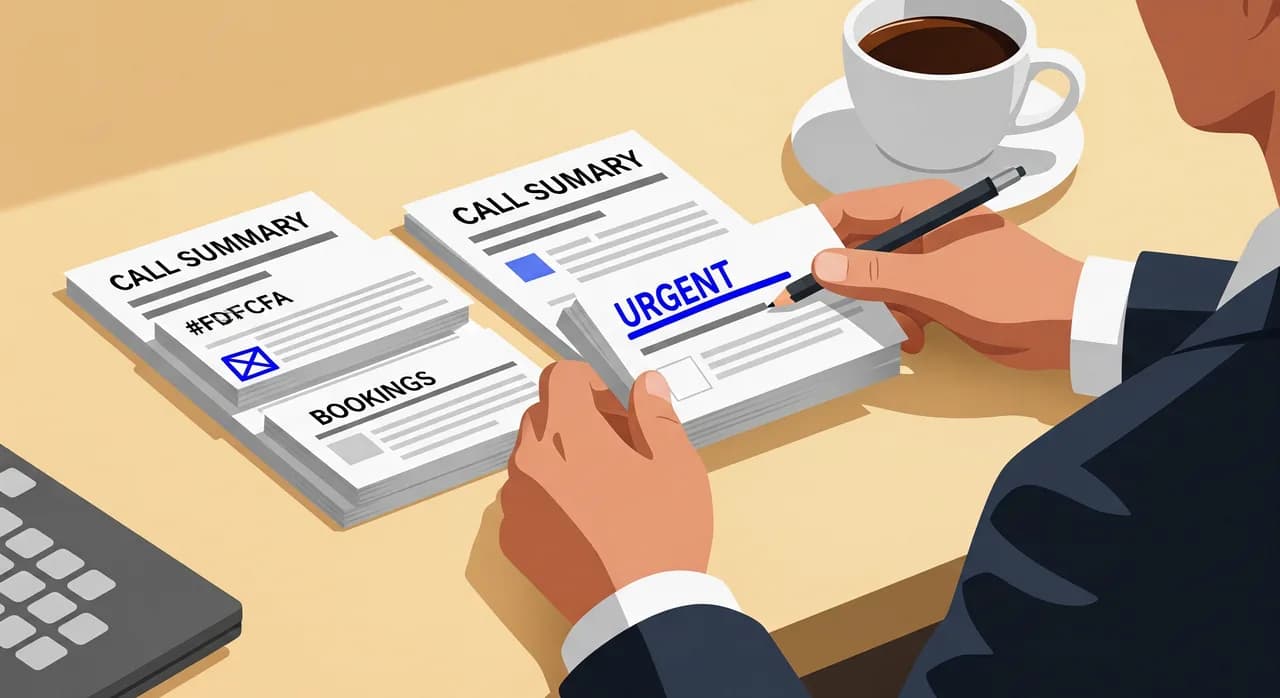
A well-designed after-hours assistant hands you each call as a short, readable record: who called, when, what they wanted, what got done. A booking made shows up as a booking. A message shows up with the caller's number and a plain-English summary of their request. An urgent call is flagged so you see it first. And because there's a full transcript behind each summary, you can check the exact words if anything's ambiguous — no relying on a fuzzy thirty-second recording.
This changes how the morning feels. Instead of "did we miss anything overnight?" — a question you can never fully answer — you open a tidy list where every call is accounted for. Some are already resolved. A few need a callback, and you know exactly why before you dial. It's the difference between anxiety and a to-do list.
Setting it up for nights and weekends
The mechanics above only work if the setup reflects your real business. The good news is that it's mostly a matter of describing what you already know, once. Here's what actually needs your attention when you configure after-hours handling.
- 1Get your hours and exceptions rightReal opening hours, real holidays, real closures. This is the foundation for the whole "is it after hours?" decision, so it's worth ten careful minutes.
- 2Load your profile with the questions callers actually askServices, location, whether you take new customers, parking, what to bring — the boring FAQs are exactly what an after-hours caller wants answered without waiting for morning.
- 3Define urgent versus routineWrite your own examples of what counts as an emergency and what can wait. Be specific; vague definitions produce vague triage.
- 4Set the escalation pathDecide what happens to an urgent call after hours — priority flag, on-call number, emergency line — and configure it once.
- 5Test it as a caller, at nightActually phone it and play the awkward customer. Ask the weird question, describe a fake emergency, try to book at midnight. You'll find the gaps far faster this way than by reading settings.
- 6Forward your number for the hours you want coveredPoint calls to the assistant only outside your open hours, or around the clock — your choice. When you're open, your team can still pick up first.
The setup is self-serve and takes minutes, not a project. The part that rewards a little extra care is the urgent-case definition and the after-hours test call — the two things most people rush, and the two things that make the difference between a night assistant you trust and one you second-guess.
Where the honest limits are
It would be easy to end here with a tidy claim that after-hours answering solves everything. It doesn't, and pretending otherwise would set you up to be disappointed. A few honest limits are worth stating plainly.
It can't do the physical job. It can book the emergency plumber; it cannot stop the leak. For any business where the after-hours need is hands-on and immediate, the assistant's role is routing and reassurance, not resolution — and your escalation path is doing the real work. It also won't replace human judgement on the genuinely unusual call. It handles the common cases beautifully and hands off the rare ones; that's the deal, and it's a good one, but it's not magic.
And it's only as good as what you tell it. Wrong hours, thin profile, fuzzy urgency rules — feed it those and the after-hours experience will feel exactly that thin. The mechanics are sound; the inputs are on you. Spend the setup time and the nights take care of themselves.
How does an AI after-hours answering service know my business is closed?
Can it book appointments in the middle of the night?
What happens if someone has a real emergency after hours?
Will callers know they're talking to an assistant?
Do I have to listen to voicemails in the morning?
Can I use it only at night and answer calls myself during the day?
See how your business would sound after hours
Set up a night-and-weekend assistant in minutes, describe your hours and urgent cases, then phone it yourself and play the awkward caller before you ever forward a real number.
Explore after-hours answering
Vunoon builds an AI phone assistant that answers your business calls 24/7 — it books appointments, answers common questions and sends you a summary of every conversation.