AI Receptionist for Booking Appointments: From 'Hello' to Confirmed
A plain look at how an AI phone assistant turns a spoken 'do you have anything Thursday?' into a real, confirmed slot on your calendar — including the messy parts: reschedules, cancellations, and the calls it should hand back to you.
 Vunoon16 min read
A booking is not a single moment. It is a small negotiation: the caller wants a thing at a time, you have some times and not others, and somebody has to write it down before it counts. An AI receptionist for booking appointments earns its place by handling every step of that negotiation on the phone — not just picking up, but getting to a confirmed slot that actually lands on your calendar.
Plenty of tools can answer a call and read your opening hours back. That is the easy 20 percent. The hard 80 percent is what happens after the caller says "do you have anything Thursday afternoon?" — understanding which service they mean, checking what is genuinely free, offering openings a human would offer, reading the date and time back so nobody mishears, writing it to the calendar, and sending you a record. This article walks the whole flow, start to finish, including the parts that go sideways.
It is written for the person who owns the calendar, not the person who buys software. If you run a two-chair salon, a small clinic, a garage, or a studio, you already know exactly where phone booking breaks. The goal here is to be honest about what an assistant fixes, what it doesn't, and where you still want a human on the line.
What a booking call really is
Strip away the pleasantries and a booking call is four questions answered in order: who, what, when, and are we agreed. Who is calling and how do you reach them again. What service or reason they want. When they can come and when you can take them. And finally the read-back — the moment both sides say the same date and time out loud so there is no ambiguity later.
Humans do this so automatically we forget it's a sequence. A caller says "it's Maria, I need a trim, sometime after five this week" and a good receptionist has already parsed a name, a service, a time window, and a soft constraint (after work hours). The AI has to do the same parsing, except it never gets tired at 6pm and never forgets to ask for a phone number.
“A booking isn't the call. A booking is the moment the calendar changes and both people believe the same date.”
Step one: understanding what they actually want
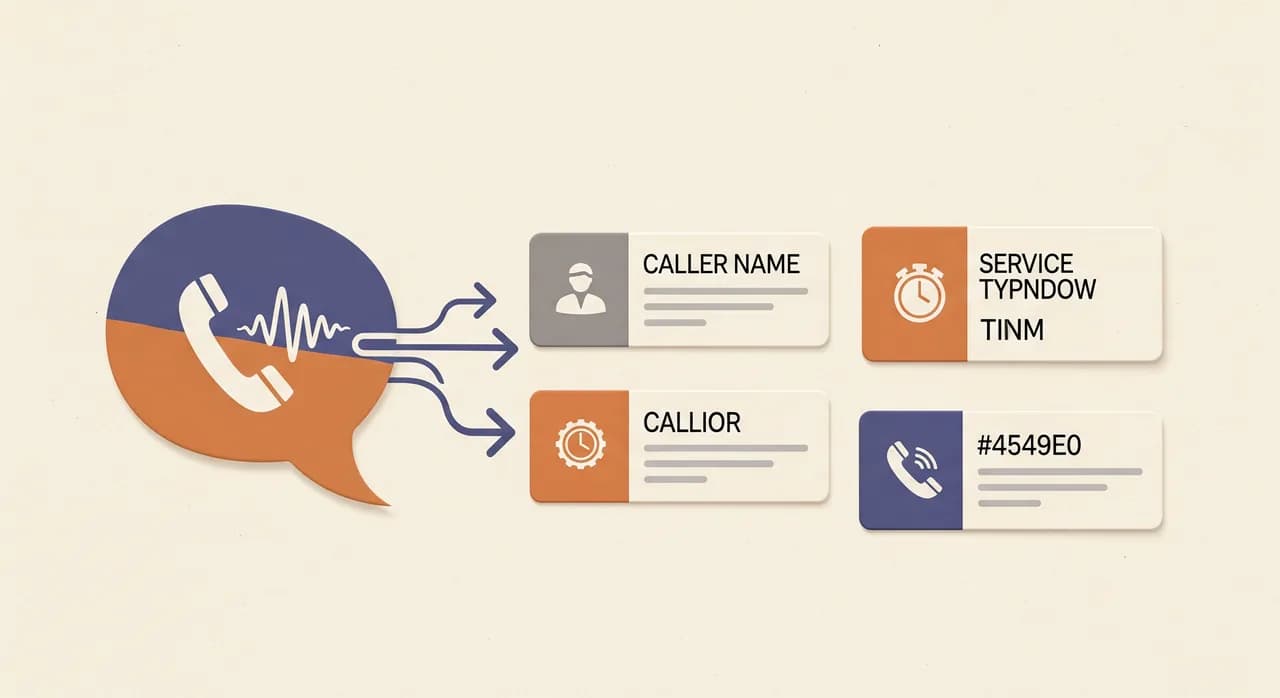
The first job is figuring out the service. This sounds trivial until you notice how rarely callers name it cleanly. Someone rings a dental practice and says "my tooth's been aching for two days" — that is not a service name, it is a symptom, and the assistant has to map it to an urgent check-up rather than, say, a routine cleaning. A garage hears "there's a grinding noise when I brake" and needs to route that toward a brake inspection, not an oil change.
This is where the business profile you configure does the heavy lifting. When you set up the assistant, you describe your services in plain language — what you offer, roughly how long each takes, and any obvious rules (new patients need a longer first slot, colour treatments run ninety minutes, no walk-in MOTs on Saturdays). The assistant uses that to translate messy human speech into one of your actual bookable things.
When the request is genuinely ambiguous, a good assistant does what a good human does: it asks one specific question, not five. "Is this your first visit with us, or have you been in before?" tells it whether to book a longer new-client slot. It should not interrogate. One or two targeted questions, then move on.
Step two: offering real openings, not fake ones
Here is the difference between a toy and a tool. A toy says "we're open Tuesday to Saturday, what time works for you?" and dumps the whole scheduling problem back on the caller. A real booking assistant looks at what is genuinely free and offers a couple of concrete options: "I've got a 2:15 or a 4:30 on Thursday — which suits you better?"
That single change does more for booking rates than almost anything else. Offering two specific slots is a gentle close. It moves the conversation from "if" to "which," and callers who were half-deciding tend to pick one rather than saying they'll ring back — which, as everyone with a phone knows, often means they never do.
To offer real openings the assistant has to know two things: your availability and your rules. Availability is your calendar. Rules are the human logic on top of it — you don't book back-to-back colour appointments because you're a solo stylist, you leave fifteen minutes between patients for notes, you never put a first-time client in the last slot before closing. The more of that logic you hand over up front, the fewer awkward bookings you have to unwind later.
There is also the matter of how many options to offer. Two is usually right. One feels like take-it-or-leave-it; four turns a phone call into a menu the caller has to hold in their head. If the first two don't land — "no, Thursday's no good" — the assistant widens the search: "I could do Friday morning at 10, or first thing Monday. Any better?"
Step three: the read-back that prevents no-shows
Miscommunication on the phone is quiet and expensive. The caller heard "Thursday the 12th," you wrote "Tuesday the 12th," and the first anyone knows about it is an empty chair and an annoyed customer. The fix is old and unglamorous: read the appointment back before you hang up.
A good assistant always confirms the whole thing out loud — service, day, date, and time — and waits for a yes. "So that's a colour and cut with us on Thursday the 12th at 2:15. Does that work?" If the caller hesitates or corrects, it fixes it there and then, on the call, when it costs nothing. This is the single cheapest insurance against no-shows and confusion, and it is the step most rushed human interactions skip.
“Read it back or write it twice. The confirmation on the call is the cheapest thing you'll ever do to prevent an empty chair.”
The read-back also captures the last detail: how to reach them. If the assistant doesn't already have the number from caller ID, this is where it asks and confirms it — digit by digit if the line is noisy. A booking without a way to call the person back isn't really a booking; it's a hope.
Step four: writing it to the calendar
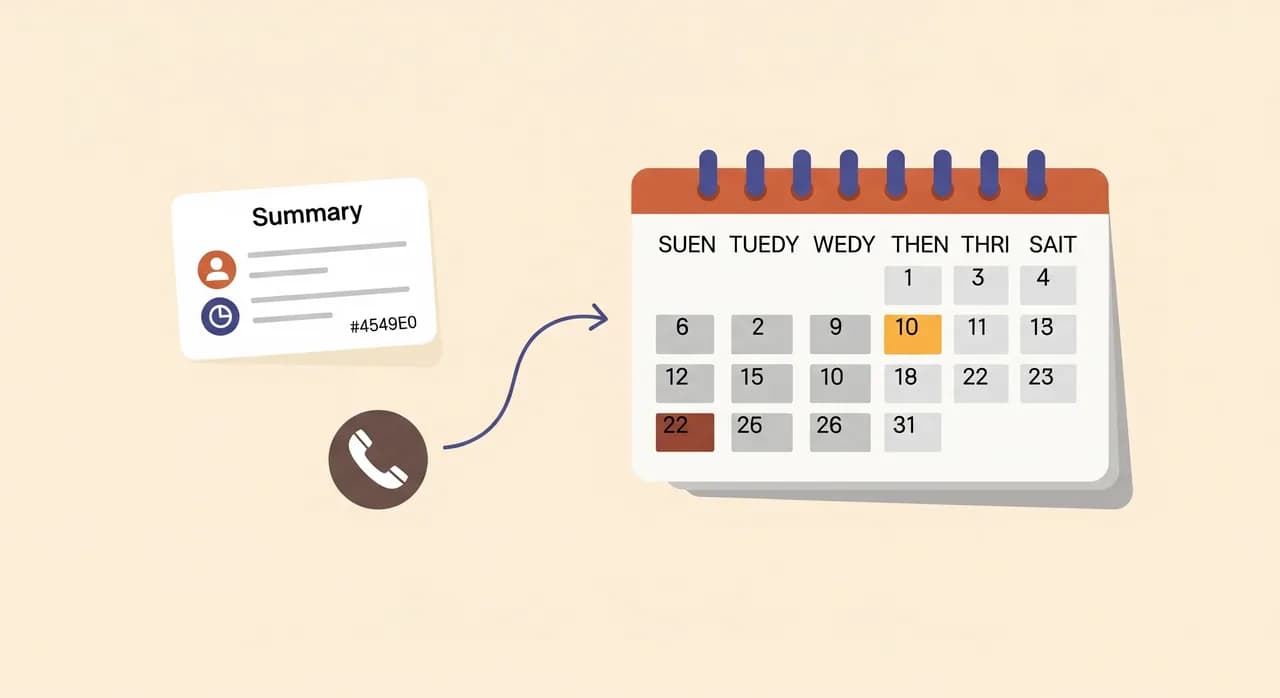
A confirmed slot that lives only in the caller's memory and a voice recording is not a booking. It has to land somewhere you'll actually look. For a lot of small businesses that's a shared calendar the whole team can see; for others it's a booking system or a simple daily list. The point is that the appointment becomes a real entry, with the service, the time, and the caller's contact, the moment the call ends.
This is also where honesty matters. Different businesses run different systems, and not every calendar plugs into every tool the same way. Some setups write straight into your calendar; others deliver every booking as a clear, structured summary — service, date, time, name, number — that you or your front desk drop in with one glance. Either way, the record exists and nothing depends on someone remembering a phone call from three hours ago.
The whole flow, in order
Put together, a single booking call runs through the same short sequence every time. Here it is as a sequence rather than prose, because it's genuinely a checklist an assistant follows on every call:
- 1Answer and greetPick up on the first couple of rings with your business name and a warm, natural greeting — not a robotic menu.
- 2Identify the serviceParse what the caller actually wants and map it to one of your real bookable services, asking one clarifying question only if needed.
- 3Check real availabilityLook at what's genuinely free within your rules and buffers, not just your opening hours.
- 4Offer two concrete slotsPropose two specific openings; widen the search only if neither lands.
- 5Capture the contactConfirm the caller's name and a phone number to reach them, digit by digit if the line is unclear.
- 6Read it backState service, day, date, and time out loud and wait for a clear yes before moving on.
- 7Write and summariseRecord the appointment where you'll see it, and send you a summary plus transcript of the call.
None of these steps is clever on its own. The value is in doing all seven, every time, at 8am and at 8pm, on the busiest Saturday and the quietest Wednesday, without one of them getting skipped because the room got loud or the phone rang twice at once.
The messy parts: reschedules and cancellations
New bookings are the happy path. Reschedules and cancellations are where a lot of automated systems quietly give up and route everything to voicemail — which is a shame, because these calls are just as valuable. A caller who wants to move an appointment is a caller you're about to keep; a caller who cancels is freeing a slot you can now sell to someone else. Both deserve to be handled cleanly.
A reschedule is really two operations back to back: find the existing appointment, then run a mini version of the booking flow to place a new one. "I need to move my Thursday appointment." The assistant finds it — matching on the caller's number or name — confirms which one they mean if there's more than one, offers a couple of new openings, reads the new time back, and updates the record. Crucially, it should release the old slot so your calendar doesn't show a ghost booking nobody's coming to.
Cancellations are simpler but carry a small trap. When someone cancels, the assistant should confirm what it's cancelling — "just to confirm, that's your 2:15 on Thursday you'd like to cancel?" — before it does anything irreversible. A misheard cancellation is worse than a misheard booking, because you lose a customer who was actually coming in. Confirm, then free the slot, then send you the summary so you know a gap opened up and can fill it.
When the assistant should stop booking and hand off
An honest booking assistant knows the edges of its job. Not every call ending in "appointment" should become an automatic booking, and pretending otherwise is how you end up with a schedule full of things you have to unpick on Monday morning.
- Genuine emergencies. A caller in real distress — medical, or a burst pipe flooding a kitchen — should be pointed to the right immediate help or reach a human fast, not slotted into next Tuesday.
- Requests outside what you offer. If someone asks for a service you don't provide, the assistant should say so plainly and, where useful, take a message rather than forcing a fit.
- Complex or high-value decisions. Bookings that really need your judgement — a big job with variables, a sensitive first consultation — are often better as a callback than an auto-booked slot.
- Anyone who simply asks for a person. If a caller wants a human, the assistant should offer to take a message or arrange a callback. It should never pretend to be a person when asked directly.
This restraint is a feature, not a limitation. A booking assistant that occasionally says "let me take a message and have someone call you back" is more trustworthy than one that jams every call into a calendar slot. You want the confident bookings automated and the ambiguous ones flagged — that's exactly the split that keeps your schedule clean.
What a good booking sounds like versus a bad one
It helps to hear the contrast. Below is the same caller, twice — once with an assistant that only answers, and once with one that actually books.
| Caller says | Answering-only assistant | Booking assistant |
|---|---|---|
| "Do you have anything Thursday?" | "We're open Thursday nine to six." | "For a cut and colour I've got 2:15 or 4:30 Thursday — which works?" |
| "The 4:30's better." | "Okay, I'll pass that on." | "Great. Can I take your name and a number?" |
| "It's Sam, 07 double-oh..." | (no record made) | "Thanks Sam. So that's a cut and colour Thursday the 12th at 4:30 — all correct?" |
| "Yep." | (you find out later, maybe) | "You're booked. I'll send the details across. See you Thursday." |
The left-hand column isn't useless — it's better than a missed call. But it leaves the actual booking undone, which means it leaves work on your desk and leaves the customer half-committed. The right-hand column finishes the job. That gap, multiplied across every after-hours and overflow call in a month, is where the difference in a small business's diary comes from.

Setting it up for your own diary
Booking is only as good as the setup behind it, and the setup is more about your knowledge than any technical skill. With Vunoon you sign up, walk through a short wizard describing your business — your services, roughly how long each takes, your hours and rules — and then test it by talking to it yourself before a single real caller ever reaches it. When it sounds right, you forward your number and it starts answering.
The most useful thing you can do during setup is book a few appointments against it out loud, as if you were an awkward customer. Mumble a bit. Ask for a time you know is full. Try to cancel something. You'll hear immediately where your service descriptions are thin or a rule is missing, and you'll fix it in the profile in minutes rather than discovering it from a real caller. It also works across 25+ languages, so a caller who switches to their own language still gets booked, not bounced.
Can an AI receptionist actually book appointments, or just take messages?
How does it know what's free without messing up my calendar?
What happens when someone wants to reschedule or cancel by phone?
Will callers know they're talking to an assistant?
Do I need technical skills to set up phone booking?
What if it books the wrong service or time?
See it book an appointment for you
Describe your services, set your hours, and talk to your own booking assistant before a single real caller reaches it. Set it up in a few minutes and test it yourself.
Explore phone appointment booking
Vunoon builds an AI phone assistant that answers your business calls 24/7 — it books appointments, answers common questions and sends you a summary of every conversation.