AI Receptionist Guardrails: What Your Assistant Should Never Say
Setting guardrails for your AI receptionist matters more than what it can say. Here is how to draw the no-go line around advice, prices, and promises — so a careful "I'll take a message" always beats a confident wrong answer.
 Vunoon15 min read

Most people set up an AI receptionist by listing everything it can do. The owners who never get burned start from the opposite end: they decide, in writing, what it must never do. That short list of no-go zones is the difference between an assistant you trust with your phone and one you quietly turn off after the first awkward call.
The real risk isn't that it stays silent — it's that it sounds sure
Here is the uncomfortable truth about any system that talks for a living: the failure mode that hurts your business is not the awkward pause. It's the smooth, confident, wrong answer. A caller asks whether your clinic bulk-bills, and a poorly bounded assistant — trained to be helpful above all — invents a cheerful "Yes, we do!" because that sounds like what a good receptionist says. Now you have a patient standing at the desk, quoting a promise nobody at your business ever made.
Silence, by contrast, is recoverable. "I'm not certain about that — let me take a message and have someone call you back within the hour" costs you nothing but a callback. The wrong answer costs you the callback and the trust and sometimes the refund. When you set AI receptionist guardrails, you are really tuning one dial: how willing the assistant is to guess. You want it turned almost all the way down.
“A careful "I'll take a message" beats a confident wrong answer every single time — because one of them you can fix with a callback.”
This runs against the grain of how we usually judge helpfulness. We reward the receptionist who knows everything and never says "I don't know." But a phone assistant is not auditioning for employee of the month. Its job is to be the reliable front door: warm, quick, and — where it isn't sure — honest enough to route the question to a human who is.
Mapping the no-go zone before you map the yes zone
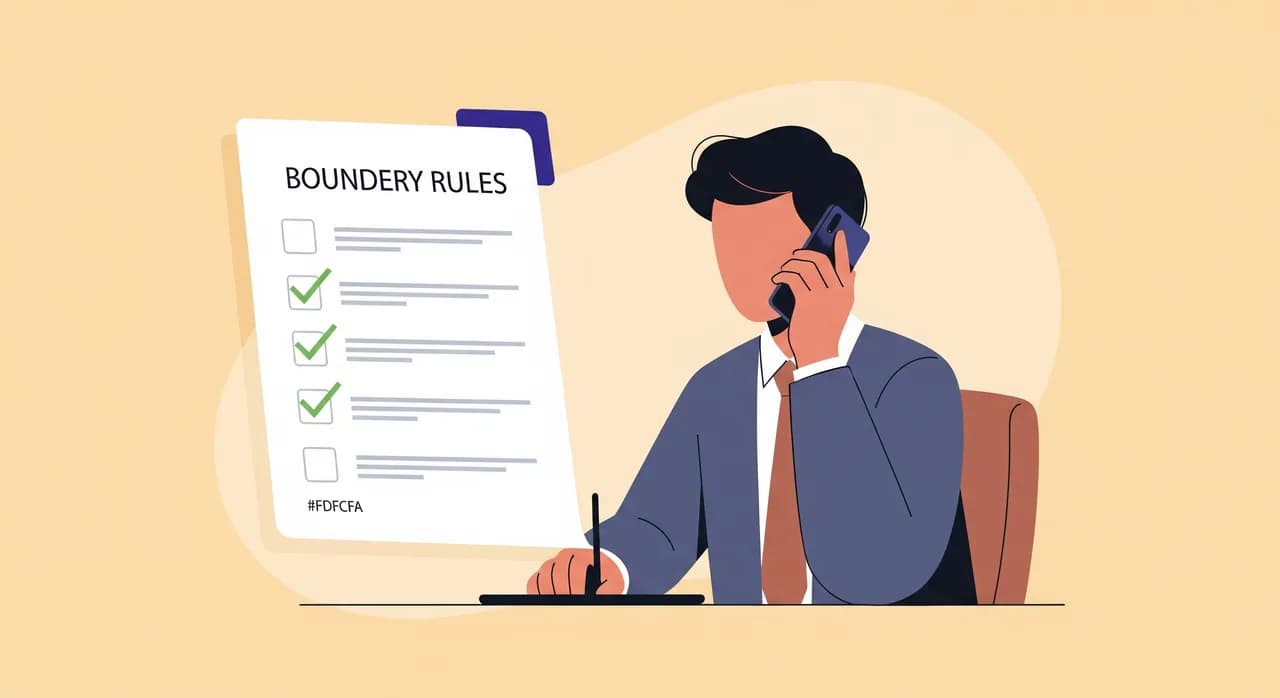
Before you write a single line about what your assistant should say, sketch the territory it must stay out of. For nearly every small business, the same handful of danger areas show up. Think of them less as a rulebook and more as a fence line you walk before letting the assistant loose on your callers.
- Professional advice — medical, legal, financial, or tax. "Should I take ibuprofen with this?" "Do I have a case?" "Is this deductible?" These belong to a qualified human, full stop.
- Prices it isn't sure about — anything not explicitly in your configured profile: custom quotes, discounts, edge cases, "what would it cost for something like..."
- Commitments on your behalf — promising a specific technician, a same-day slot you haven't confirmed, a refund, a deadline, or a result.
- Diagnosis and troubleshooting — telling someone what's wrong with their tooth, their car, their tax return, or their leaking pipe over the phone.
- Anything it has to guess — if the honest answer is "I don't have that information," the assistant should say exactly that, not paper over the gap with a plausible-sounding fill-in.
Notice these aren't exotic edge cases. They are the questions callers ask most, because they're the ones a website can't answer. That's precisely why the guardrails matter: the no-go zone overlaps heavily with the reasons people pick up the phone in the first place.

The advice trap: helpful is not the same as qualified
The most tempting line for any assistant to cross is professional advice, because callers ask for it so naturally and so urgently. Imagine a two-chair dental practice. A caller phones at 8pm: "My filling came out and it's throbbing — what should I do until tomorrow?" A human receptionist knows the instinctive answer ("rinse with warm salt water, take a painkiller you normally tolerate") but also knows they're not the dentist. A well-bounded assistant should behave the same way: acknowledge the pain, decline to prescribe, and get a human involved.
The right shape of that answer is empathy plus a handoff, never instructions. Something like: "That sounds really uncomfortable, and I'm sorry. I'm not able to give medical advice, but I can note this as urgent and have the dentist call you first thing — or, if it's severe, I can point you to the nearest after-hours clinic." The caller feels heard. Nobody has practised dentistry over the phone. And the note lands on the right desk.
The same pattern generalises. A law firm's assistant does not assess whether you have a case; it books a consultation. An accountant's assistant does not tell you whether the new equipment is deductible; it takes the question and flags it. A garage's assistant does not diagnose the grinding noise; it books the inspection that will. In each case, the assistant is not less useful for refusing — it's routing the caller to the person who can actually help, faster than a voicemail ever would.
Prices: only what's on the sheet, never a guess
Money is where guessing gets expensive in the most literal sense. A caller asks, "How much for a colour and cut with a senior stylist on a Saturday?" If your assistant knows those exact prices because you configured them, it should quote them plainly. If it doesn't — if you only listed a base rate, or Saturdays carry a surcharge you never entered — it must not extrapolate a number that sounds about right.
This is where good guardrails do quiet, valuable work. The assistant answers what's on the sheet with confidence and stops cleanly at the edge of what it knows: "A cut and colour starts from the rate in our price list; for a senior stylist on a Saturday I'd rather give you an exact figure than a guess, so let me take your number and the team will confirm within the hour." The caller gets a real answer to part of the question and a fast, honest path to the rest.
One warning worth internalising: never let an assistant volunteer a discount to smooth a call. A caller pushes back on price, and an over-eager system offers "I'm sure we can do something for you." Now you're honouring a discount you never authorised, or worse, retracting it in person. Discounts, price-matching, and special deals are commitments — and commitments live firmly inside the fence.
Commitments: it can book a slot, not promise the world
There's a subtle but important distinction between booking and promising. Booking an available appointment slot is a mechanical fact: the calendar has a 3pm opening on Thursday, so the assistant can offer it. Promising is different — "Yes, Marco will personally do it," "We'll definitely have it ready by Friday," "No problem, we'll waive the callout fee." Those are guarantees about people, timelines, and money the assistant has no authority to give.
The rule that keeps this clean: the assistant can commit only to things that are already true and verifiable — an open slot, a listed service, a stated opening time. Everything that depends on a human's judgement or availability becomes a request, logged and passed on, not a promise made on the call. "I'll ask whether Marco can take this specific job and have someone confirm" is safe. "Marco will be there" is not.
“Book the slot, log the request, promise nothing you can't already see on the calendar.”
This matters even more for the promises that carry legal or safety weight. An assistant for a childcare service should never confirm a spot that requires paperwork. One for a trades business should never commit to a same-day emergency callout it can't guarantee. When a promise would bind you, the assistant's job is to capture the request faithfully and hand it to a human who can actually say yes or no.

Why "I'll take a message" is a feature, not a failure
It's easy to read all this as the assistant constantly bailing out. It isn't. In practice, a well-configured assistant answers the large majority of calls completely — hours, location, services, straightforward prices, standard bookings. The message-taking only kicks in at the edges, exactly where a guess would be dangerous. And when it does, it isn't a dead end. It's a clean handoff with everything the human needs already written down.
Compare the two failure paths honestly. Path one: the assistant guesses, the caller acts on it, and someone at your business spends twenty minutes untangling a promise that was never real — apologising, re-explaining, maybe eating a cost. Path two: the assistant says "let me take this and have someone call you back," you get a summary and a transcript, and you resolve it in a two-minute callback with the full context in front of you. The second path is not just safer. It's less work.
- 1Answer what it knowsHours, address, services, configured prices, availability — the assistant handles these directly and confidently, no callback needed.
- 2Recognise the edgeWhen a question hits advice, an unconfirmed price, or a commitment, the guardrail fires: the assistant stops before guessing.
- 3Take the message properlyIt captures the caller's name, number, and the actual question in their words — not a vague 'someone called about pricing'.
- 4Hand off with contextYou get a summary and full transcript, so the callback is a resolution, not a re-interrogation. The caller repeats nothing.
That last point is the quiet superpower. A message from a good assistant isn't a pink slip that says "call back." It's a briefing. You know who called, what they need, how urgent it sounded, and exactly where the conversation stopped. You return the call already halfway to solving it — which is why owners who worry the assistant "gives up too easily" usually change their minds after the first week of clean, actionable messages.
One guardrail people forget: don't pretend to be human
There's a guardrail that has nothing to do with advice or prices, and it's easy to overlook: honesty about what the assistant is. Some callers will ask, directly, "Am I talking to a real person?" The wrong answer — a smooth deflection or an outright "yes" — poisons the whole interaction the moment the truth surfaces. And it usually surfaces.
A good assistant answers that question plainly and moves on: "I'm an automated assistant for the practice — I can help with bookings and questions, or take a message for the team." Most callers genuinely don't mind, as long as the assistant is competent and doesn't pretend. What they mind is being fooled. Building in that honesty from the start is a trust guardrail as important as any content rule — and it costs you nothing but a sentence.
How to actually set your guardrails — a practical pass
Guardrails aren't a mysterious setting buried in an admin panel. They come from two things you control: what you tell the assistant and how you test it. Do both deliberately and you'll rarely be surprised on a live call.
- Give it the real facts. The more accurate detail lives in its profile — exact hours, fixed prices, services you do and explicitly don't offer — the less it ever needs to improvise. Most guessing is really an information gap.
- State the refusals out loud. Tell it plainly: no medical/legal/financial advice, no prices outside the list, no promises about people or deadlines. A refusal it's been given is a refusal it will make.
- Define the fallback. Decide what "I'm not sure" looks like for your business — take a message, offer a callback window, point to an after-hours option. A good fallback turns every gap into a graceful handoff.
- Test like a difficult caller. Before you forward your number, phone your own assistant and try to trap it. Ask for advice, demand an off-list quote, push for a discount, ask if it's human. Watch where it holds the line and where it wobbles.
- Read the transcripts. Every call gives you a summary and transcript. Skim them for the moments it almost guessed, and tighten the profile. Guardrails get sharper the more you feed the real questions back in.
This is the part worth taking seriously with any assistant, including Vunoon's: the setup wizard lets you describe your business and, just as importantly, spell out its limits — then you talk to it yourself before a single real caller does. Ten minutes of trying to break it beforehand is worth more than any amount of hoping on the day.
The payoff: a humble assistant is a trusted one
There's a counterintuitive lesson hiding in all of this. The assistant you can leave running unattended is not the one that answers everything — it's the one that knows the shape of its own ignorance. Callers trust it because it's steady and honest. You trust it because you've watched it decline to guess. And the small handful of questions it hands back to you arrive as tidy briefings, not as messes to clean up.
Set the fence line first. Fill the yes-zone with real, accurate detail so the assistant rarely needs to reach past it. Test it like the toughest caller you've ever had. Do that, and "I'll take a message and have someone call you right back" stops sounding like a limitation. It starts sounding like exactly what a good front desk has always done: knowing when to answer, and knowing when to get the right person on the line.
What should an AI receptionist never say?
Won't taking a message annoy callers who wanted a real answer?
How do I stop the assistant from guessing prices?
Should the assistant admit it's an AI if a caller asks?
How do I test my guardrails before going live?
Set your assistant's limits, then test them yourself
Describe your business, spell out what it should never say, and talk to your assistant before a single caller does — the setup takes minutes.
See how the setup works
Vunoon builds an AI phone assistant that answers your business calls 24/7 — it books appointments, answers common questions and sends you a summary of every conversation.