AI Phone Receptionist Terminology: A Plain-English Jargon Buster
Voice agent, IVR, call flow, transcription, forwarding, number porting — the words you keep hitting while researching an AI phone assistant, explained without the sales gloss.
 Vunoon17 min read
You started researching an AI phone assistant to solve one simple problem — missed calls — and somewhere around the third browser tab you hit a wall of words. Voice agent. IVR. Call flow. SIP. Porting. Latency. Everyone uses them as if you already know, and nobody stops to explain. This is the page that stops and explains. No sales gloss, no assuming you have an IT department, just the AI phone receptionist terminology you actually need to make a good decision.
Here is the honest truth about most of these terms: they exist because the phone system was built by engineers, for engineers, decades before anyone imagined a computer answering the phone in a human voice. The jargon is old plumbing. You don't need to become a plumber. You just need to know enough to tell a real feature from a shiny word, and to understand what a vendor is actually promising when they say your calls will be handled.
The two words that cause the most confusion
Before the glossary proper, clear up the two terms people mix up constantly: IVR and voice agent. They both answer your phone. They are not the same thing, and the difference is the whole point of this category.
An IVR — Interactive Voice Response — is the old "press 1 for sales, press 2 for support" menu. It has been around since the 1980s. It follows a rigid tree: the caller presses a key or says a single scripted word, and the system moves to the next branch. It cannot understand a sentence. It cannot answer a question you didn't pre-program. Callers famously hate it, and for good reason — it makes them do the work.
A voice agent (also called an AI receptionist, AI phone assistant, or conversational voice AI) listens to what the caller actually says, understands the intent behind it, and responds in natural speech. Ask it "are you open on Saturday?" and it answers the question. Ask it to book you in for a Tuesday afternoon and it does that. There is no menu tree to navigate because there is no menu. That is the leap the last few years made possible, and it is why the whole vocabulary suddenly got confusing — old and new terms now sit side by side.

Voice agent (and its many aliases)
Voice agent is the umbrella term for software that holds a spoken conversation over the phone. You'll see the same idea sold under a dozen names: AI receptionist, AI phone assistant, virtual receptionist, conversational AI, AI answering service, voicebot. Marketing chooses the word that sounds friendliest to its audience. Under the hood they describe the same three-step trick.
- It hears you — speech-to-text turns your words into text the moment you say them.
- It understands and decides — a language model reads that text, works out what you want, and picks a response using the business's profile and rules.
- It speaks back — text-to-speech turns the reply into a natural voice, fast enough that it feels like a live call.
When someone says their voice agent is "good", they usually mean these three steps happen quickly and accurately enough that a caller doesn't feel like they're talking to a machine — or at least doesn't mind that they are. Every other term in this glossary is really just a detail of how those three steps get wired to your actual phone number.
Speech-to-text, transcription, and text-to-speech
Speech-to-text (STT), sometimes called automatic speech recognition (ASR), is the step that converts the caller's spoken words into written text in real time. It's the ears of the system. Accents, background noise, and people talking over each other are its hardest problems — which is why you should always test a voice agent with a real, slightly messy phone call rather than a clean studio demo.
Transcription is closely related but serves a different purpose. STT happens live so the agent can respond; a transcript is the written record of the whole conversation, saved so you can read it later. This is one of the quietly valuable features. After every call, a good assistant sends you the transcript along with a short summary: who called, what they wanted, what was agreed. You get the substance of the call without having to have been in the room.
Text-to-speech (TTS), or voice synthesis, is the mouth. It turns the agent's chosen reply into audible speech. Modern TTS is what makes today's assistants sound human instead of like a 1990s satnav — natural pacing, breaths, the occasional "hmm". You'll sometimes hear the word voice used to mean a specific synthesized persona you can choose (warmer, brisker, a particular accent).
Call flow (and conversation design)
A call flow is the map of what happens during a call: how the agent greets the caller, what it's allowed to do, when it books versus takes a message, and when it hands off to a human. In older IVR systems the call flow was a rigid decision tree. In a good voice agent it's more like a set of goals and boundaries — "greet warmly, answer questions from the business profile, offer to book if they want an appointment, take a message if you're unsure".
You'll also hear conversation design or prompt for the written instructions that shape the agent's behaviour and tone. The practical point for you: the more the setup asks about your business — your services, your hours, your prices, how you like enquiries handled — the better the call flow fits. A generic assistant with no context gives generic, sometimes wrong, answers. That's not the technology failing; it's the setup being skipped.
“Most 'the AI got it wrong' stories are really 'the AI was never told'. Context is the whole game.”
Intent, entities, and "hallucination"
Intent is the thing the caller is trying to do, underneath their exact words. "Do you have anything Thursday?", "Can I come in this week?" and "I need an appointment" are three sentences with one intent: book something. Recognising intent is what separates a voice agent from an IVR that only understands the exact phrase you scripted.
Entities are the specific details inside a request — a date, a time, a name, a phone number, a service. "Book me a haircut with Sam next Tuesday at four" contains four entities the agent needs to capture correctly. When people complain that a booking came through with the wrong time, it's usually an entity that got misheard — worth checking that your assistant confirms details back to the caller before ending the call.
Hallucination is the industry's blunt word for when an AI confidently makes something up — inventing a price you never set, or a service you don't offer. It's the risk that matters most for a business, because a wrong answer delivered smoothly is worse than no answer. The guardrail is grounding: a well-built assistant answers only from the profile you gave it, and says "let me take a message and have someone confirm" when it doesn't know. If a vendor won't tell you how they stop hallucinations, that's a question worth pressing.
Call forwarding — the easy way in
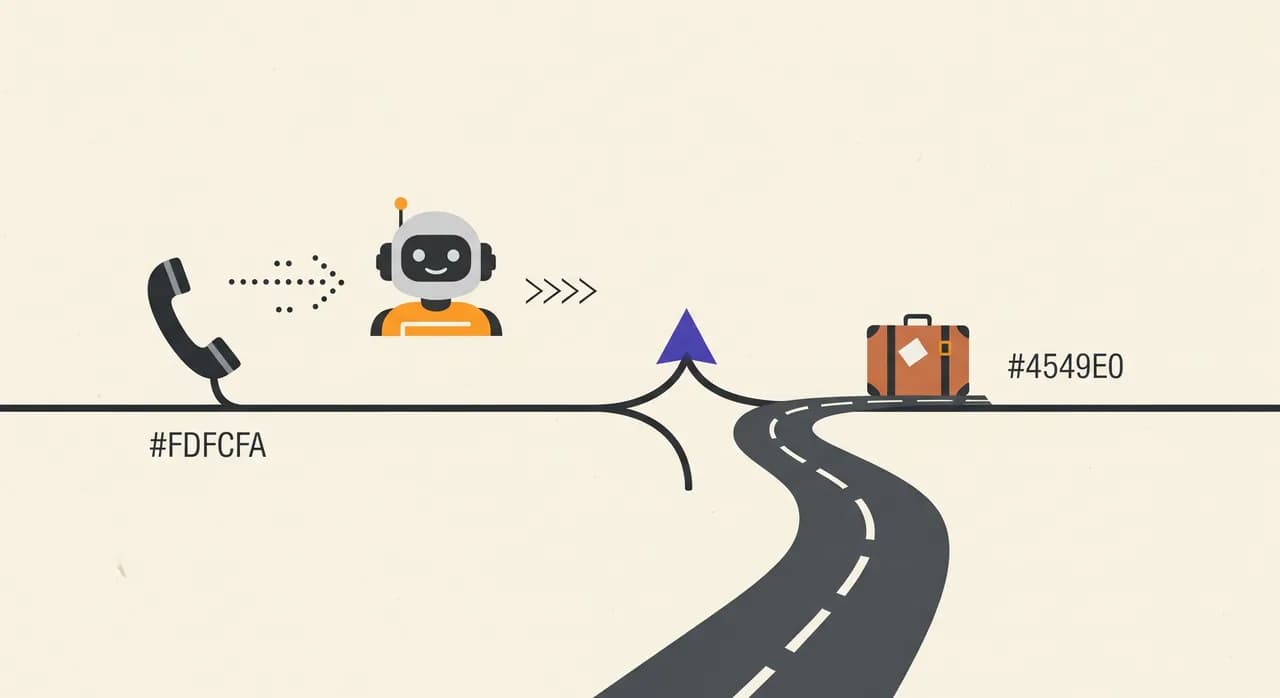
This is the term that decides how much hassle setup actually is. Call forwarding means telling your existing phone line to send calls somewhere else — in this case, to the AI assistant. Your number stays exactly where it is, with your current phone company. You just add a rule: forward calls to this new number.
You can usually set forwarding to be conditional. Unconditional forwarding sends every call to the assistant. Busy/no-answer forwarding only forwards when your line is engaged or nobody picks up within a few rings — so you answer the calls you can, and the assistant catches the overflow and the after-hours ones. For most small businesses, this conditional setup is the sweet spot: you keep answering when you're free, and nothing falls through the cracks when you're not.
Number porting — the permanent move
Number porting is the opposite kind of change: it means transferring ownership of your phone number from one carrier to another. It's what you do when you switch phone companies entirely and want to keep your number. It's permanent, it involves paperwork, and it can take anywhere from a day to a couple of weeks depending on your country and provider.
Here's why the distinction matters when you're shopping: you almost never need to port your number to use an AI phone assistant. Forwarding does the job without the commitment. If a vendor's onboarding requires you to port your main business number just to try their service, that's a heavy ask for something you haven't proven yet. Be wary of it. Porting is a fine tool for its actual purpose — changing carriers — but it shouldn't be the price of entry for testing a receptionist.
| Call forwarding | Number porting | |
|---|---|---|
| What it does | Redirects calls to another number | Moves the number to a new carrier |
| Your number | Stays with your current provider | Changes ownership permanently |
| Time to set up | Minutes | Days to weeks |
| Reversible? | Instantly | Another port is needed to undo |
| Needed to try an AI assistant? | Yes, this is the usual route | Almost never |
SIP, VoIP, and the plumbing words
These are the terms that make owners' eyes glaze, so we'll keep them short and honest: for most small businesses, you don't need to understand them to buy or use an AI assistant. But you'll see them, so here's what they mean.
VoIP (Voice over Internet Protocol) simply means phone calls carried over the internet instead of traditional copper lines. If you make calls through an app, a headset plugged into a computer, or an internet-connected desk phone, you're already using VoIP. Most modern business phones are.
SIP (Session Initiation Protocol) is the technical standard that sets up and tears down those internet calls — the handshake that connects two ends. A SIP trunk is a business-grade bundle of lines delivered over the internet. You'll hear these words when a provider connects an AI assistant directly into a larger company's phone system. For a one-, two-, or five-person business, this is plumbing that happens behind the scenes; you rarely touch it.
Latency, barge-in, and turn-taking
These three words describe whether a call feels natural, which matters more than any spec sheet.
Latency is the delay between the caller finishing speaking and the assistant starting to reply. On a phone call, silence is uncomfortable fast — even a two-second gap feels like the line dropped. Low latency is what makes a voice agent feel present rather than laggy. It's one of the hardest things to get right and one of the easiest to notice, so trust your own ears during a test call over any number in a brochure.
Barge-in (or interruption handling) is whether you can cut the agent off mid-sentence and have it stop and listen — the way a person would. Without it, the agent talks over you and you have to wait for it to finish its scripted line before it hears you. With it, the conversation flows. Turn-taking is the broader skill of knowing when the caller has finished a thought versus just pausing to breathe. Get these wrong and even a smart agent feels robotic; get them right and callers often don't realise they're talking to software.
“Spec sheets don't ring your phone. Judge a voice agent the way your customers will — by calling it.”
Handoff, escalation, and warm transfer
A good assistant knows its limits, and these words describe what it does at that edge. Handoff (or escalation) is the moment the AI stops and gets a human involved — because the caller is upset, has a complex question, or explicitly asks for a person. How gracefully a product handles this tells you a lot about how much its makers respect the caller.
There are two common styles. A warm transfer passes the live call straight to a human, ideally with a quick summary of what's been said so the caller doesn't have to repeat themselves. A message handoff takes down the details and notifies you to call back — the right move when nobody's available to take a live transfer, such as after hours. The key thing is that a trustworthy assistant never pretends to be human when a caller asks, and never traps someone in a loop with no way to reach a person.
Concurrency, 24/7, and availability
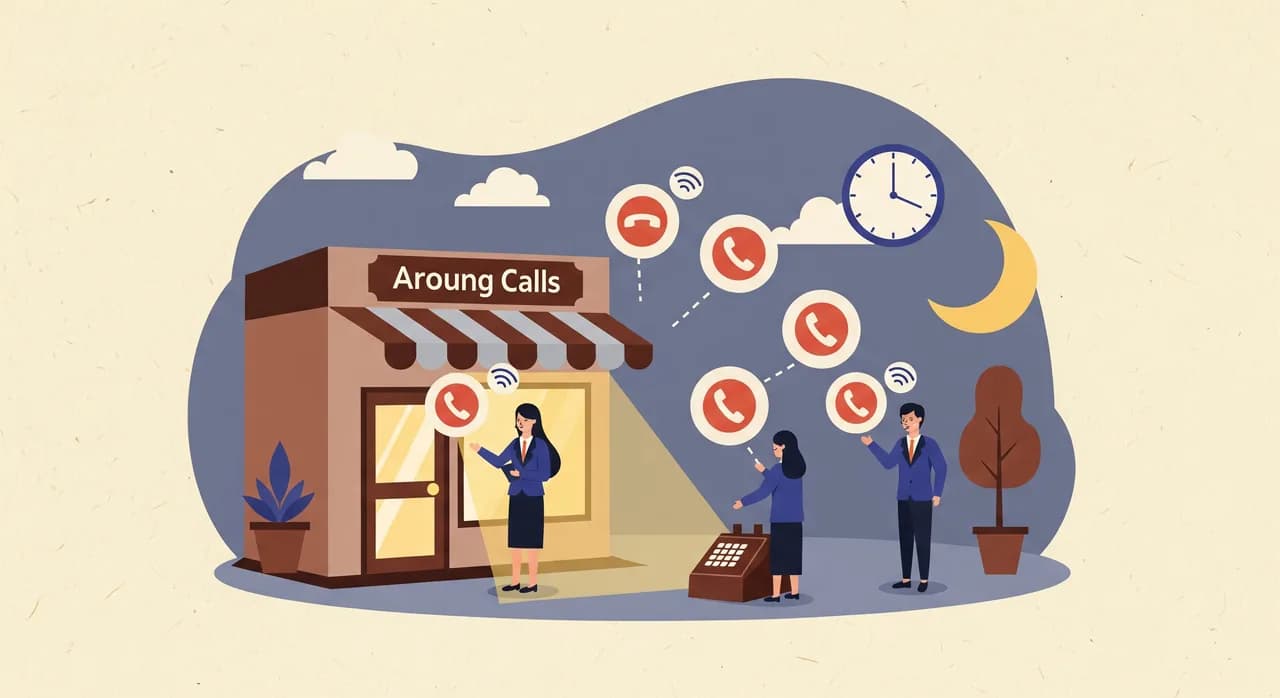
Concurrency means how many calls the assistant can handle at the same time. A human receptionist answers one call; everyone else hears a busy tone or voicemail. A voice agent can pick up several — or many — simultaneous calls without a queue. For a business that gets a sudden rush (a promotion, a busy Monday morning, an emergency), this is quietly one of the biggest wins: nobody is left on hold, and no caller decides to try your competitor instead.
24/7 and availability are the plain claims that the assistant answers around the clock, including nights, weekends, and holidays. This is the whole reason many owners look into this in the first place. The arithmetic is simple: if you miss ten calls a week — after hours, during appointments, on the days you're closed — and even one of those was a booking worth having, an assistant that catches them pays for itself. No fabricated study needed; you already know how many calls you're missing.
Business profile, knowledge base, and "training"
Business profile or knowledge base is the information the assistant draws its answers from: your services, opening hours, prices you've decided to share, location, how you handle common requests. This is the single most important thing you control, because the assistant is only as accurate as this profile. Spend twenty minutes filling it out properly and the difference in call quality is dramatic.
You'll sometimes see the word training used loosely here. It can mean the deep, technical training of the underlying language model (which the vendor does, not you), or it can just mean "filling in your profile so the assistant knows your business". When a small-business tool says "train your assistant in minutes", it almost always means the second, friendlier thing — answering a short wizard about how you work. Nobody expects you to do machine learning.
How this maps to actually getting set up
Put the jargon together and the real workflow is refreshingly ordinary. With Vunoon, you sign up, fill in a short wizard that becomes your business profile, and test the voice agent by calling it and talking to it like a customer would. When you're happy, you set call forwarding on your existing line — no porting, no SIP plumbing to learn — and you're live. After each call you get a transcript and summary; when the assistant can't help, it does a graceful message handoff rather than guessing.
That's the point of decoding these words: once you see through them, the technology stops being intimidating and becomes a short list of decisions you're perfectly capable of making. You don't need to speak fluent telecom. You need a receptionist that answers, understands, and hands off honestly — and now you can tell whether a product actually does that.
- 1Build the profileAnswer the wizard about your services, hours, and how you like enquiries handled. This is the 'knowledge base' — the assistant is only as good as what you put here.
- 2Test the voice agentCall it. Interrupt it, mumble, ask an off-script question. You're checking latency, barge-in, and whether it answers from your profile.
- 3Forward your callsSet conditional forwarding so the assistant catches overflow and after-hours calls. Your number stays exactly where it is; you can switch it off in seconds.
- 4Read the transcriptsEvery call comes back to you as a summary and transcript, so you keep full visibility even for the calls you never picked up.
What is the difference between an IVR and an AI voice agent?
Do I need to port my phone number to use an AI phone assistant?
What is call forwarding and how does it differ from an answering service?
What is a call transcript and why does it matter?
What does 'latency' mean for a phone assistant, and why should I care?
See the jargon disappear
The fastest way to understand any of these terms is to hear one in action. Set up a business profile, call the assistant, and see how forwarding, transcripts, and handoff work — before you change a thing on your line.
See how it works
Vunoon builds an AI phone assistant that answers your business calls 24/7 — it books appointments, answers common questions and sends you a summary of every conversation.