AI Receptionist for Insurance Brokers and Agents: A Practical Playbook
How an AI receptionist can catch claim calls, renewal questions, and new-lead inquiries while you are on the phone with someone else — without pretending to give advice it shouldn't.
 Vunoon18 min read
An insurance broker's phone rings for three very different reasons at once: someone whose car got rear-ended twenty minutes ago, someone comparing quotes they found online, and someone whose renewal notice just arrived. You can only pick up one of them. An AI receptionist for insurance agents exists to make sure the other two still get handled properly — with the right details captured and the urgent one flagged before it goes cold.
Insurance is a business of moments. A claim call has a short fuse — the caller is stressed, sometimes standing on the shoulder of a motorway, and if they can't reach you they'll try the carrier directly or the broker down the street. A renewal question is calmer but time-sensitive in its own way: miss the window and the policy lapses. And a new-lead call is money walking past your door. The problem isn't that brokers don't care about answering the phone. It's that a broker with clients in the office, documents to file, and carriers to chase simply cannot be in two conversations at once.
This is a playbook, not a sales pitch. We'll walk through the actual call flows an AI receptionist for insurance agents should handle, what it should capture, where it must hand off to a human, and — just as important — the things it should never try to do. If you run a brokerage or work as an independent agent, the goal here is that you finish reading knowing exactly how you'd wire this up, whether or not you ever sign up for anything.
Why insurance brokers lose calls in the first place
Start with an honest look at where the calls go. A small brokerage rarely loses business because it's bad at insurance. It loses business in the gaps: the twenty minutes you spend walking a client through a life policy, the hour at lunch, the afternoon you're at a body shop assessing damage, the evenings and weekends when a fender-bender doesn't check your office hours.
Voicemail feels like a safety net, but for insurance it's a leaky one. People with an active claim don't want to talk to a machine and wait — they want to know their problem has been heard. People shopping for a quote have four other brokers in a browser tab and will not leave a message; they'll just click the next result. The renewal caller might leave a voicemail, but now it's a callback you owe on top of everything else, and the day it sits unreturned is a day the policy edges closer to lapsing.
Do the arithmetic on a slow week. Say ten calls slip past you — not an unusual number for a one- or two-person shop. Maybe three were price-shoppers, and even if only one of them would have bound a policy, that's a commission you didn't earn. One was a claim you found out about two days later, by which time the client was already annoyed. The rest were renewals and questions that became callbacks you had to chase down. None of that shows up as a dramatic loss. It just quietly erodes the top of your funnel and the trust of clients you already have.
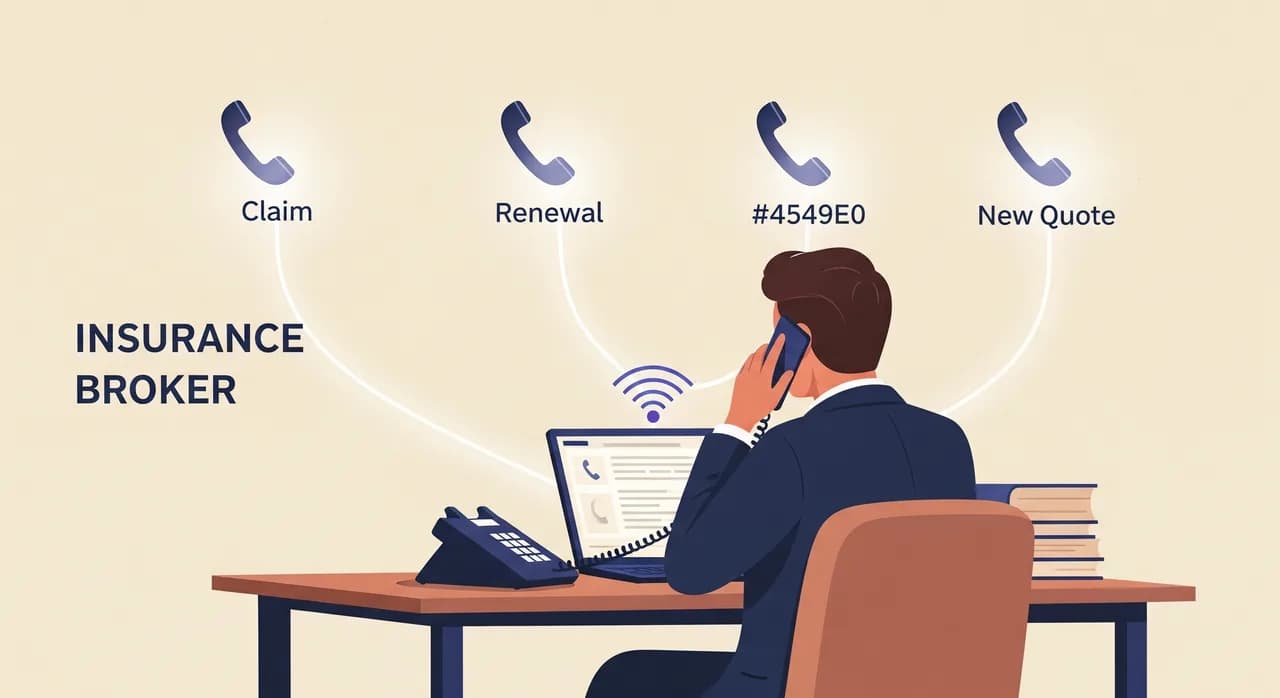
The three call types every broker line handles
Almost everything that comes through a brokerage phone falls into one of three buckets, and each one wants a different response. Getting the AI receptionist right means designing for all three rather than treating every ring the same.
- Claim-related calls — something happened, and the caller needs it recorded and acted on quickly. Emotion runs high; details matter enormously.
- Servicing calls — renewals, coverage questions, address changes, adding a driver, requesting a certificate of insurance. Routine, but each one is a chance to keep or lose a client.
- New-business calls — someone wants a quote or is comparing options. This is a lead, and the speed and quality of the first response shapes whether they ever call back.
A good AI receptionist doesn't need to guess which bucket a call belongs to before it starts. It greets, listens, and lets the caller say why they're phoning — then adapts. The design work is in deciding what each bucket needs: what to capture, how urgently to route it, and where the conversation must stop and a licensed human take over.
The claim call: capture calmly, route urgently
This is the flow that matters most, because it's the one where a fumbled call does real damage to a relationship. Imagine a client — call her a long-standing auto policyholder — phoning at 7pm to report that someone reversed into her parked car outside a shop. You're at dinner. Your voicemail is not going to reassure her.
An AI receptionist should treat this as intake, not resolution. Its job is to be the calm voice that says: I've got this, here's what I need, and someone will be on it. It gathers the facts a claim needs so that when a human picks it up, the file is already halfway built.
- 1Acknowledge and steady the callerThe first thing out of the assistant's mouth is recognition that something's wrong and it's being handled — not a menu of options. For a stressed caller, tone is the whole game.
- 2Confirm who they are and the policyName, best callback number, and enough to identify the policy — the policyholder's name, and the type of coverage if the caller knows it. It doesn't need a policy number to be useful; it captures whatever the caller has.
- 3Capture what happenedA short, plain description: what, when, where, and whether anyone was hurt. If injuries or safety are involved, the assistant flags it as high-priority rather than treating it as a routine message.
- 4Set the expectationTell the caller clearly what happens next and roughly when — that a licensed member of the team will call them back, and whether that's tonight or first thing in the morning. No false promises about outcomes.
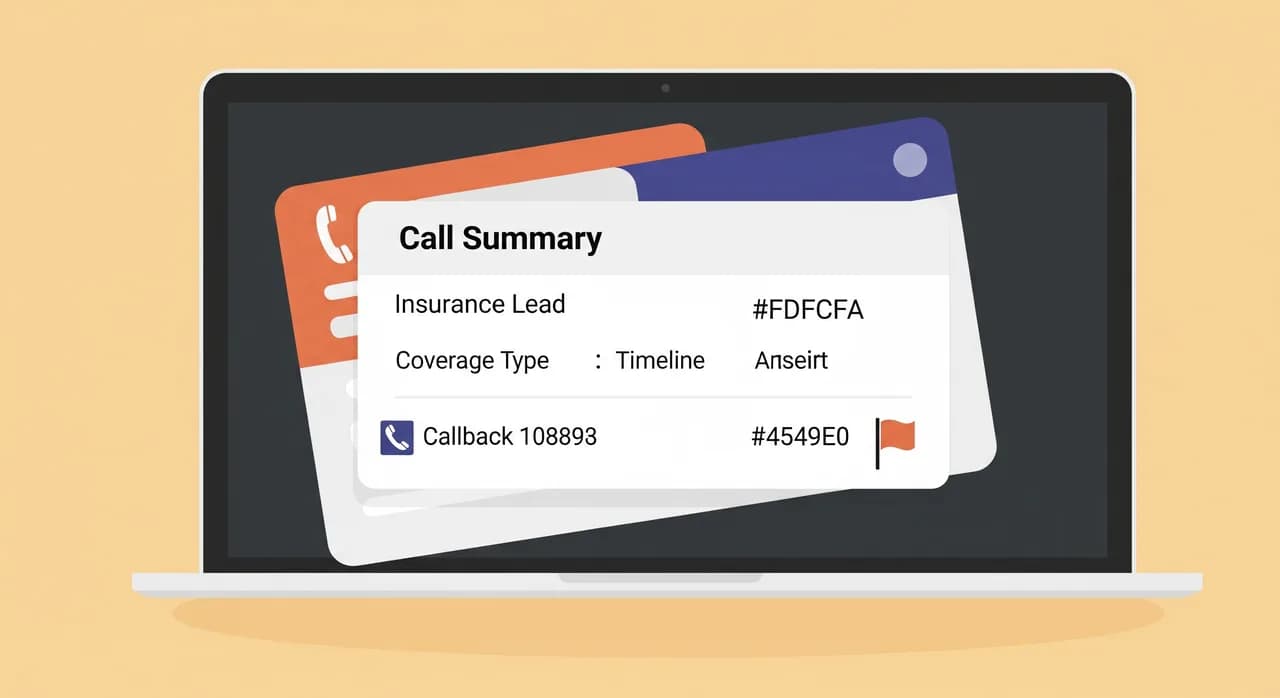
- 5Route it, flaggedThe assistant sends you an immediate summary and transcript, marked urgent, so a claim never sits in the same undifferentiated pile as a certificate request.
That boundary isn't a weakness; it's the point. A caller who is told I've noted every detail and a licensed advisor will call you back within the hour is far better served than one who gets a well-meaning but wrong answer from a machine. Capturing urgently and honestly beats resolving incorrectly every single time.
“On a claim call, the assistant's job is intake, not adjudication — capture every detail calmly, then get a licensed human on it fast.”
Renewals and coverage questions: the servicing workhorse
The unglamorous middle of a brokerage's call volume is servicing, and it's where an AI receptionist quietly earns its keep. These calls are rarely dramatic, but there are a lot of them, and each unanswered one is a small crack in a client relationship you spent years building.
Some servicing questions the assistant can answer directly from your business profile — the facts you configure when you set it up. "What are your office hours?" "Do you handle commercial policies as well as personal?" "Where's your office, and is there parking?" "How do I get a certificate of insurance for my landlord?" These are stable facts about how your brokerage operates, and the assistant should have them at its fingertips so callers get an answer at 9pm on a Sunday.
Renewals are the higher-stakes servicing call. When a client phones about a renewal notice, the assistant should confirm which policy, note whether they're asking to renew as-is, want to review coverage, or are hinting they might shop around. That last signal matters — a client who mentions a competitor's quote is a retention risk, and you want that flagged loudly in your summary, not buried in a message that reads "customer called about renewal."
Here again, the honest limit holds. "Should I raise my deductible?" and "Is flood covered?" are advice questions, not information questions. The assistant should recognise the difference, capture the question with enough context that you can answer it well, and book a callback or consultation rather than improvise. A broker's value is that judgement; the assistant's value is making sure the question reaches you instead of evaporating into voicemail.
New-business calls: qualify before they hang up
A quote-shopper is the most impatient caller you have. They're comparing, they have tabs open, and their tolerance for hold music or an unreturned message is roughly zero. This is where speed of response converts directly into bound policies, and where an AI receptionist that answers on the first ring beats a callback you make an hour later.
The assistant's job on a new-lead call isn't to quote — it's to qualify and capture so that when you follow up, you already know whether this is worth a Saturday-morning call. A good qualification flow gathers the shape of the opportunity without turning into an interrogation.
- What they want covered — auto, home, commercial, life, or a bundle. This alone tells you whether it's in your wheelhouse.
- Basic situational facts — for auto, roughly how many vehicles and drivers; for home, owner or renter; for commercial, the kind of business. Enough to prep a quote, not a full application.
- Timeline and trigger — are they buying a new car tomorrow, moving house next month, or just casually comparing? Urgency changes how fast you should call back.
- How they found you — a referral, a search, a mailer. Useful for knowing your marketing is working and for the tone of your follow-up.
- Best time and way to reach them — so your callback lands instead of playing phone tag.
Done well, this is real lead qualification. You get a summary that reads like a prepped file — "renter, wants home and auto bundle, moving in three weeks, referred by an existing client" — instead of a name and a number with no context. That's the difference between a callback you dread and one you look forward to making, and it's why the assistant should treat every new-business call as the start of a relationship, not a message to jot down.
Booking consultations without the phone tag
A lot of insurance conversations are too involved for a single call. A young family reviewing life cover, a business owner sorting out liability, a client consolidating three policies — these want a proper sit-down, in person or over the phone. The traditional path to that appointment is a maddening game of phone tag: you call back, they're busy, they call back, you're with a client, repeat until someone gives up.
An AI receptionist can collapse that. When a caller wants to talk something through, the assistant offers to book the consultation directly — asking what it's about so you can prepare, and confirming a time that works. Instead of "I'll have someone ring you," the caller hangs up with an actual appointment and you get it on your calendar with context attached.
The subtle win here is preparation. Because the assistant captured why they're coming in — reviewing coverage after a new baby, adding a teen driver, shopping commercial cover — you walk into that meeting already knowing the shape of it. The appointment is more productive, the client feels heard before they've even sat down, and you haven't spent three exchanges just agreeing on a time.
Handling callbacks while you're with a client
Here's the scenario that pushes most brokers toward this in the first place: you're across the desk from a client, mid-conversation, and the phone rings. You can't answer it without being rude to the person in front of you, and you can't ignore it without wondering whether that was the claim or the lead you'll never hear from again. It's a genuine dilemma with no good manual answer.
This is exactly the overflow case an AI receptionist is built for. You forward your line — either all the time, or only when you're already on a call — and the ringing simply stops being a problem you have to solve in the moment. The caller gets a real conversation, their reason for calling gets captured, and the urgent ones get flagged so you know to break away if something genuinely can't wait. Everything else waits calmly in a summary for when your client meeting ends.
The practical effect is that you get to give the client in front of you your full attention — which is what they're paying for — without the low background hum of anxiety about the phone. Every missed ring turns into a written record on your desk instead of a lost opportunity you'll never even know about.
What the assistant should never do
Trust in insurance is built partly on discretion, and an AI receptionist earns its place by knowing its limits as clearly as its jobs. This is the section brokers should read most carefully, because the failures here are the ones that cause real harm.
- Never give coverage advice. Whether a loss is covered, whether a limit is adequate, whether to file a claim at all — these are licensed judgements tied to a specific contract. The assistant captures the question and routes it.
- Never confirm or deny a claim outcome. It has no authority to say a claim will be paid, denied, or how much. Suggesting otherwise sets up a client for disappointment and you for a difficult conversation.
- Never quote a premium as if it's binding. It can capture what someone wants covered, but a real quote comes from you and your carriers, not from a phone assistant.
- Never overshare policy details. It confirms enough to identify a caller and their policy for servicing, but it isn't a self-service portal reading out sensitive contract terms to whoever calls.
- Never pretend a human isn't available. When something is beyond it, it says so and gets the caller to a person.
Read that list and you might think it makes the assistant sound limited. It is limited — deliberately. An AI receptionist for insurance agents that stays firmly inside intake, information, qualification, and booking is one you can trust to run 24/7 without worrying about what it said while you were asleep. The moment a tool starts freelancing on regulated advice is the moment it becomes a liability instead of an asset.
“An assistant you can trust overnight is one that knows exactly where its job ends and a licensed advisor's begins.”
Setting it up for a brokerage in an afternoon
The setup for a brokerage isn't a project — it's an afternoon, and most of that afternoon is you thinking clearly about your own business rather than fighting with software. With Vunoon the mechanics are self-serve: you sign up, describe your brokerage in a short wizard, talk to the assistant to test it, then forward your number when you're happy.
- 1Write down your real FAQsBefore you touch anything, list the questions callers actually ask — hours, coverage lines you write, how you like claims reported, common documents. This is the raw material the assistant answers from, and it's the highest-leverage thirty minutes you'll spend.
- 2Describe the brokerage in the wizardFill in who you are, what you cover, and those FAQs. Be specific about the lines you don't write too, so the assistant doesn't over-promise on a commercial policy you don't handle.
- 3Define your three flowsDecide what a claim call captures, what a renewal call captures, and what a new lead captures — using the fields from the flows above. This is where the playbook becomes your setup.
- 4Test it by talking to itCall it. Play the stressed claim caller, the price-shopper, the renewal question. Listen for anywhere it strays past intake into advice, and tighten the profile until it stays in its lane.
- 5Decide when it answersAll calls, after-hours only, or just when your line is busy. A common starting point is overflow and after-hours, so nothing changes for calls you'd have answered anyway.
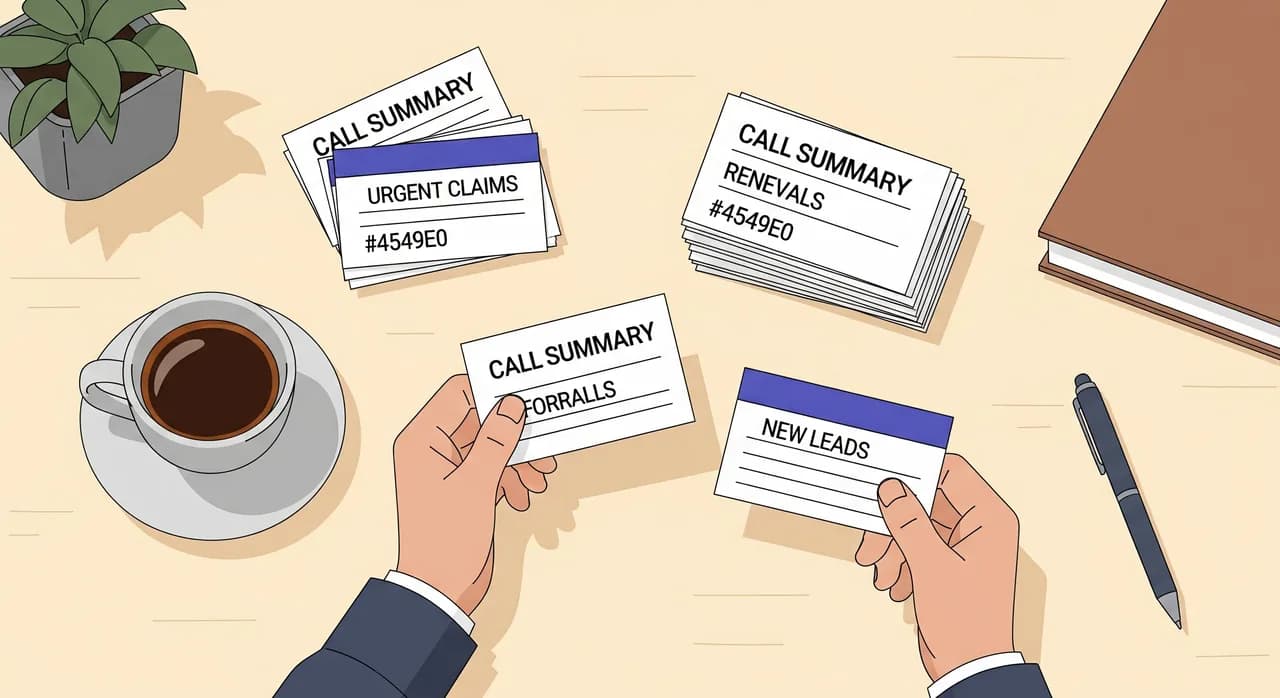
- 6Forward your number and watch the summariesOnce forwarded, every handled call arrives as a summary and transcript. Read the first week's closely — they'll show you what to add to the profile and how your callers really talk.
Measuring whether it's actually working
Don't take anyone's word that it helps — including ours. Judge it against what it was supposed to fix. For most brokerages the honest measures are simple and worth watching for the first month.
- Calls captured outside office hours — how many summaries land in the evenings and at weekends that would previously have been silent voicemails or nothing at all.
- Claim intake speed — how quickly you now learn about a claim, and whether any are still slipping through days late.
- Lead follow-up quality — whether your new-business callbacks are better prepped because the assistant captured the shape of the opportunity.
- Retention signals caught — how often a "thinking of switching" renewal call gets flagged in time for you to save it.
If after a few weeks the summaries are mostly noise, tighten your flows — you're probably capturing too much or too little. If they're catching claims and leads you'd otherwise have missed, you've found the answer to the two-conversations-at-once problem that started this whole exercise. Either way, the transcripts tell you the truth, and that's a far better basis for a decision than a feature list.
Can an AI receptionist handle insurance claim calls?
Will it give clients coverage or advice?
Does it work outside office hours and at weekends?
How does it know facts about my brokerage?
Will callers know they're talking to an assistant?
Can it book consultations directly?
Put a receptionist on your line before your next busy afternoon
Describe your brokerage, test the assistant by talking to it, and forward your number when it sounds right. Every call that used to slip past becomes a summary on your desk.
See how it works for insurance brokers
Vunoon builds an AI phone assistant that answers your business calls 24/7 — it books appointments, answers common questions and sends you a summary of every conversation.