AI Receptionist for Medical Practices: A Setup That Actually Works
A practical playbook for GP and specialist practices: how to let an AI receptionist handle the 8 a.m. call storm, sort appointment from prescription from results requests, and hand anything urgent straight to a human.
 Vunoon15 min read
At 8:00 a.m. the lines light up and the day is already lost. Repeat prescriptions, a mother whose child is running a fever, someone who just wants to move their Thursday appointment, and three callers who hang up before anyone reaches the phone. An AI receptionist for a medical office won't fix your rota — but used correctly, it can turn that first-hour chaos into something you can actually manage.
This is a practical playbook, not a sales pitch. It's written for the person who owns or runs the practice — the GP, the practice manager, the specialist whose front desk is drowning by mid-morning. The goal is to be honest about what an AI receptionist for a medical practice should touch, what it must never touch, and how to set it up so it earns trust from staff on day one instead of becoming another thing they work around.
The 8 a.m. call storm is a queueing problem, not a staffing problem
Most practices are not short of receptionists across the whole day. They are short of receptionists in a 40-minute window. Lines open, and demand that has been building since 6 p.m. the previous evening arrives all at once. Two people on the desk can each hold one conversation. Everyone else hears ringing, or a busy tone, or nothing — and a share of them simply hang up and try a walk-in, or worse, don't try again at all.
The pain isn't the total number of calls. It's the concurrency. Ten callers at 8:03 don't wait politely in a line in their heads; they wait for maybe 90 seconds and then give up. An AI receptionist changes one specific thing: it can hold every one of those conversations at the same time. Nobody hears a busy tone. The caller who wants to shift a Thursday slot gets that done in 40 seconds and is off the line — which means the two humans on the desk are now free for the calls that genuinely need them.
“The problem was never the total call volume. It was ten callers arriving in the same 90 seconds, and only two humans to answer.”
So the first mental shift is this: you're not replacing your front desk, and you shouldn't want to. You're adding capacity to the one window where you have none. Think of it as a triage nurse standing at the door of a crowded waiting room — sorting, redirecting, and only pulling a clinician in when it's warranted.
Every practice call is really one of three things
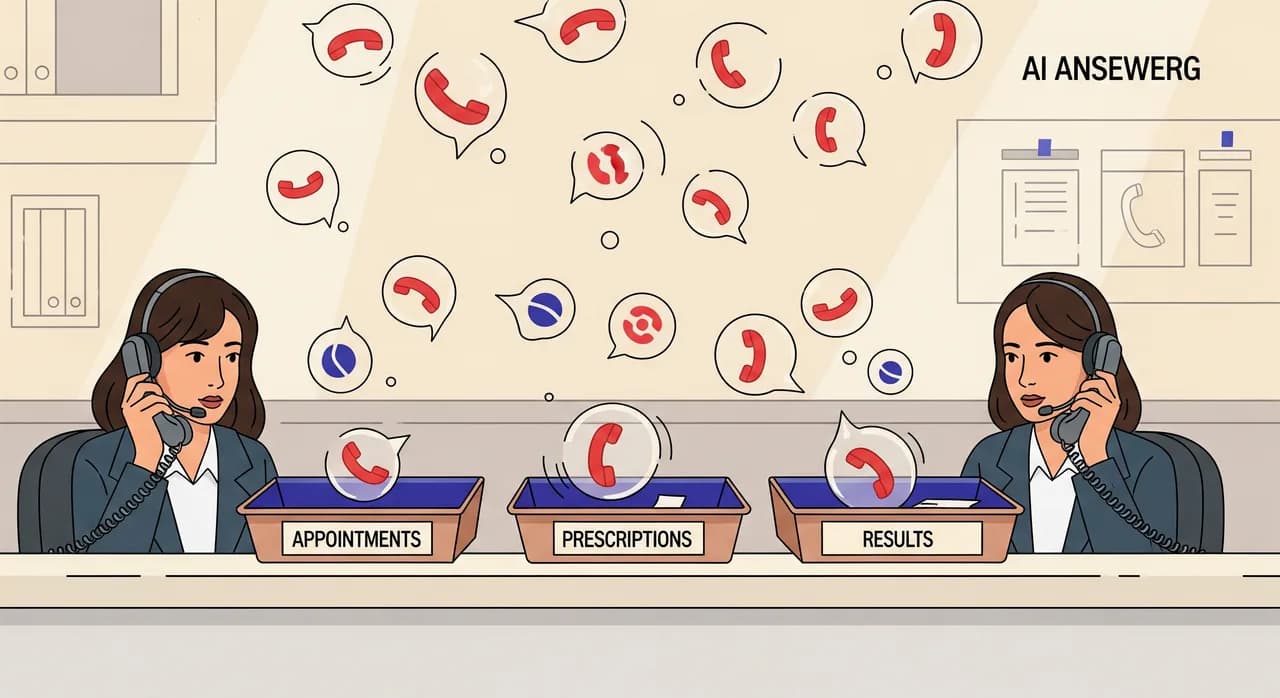
Before you configure anything, sort the incoming calls into buckets. In a general or specialist practice, the overwhelming majority of routine calls fall into three categories, and each needs a completely different handling rule.
- Appointment requests — booking, moving, or cancelling a visit. High volume, low complexity, and the single best fit for automation.
- Prescription and repeat-medication requests — usually a message to pass on, sometimes needing a check against the patient record before anyone acts. Automatable up to a point, but the point matters.
- Results and clinical questions — 'are my blood tests back?', 'the doctor said to call about the referral', 'my symptoms are getting worse'. This is where an AI should mostly collect, confirm identity, and hand off — never interpret.
The reason this sorting matters is that people treat all three as 'phoning the doctor', but your practice treats them very differently. A booking can be closed on the spot. A results query cannot. If you let an AI receptionist handle all three with the same confidence, you'll get it wrong on the one that counts. So you draw the lines before you turn anything on.
What the AI should confidently handle
Start with appointments, because that's where automation is both safe and enormously useful. A caller who wants to move a routine follow-up does not need clinical judgement — they need the diary, availability, and thirty seconds. An AI receptionist can greet the caller, confirm who they are against the details you've configured, offer real slots, book the one they choose, and send you a clean record of what happened.
The same is true for cancellations, which are quietly valuable. Every cancelled slot that gets freed early is a slot you can offer someone on a waiting list. When cancellations only happen if the patient gets through to a human, plenty of them simply don't call at all — they no-show. An assistant that answers instantly at 7 a.m. or 9 p.m. captures cancellations you were losing, which turns dead slots back into seen patients.
- Booking and rescheduling routine appointments from your configured availability.
- Taking cancellations — reliably, at any hour, so slots free up in time to re-offer.
- Answering the questions you already answer forty times a day: opening hours, address and parking, whether you're taking new patients, how to register, what to bring, which entrance to use.
- Taking a structured message for the practice — name, callback number, reason in the caller's own words — and delivering it to you as a summary and transcript.
- Telling callers, plainly, when the practice is closed and what to do in an emergency (i.e. call the emergency number, not wait for a callback).
None of this requires the AI to be clever about medicine. It requires it to be reliable about logistics, and to know exactly where its job ends. That boundary is the whole game.
What the AI must never touch
This is the section that should make you trust the rest. An AI receptionist for a medical office is a front door, not a clinician. There is a short list of things it must be configured to refuse — not fumble, not 'try its best', but cleanly refuse and route to a person.
- Reading out or interpreting test results. Even a normal result can carry context the patient needs from a clinician. The AI collects the request and confirms the caller's identity; a human calls back or the result is released through your normal channel.
- Symptom advice or triage decisions. 'Should I be worried about this chest pain?' is not a question an AI answers. It's a question that escalates — immediately.
- Diagnosis, dosage, or 'is this medication safe with...' Full stop. These go to a clinician or pharmacist.
- Anything the caller flags as urgent. If someone says the word 'emergency', 'severe', 'can't breathe', 'chest pain', or anything in that family, the assistant's only job is to direct them to emergency services or your urgent line and get out of the way.
One more honest point: an AI receptionist shouldn't pretend to be a person. If a caller asks 'am I talking to a real receptionist?', it should say plainly that it's the practice's automated assistant and offer to take a message or arrange a callback. Patients forgive a machine that's upfront. They don't forgive one that lied to them while their child was ill.
Escalation is the real product
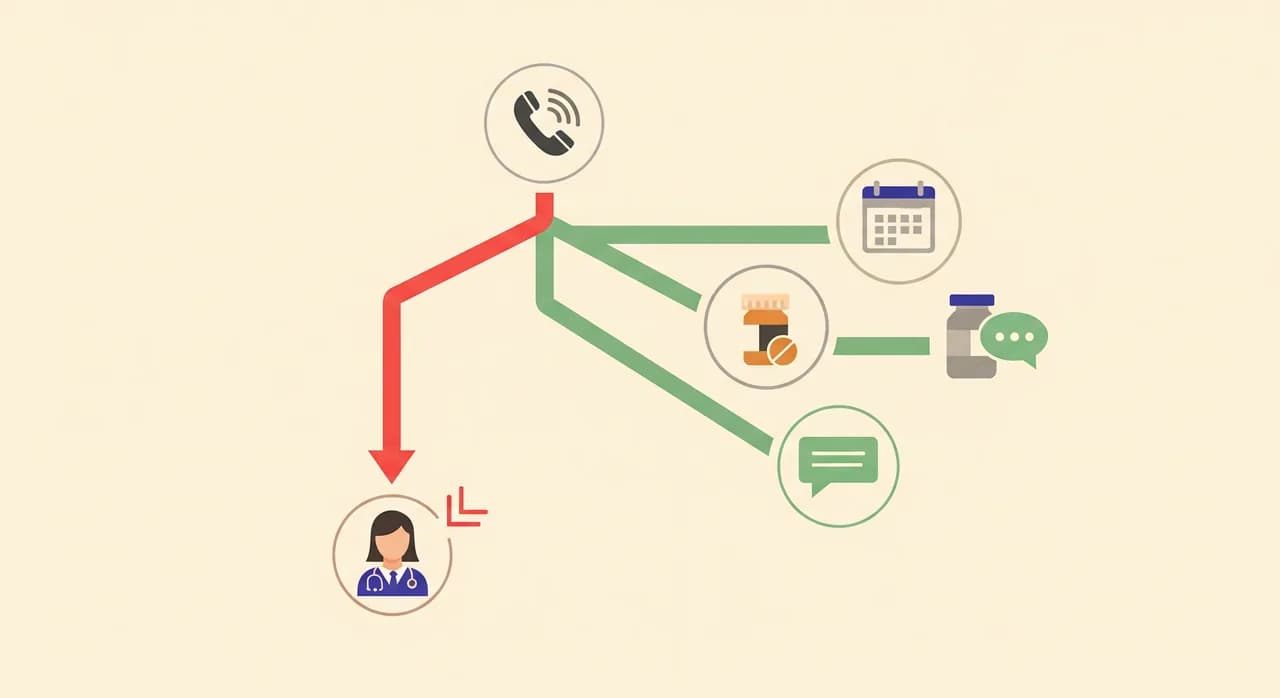
For a medical practice, the escalation path is not a footnote — it is the feature. A booking assistant that can't reliably recognise 'this is urgent' and get a human involved is a liability, however smooth the rest sounds. So spend your setup time here.
There are two kinds of handoff, and your practice needs both. The first is immediate: the caller has said something urgent, and the assistant redirects them to emergency services or your urgent line right now, without collecting a leisurely message first. The second is deferred: the request is clinical but not an emergency — a results query, a prescription question that needs a record check — where the assistant confirms identity, captures the request precisely, and passes it to a named human or team to action, with a clear expectation of when they'll hear back.
- 1Detect intent earlyThe assistant listens for the reason for the call before it tries to do anything. Booking, prescription, results, or 'something's wrong' — the branch is chosen up front, not halfway through.
- 2Screen for urgency on every clinical branchAny call that isn't a clean logistics request gets checked for urgency words and tone. If it trips the wire, the flow stops and switches to the emergency script.
- 3Hand off with context, not a cold transferWhen a human is needed, they shouldn't start from zero. The assistant delivers who called, their number, what they asked for, and a transcript — so the callback is one call, not three.
- 4Close the loop with the callerThe caller should never wonder if their message vanished. 'A member of the team will call you back today about your results' is a complete, honest sentence. Silence is what erodes trust.
“A booking bot that can't recognise an emergency isn't a convenience. It's a liability with a friendly voice.”
Identity, privacy, and the things patients are right to worry about
Patients hand a practice their most sensitive information, and they're rightly cautious about who — or what — is on the other end of the line. Two things reassure them. First, the assistant only collects what it needs to route the call: a name, a way to reach them, and the reason in their words. It doesn't need to hold a medical history to book a follow-up. Second, anything sensitive gets confirmed by a human before action — the machine's job is to gather and pass on, not to decide.
Be conservative here on purpose. If a caller wants to change something on their record, or discuss anything that touches their clinical care, the safe default is to take a message and have a staff member handle it. You lose nothing by making the AI cautious about sensitive requests, and you avoid the one category of mistake that would actually cost you a patient's trust.
Setting it up: from sign-up to forwarding your number
The good news is that the setup is not an IT project. With Vunoon it's self-serve, and a practice manager can have a working assistant to test in a single sitting. The trick is to configure the boundaries carefully — that's where your time should go, not on the technology.
- 1Describe the practice in the wizardHours, address, whether you're accepting new patients, how registration works, what to bring, parking — all the questions your desk answers on repeat. This becomes the assistant's knowledge, so be specific.
- 2Write your escalation rules explicitlySpell out what counts as urgent, what emergency guidance to give, and who receives clinical messages. This is the most important step. Assume it will be tested by a real emergency and write it accordingly.
- 3Draw the boundary for each request typeAppointments: book directly. Prescriptions: take a structured message. Results: confirm identity and hand off, never read out. Configure each branch so the assistant knows exactly how far to go.
- 4Test it by calling it yourselfBefore a single patient hears it, phone your own assistant. Try to book, try to reschedule, then deliberately act like a distressed caller and confirm it escalates. Then have a sceptical colleague do the same.
- 5Forward the right calls at the right timesYou don't have to hand it everything on day one. Start with overflow — calls that ring out during the 8 a.m. storm — and after-hours. Widen the remit once you and the team trust it.
The multilingual point deserves a line of its own. Practices in mixed communities lose time and clarity when a caller and receptionist don't share a first language. An assistant that handles the call in the caller's own language — and still delivers you a clean summary in yours — removes a real, daily friction that has nothing to do with clinical work and everything to do with getting the appointment booked correctly.
Rolling it out without your team quietly hating it
New tools at the front desk fail for a human reason, not a technical one: staff don't trust them, so they route around them, and the tool becomes shelfware. Avoid that by framing it honestly. The assistant isn't there to replace the receptionist — it's there to answer the eleventh caller when the receptionist is already on the phone with the tenth.
- Start narrow. Overflow and after-hours only. Let the team see it catch calls that were previously lost, not calls they were handling fine.
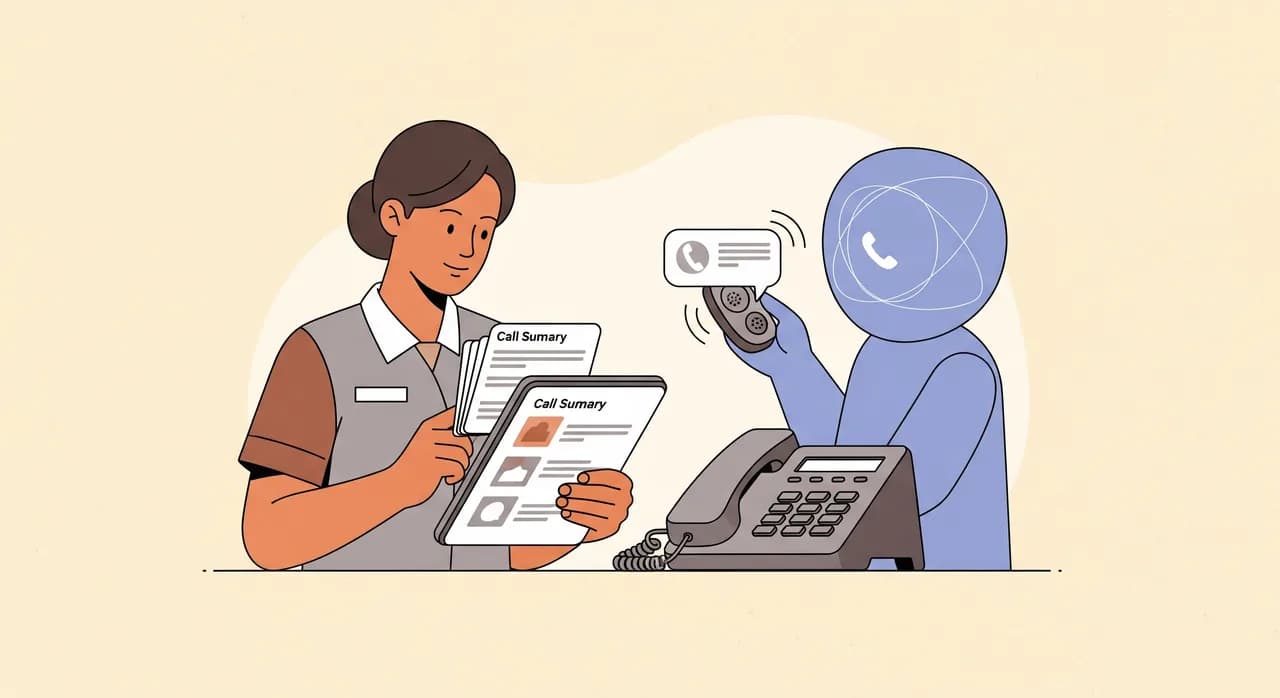
- Show them the summaries. When staff see the clean call records and transcripts arriving, they stop imagining the assistant as a black box and start treating it as a colleague that takes good notes.
- Give them a veto. If a receptionist thinks a certain call type shouldn't be automated yet, pull it back. Trust is built by taking that feedback, not overriding it.
- Review the escalations weekly at first. Read what the assistant flagged as urgent. Tighten the rules where it over- or under-reacted. This tuning is quick and it's what makes staff comfortable.
The honest limits
No tool survives contact with a full waiting room if it's oversold, so here's the plain version. An AI receptionist will not exercise clinical judgement, and you should never want it to. It will occasionally mishear a name or a number, exactly as a rushed human does — which is why callback details are confirmed back to the caller. And it is only as good as the boundaries you set: a lazily configured assistant that tries to be helpful about symptoms is worse than no assistant at all.
It also won't fix an under-staffed practice single-handedly. What it does is remove a specific, expensive failure — the lost call during the storm and the unanswered phone after hours — and take the low-value repetition off your team so they can spend their attention where it belongs. Used with those limits in mind, it's genuinely useful. Sold as a replacement for people, it will burn your trust and your patients'.
What a good week looks like
Picture an ordinary Monday. At 8:01 a.m. fourteen calls arrive in two minutes. Two are handled by the desk. The assistant catches the rest: four routine reschedules booked and closed, two cancellations that free slots you re-offer by nine, three general questions answered, two structured messages delivered to the right person, and one caller who mentioned severe breathlessness — sent straight to emergency guidance and flagged to you within seconds. Nobody heard a busy tone. Your receptionists spent the hour on the calls that needed a human, not on parking directions.
That's the whole promise, and it's a modest, honest one. Not a practice run by robots. A front door that's finally staffed during the ten minutes when it never was — and that knows, without fail, when to step aside and let a person take over.
Can an AI receptionist book patient appointments on its own?
Will it give patients their test results?
How does it handle an emergency call?
Is it hard to set up for a small practice?
What happens to calls in other languages?
See how it handles your practice's calls
Set up an assistant for your practice in minutes, write your own escalation rules, and test it by calling it yourself before a single patient hears it.
See it for medical practices
Vunoon builds an AI phone assistant that answers your business calls 24/7 — it books appointments, answers common questions and sends you a summary of every conversation.