Business Phone Number Options: Mobile, Landline or Virtual
Every new business needs a phone number, and the choice quietly shapes your day for years. Here is an honest look at using your mobile, keeping a landline, or getting a virtual number — and how each one behaves when you later add call forwarding or an AI assistant.
 Vunoon17 min read
You can spend weeks on a logo and a website, then pick your business phone number in ten distracted minutes — usually by handing out the mobile you already carry. It works, right up until it doesn't. The number you choose quietly decides who can reach you, what happens after hours, whether you can hand the phone to a partner, and how easily you can bolt on something smarter later. This is the boring decision that follows you around, so it's worth thirty minutes of real thought.
There are really only three roads for a small business phone number: use your personal mobile, get a landline, or set up a virtual number that lives in software and rings wherever you tell it. Most guides treat these as a ranked list — virtual good, landline old, mobile lazy. That's too tidy. Each one is genuinely the right answer for some businesses and a slow-motion headache for others. What matters is matching the number to how you actually work, and knowing how each option behaves once you want calls forwarded, split between people, or answered automatically when you can't pick up.
We'll go through the three options honestly, including the parts nobody mentions until you're stuck. Then we'll cover the layer most owners forget exists — forwarding, and what it means to put an AI assistant like Vunoon behind whatever number you pick, so a missed call turns into a message and a booking instead of a voicemail nobody hears.
What a business phone number actually decides
A phone number feels like plumbing — invisible until it leaks. But the choice touches five things that shape your week, so keep these in mind as you read the rest.
- Reachability. Can customers get you when they try, or do calls scatter into a voicemail you check at 9pm?
- Separation. Can you switch off work at the end of the day, or does your personal number ring for a plumbing quote during your kid's football match?
- Handoff. If you get sick, hire someone, or go on holiday, can another person cover the line without you giving up your SIM?
- Continuity. If you change provider, move premises, or drop a service, does your number survive, or do you reprint every card and sign?
- Extendability. When you're ready for forwarding, a menu, or an AI that answers 24/7, does your number play nicely — or fight you every step?
Hold that last one especially. Owners almost never think about extendability on day one, and it's the difference between adding an AI receptionist in an afternoon and rebuilding your whole setup two years in.
Option 1: Just use your personal mobile
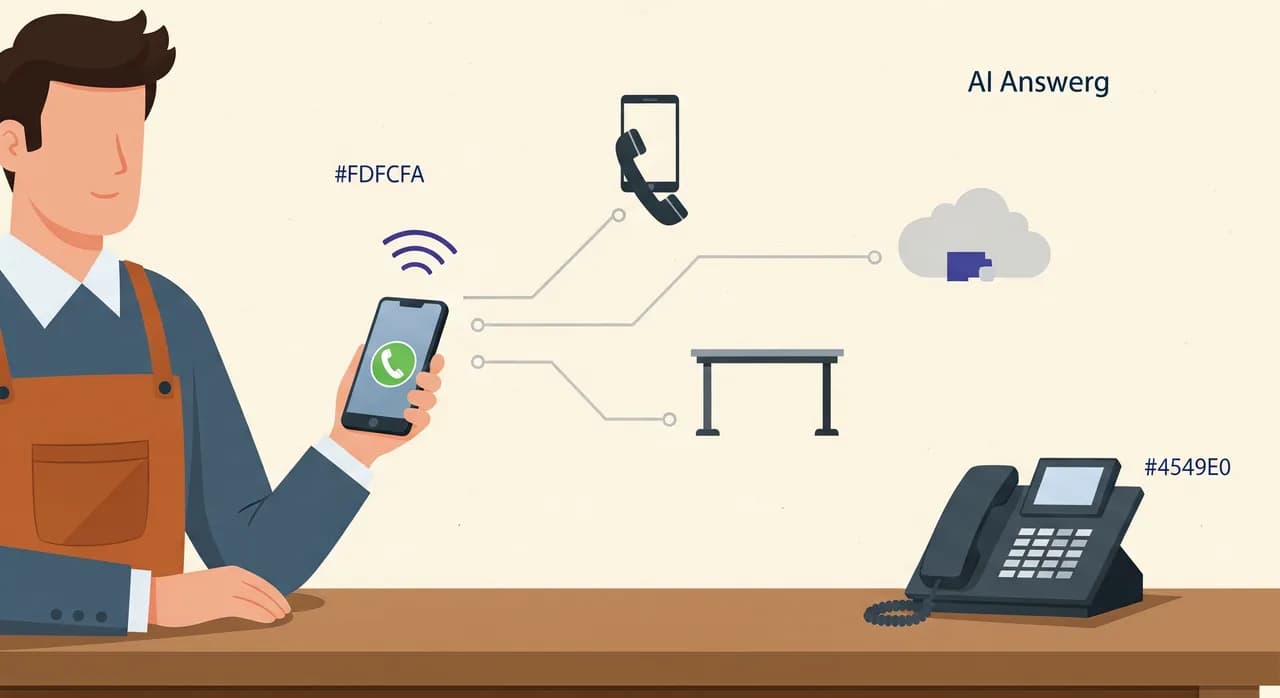
This is what most people do, and it's not stupid. You already have the phone, the number, and the muscle memory. Print it on a card and you're technically open for business. For a solo trade where the owner is the whole operation — a mobile hairdresser, a one-van electrician, a freelance photographer — the mobile is the natural home base. Customers reach a real person, calls follow you between jobs, and there's nothing to set up or pay for.
Where the mobile starts to hurt
The trouble is that your personal number and your business number are now the same object, and you can't un-mix them. Your number is on flyers, quotes, and someone's contacts under "electrician guy" forever. If you ever want to stop taking work calls at dinner, you can't — silencing the phone silences your family too. Sell the business, take on a partner, or hire your first employee, and there's no clean way to share or hand over a line that is legally and practically yours.
Then there's the quieter cost: calls you miss. A tradesperson with both hands full doesn't answer, the caller doesn't leave a voicemail — most people don't anymore — and they simply ring the next name on their list. You never even know it happened. On a personal mobile there's no record of the calls you didn't take, no summary, no way to call back a number you never saw.
None of this means "don't use your mobile." It means: go in knowing that a mobile-only setup is built for a business of exactly one person who answers, and it gets brittle the moment you grow, delegate, or want your evenings back. The good news is you don't have to abandon it — you can put forwarding and an answering layer in front of it, which we'll get to.
Option 2: Keep (or get) a landline
The landline is treated like a fax machine — quaint, on its way out — and that's mostly unfair. A dedicated business landline does one thing brilliantly: it separates work from life. The phone on the counter is the business. When you go home, it stays at the shop. Nobody phones your landline about your business at 11pm and gets your personal voicemail, because the line and the location are one and the same.
For a business with a physical front — a café, a dental practice, a repair garage, a shop — that fixed geographic number still signals something: we're a real place you can walk into. A local area code reassures the kind of customer who wants to know you're around the corner, not a call centre three time zones away. If your customers are older or more traditional, a landline number on the door can quietly build trust that a mobile number doesn't.
The catch with a landline
The same thing that makes a landline great — it's tied to a place — is exactly what makes it inflexible. It rings on one desk. If nobody's standing there, it rings out. It doesn't follow you to a job, a supplier, or home. Move premises and, depending on your provider and area, you may lose the number or wrestle with a transfer. And a traditional copper landline on its own gives you nothing modern: no easy way to see who called, no forwarding to your mobile without extra services, no path to an AI assistant.
Many small businesses land in the worst-of-both-worlds middle: a landline on the counter and the owner's mobile on the website, so callers get two different numbers, calls scatter across both, and nobody's sure which one is "the" business line. If you go landline, commit to it as the single public number — and make sure it can forward, or you've bought yourself a phone that only works when someone's chained to the desk.
Option 3: Get a virtual number
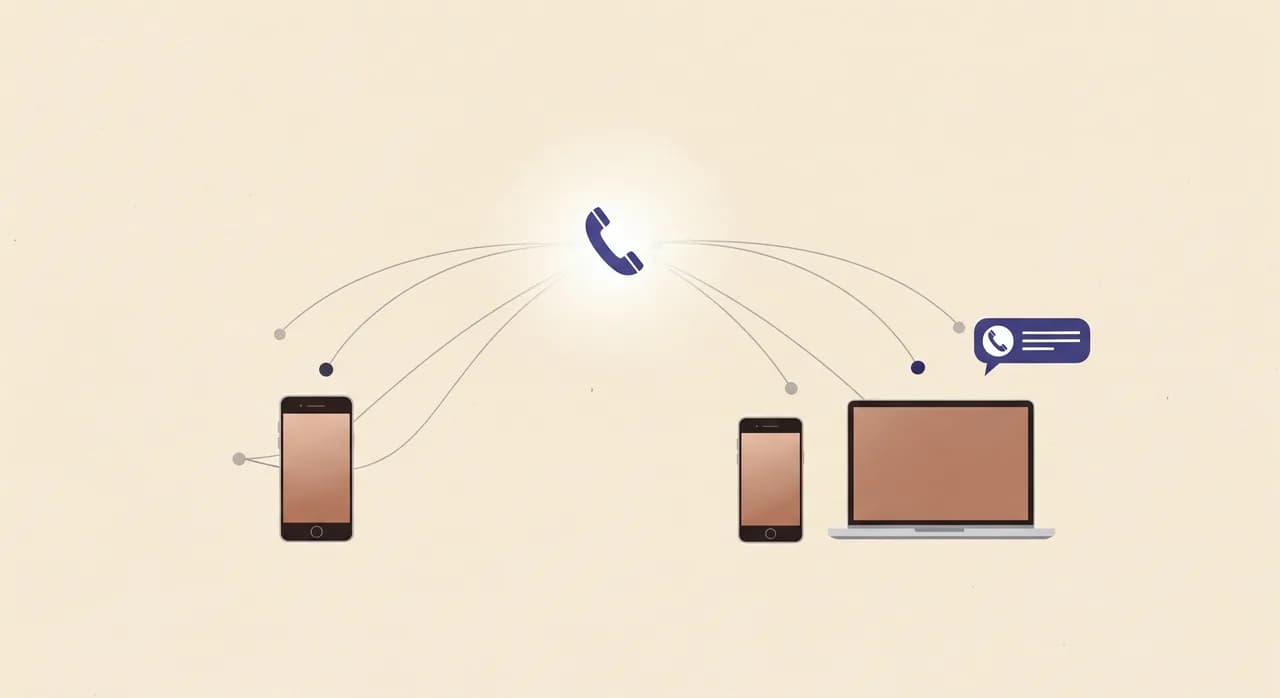
A virtual number isn't tied to a SIM card or a specific desk. It lives in software, and you tell it where to ring: your mobile, a colleague's mobile, a desk app, several phones at once, or an answering service. You can pick a local area code to look established in your town, or a national number to look bigger than you are. It's the most flexible of the three, and for most growing small businesses it's the answer that ages best.
The wins are real. You keep your personal mobile private and hand out the virtual number instead. You can change where it rings without reprinting a single card — swap phones, add a second person, redirect to voicemail on Sundays, all from an app. And because it's already software, it plugs into everything else: forwarding rules, business hours, and an AI assistant that answers when you can't. You're not bolting modern features onto old wiring; the number was born ready for them.
“A virtual number keeps your personal mobile private and, because it's already software, plugs straight into forwarding and AI answering — no rewiring required.”
The honest limits of virtual
Virtual numbers aren't magic. They usually cost a small monthly fee, so "free" isn't the pitch. They depend on the internet and on the provider's service staying up — a copper landline works in a power cut; a VoIP or virtual line generally doesn't without a battery and a mobile hotspot. Call quality rides on your connection, so a flaky café Wi-Fi can make you sound like you're in a wind tunnel. And a national or non-local number, while it looks bigger, can feel less "round the corner" to a customer who specifically wants a neighbourhood business. Know these before you switch, not after.
The three options, side by side
If you skim one thing, skim this. None of these is universally "best" — the right column is the one that matches how you work today and where you're headed.
| What matters | Personal mobile | Landline / VoIP | Virtual number |
|---|---|---|---|
| Work / life separation | None — one number for both | Strong — stays at the premises | Strong — private mobile stays private |
| Follows you off-site | Yes, always with you | No (copper) / Yes (VoIP app) | Yes — rings any device you choose |
| Easy to hand off or share | Hard — it's your SIM | Medium — tied to the desk | Easy — reassign in an app |
| Keeps the number long-term | Yes, but it's personal | Risky if you move premises | Yes — portable and provider-agnostic |
| Local-place credibility | Weak | Strong local area code | Your choice: local or national |
| Ready for forwarding + AI answering | Needs a layer added | Depends (VoIP: yes) | Built for it out of the box |
The layer everyone forgets: forwarding
Here's the part that turns any of these numbers from a liability into an asset. A phone number is just an address; call forwarding is the routing that decides what happens to a call when it arrives. And it's more flexible than most owners realise. You don't have to choose between "I answer" and "it rings out." Modern forwarding rules can do things like this:
- Ring, then divert. Ring your mobile for 20 seconds; if you don't pick up, forward the call somewhere else instead of dropping to voicemail.
- Busy divert. If you're already on a call, send the new one straight on rather than making the caller fight a busy tone.
- After-hours divert. Outside opening hours, route every call to an answering service or assistant automatically.
- Overflow to a second phone. During a rush, spill calls from the counter to a colleague's phone or an assistant so nobody waits on hold.
The point of forwarding is that a missed call doesn't have to be a lost call. Whether you're on a mobile, a VoIP landline, or a virtual number, you can put a catch-net behind you. The only question is what sits in that net. A voicemail box? Most callers won't leave a message. A colleague? Only if one's free. Or something that answers every time, in seconds, day or night — which is where an AI assistant comes in.
Putting an AI assistant behind your number
Once you understand forwarding, the last piece falls into place. You don't have to be the thing that answers. You can forward your number — mobile, landline, or virtual — to an AI phone assistant like Vunoon, and it picks up the calls you can't. It greets the caller by your business name, answers questions from a profile you set up (your services, opening hours, the prices you chose to publish), takes a booking or a message, and sends you a summary and full transcript of every call. It works around the clock and in 25-plus languages, and it won't pretend to be human if a caller asks.
Crucially, this doesn't replace your number choice — it sits on top of it. You keep whichever number suits you and simply decide when the assistant answers: only when you don't pick up, only after hours, only when the line's busy, or all the time. That's why extendability mattered back at the start. A number that forwards cleanly means you can add this in an afternoon; a number that doesn't means a rebuild.
- 1Pick your public numberMobile, landline/VoIP, or virtual — whichever matches how you work and where you're going. This stays the number on your cards and website.
- 2Describe your business onceIn a short self-serve wizard, tell the assistant your services, hours, and the answers to your most common questions. This becomes what it says to callers.
- 3Test it by talking to itCall the assistant yourself and see how it handles a booking or a tricky question before a single real customer reaches it. Tweak the wording, try again.
- 4Set your forwarding ruleForward your number to the assistant on your terms — after hours, when busy, on no-answer, or always. You control exactly when it takes over.
- 5Read the summariesAfter each call the assistant sends you a plain-language summary and full transcript, so you can call back, confirm a booking, or simply know what came in while you were unavailable.

A worked example: the two-chair salon
Imagine a small hair salon — two chairs, one owner, one stylist. They started with the owner's personal mobile on the flyers. It felt fine. But the owner's hands are usually in someone's hair, so the phone rings out. Callers wanting a Saturday appointment don't leave voicemails; they book somewhere that answers. Nobody notices, because there's no record of the calls that didn't connect. On a busy week that's several bookings quietly walking out the door.
Here's the fix that doesn't require rewiring the whole shop. They move the public number to a virtual number — cards and website updated once — so the owner's mobile goes back to being private. They forward the virtual number to an AI assistant on no answer and after hours. Now when both stylists are mid-cut, a caller reaches a calm greeting, gets asked what service they want and when, and books a slot — or leaves a callback message that lands in the owner's inbox with a full transcript. If it's a question the assistant can't handle, it takes a message and promises a call back rather than guessing.
Notice what didn't change: the salon still has one clear public number, still sounds local, and the owner still takes calls whenever hands are free. The assistant only fills the gaps. That's the whole idea — the number choice and the answering layer are separate decisions, and getting both right is what stops a small business from bleeding calls it never even sees.
How to actually choose, in five questions
Skip the agonising. Answer these honestly and the right option usually picks itself.
- Do customers walk into a physical place? If yes, a local landline or VoIP number earns its keep. If no, a mobile or virtual number is fine.
- Will more than one person ever answer this line? If yes, avoid pinning it to your personal SIM — go virtual or VoIP so it can be shared and reassigned.
- Do you need to switch work off at the end of the day? If yes, don't use your personal mobile as the public number; separate them.
- How often are your hands full when the phone rings? The more often, the more you need forwarding plus an answering layer, whatever number you pick.
- Do you want to add smart answering later without a rebuild? If yes, favour a number that forwards cleanly — virtual and VoIP win here.
“Choose the number for how you work today; add forwarding and an assistant so no caller ever hits a dead end.”
What's the best phone number option for a brand-new small business?
Can I use my personal mobile as my business number?
Do I still need a landline in 2026?
What is a virtual phone number and how is it different from a landline?
How does call forwarding work with an AI phone assistant?
Will I lose my number if I switch to a virtual or VoIP setup?
See how it fits behind your number
Keep whatever number suits your business, then let Vunoon answer the calls you can't. Set it up in minutes, test it by talking to it, and forward on your own terms.
See how Vunoon works
Vunoon builds an AI phone assistant that answers your business calls 24/7 — it books appointments, answers common questions and sends you a summary of every conversation.