Getting Started With an AI Receptionist: What Your First Week Actually Looks Like
A calm, honest day-by-day walkthrough of the first week after you switch on an AI receptionist — the nerves, the first odd caller, the tweaks, and the morning routine you settle into.
 Vunoon14 min read
Getting started with an AI receptionist is less like installing software and more like training a very literal new hire who never sleeps. The first week is where the nerves live — and where almost all of them turn out to be unfounded. Here is what really happens, day by day, once you forward your number.
Most guides to getting started with an AI receptionist stop at "sign up and forward your number." That is the easy part. The interesting part is the seven days after, when a real caller reaches your business and a machine answers instead of you. That is the stretch nobody describes honestly, so owners either expect magic or expect disaster. The truth is in between, and it is a lot more manageable than either.
This article walks through a typical first week from the point of view of an owner-operated business — imagine a two-person accounting office, a busy hair studio, or a plumber who is under a sink most of the day. No fabricated success story, no dashboard screenshots, no promised revenue. Just the sequence of small moments you will actually recognise: the first day jitters, the first weird question, the first tweak you make, and the quiet morning routine you eventually settle into.
Before day one: the setup that takes twenty minutes
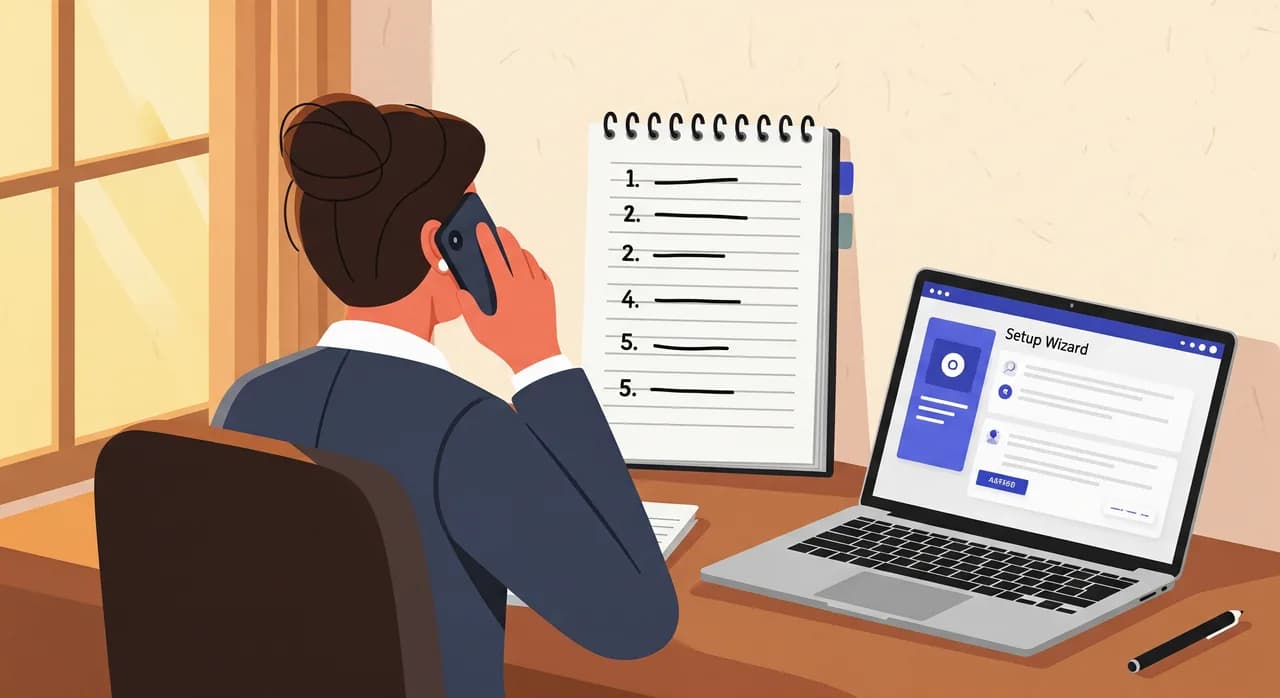
The work before the first live call is smaller than people fear. You sign up, and a short wizard asks you to describe your business in plain language: what you do, your opening hours, the handful of questions people ask most, and what should happen when someone wants to book or leave a message. You are not writing code or drawing decision trees. You are answering the same questions you would answer if you were briefing a temp on their first morning.
The most useful thing you can do here is spend ten minutes writing down the five questions your phone actually gets, in the words your callers actually use. "Do you take walk-ins?" "How much is a filling?" "Are you open Saturdays?" "Do you come out to my area?" These are the calls that matter, and feeding the assistant real phrasing now saves you a dozen tweaks later.
Day one: the nervous handoff
You will hover. Everyone does. The first day after forwarding your number, you keep checking your phone as if a bad review is being written in real time. This is normal, and it is the right instinct pointed in the wrong direction — the thing to watch is not whether the assistant is perfect, but whether it is doing no harm. On day one, doing no harm looks like: greeting callers, giving correct hours, and taking a clean message when it does not know the answer.
Here is the mental shift that helps. Before, your two options on a busy afternoon were answer the call or miss the call. Missing meant a voicemail nobody leaves and a caller who dialled the next name on the list. The assistant is not competing with you at your best; it is competing with the call you would otherwise have missed. Judged against a missed call, a polite, accurate, message-taking answer is a large upgrade — even on its clumsiest day.
“The assistant is not competing with you at your best. It is competing with the call you would otherwise have missed.”
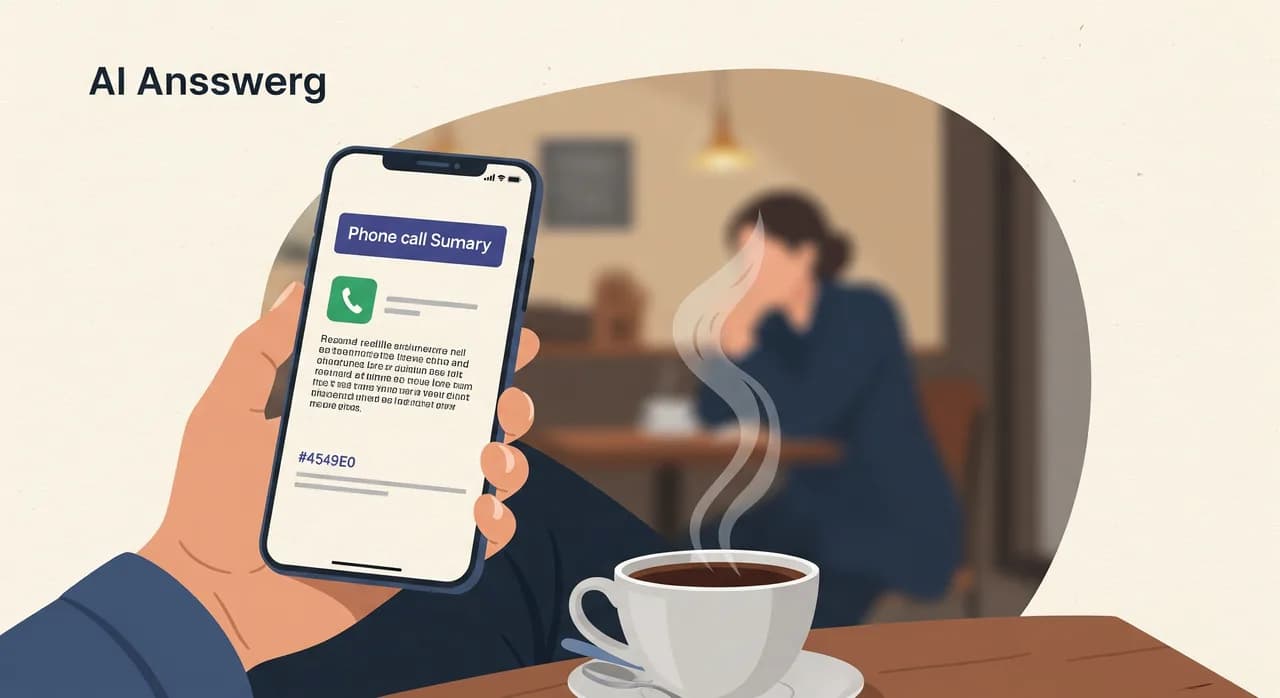
By the afternoon of day one, you will have your first summary land in your inbox or phone: who called, what they wanted, what the assistant told them, and a transcript you can read in fifteen seconds. This is the moment the abstract becomes real. You stop imagining what might be happening on the phone and start reading exactly what happened. For most owners, that first transcript is where the shoulders drop an inch.
Day two or three: the first odd question
It always comes. Somewhere in the first few days a caller asks something you never thought to prepare for. "Do you service the model with the recall on it?" "Can I bring my dog to the appointment?" "Do you take the voucher from the thing in the paper?" Real callers are gloriously specific, and no setup wizard anticipates all of them.
This is the point where a badly designed system fails loudly and a well designed one fails gracefully. Graceful failure means the assistant does not bluff. When it does not know, it says so plainly, offers to take a message or arrange a callback, and does not invent an answer that will land you with an awkward conversation later. That honesty is a feature, not a shortfall — a confident wrong answer is far more expensive than an honest "let me have someone get back to you on that."
The odd question is also a gift. Each one is a small note-to-self about what your callers actually care about. Keep a running list during week one. By Friday you will have five or six genuine additions to your business profile — the questions you did not know were common until strangers kept asking them.
Mid-week: your first tweak
Around day three or four, you will make your first change — and it is usually tiny. Maybe the assistant is quoting your old opening hours because you moved to Saturday appointments last month and never updated anything. Maybe it is pronouncing your business name in a way that makes you wince. Maybe you decide the greeting is a touch too formal for a place where regulars are on first-name terms.
None of these are difficult. You edit the profile the same way you filled it in — in plain language — and the change takes effect on the next call. What surprises people is how few tweaks they actually make. The instinct going in is that you will be fiddling constantly. In practice, the first week has a burst of two or three small edits, and then it goes quiet, because most of what your callers ask is genuinely repetitive.
- 1Read three transcripts, not thirtyYou do not need to audit every call. Read the first three of the day for the first week. Patterns show up fast; you are looking for anything the assistant got wrong or dodged.
- 2Fix the source, not the symptomIf it gave a wrong price, update the price in your profile rather than trying to script one exact sentence. You want the underlying fact corrected, not a patch over it.
- 3Add the questions you didn't anticipateTake the odd questions from days two and three and add plain answers. This is where most of your week-one improvement comes from.
- 4Re-test as a callerAfter any change, phone in again and ask the exact question that went wrong. Thirty seconds of confirmation beats hoping it worked.
Days four and five: trust quietly builds
By the back half of the week, something changes in how you relate to the phone. You stop checking every summary the second it arrives. You start trusting that if something genuinely needed you, you would know — because a message with a name and a number would be sitting in your inbox, flagged clearly. The assistant fades into the background, which is exactly what a good receptionist should do.
This is also when the arithmetic starts to feel real rather than theoretical. Say you were missing, conservatively, five calls a week — lunchtime, mid-job, the school run. If even one of those five was a customer ready to book, and the assistant caught it, the week already paid for itself. You do not need a grand study to see this; you can read it in your own transcripts. A booking that would have gone to voicemail and evaporated is now a name in your calendar.
“A good receptionist fades into the background. By Friday, so does this one.”
It is worth being honest about the flip side too. If your calls are highly emotional, deeply technical, or require judgement you would not delegate to a human temp either, the assistant will hand those to you — and it should. The first week teaches you where the natural line sits between "the assistant handles this" and "this needs me." That line is different for a dental practice than for a car repair shop, and you will feel it settle into place by day five.
The routine you settle into
By the end of week one, most owners land on the same small habit: a two-minute scan of the overnight and previous-day summaries with the first coffee. Not a dashboard vigil — a scan. You are looking for the one or two calls that need a human follow-up, and you callback those. Everything else was already handled, and the transcript is there if you ever want it.
This is the quiet payoff that does not show up in any feature list. The phone stops being an interruption engine. A ringing phone used to mean drop-everything, because you never knew if it was a big new client or a robocall about your car's warranty. Now the ring is answered whether or not you can get to it, and the important ones surface as a message you deal with on your terms. The mental load of the phone — the part that never showed up on any invoice — gets a lot lighter.
- Morning scan: read the summaries, spot the one or two that need you, ignore the rest.
- Callback queue: the assistant collects names and numbers; you call back in a batch instead of one interruption at a time.
- Occasional tweak: a new service, a price change, a seasonal hours shift — updated in plain language, live on the next call.
- After-hours confidence: the calls that used to hit voicemail at 7pm are now captured and waiting for you tomorrow.
The whole week at a glance
Every business is different, but the shape of the first week is remarkably consistent. If you want a single expectation to carry in, it is this: the anxiety front-loads, the effort tapers, and by the weekend the phone has quietly become someone else's problem.
| When | What happens | What you do |
|---|---|---|
| Setup | 20-minute wizard; you describe the business and test it as a caller. | Write down your five most common calls in real caller phrasing. |
| Day 1 | First live calls; first summaries arrive; you hover. | Read every summary; confirm it does no harm. |
| Days 2–3 | First odd question a caller invents. | Note it; check the assistant said "I don't know" rather than bluffed. |
| Days 3–4 | First tweak — usually hours, a price, or the greeting. | Edit the profile in plain language; re-test as a caller. |
| Days 4–5 | You stop checking obsessively; trust builds. | Skim summaries; act only on the calls that need a human. |
| End of week | A morning-scan routine settles in. | Two-minute review with coffee; batch your callbacks. |
Three mistakes that make the first week harder than it needs to be
The owners who have a rough first week almost always trip over the same three things — and all three are avoidable in advance.
- Setting it up in a rush and never testing as a caller. Ten minutes of phoning your own assistant catches ninety percent of first-day surprises before a real customer meets them.
- Over-configuring on day one. You cannot predict every question, so do not try. Add the real ones as callers ask them; a lean, accurate profile beats a bloated, half-guessed one.
- Auditing every single call. This burns you out by Wednesday. Read a sample, trust the pattern, and let the exceptions surface as messages that actually need you.
What week two feels like
If week one is about adjustment, week two is about forgetting. Not forgetting in a careless way — forgetting in the way you stop thinking about a reliable colleague. You are no longer reading transcripts to check the assistant; you are reading summaries to run your business. The tool has done the thing good tools do: it stopped being the story and went back to being the phone, only now the phone answers.
That is the honest arc of getting started. Not a dramatic before-and-after, but a week of small reassurances that add up to a quieter, more captured version of the same working day. The nervous first morning is real. So is the ordinary Friday afternoon when you realise you have not thought about the phone in hours — and nothing broke.
How long does it take to get started with an AI receptionist?
What happens if the assistant doesn't know the answer?
Will callers know they are talking to an AI?
How much do I need to change in the first week?
Do I need any technical skill to set it up?
Can I test it before real customers reach it?
See what your own first week would look like
Set up your business in a short wizard, test it as a caller, and forward your number when you are ready. The nervous first morning is optional — the transcripts are not.
See how it works
Vunoon builds an AI phone assistant that answers your business calls 24/7 — it books appointments, answers common questions and sends you a summary of every conversation.