Front Desk Burnout: When the Phone Never Stops Ringing
The receptionist workload nobody schedules for: greeting a walk-in while two lines ring and a stack of voicemails waits at closing. Here's what phone load actually does to your front desk — and how to take some of it off human shoulders.
 Vunoon15 min read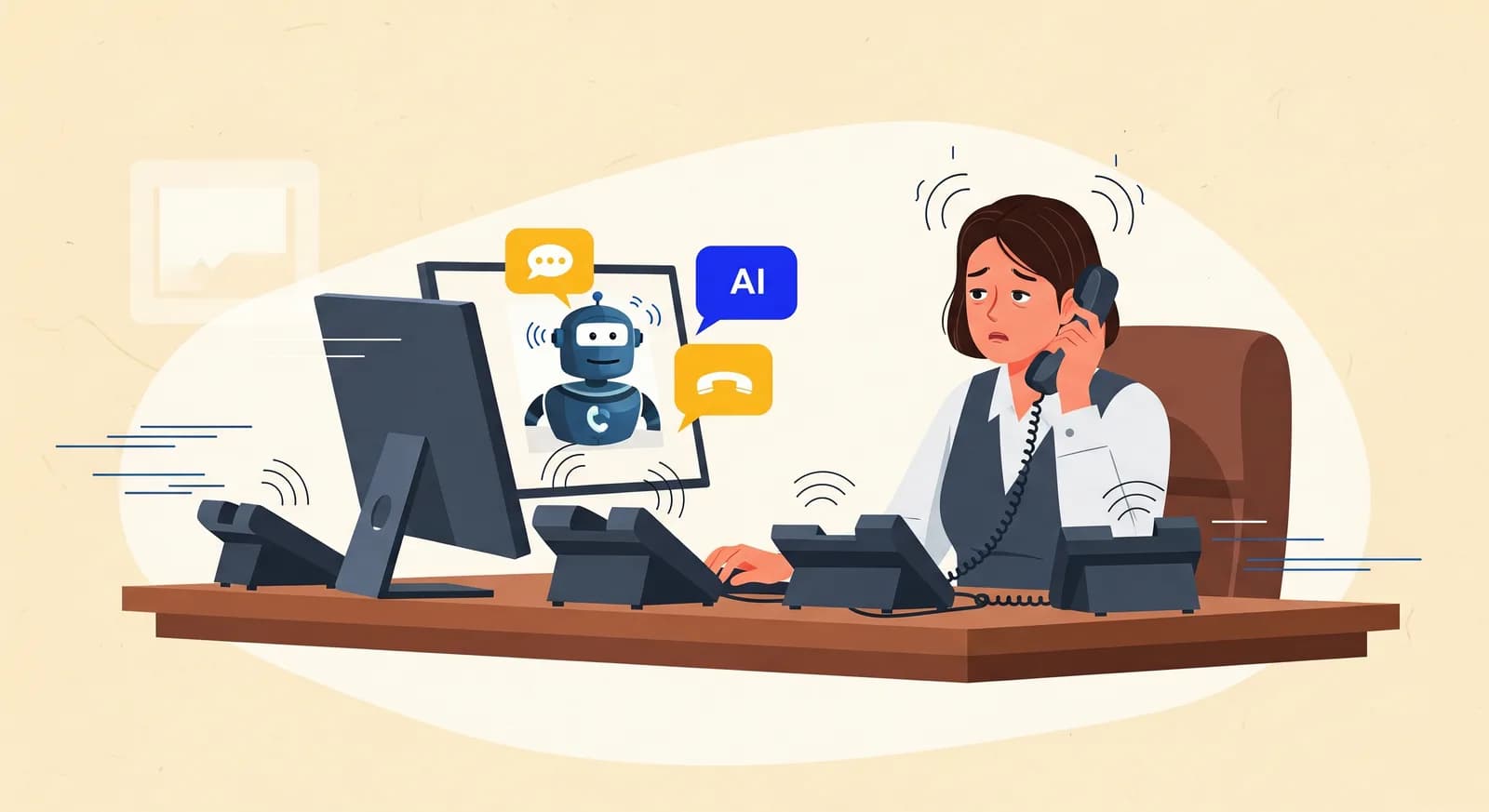
It's 4:52 on a Tuesday. There's a woman at the counter asking whether her paperwork went through, line one is ringing, line two just started, and the voicemail light has been blinking since lunch. Your receptionist smiles at the woman, says "one second," and answers line one. Line two rolls to voicemail. That voicemail is a new customer who will call your competitor by 5:10. This is what receptionist workload stress actually looks like — not a spreadsheet, a Tuesday.
Front desk burnout doesn't announce itself. It shows up as a good employee who used to chat with regulars now answering in clipped, tired sentences. It shows up as sick days that cluster on Mondays. It shows up, eventually, as a resignation letter and a hiring ad you didn't want to write. And underneath most of it, quietly, is the phone that never stops.
This article is about that phone. Not about software, not at first — about what happens to a human being when a single job is really three jobs at once, and about the specific, expensive ways that plays out for a small business. If you run the kind of place where one or two people sit at the front and everything funnels through them, this is written for you.
One desk, three jobs, no overlap allowed
The job posting said "receptionist." What the role actually is: greeter, phone operator, and administrative buffer, performed simultaneously by one nervous system that can only truly attend to one thing at a time. Each of those jobs is reasonable on its own. The problem is that they don't take turns.
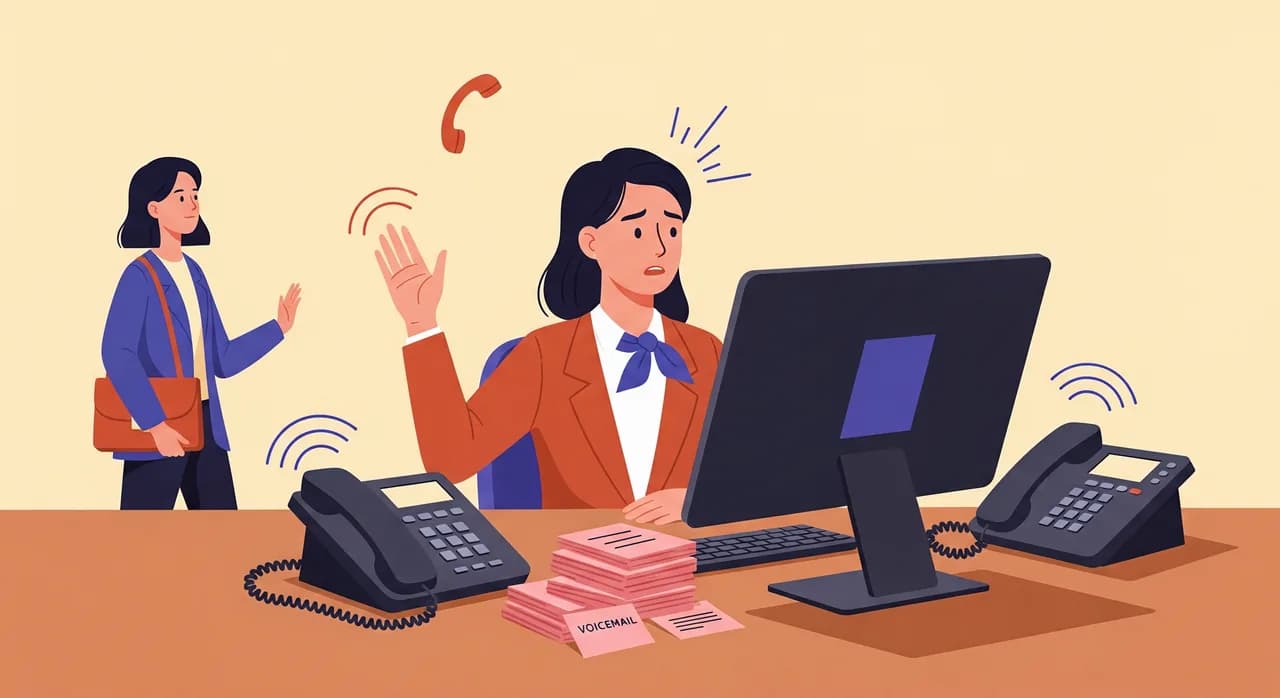
A walk-in is a person standing three feet away who can see your face. A ringing phone is a person you can't see who will judge you by how fast you pick up. An unfinished form is a task with a deadline. When all three arrive in the same ninety seconds — and they always do, because busy periods are busy for everyone — your receptionist has to choose who to disappoint. That is the core of the stress. Not the volume of work, but the constant, unwinnable triage.
Psychologists have a plain name for the thing that grinds people down here: interruption. It's not the phone call that costs you; it's the switch. Someone deep in checking a booking gets pulled to the phone, handles it, and then has to find their place again in a task that no longer makes sense. Do that forty times a day and you don't just lose time — you lose the feeling of ever finishing anything. People can tolerate hard work. What they can't tolerate for long is the sense that the work is a tide, and they are standing in it.
The anatomy of a bad hour
Let's slow one down, because the damage is in the detail. Imagine a busy family dental practice at 9 a.m. — the worst hour of the day, when yesterday's voicemails, this morning's arrivals, and the people who wake up and decide to book all land together.
- 19:01A patient arrives for a cleaning. Your receptionist greets them, starts checking them in.
- 29:02The phone rings mid-sentence. It's a parent whose child has a cracked tooth. Emergency. This call cannot go to voicemail. The walk-in gets a "bear with me."
- 39:06While consoling the parent and hunting for an emergency slot, the second line rings. Nobody answers it. It's a routine booking — a new patient — who hangs up after four rings.
- 49:09Emergency handled. The walk-in has been standing at the counter for eight minutes and is now visibly annoyed. Check-in resumes, cold.
- 59:11The voicemail from the hang-up appears. Except it doesn't — they didn't leave one. That new patient is simply gone, and no one will ever know they existed.
Nobody did anything wrong. Your receptionist triaged correctly: the emergency outranked the walk-in, the walk-in outranked the second line. The system worked exactly as designed, and the business still lost a new patient and lightly bruised a loyal one. Multiply that by every busy hour of every week, and you start to see why the person at the desk is tired in a way that a weekend doesn't fix.
“The system worked exactly as designed — and you still lost a new patient and bruised a loyal one.”
What burnout actually costs — the parts you can't see on a P&L
Owners tend to notice the visible cost — the missed calls — and miss the expensive one, which is what the missing does to the person answering. Let's take both honestly.
The lost calls
Do the simplest arithmetic. If your front desk misses ten calls a week during rush periods, and even three of those were people ready to book, that's three bookings gone every week. Fifty-odd weeks a year. You don't have to know your exact numbers to feel the shape of that — it's not a rounding error, it's a slow leak in the hull. And the cruel part is invisibility: a missed call leaves no trace. There's no angry email, no bad review, nothing to react to. The customer just quietly went somewhere that picked up.
The turnover tax
Here's the cost that dwarfs the lost calls. When a front-desk person burns out and leaves, you don't just lose an employee. You lose someone who knew your regulars by name, who knew that Mrs. Aldous always books the first slot after school runs, who could smooth over a scheduling mess without escalating it to you. Then you spend weeks hiring, more weeks training, and months waiting for the new person to become as good as the one who quit — if they stay. Front-desk roles have some of the highest turnover in small business, and phone overload is a big, under-discussed reason why.
The quality drift
There's a third cost, harder to name. A rushed receptionist is a worse receptionist — not because they're worse at their job, but because a person handling three things at once cannot also be warm. The chatty rapport that made customers feel looked after gets sanded down to efficiency. Nobody complains about it, because it's not a failure, it's just a slow cooling. But the thing that made your front desk yours — that quietly evaporates under load. You can't schedule warmth. You can only protect the conditions that allow it.
Why "just hire another person" usually isn't the answer
The obvious fix is a second receptionist. Sometimes that's genuinely the right call, and if the volume justifies it, do it. But be honest about the math before you commit. Phone load is spiky, not smooth. You get slammed for two hours in the morning and again before closing, and it's quiet in the middle. A full-time hire is paid for all eight hours to cover the two that hurt. You're buying a fire truck to put out a candle for most of the day.
There's a subtler problem too. Two people at one desk don't cleanly halve the load; they create their own overhead — coordinating, handing off, both reaching for the same ringing line. And you've now doubled your exposure to the turnover tax. Hiring is a good answer to too much total work. It's a clumsy answer to too much work concentrated in the wrong ninety-second windows, which is what phone overflow really is.
Take the phone off the critical path
The most useful mental shift is this: the phone doesn't need a human on the first ring. It needs a human on the calls that genuinely require judgment. Everything else — the hours question, the "are you open Saturday," the simple booking, the routine callback — is load that can be lifted off your front desk entirely, so the person there can give the walk-in their full face and the real emergency their full attention.
This is where an AI phone assistant earns its place. Not as a replacement for your receptionist — it can't be, and it shouldn't pretend to be — but as the thing that answers while your receptionist is mid-sentence with someone at the counter. Vunoon picks up on the first ring, every ring, in parallel. It greets the caller, answers the questions you've configured — your hours, your services, the prices you set — takes a booking or a message, and sends you a summary and full transcript of the call. The second line that used to roll to a dead voicemail now gets answered, warmly, at 9:06, while the human handles the cracked tooth.
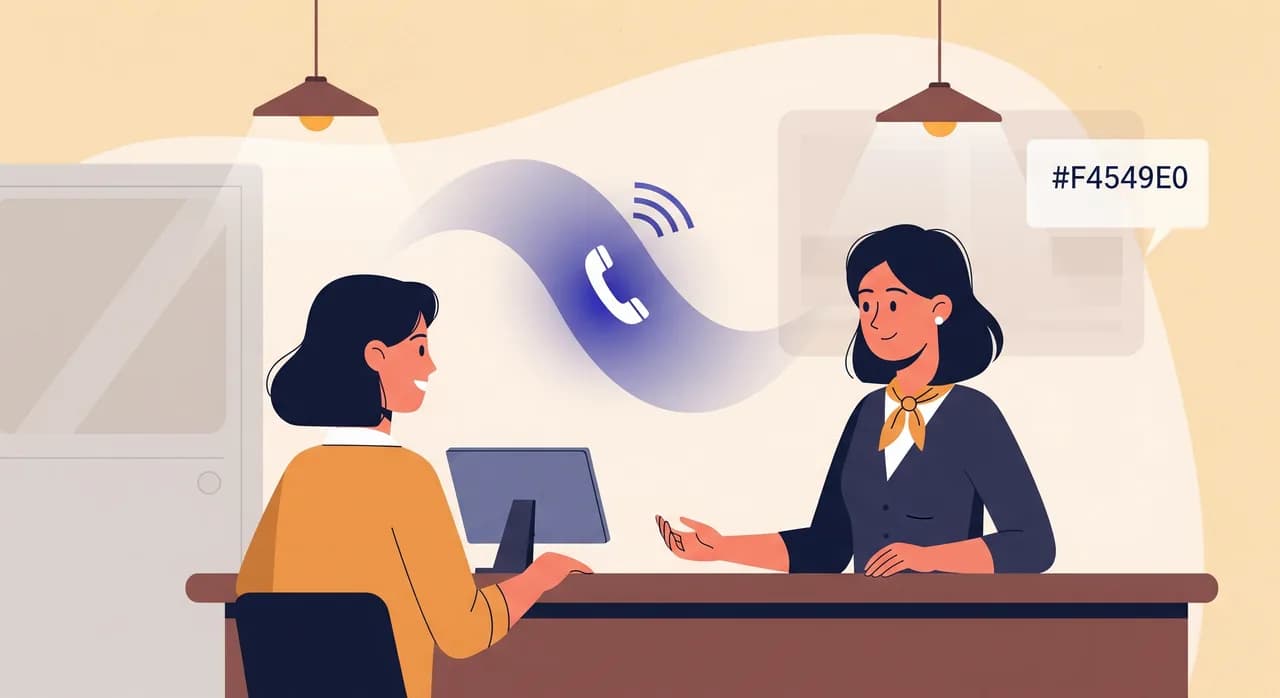
Notice what this does to the bad hour from earlier. The emergency call still goes to your human — that's exactly the kind of judgment call you want a person on. But the routine new-patient booking that hung up at 9:06? It's answered. It's booked. Your receptionist finds out about it from a tidy summary later, instead of never finding out at all. The load didn't get bigger; it got sorted, and the front desk stopped being the single point of failure for every call at once.
What to hand off — and what to keep human
Be deliberate here, because the win comes from handing off the right calls, not all of them. A good split for most small businesses looks like this:
- Hand off the routine: opening hours, location, parking, whether you're open on a holiday, simple appointment bookings, taking a message when you're closed or slammed.
- Hand off the overflow: the second and third simultaneous calls during peak hours — the ones that used to hit voicemail purely because a human was already on the line.
- Keep human: emotionally charged calls, genuine emergencies, delicate rescheduling, anything where a caller clearly needs a person. A good assistant recognizes this and takes a message or arranges a callback rather than forcing it.
The honest limitations
It would be a poor article that only sold you the upside, so here's the fair print. An AI assistant is very good at the calls that follow a pattern and very bad at the ones that don't. It won't read a caller's mood the way a great receptionist does. It won't know the un-configured thing — if you never told it about the new Saturday hours, it can't invent them. And it is not, and should not be, the right tool for a distressed patient or a legal-grade conversation.
That's fine, because those aren't the calls burning your front desk out. Burnout comes from volume of the ordinary — the fortieth "what time do you close" of the day, delivered at the exact moment someone's standing at the counter. Take the ordinary off your receptionist's plate and the extraordinary calls, the ones that actually deserve a human's full attention, finally get it. Used honestly, an assistant makes your people more human on the phone, not less — because they're no longer answering under duress.
“Burnout doesn't come from the hard calls. It comes from the fortieth easy one, arriving at the worst possible second.”
How to start without disrupting anything
You don't have to rewire your whole operation to test this. The lowest-risk way in is to let the assistant catch only the calls you're already losing — the overflow and the after-hours — and leave your main line exactly as it is until you trust it.
- 1Describe your business onceSign up and walk through a short wizard: your hours, services, the questions you get asked ten times a day, and how you want bookings handled. This is the profile the assistant answers from.
- 2Talk to it yourselfBefore any real caller hears it, call it and try to trip it up. Ask the awkward questions your customers ask. Tune the answers until it sounds like your front desk on a good day.
- 3Forward the overflowPoint your busy-line or after-hours calls to it first, so it only handles what was going to voicemail anyway. Nothing your team currently does changes.
- 4Read the transcriptsEvery call comes back to you as a summary and transcript. Skim them for a week. You'll quickly see which calls it nails and which few you want to keep routing to a person.
- 5Widen the net when you trust itOnce the transcripts look good, let it take the first ring on routine calls too — and give your receptionist their attention back.
Setup is self-serve and takes minutes, not an IT project. It works in 25-plus languages, which matters more than owners expect the first time a caller switches to a language your front desk doesn't speak. And there's a free trial, so the honest way to evaluate it is the way described above: point it at the calls you're already losing and see whether they stop leaking.
The real win isn't fewer calls — it's a front desk that lasts
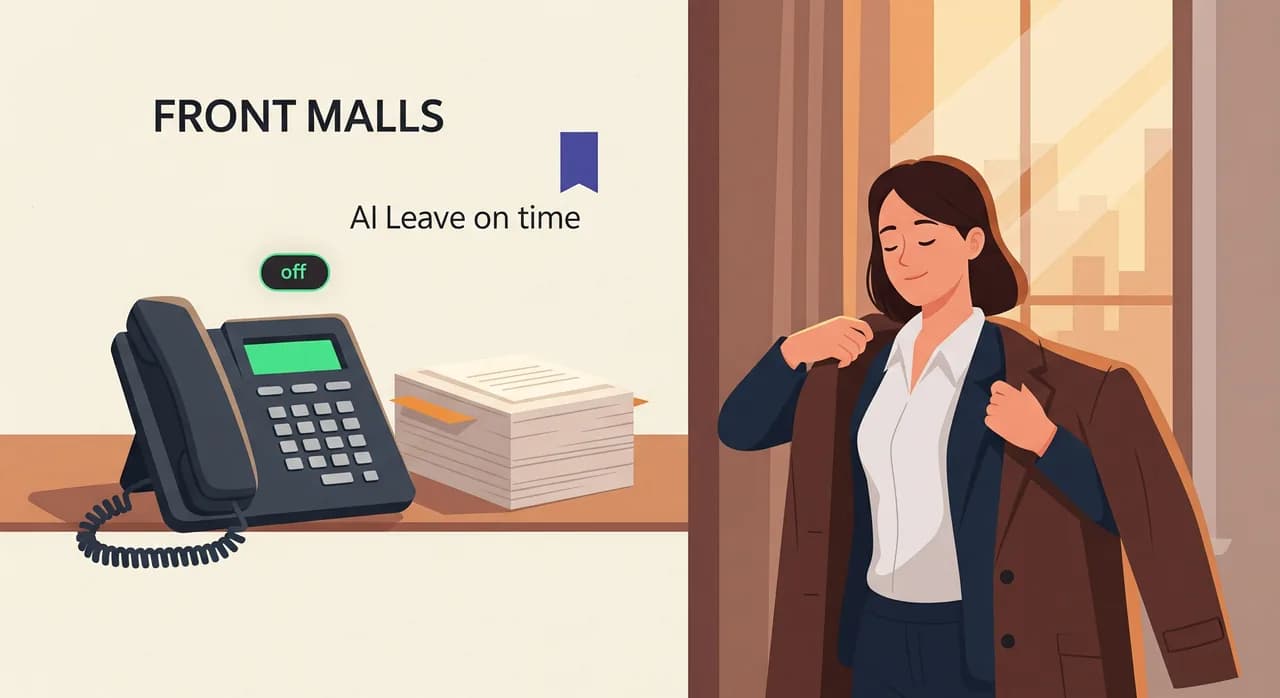
It's easy to frame all of this as "catch more bookings," and you will. But the deeper return is on the human at the desk. The receptionist who leaves on time because the voicemail stack cleared itself. The one who greets the walk-in with a real smile because the phone isn't clawing at their attention. The one who — a year from now — is still there, still knows your regulars by name, still makes people feel looked after.
You can't hire your way out of peak-load, and you can't will your best people into not burning out. But you can stop asking one person to answer every call, greet every guest, and finish every form in the same ninety seconds. Take the phone off the critical path, and the whole desk exhales.
How do I know if my receptionist is heading toward burnout?
Won't an AI answering the phone feel impersonal to my customers?
Should I hire a second receptionist instead?
What kinds of calls should I still keep human?
How long does it take to set up?
Give your front desk its attention back
Let Vunoon answer the overflow and after-hours calls that are quietly burning your receptionist out — set it up in minutes and read the transcripts for yourself.
Start your free trial
Vunoon builds an AI phone assistant that answers your business calls 24/7 — it books appointments, answers common questions and sends you a summary of every conversation.