Hire a Receptionist or Automate? The Real Staffing Math
A decision framework built on your actual call volume and desk duties — when a receptionist earns their salary, when automation quietly covers it, and the hybrid that beats both.
 Vunoon15 min read
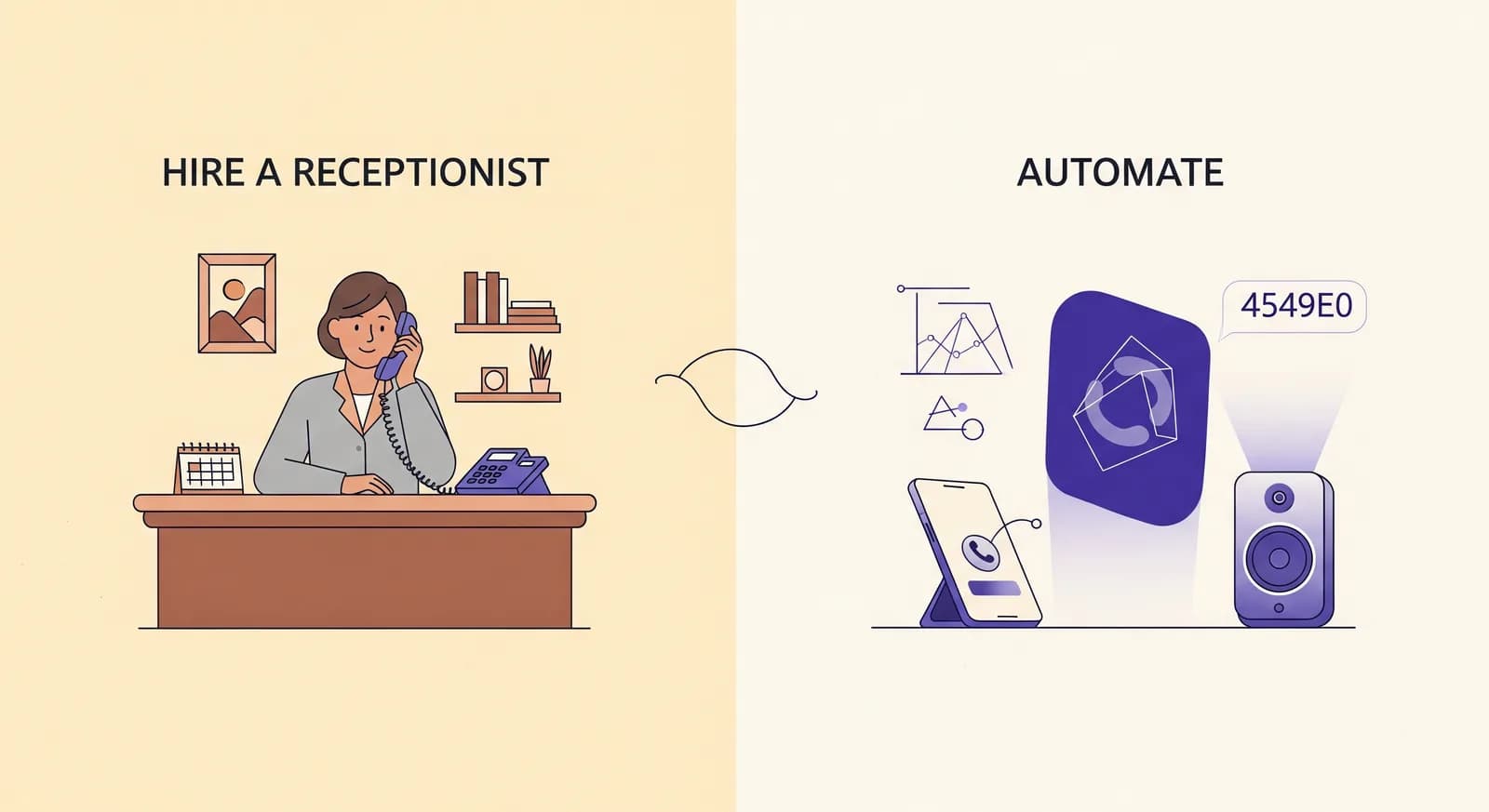
Almost nobody hires a receptionist because they love hiring. They hire because the phone keeps ringing while they're doing the actual work — and every missed call is a customer who called the next name on the list. The real question isn't "receptionist or robot." It's how much phone work you have, what else that person would do at the desk, and what the arithmetic says at your specific call volume.
Start with the receptionist cost you'll actually pay
When owners estimate the cost of a receptionist, they usually think of the hourly wage and stop there. That's the sticker price, not the receipt. A front-desk hire for a small business comes with payroll taxes, paid time off, sick days, training weeks, a desk, a computer, a phone, and the very real cost of covering the seat when they're on holiday or out with the flu. Depending on your country and industry, the loaded cost of a full-time receptionist often lands somewhere between one-and-a-quarter and one-and-a-half times the base wage once everything is counted.
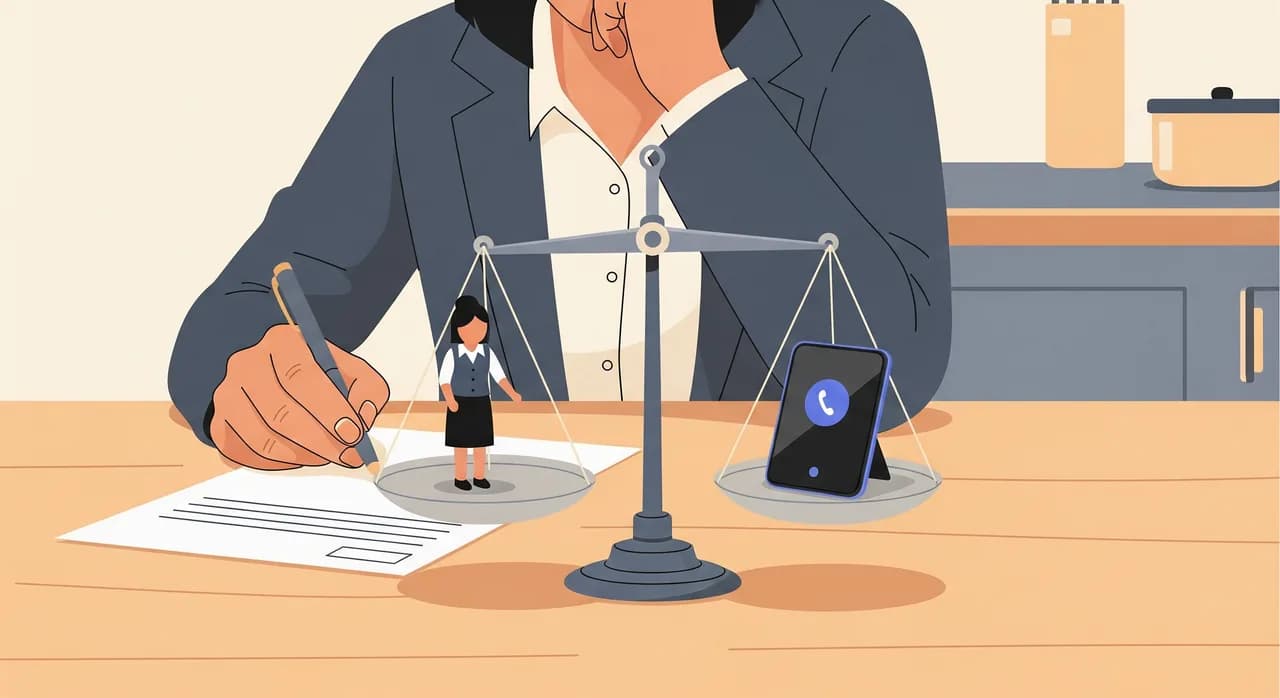
None of that is an argument against hiring. It's an argument against comparing a wage to a subscription and calling it a decision. If you're going to run the math honestly, run it on the total cost of a person versus the total cost of automation — and, more importantly, on what each one actually gets done.
Count your calls before you count your money
Call volume is the axis everything turns on, and most owners are wrong about theirs — usually low. The phone feels constant because it always rings at the worst moment, not because it rings often. So measure it. Most phone systems and mobile carriers will show you a call log; if not, keep a tally sheet by the desk for a week.
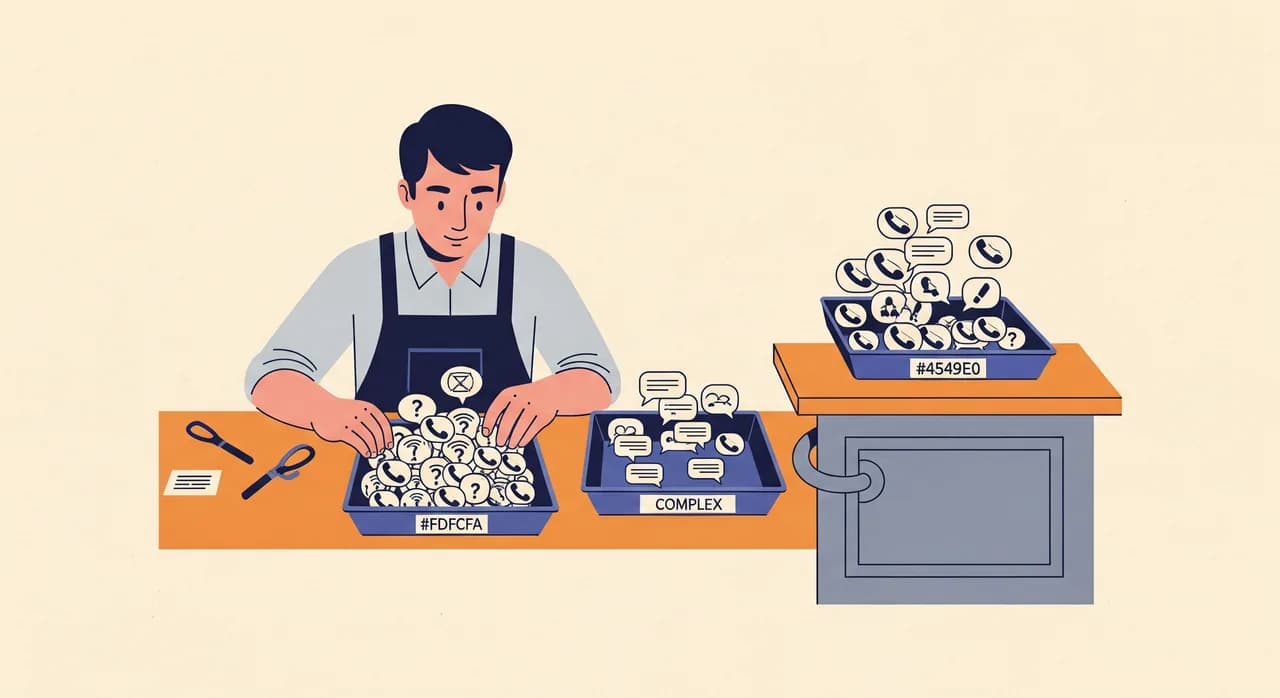
You're separating calls into three buckets. Transactional calls ask a question you could have answered in your sleep: are you open Sunday, do you take walk-ins, how much is a standard cleaning, can I move my Tuesday appointment. Judgment calls need a person: an upset customer, a complicated quote, a supplier renegotiating terms. Desk-adjacent calls are really about the front desk being staffed at all — the caller wants to be greeted like they matter, or the call is tangled up with someone standing at the counter.
- Transactional — hours, prices, availability, simple bookings, message-taking. Automation handles these cleanly, day or night.
- Judgment — negotiation, conflict, nuance, decisions only the owner can make. These want a human, and often want you.
- Desk-adjacent — tied to a physical front-of-house role. If nobody's at the counter, the call was never really the point.
For most small businesses that don't run a busy walk-in counter, the transactional bucket is enormous — frequently the large majority of calls. That single fact is what makes the automation math work, because those are exactly the calls a person is overqualified to answer and an AI phone assistant answers well.
Under the threshold: automation quietly covers it
There's a call volume below which hiring a full-time receptionist stops making sense, and it's higher than people think. Picture a two-chair dental practice, a solo law office, a three-van plumbing outfit, a small physiotherapy clinic. Imagine they field somewhere around fifteen to thirty calls on a normal day, and imagine four out of five of those are transactional — appointment questions, hours, a quote request, a callback.
A person hired to answer that phone spends most of the day not answering it. They're valuable in the gaps — greeting the person who walks in, chasing an invoice, prepping the room — but if the phone is the reason you're hiring, you're paying full-time wages for part-time phone work and inventing tasks to fill the rest. That's how a lot of receptionists end up as expensive generalists whose original job was the smallest part of their week.
This is the band where an AI phone assistant genuinely covers the gap. It answers every call on the first ring, at two in the afternoon and two in the morning, reads back the hours and services you configured, takes the booking or the message, and emails you a summary and transcript so you're never guessing what the caller wanted. It doesn't take holidays, doesn't need a second person to cover lunch, and doesn't get worse on a Friday afternoon.
“If the phone is the reason you're hiring, you're paying full-time wages for part-time phone work — and inventing tasks to fill the rest of the day.”
The honest version of this section includes the limits, because pretending they don't exist is how owners get burned. Automation is not a person. It won't read the room the way a good receptionist reads a nervous first-time patient. It won't walk to the back and physically check whether Dr. Lee is free right now. And for the genuinely thorny call, the right move is a clean handoff — take a message, or have you call back — not a bot bluffing its way through a conversation it can't finish. A good assistant knows when it's out of its depth. That honesty is a feature, not a shortfall.
When hiring a receptionist genuinely wins
The framework cuts both ways. There are businesses where a receptionist earns every cent of their loaded cost, and it's usually because the job was never really about the phone. The tell is the desk-adjacent bucket. If your front-of-house presence is the service — a busy salon where the person up front greets, seats, sells retail and manages the walk-in flow, a boutique hotel where a warm human check-in is half the experience, a clinic with a constant stream of arrivals who need to be looked in the eye — then you're not staffing a phone. You're staffing a role, and the phone is a side quest.
A hire also wins when the calls skew heavily toward judgment. If a large share of your calls are negotiations, complaints, complex intake, or decisions that legally or practically only a person can make, then the value of that seat is in the human, not the answering. And if your volume is high and messy — sustained streams of calls that each need real thought — one person can only do so much, and you may need a small team rather than a tool.
- Your front desk is part of the product — greeting, selling, managing a physical queue.
- Most calls need judgment, not lookup: conflict, negotiation, nuanced intake.
- The person does far more than the phone, and the phone is the smallest slice.
- You want a specific human relationship with regulars who expect a familiar voice.
Notice what these have in common: none of them is "we get a lot of calls." Volume alone argues for automation, because volume of simple calls is the one thing software eats effortlessly. It's the nature of the calls and the physical role of the desk that argue for a person.
The hybrid most owners actually want
Framed as a binary, this decision produces a bad answer for a lot of businesses, because the truthful answer is "both, but not for the same calls." The strongest setup for a surprising number of small businesses is a hybrid: your staff keep the desk and the human work, and automation keeps the phone from ever going unanswered.
In practice that looks like this. During business hours, your receptionist or your team answers what they can. When they're with a customer, on the other line, at lunch, or simply slammed, the AI assistant catches the overflow instead of sending the caller to a voicemail box they'll never leave a message in. After close, on weekends, and on the holiday nobody remembered to cover, it answers everything. The human owns the moments that need a human; the machine owns the moments the human physically can't be there.
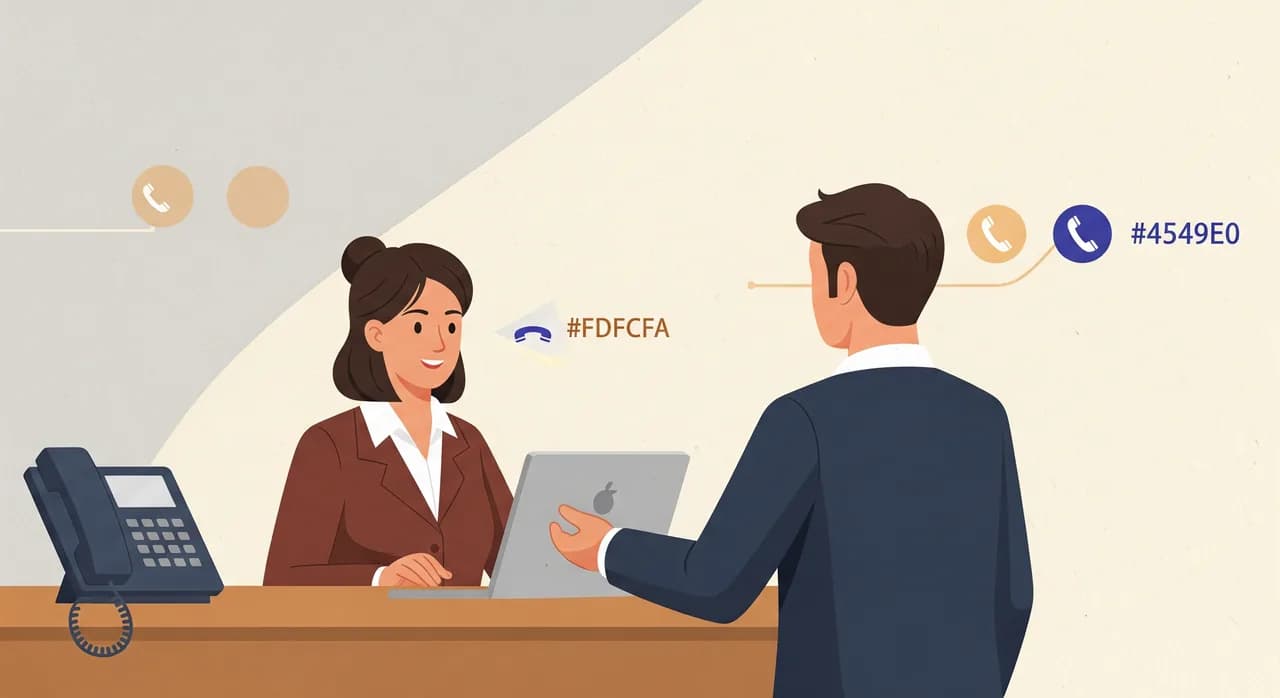
The reason this works is that it aims each resource at its strength. A person is expensive and irreplaceable for judgment and presence, and wasted on answering the same availability question for the ninth time before noon. Software is cheap and tireless for lookup and message-taking, and a poor substitute for a warm human handling a delicate moment. Split the work along that line and you stop overpaying for one while under-serving the other.
It also fixes the quietest, most expensive problem in small business: the missed call. A receptionist, no matter how good, cannot answer two phones at once or answer at all after they've gone home. Every one of those unanswered calls is a person who is, right now, calling your competitor. Overflow and after-hours coverage is precisely where a phone assistant pays for itself, and it does so without replacing the person you actually value.
“Aim a person at judgment and presence, aim software at lookup and overflow — and stop overpaying for one while under-serving the other.”
Do the arithmetic on your own numbers
Enough principle — here's how to actually run it. You don't need a consultant or a spreadsheet with thirty tabs. You need four numbers you can gather this week.
- 1Count a normal week of callsUse your call log or a tally sheet. Get the daily average and, separately, note the peak hours. Peaks matter because that's when a single receptionist gets overwhelmed and calls get dropped.
- 2Split them into the three bucketsTransactional, judgment, desk-adjacent. Estimate the rough percentage in each. Most non-retail small businesses find transactional is the clear majority.
- 3Estimate the true cost of the hireTake the wage you'd pay, then add roughly a quarter to a half again for payroll costs, benefits, time off, equipment and cover. That loaded number is the honest comparison point.
- 4Count your missed callsLook at unanswered inbound calls in your log, especially after hours and during peaks. Assign each a plausible value — if one missed call is worth one lost booking, ten a week is a real hole in the month.
Now read the answer off those four numbers. Mostly transactional calls, modest volume, no physical desk role to fill, and a visible pile of missed calls? Automation covers it, and the arithmetic isn't close. A busy physical front desk, a lot of judgment calls, and a person who'd do far more than answer the phone? Hire, and don't feel guilty about the cost. Somewhere in the middle — a real desk role and a stack of simple calls spilling over and going unanswered? That's the hybrid, and it's usually the cheapest way to stop losing customers.
The honest objections, answered honestly
"Won't customers hate talking to a machine?" Some might, if the machine is bad, evasive, or pretends to be human when it obviously isn't. The version worth using is upfront, answers fast, and hands off cleanly when it's out of its depth. In blind reality, most callers with a simple question — are you open, can I book Thursday — would rather get an instant, correct answer at 8pm than a voicemail beep, and far rather that than a phone that rings out.
"I'd lose the personal touch." You'd lose it only if you automate the calls that carry the personal touch — and you shouldn't. That's the whole point of the bucket exercise. Keep the human on judgment and relationships; give the machine the ninth availability question of the morning. The personal touch was never in the availability question.
"Setup sounds like a project I don't have time for." It's fair to be skeptical, because plenty of business software is a slog. The version that works is self-serve and quick: describe your business in a short wizard, tell it your hours, services and the prices you want quoted, then call it yourself and hear how it handles your own questions before you point your number at it. If it can't answer your test calls well, you find out in ten minutes, not after a contract.
A worked example, no strawmen
Imagine a small family-run car repair shop. Two mechanics, one owner, and a phone that rings maybe twenty-five times on a busy day. Roughly twenty of those calls are transactional: is my car ready, how much for a service, can you fit me in Thursday, are you open Saturday. Four or five are judgment: a nasty diagnosis to explain gently, a warranty dispute, a fleet customer negotiating a rate. There's no walk-in showroom that needs staffing — customers drop the car and leave.
The owner used to answer the phone with grease on his hands, which meant half the calls went unanswered while he was under a car, and a good chunk of those callers booked elsewhere. Hiring a full-time receptionist to sit in a shop with no waiting room would mean paying a loaded full-time cost to answer twenty-five short calls a day and stare at a wall the rest of the time. The judgment calls — the ones that actually need care — are ones the owner wants to take himself anyway, because they're about trust and money.
So the honest answer for this shop isn't a hire. It's automation for the twenty transactional calls, with the owner personally handling the four or five that matter. Every simple call gets answered instantly, the booking lands in his calendar, and the delicate conversations still get him. The missed-call hole closes, and he never pays for a desk nobody sits at. Change the business to a busy salon with a full waiting area and constant walk-ins, and the same framework flips to a hire. That's the point — the framework, not the verdict, is what travels.
| If your calls are… | And your desk is… | The math usually says… |
|---|---|---|
| Mostly transactional, modest volume | Not a physical front-of-house role | Automate the phone |
| Mostly judgment and negotiation | A staffed, customer-facing counter | Hire a person |
| A busy mix, some spilling over unanswered | A real desk plus overflow | Hybrid: staff the desk, automate the overflow |
| Simple but constant, day and night | Closed evenings and weekends | Automate — no human covers 24/7 alone |
What does a receptionist actually cost a small business?
At what call volume should I automate instead of hiring?
Won't automating the phone feel impersonal to my customers?
Can I keep my receptionist and still use an AI phone assistant?
How do I know if it'll handle my calls before committing?
See which side of the line you're on
Set up an assistant in a few minutes, describe your business, and call it with the questions your customers ask most. You'll know within one call whether automation covers your phone — before you hire or sign anything.
Test it with your own questions
Vunoon builds an AI phone assistant that answers your business calls 24/7 — it books appointments, answers common questions and sends you a summary of every conversation.