Measuring the ROI of an AI Receptionist in 30 Days
Skip the guesswork. A concrete 30-day plan to measure the ROI of AI call answering: set a baseline, track what changes, and calculate real payback against the subscription.
 Vunoon13 min read
You can spend a month arguing about whether an AI receptionist is "worth it," or you can spend a month finding out. This is the second option. Thirty days, a handful of numbers you already have access to, and a payback figure at the end that you actually believe because you watched it get built.
Why AI receptionist ROI feels slippery in the first place
Most software has a tidy ROI story: it saves X hours, those hours cost Y, done. Phone answering is messier because the value lives in the calls you don't currently see. A missed call doesn't send you an email. It doesn't show up in your calendar as a gap. The customer just tries the next business on their list, and you never learn their name.
So the trap is measuring the wrong side. Owners tend to look at what the tool costs (a monthly line item, right there in black and white) and struggle to see what it returns (calls that would otherwise have evaporated). The whole point of a 30-day measurement plan is to make that invisible side visible enough to weigh.
The good news: you don't need a data team. You need a baseline, four numbers you can track without much effort, and the discipline to actually write them down. Vunoon does most of the tracking for you, because it logs and summarises every call it handles — but the method below works even if you're piecing it together by hand.
Week zero: set a baseline before you change anything
The single most common mistake is switching the AI on, seeing it take a booking, and declaring victory. That tells you the tool works. It doesn't tell you what it's worth, because you never measured the world without it. ROI is a comparison, and a comparison needs a before.
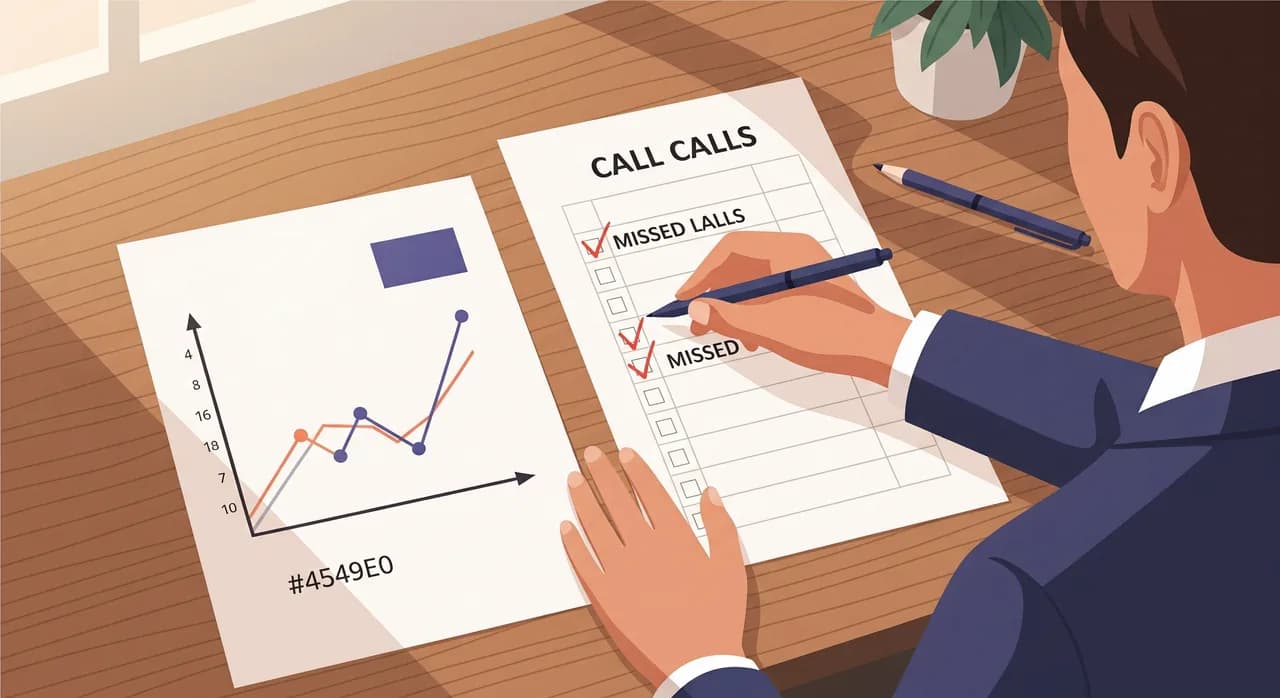
So spend your first week — or even just a representative few days — quietly gathering a baseline. You're answering one question: how many calls are we missing, and when? If you've already done a missed-call audit, dust off those numbers. If not, here's the short version.
- 1Pull your call logAlmost every phone system — mobile carrier, VoIP, or a simple app — keeps a record of incoming calls, including missed ones. Export or screenshot a week's worth.
- 2Count missed and abandoned callsMissed calls that rang out, plus calls that hit voicemail and hung up without leaving a message. Both are lost. A voicemail that nobody leaves is a customer who didn't want to talk to a machine.
- 3Note the timingTag each missed call as during-hours or after-hours (evenings, lunch breaks, weekends). This split matters enormously later, because after-hours calls are the ones an AI captures almost for free.
- 4Estimate the value of a captured callNot every call is a sale, but a share of them are. Take your average job or booking value, and a rough sense of how many callers become customers. We'll turn this into a per-call figure in a moment.
Write these down as four plain numbers: calls received, calls missed, the after-hours share, and a value-per-captured-call estimate. Ugly and approximate beats precise and imaginary. You can refine them as real data arrives.
The four numbers worth tracking (and the ones to ignore)
Once the AI is live, resist the urge to track everything. Vanity metrics — total interactions, average call length, sentiment scores — feel productive and tell you nothing about money. Four numbers carry almost all the ROI signal.
- Calls answered that you would otherwise have missed. The headline. These are rings that used to go nowhere and now reach a real conversation.
- After-hours calls handled. A near-pure win, because there was zero chance a human was picking these up. Every one is incremental.
- Bookings or appointments created. The clearest form of captured revenue: a caller who left with a slot in your calendar instead of a dial tone.
- Messages and callbacks captured. Not a booking yet, but a named lead with a number — a caller you can now win back on your own terms.
Notice what's not on the list: whether the AI "sounded good," how many words it said, how fast it answered. Those matter for quality, and you should absolutely listen to a few calls. But they're not ROI. ROI is captured value minus cost, full stop.
“Vanity metrics feel like progress. The only numbers that pay your rent are captured calls and captured bookings.”
How the tracking mostly does itself
Here's the part that makes 30 days realistic instead of a research project. When an AI assistant answers a call, it produces a record: who called, when, what they wanted, and what happened next. Vunoon sends the owner a summary and transcript of every call it handles, which means your "tracking sheet" is largely written for you.
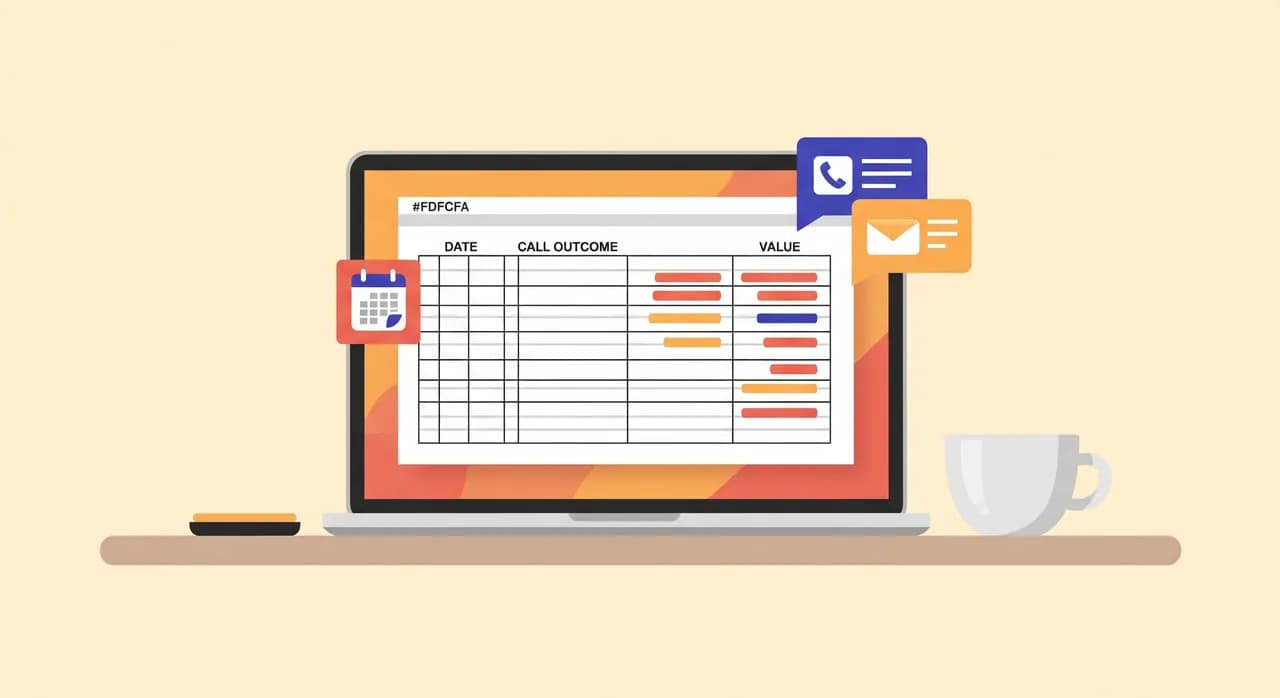
Each summary tells you whether the call was a booking, a question, a message, or a wrong number. Each timestamp tells you whether it was after-hours. Add a column to a spreadsheet — date, time, outcome, estimated value — and paste one line per call. Ten minutes a week, tops.
A worked example you can copy
Imagine a two-chair dental practice — clearly illustrative, not a real customer. In the baseline week, the front desk logged 40 incoming calls and missed 12 of them: some during lunch, some in the evening, a couple during a chaotic Monday morning. Roughly half the misses were after-hours or weekend.
The owner reckons an answered new-patient call is worth a decent amount once you account for the first visit and the follow-ups, and that maybe one in four missed callers would have booked something. That's the value-per-captured-call figure — modest per call, but it stacks up.
Now the AI runs for 30 days. The transcripts show it answered every call that rang past three rings — call it around 45 to 50 calls it caught that the desk would have missed across the month, given the baseline miss rate. Of those, a handful turned into booked appointments, and a larger group left messages or asked about hours and services and said they'd call back.
| Line item | How to get it | Example direction |
|---|---|---|
| Calls caught that you'd have missed | Count from transcripts, after-hours + during-hours overflow | Dozens over a month |
| Bookings created by the AI | Outcomes tagged "booking" in summaries | A handful, each valuable |
| Messages / callbacks captured | Outcomes tagged "message" | More than the bookings |
| Estimated captured value | (Bookings × booking value) + (share of messages that convert × value) | Add it up |
| Subscription cost | Your plan for the month | One line item |
| Net ROI | Captured value − subscription cost | The number you were after |
You don't need the AI to catch dozens of bookings for the maths to work. In most small businesses, a single recovered booking a week covers the subscription several times over. The rest — the messages, the after-hours questions answered, the callers who didn't defect to a competitor — is upside on top.
Counting only what's genuinely incremental
The fastest way to lose trust in your own numbers is to inflate them. So be strict about what counts as ROI, because not every answered call is a call you would have lost.
During busy hours, some callers who reached the AI would eventually have reached a human anyway — they'd have called back, or you'd have caught them on the second ring. Counting those as "saved" overstates the win. After-hours calls, by contrast, are almost entirely incremental: nobody was answering, so anything captured is new.
A sensible rule of thumb: count after-hours captures at full value, and during-hours captures at a discount — maybe half — to reflect that some would have been recovered anyway. Even with that haircut, the numbers usually stay comfortably positive. If they don't, you've learned something useful and cheap: your phone isn't your bottleneck, and you can spend elsewhere.
The cost side, done honestly
ROI has two blanks, and it's tempting to sandbag the cost blank to make the return look better. Don't. Your cost line should include the subscription and any realistic setup time — though with a self-serve wizard, setup is measured in minutes, not days.
- Subscription: the monthly plan. This is your main and usually only recurring cost.
- Setup time: the half hour you spend describing your business, testing the assistant, and forwarding your number. Real, but small, and one-off.
- Ongoing tweaks: occasionally updating hours, prices, or FAQ answers as your business changes. A few minutes, now and then.
What you don't have on the cost side is telling: no recruitment, no training a new hire for weeks, no cover for sick days or holidays, no payroll admin. That absence is itself part of the return — but keep it in a separate mental column so your core ROI figure stays clean and defensible.
“In most small businesses, one recovered booking a week covers the whole subscription several times over.”
Reading the result at day 30
At the end of the month, sit down with your worksheet and answer three questions. First: did captured value exceed cost? For most businesses with a meaningful miss rate, yes, and often by a wide margin. Second: where did the value come from? If it's mostly after-hours, that's your clearest, most defensible win.
Third, and most useful: what would happen if you did nothing? The baseline you gathered in week zero is your answer. Those missed calls don't stop when the trial ends — they resume. The ROI figure isn't just "was this worth it in July." It's "what does answering the phone reliably keep earning me, every month, from here on."

Where the numbers can quietly mislead you
An honest ROI method admits its own limits. A few things can distort the picture in either direction, and knowing them keeps you level-headed.
A single freak month — a local event, a burst of press, a competitor closing — can spike or flatten your calls and make the AI look better or worse than it really is. One month is a strong signal, not gospel; if the result is close to break-even, run a second month before deciding. Seasonality does the same, more predictably, which is why the same-month-last-year comparison is worth the effort when you have it.
There's also a limit to what a phone assistant can be responsible for. It answers the call, books what it can, and captures the rest as a message — but closing a complicated quote, handling a delicate complaint, or making a judgement call still comes back to you. Vunoon doesn't pretend to be human when a caller asks, and it hands off gracefully rather than bluffing. That honesty is good for customers, and it means your ROI comes from calls captured and routed, not from a machine impersonating your best salesperson.
Setting up so the 30 days actually measure something
For the experiment to be fair, the AI needs to be set up properly before day one — otherwise you're measuring a half-configured tool. The setup is quick, but do it with the measurement in mind.
- 1Describe your business accuratelySpend the wizard time getting your services, hours, and common questions right. An assistant that knows your real prices and opening times captures more, so your ROI test reflects the tool at its best.
- 2Test it yourself firstCall the assistant, ask the awkward questions your customers ask, and fix any gaps before you forward real callers. You want the measurement window to start clean.
- 3Forward your number and note the dateThe clock starts when live calls begin reaching the AI. Write that date at the top of your worksheet so your 30 days are unambiguous.
- 4Review weekly, decide at day 30Skim the transcripts each week to keep the log current and catch any FAQ gaps. Save the verdict for the end, when you've got a full month to judge.
How quickly can I actually see ROI from an AI receptionist?
What's the single most important number to track?
Do I need special tools to measure this?
What if the ROI comes out negative?
How do I avoid overstating the return?
Run your own 30-day test
Set up in minutes, forward your number, and watch the call summaries stack up. At day 30 you'll have a payback figure you actually trust.
Start your free trial
Vunoon builds an AI phone assistant that answers your business calls 24/7 — it books appointments, answers common questions and sends you a summary of every conversation.