How to Evaluate Your AI Answering Service Quality: A Monthly Routine
Setting up an AI receptionist is the easy part. Keeping it good is the job nobody plans for. Here is a simple monthly routine to evaluate your AI answering service quality — mystery calls, transcript sampling, and knowing when to fix the profile versus call support.
 Vunoon14 min read
You spent an afternoon setting up an AI receptionist, tested it twice, forwarded your number, and moved on. That was the right call. The mistake is thinking the job is finished. A phone assistant drifts — not because it breaks, but because your business changes and your profile doesn't. This is the routine that keeps it honest.
Why set-and-forget quietly fails
Software you install once tends to stay the way you left it. A receptionist — human or AI — doesn't get that luxury, because the thing it talks about keeps moving. You add a Saturday clinic. You drop a service. Your prices go up in the spring. A supplier delay changes your usual turnaround. None of that touches the assistant unless you tell it, and the assistant will keep answering with the confidence of someone reading last year's script.
The failure is rarely dramatic. It's not that the assistant suddenly starts speaking gibberish. It's that it quotes an old price, books people into a slot you no longer offer, or misses a new service you're actively trying to sell. Every one of those is a small, invisible leak. Because you never hear the call yourself, you never notice — until a customer mentions it, or you wonder why bookings for the new treatment are so thin.
So the point of quality assurance isn't to catch a machine misbehaving. It's to catch the gap between what your business does today and what your assistant thinks it does. That gap opens slowly and closes in about twenty minutes a month. This guide is those twenty minutes.
The monthly routine at a glance
Here's the whole thing before we go deep on each part. It's deliberately small. A QA routine you actually run beats a thorough one you abandon by month two.
- 1Make three mystery callsPhone your own line as if you were a customer with a real question. Vary the scenario each month. Listen like a stranger, not like the owner.
- 2Sample five transcriptsOpen your call summaries, pick five recent calls at random, and score them against a short rubric. You already have these — the assistant emails them after every call.
- 3Count correctionsNote how often you had to fix or apologise for something the assistant said. Track that number month over month. A rising trend is your early-warning light.
- 4Decide: reconfigure or escalateMost problems are your profile, not the assistant. Sort what you can fix yourself from the rare thing worth raising with support.
Twenty minutes, once a month, ideally the same day you do some other admin so it sticks. Now the detail.
Step one: the mystery call
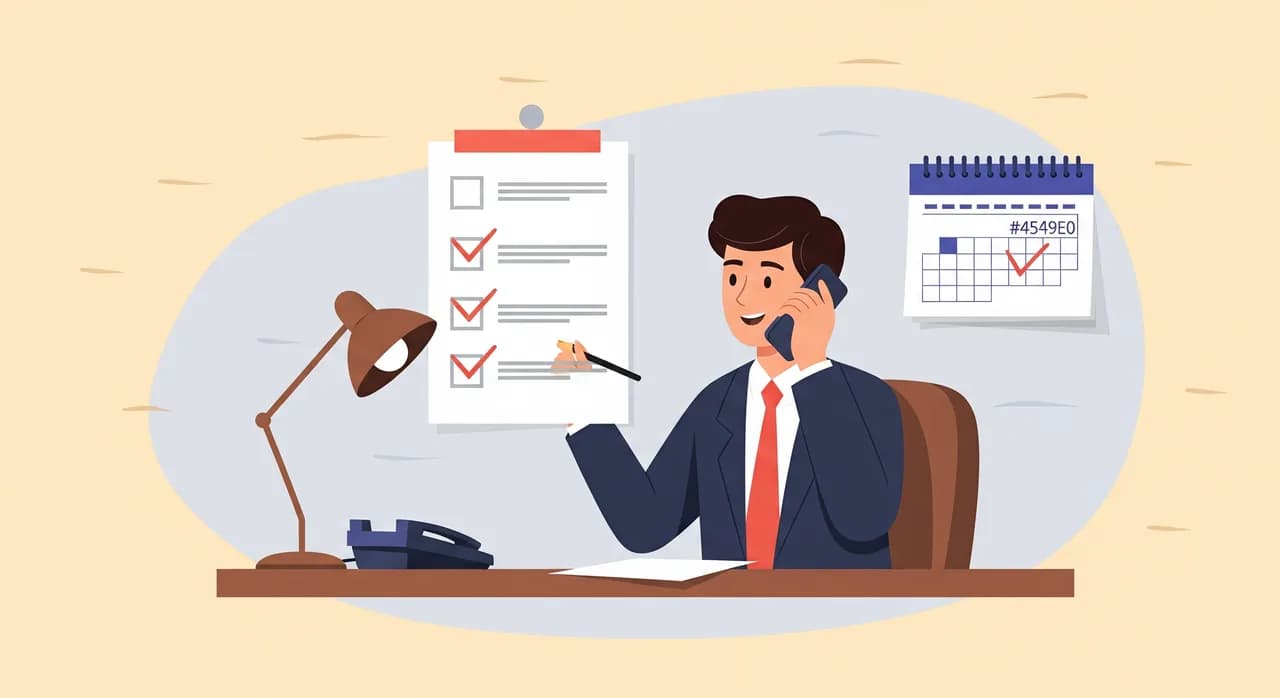
The single most useful thing you can do is call your own business the way a customer would. Not to check that the phone rings — to hear what a real person hears. Owners are terrible test callers by default, because we ask the questions we know the assistant can answer. A mystery call means deliberately asking the awkward ones.
Pick a scenario before you dial, and make it specific. Not "do you have appointments" but "I chipped a tooth this morning, can someone see me before the weekend?" Not "what are your hours" but "are you open on the bank holiday Monday?" The value is in the edges, because the edges are where the profile is thin.
- The urgent caller: someone with a problem that needs a fast, human-feeling answer. Does the assistant reassure and route them, or does it read hours like a robot?
- The price shopper: "roughly how much for X?" Does it quote a current figure, give an honest range, or promise a number you no longer charge?
- The off-menu question: something you don't offer. Does it say so plainly and offer the nearest thing, or does it bluff?
- The booking: actually try to book, then check it lands where you'd expect. A booking that never reaches you is worse than a missed call.
Rotate the scenario each month so you're not testing the same happy path forever. Keep the call short — you're sampling, not auditing. And crucially, jot one honest sentence right after you hang up: would I have booked, or would I have hung up and tried the next place? That instinct is more reliable than any score you'll assign later.
Step two: transcript sampling with a rubric
Mystery calls tell you how the assistant handles what you throw at it. Transcript sampling tells you how it handled what real callers actually asked — which is always stranger and more varied than anything you'd invent. Vunoon emails you a summary and full transcript after every call, so the raw material is already sitting in your inbox. The discipline is to actually read a few.
Don't read all of them — that's how QA dies. Pick five recent calls more or less at random. Random matters: if you only ever review the calls that felt off, you'll conclude the assistant is worse than it is, and you'll miss the quiet, ordinary calls where a small error slipped by unremarked.
Score each of the five against the same short rubric. Keep it to things you can judge in fifteen seconds per call. Here's a rubric that works for most small businesses — copy it, adjust the wording to your trade, and use the exact same one every month so your numbers are comparable.
| Dimension | The question you're answering |
|---|---|
| Accuracy | Was everything the assistant stated actually true today — hours, services, prices? |
| Completeness | Did it capture what you need to act: name, callback number, and the reason for the call? |
| Honesty | When it didn't know, did it say so and take a message — rather than guess? |
| Routing | Did anything urgent or high-value get flagged so you'd follow up quickly? |
| Tone | Would you be happy for a customer to associate that voice with your business? |
Five calls, five dimensions, twenty-five little judgements. It takes about five minutes and gives you something a gut feeling can't: a pattern. One call that fumbled tone is noise. Four of five falling short on accuracy is a signal — and it almost always points at one specific thing in your profile that's gone stale.
“A confident wrong answer costs you more than an honest "I'll take a message" ever will — and only the transcripts will tell you which one you're getting.”
Pay special attention to the honesty row. A good AI receptionist is allowed not to know things. The failure mode you're hunting isn't ignorance — it's a fluent guess delivered with total confidence. When you spot one in a transcript, that's your highest-value find of the month, because it tells you exactly what to add to the profile so the assistant never has to improvise there again.
Step three: track how often you correct it
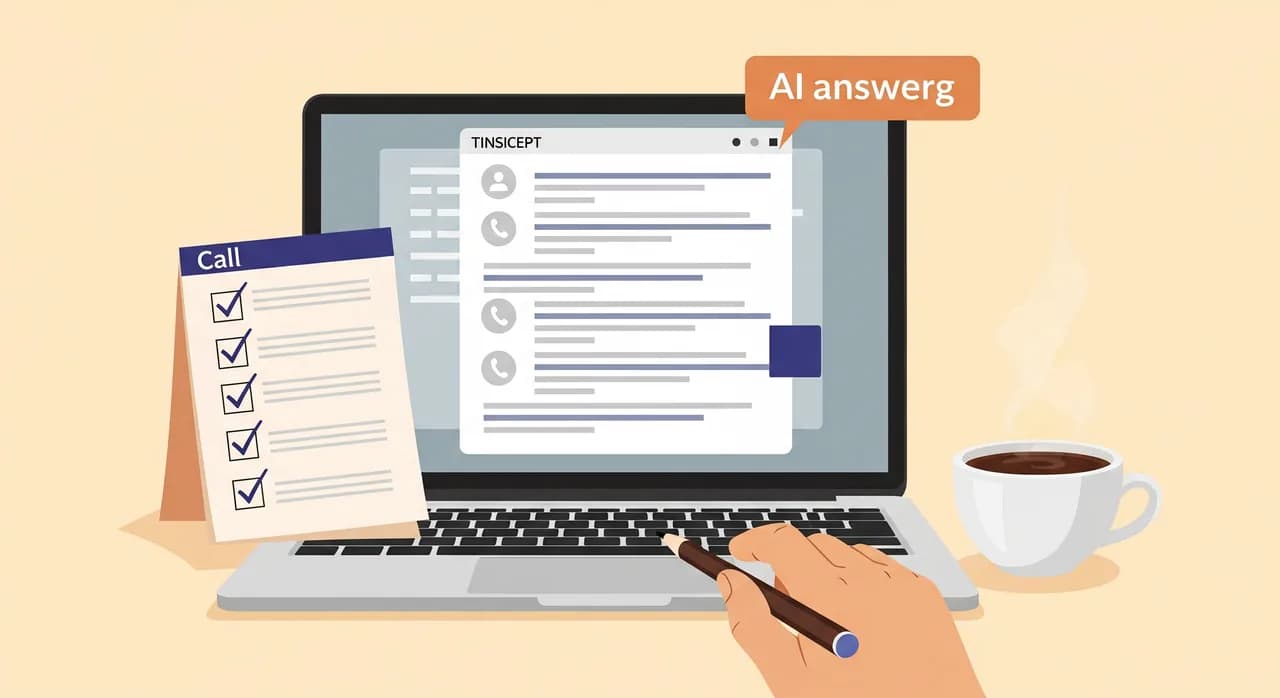
The mystery call and the transcript sample are snapshots. Correction frequency is the trend line, and it's the single most useful number you'll keep. The definition is simple: how many times this month did you have to fix, clarify, or apologise for something the assistant told a caller?
You'll catch these in the wild — a customer arrives saying "your assistant told me it was thirty euros" when it isn't, or a booking lands in the wrong slot, or someone mentions a service you stopped offering months ago. Each of those is a correction. Keep a tally somewhere dumb and durable: a note on your phone, a line in a spreadsheet, the back of your appointment book. The tool doesn't matter. Consistency does.
What you're watching for isn't the absolute number — every setup has a couple — but the direction. A flat, low count month after month means your profile and your business are in sync. A creeping rise is the smoke that means something drifted: you changed a price, added a service, moved your hours, and the assistant is still working from the old map.
Reconfigure or escalate? How to tell
This is the decision the whole routine builds toward. You've found a problem. Do you fix it yourself in your profile, or is it something to raise with support? Getting this split right saves you both wasted tickets and wasted afternoons re-reading settings that were never the issue.
The rule of thumb: if the assistant said something wrong about your business, it's almost always a profile fix. If the assistant behaved oddly regardless of what your profile says — misheard clear speech repeatedly, dropped calls, ignored an instruction it should have followed — that's when support wants to hear from you.
Fix it yourself when…
- It quoted an old price or an old range — update the figure in your profile.
- It didn't know about a new service or missed one you dropped — the profile is out of date.
- It gave the wrong hours, or didn't know about a holiday closure — add or correct the schedule.
- It answered a common question awkwardly — write the answer you'd give and add it, so it stops improvising.
- It booked into a slot you don't want filled — tighten the availability rules you configured.
Escalate when…
- It repeatedly mishears clear callers, or callers say the audio was poor — that can be a routing or line issue, not your profile.
- It ignores an instruction that's plainly and correctly set — for example, it keeps quoting prices after you told it not to.
- Summaries or transcripts stop arriving, or calls aren't being forwarded as expected.
- Something feels off and you've genuinely checked the profile is right. When the map is correct but the behaviour isn't, that's their problem to look at.
The honest truth is that the first list will cover the overwhelming majority of what you find. That's not a knock on the assistant — it's the nature of the tool. It knows what you told it. Most quality problems are really information problems, and information problems have thirty-second fixes once you know where to look.
“Most quality problems with an AI receptionist aren't the AI. They're a business that changed and a profile that didn't get the memo.”
What "good" actually looks like
It's worth being clear about the target, because chasing perfection will make you miserable and waste the whole exercise. A good AI answering service is not one that answers every question flawlessly. It's one that answers the common ones well and fails safely on the rest — meaning when it doesn't know, it says so and takes a message you can act on.
Picture a two-chair dental practice. A caller asks about a specialist implant procedure the practice refers out. The gold-standard response isn't the assistant improvising a confident, wrong explanation. It's: "That's not something we handle in-house, but I can take your details and have the dentist call you back to point you in the right direction." That call goes in the win column, even though the assistant "didn't know the answer." Message taken, caller reassured, nobody misled.
So when you score your transcripts, resist marking down a graceful "I'll take a message." That's the system working. Mark down bluffing, missed details, and stale facts. The bar is reliable and honest, not omniscient. An assistant that never says "I don't know" is one you should trust less, not more.
Making the routine actually stick
The best QA process is the one you don't quit. So keep it embarrassingly light. Attach it to something you already do monthly — invoicing, payroll, your VAT reckoning — so it rides along on an existing habit instead of demanding a new one. Put a recurring reminder in your calendar and give it a boring, specific name like "phone check."
- 1Pick a fixed daySame day each month. The first Monday, the last Friday — whatever you'll remember. Predictability beats ambition.
- 2Keep the tally visibleCorrections go in one place you actually look at. If it lives in a document you never open, the trend line dies.
- 3Fix on the spotWhen a mystery call or transcript reveals a stale fact, update the profile immediately — don't add it to a to-do list you'll ignore.
- 4Review the trend quarterlyEvery three months, glance back at your correction counts. Flat and low? You're done. Climbing? Something structural changed — dig once, properly.
None of this needs a manager, a dashboard, or a spreadsheet with formulas. It needs you, twenty minutes, and the willingness to call your own business and listen like a stranger. That's the whole discipline, and it's the difference between an assistant that quietly earns customers and one that quietly loses them.

Common questions about AI answering quality
How often should I check my AI answering service quality?
What's the fastest way to test an AI receptionist?
My assistant gave a caller the wrong price. Is it broken?
Should I be worried when the assistant says it doesn't know something?
How do I know when to contact support versus fixing it myself?
See what every call report gives you to review
Quality assurance only works if the raw material is there. See how summaries, transcripts, and message-taking turn every call into something you can actually check and act on.
Explore Vunoon's call features
Vunoon builds an AI phone assistant that answers your business calls 24/7 — it books appointments, answers common questions and sends you a summary of every conversation.