Phone Message Taking Done Right: Structured Notes, Not Voicemail
Voicemail hands you a mumbled 20-second recording you have to replay three times. A phone message taking service that captures name, number, reason, and callback time hands you something you can actually act on.
 Vunoon15 min read
Voicemail is where information goes to be lost. Someone calls, gets the beep, half-explains what they need, mumbles a phone number too fast to catch, and hangs up. You listen to it twice, still don't have the digits, and now you're playing detective. A proper phone message taking service does the opposite job: it asks the right questions, writes down the answers, and hands you a note you can act on in ten seconds.
Most small businesses treat message taking as an afterthought — a fallback for when nobody picks up. But a large share of your calls are neither bookings nor questions you can answer on a website. They're the messy middle: a supplier confirming a delivery window, a customer who wants a callback about a quote, a landlord reporting a leak, someone chasing an invoice. These calls don't need a human right now. They need to be captured accurately so a human can deal with them at the right time. That's a different skill from answering the phone, and voicemail is astonishingly bad at it.
What voicemail actually costs you
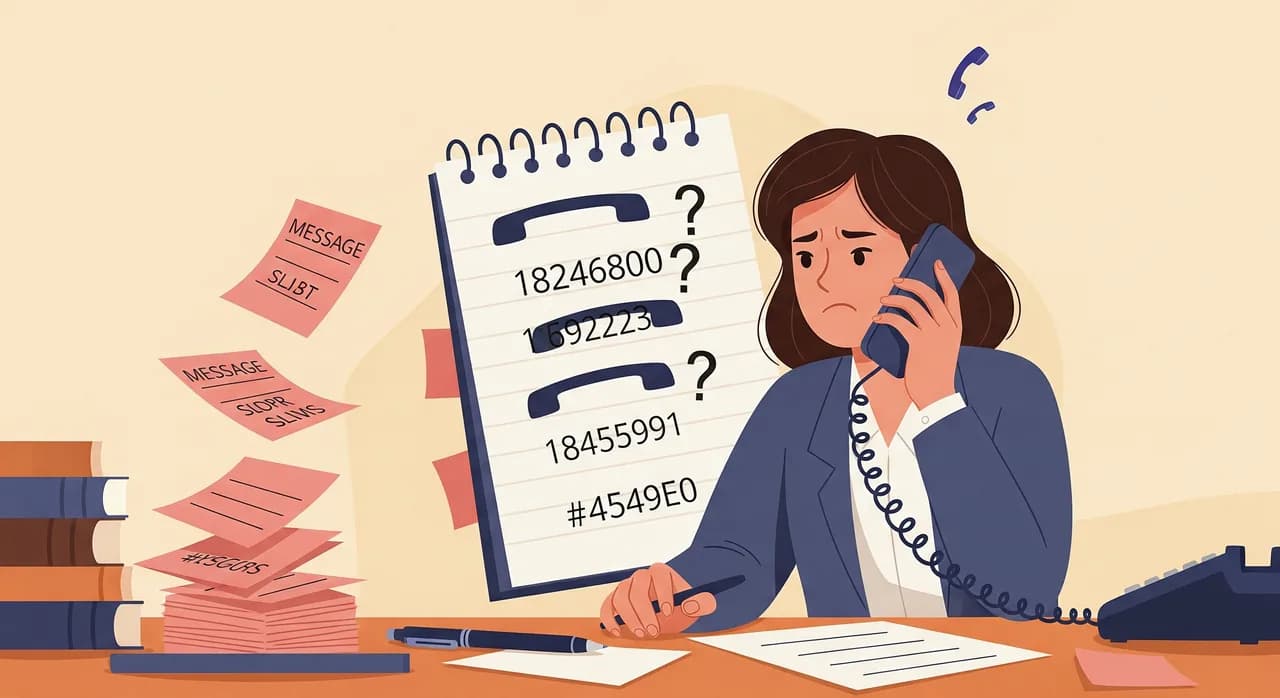
Voicemail feels free. It came with the phone. But the cost isn't in the tool — it's in what happens after the beep. Picture a two-van plumbing outfit. Ten voicemails pile up over a busy Tuesday. Each one takes ninety seconds to listen to, and three of them are unintelligible on the first pass, so those get replayed. Two callers gave a number so quickly it's a guess. One is a wrong number. By the time the owner has triaged the lot, twenty minutes are gone and two callbacks are going out to numbers that might be wrong.
The hidden tax is worse than the time. It's the decisions you can't make because the information is incomplete. Which of these ten is the emergency? Which can wait until Thursday? Voicemail gives you no priority, no structure, no way to sort. You process them in the order they arrived, which is almost never the order that matters.
- Numbers you can't hear. Callers rattle off digits at the end when they're already mentally hanging up. Miss one and the message is useless.
- No reason for the call. "Hi, it's Dave, call me back" tells you nothing about how urgent it is or what to prepare.
- No callback window. You ring back three times and keep missing them because nobody agreed on a good time.
- No searchable record. Six months later you can't find that one message about the warranty claim. It's gone.
- Silent callers. A big chunk of people hang up the moment they hear the beep and never call back.
That last point is the quiet killer. A meaningful share of callers simply refuse to leave a voicemail. They don't want to talk to a machine, they don't trust it, or they're in a hurry. To you that call looks like a missed call and nothing more. You never learn it was a customer with money to spend.
A recording is not a message
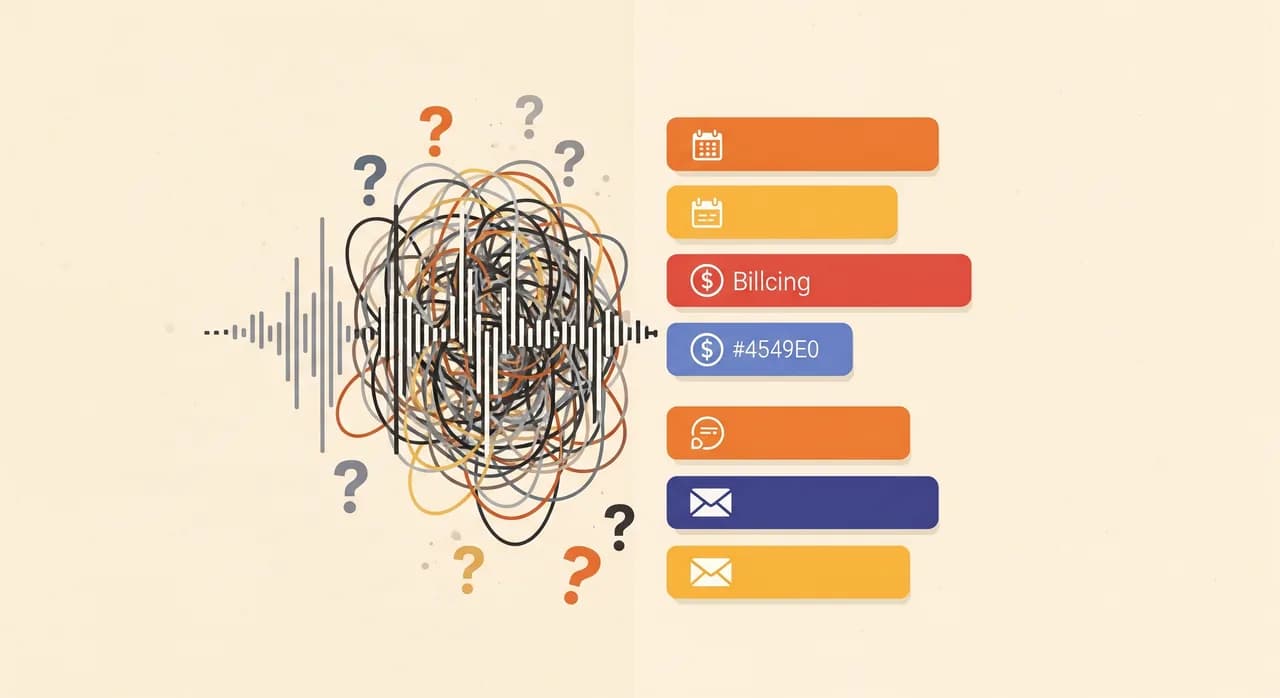
Here's the core distinction, and it's easy to miss: voicemail records speech, but what you need is data. A recording is raw material. A message is a finished note — the specific facts you need, extracted, cleaned up, and laid out the same way every time. The gap between the two is all the work you're currently doing by hand.
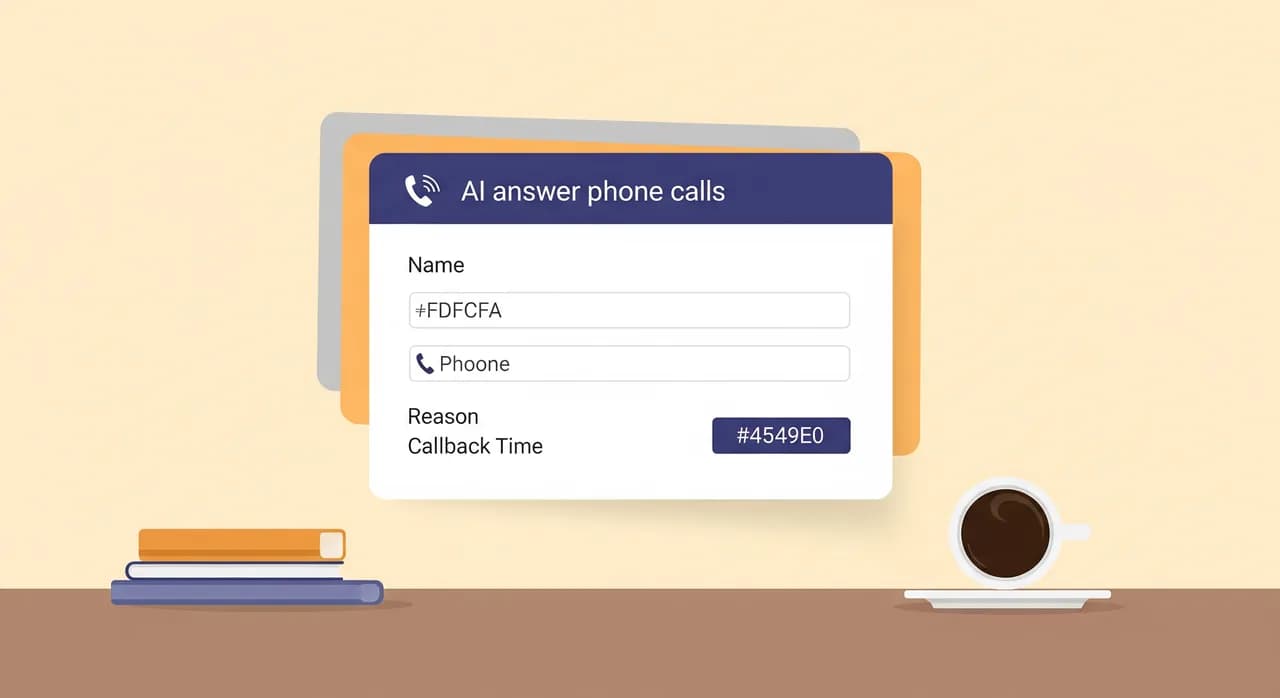
A structured phone message taking service closes that gap at the moment of the call. Instead of passively recording whatever comes out, it actively asks: Who's calling? What's the best number to reach you? What's this about? When's a good time to call back? Then it confirms the number by reading it back. The output isn't an audio file you have to decode — it's a tidy summary sitting in your inbox with every field filled in.
| What you get | Voicemail | Structured message |
|---|---|---|
| Caller name | Whatever they mumbled | Confirmed and spelled if needed |
| Phone number | Often unclear, unverified | Read back and confirmed |
| Reason for calling | Buried in rambling audio | One-line summary you can scan |
| Best callback time | Almost never captured | Asked and recorded |
| How to process it | Listen, rewind, transcribe | Read it in ten seconds |
| Searchable later | No | Yes — text you can search |
The difference compounds. One message like this saves you a couple of minutes. Ten a day, five days a week, and you've clawed back the better part of an afternoon — an afternoon you were spending on transcription, not on the actual work.
“Voicemail records speech. Your business runs on data. The job of message taking is turning the first into the second.”
The four fields that make a message useful
Not every field is worth capturing, and asking for too much annoys callers. Over years of businesses answering their own phones, the same short list keeps proving its worth. Get these four right and almost any callback becomes easy.
- 1NameSo you can open the callback with 'Hi, is that Sarah?' instead of 'Um, someone from this number rang.' It also lets you match the call to an existing customer if you keep records.
- 2Callback numberThe single most important field, and the one voicemail fumbles most. A good assistant reads the number back digit by digit and asks the caller to confirm — because a wrong number turns a lead into a dead end.
- 3Reason for the callA one-line summary of what they want. This is what lets you triage: an emergency leak jumps the queue, a general enquiry can wait, a supplier confirmation might not need a callback at all.
- 4Best time to reach themThe field almost nobody captures, and the reason so many callbacks go to voicemail in return. 'She said after 2pm' turns three failed attempts into one successful call.
How an AI assistant takes a message
This is exactly the kind of work an AI phone assistant is suited to, because message taking is structured and repeatable. It's not open-ended conversation — it's a short, guided exchange with a clear goal. Here's what actually happens when Vunoon answers a call that turns out to be neither a booking nor a question it can answer from your business profile.
It greets the caller in your business's name. It listens to what they want. If it's something it can handle — your opening hours, whether you take a certain kind of job, roughly what a service involves — it just answers, and that call never becomes a message at all. But when the caller needs a human, it shifts smoothly into message mode: it asks who's calling, gets the best number and reads it back, captures the reason in a sentence, and asks when suits them for a callback. Then it wraps up politely and, within moments, you get a summary and a full transcript.
The part that matters for trust: it doesn't pretend to be a person when someone asks, and it doesn't try to answer things it wasn't set up to know. If a caller asks something outside your profile, it doesn't invent an answer — it takes a message so you can respond properly. That restraint is the whole point. A message that says "I wasn't sure, so I took her details" is worth ten confident wrong answers.
The callback time nobody captures
Let's dwell on the fourth field, because it's the one that quietly wastes the most time and almost no message-taking setup bothers with. Phone tag is a real productivity sink. You call back, they're in a meeting. They call you, you're on a ladder. Round and round it goes, and each lap burns a few minutes and a little goodwill.
Asking "when's a good time to reach you?" during the original call breaks the loop before it starts. It costs the caller five seconds and saves you three failed attempts. It also signals something to them: this business is organised, they're going to actually call me back when they said. That impression matters more than most owners realise. A customer who feels handled is a customer who waits for you instead of ringing your competitor.
“"When's a good time to call you back?" is five seconds for the caller and three saved phone calls for you.”
Where the message should land
Capturing the message well is half the job. The other half is delivery — getting it in front of you in a form you'll actually act on. A message stuck inside a phone system, behind a PIN and a robotic "you have one new message," is barely better than voicemail. The whole advantage of a text message is that it can go anywhere and be read instantly.
- Your inbox. A summary email with the four fields plus a link to the full transcript, so you can act from your phone between jobs.
- Searchable history. Because it's text, you can find "the call about the boiler warranty" months later in seconds — impossible with audio.
- The full transcript, kept. The structured summary is for speed; the transcript is for when a detail matters and you want to see exactly what was said.
- Shareable with your team. Forward the message to whoever should handle it. Try forwarding a voicemail cleanly — you can't, really.
The transcript deserves special mention. A summary is fast to read, but occasionally the nuance matters — the exact wording of a complaint, the specific model number a customer rattled off, the tone of an urgent call. Keeping both means you get speed by default and detail on demand. Voicemail forces you to choose: either you transcribe everything yourself, or you lose the detail forever.
Which businesses feel this the most
Structured message taking helps almost anyone with a phone, but a few situations make the difference stark. If you recognise your own week in any of these, voicemail is probably costing you more than you think.
Trades and field work. A plumber, electrician, or roofer can't answer while their hands are full and there's an active job. Calls stack up, and voicemail turns every one into a decoding task at the end of the day. A structured message — with a clear reason and a callback window — lets them sort emergencies from enquiries in a single glance during a tea break.
Solo professionals and small clinics. A therapist, a solicitor, a two-chair dental practice — imagine a single receptionist trying to hold a room and a phone at once. The calls that can't be answered live still need clean handling. A message with a name spelled correctly and a reason captured lets them return calls efficiently without playing back six half-recordings between patients.
Shops and service counters. When there's a customer in front of you, the ringing phone is a genuine dilemma — serve the person here or answer the person calling? Structured message taking removes the dilemma: the caller gets a proper capture, you keep serving, and you call back when there's a lull, already knowing what they wanted.
What structured message taking won't do
It's worth being straight about the edges, because a tool oversold is a tool distrusted. Structured message taking is very good at a specific job, and it's not magic beyond it.
It won't make a bad-tempered caller patient. Some people simply won't answer questions from an assistant; they'll say "just tell him to call me" and hang up. That's fine — you still get a message with the number and a note that they were in a hurry, which beats a beep and silence. It also won't judge subtle priority the way you would after fifteen years in a trade; it captures the reason accurately, but you're the one who knows that this particular customer means it when they say "urgent." And it won't replace the calls that genuinely need you on the line right now — it makes sure those get to you fast, which is the honest goal.
The right mental model isn't "a robot that handles everything." It's "a diligent note-taker who never gets the number wrong and never forgets to ask when to call back." Set the expectation there and it consistently over-delivers. Set it at "replaces a human entirely" and it'll disappoint you — because that was never the job.
Setting it up without an IT project
The reason many owners stick with voicemail is inertia — it's already there, and changing anything about the phone sounds like a Saturday lost to configuration. In practice, switching to structured message taking with Vunoon is a short, self-serve job you can do between other tasks.
- 1Describe your businessA short wizard asks what you do, your hours, and the basics you'd want answered live. This is what lets the assistant handle simple questions itself instead of taking a message for everything.
- 2Test it by talking to itCall the assistant yourself and play a customer. Ask it something it should answer; then ask for a callback and watch it take the message. You'll hear exactly what your callers will hear before anyone else does.
- 3Point your number at itForward your existing line — for after hours, when you're busy, or all the time. You keep your number; calls you don't pick up land in structured message taking instead of voicemail.
- 4Read your first real messageThe next unanswered call arrives as a summary with the four fields and a transcript. That's the moment the difference from voicemail becomes obvious.
It works in over twenty-five languages, so if your callers don't all speak the same one, they still get a clean capture in a language they're comfortable with. And there's a free trial, so you can see the messages it produces on your own real calls before committing to anything. For what it costs, see the pricing page — the point here is that trying it is low-friction and reversible.
What is a phone message taking service?
How is this different from voicemail?
Will callers know they're talking to an AI assistant?
What happens if the assistant can't answer the caller's question?
How do I get the messages?
How long does it take to set up?
Stop decoding voicemails
Set up an assistant that captures name, number, reason and callback time — then hands you a message you can actually use. Test it on your own line in minutes.
See how never-miss-a-call works
Vunoon builds an AI phone assistant that answers your business calls 24/7 — it books appointments, answers common questions and sends you a summary of every conversation.