How to Tell Your Customers You Use an AI Phone Assistant
Telling customers about an AI receptionist isn't a confession — it's a feature announcement. Here's how to frame it, where to say it, and the exact wording that keeps regulars comfortable.
 Vunoon14 min read
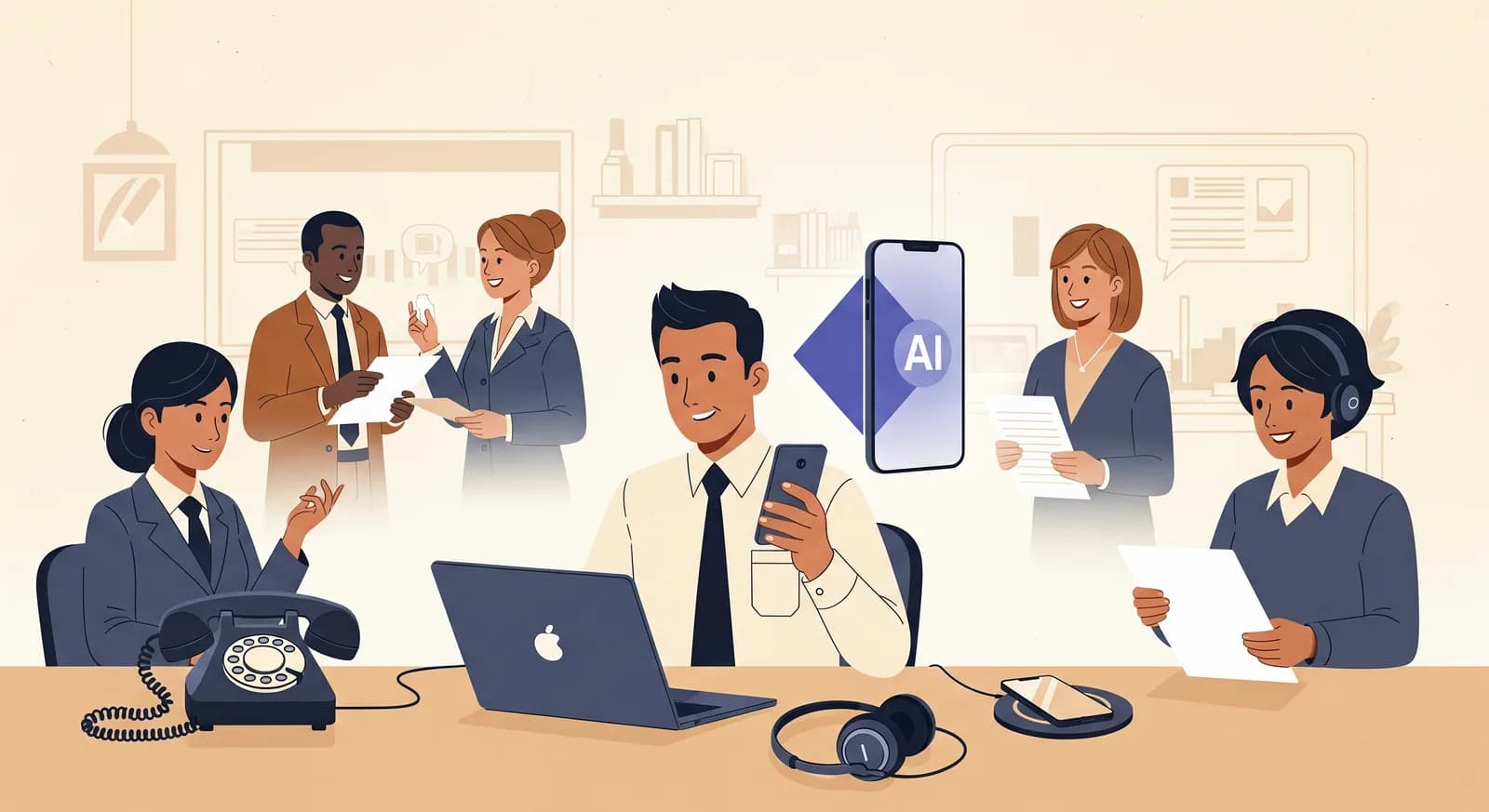
The hardest part of adding an AI phone assistant isn't the setup. It's the quiet worry that a loyal customer will call, hear something new, and think you've stopped caring. That worry is worth taking seriously — and it's almost entirely solved by saying so first, out loud, in plain language.
Most owners handle this exactly backwards. They turn the assistant on, hold their breath, and hope nobody notices. Then they spend two weeks nervously watching for complaints that never really come — while missing the one move that would have made the whole thing land well: telling people first, on their own terms.
This guide is about the communication, not the technology. If you're weighing whether to use an assistant, that's a different conversation. Here we assume you've decided, and the only question left is how to tell the people who call you. Get this right and disclosure becomes a small marketing win instead of an awkward secret.
Do you even have to tell them?
Legally, the rules are shifting and vary by region, but the honest answer for most small businesses is simpler than the legal one: the assistant should never pretend to be a human when a caller asks. A good assistant is upfront if someone says "am I talking to a person?" — it says no, cleanly, and offers to take a message or arrange a call back. That baseline of not lying covers you almost everywhere.
But "not lying when asked" is the floor, not the goal. The reason to proactively tell customers has nothing to do with compliance. It's about control of the story. If people find out on their own — mid-call, surprised — they write the narrative, and surprised people write unflattering narratives. If you tell them first, you write it. You get to say what it's for, why you did it, and what it means for them.
The framing mistake almost everyone makes
There are two ways to describe the same decision, and they land completely differently. Owners tend to think about it as cost-cutting — "I couldn't afford a receptionist," "I was tired of paying for a call service." That's often true. It's also the worst possible thing to say to a customer, because it tells them your convenience beat their experience.
The framing that works is availability. The same assistant that saves you money also means the phone gets answered at 8pm, on a Sunday, and while you're already on another call. From the customer's side, that's not a downgrade — it's the fix for the thing that actually annoyed them: ringing out to voicemail and never hearing back.
“Nobody resents a business for being reachable. They resent being ignored. Frame the assistant as the end of ignored calls, not the start of cheaper ones.”
So the sentence you're building toward is never "we replaced our receptionist." It's closer to "we made sure your call always gets answered." Same tool, opposite emotion. Every wording example later in this guide is just a variation on that one idea.
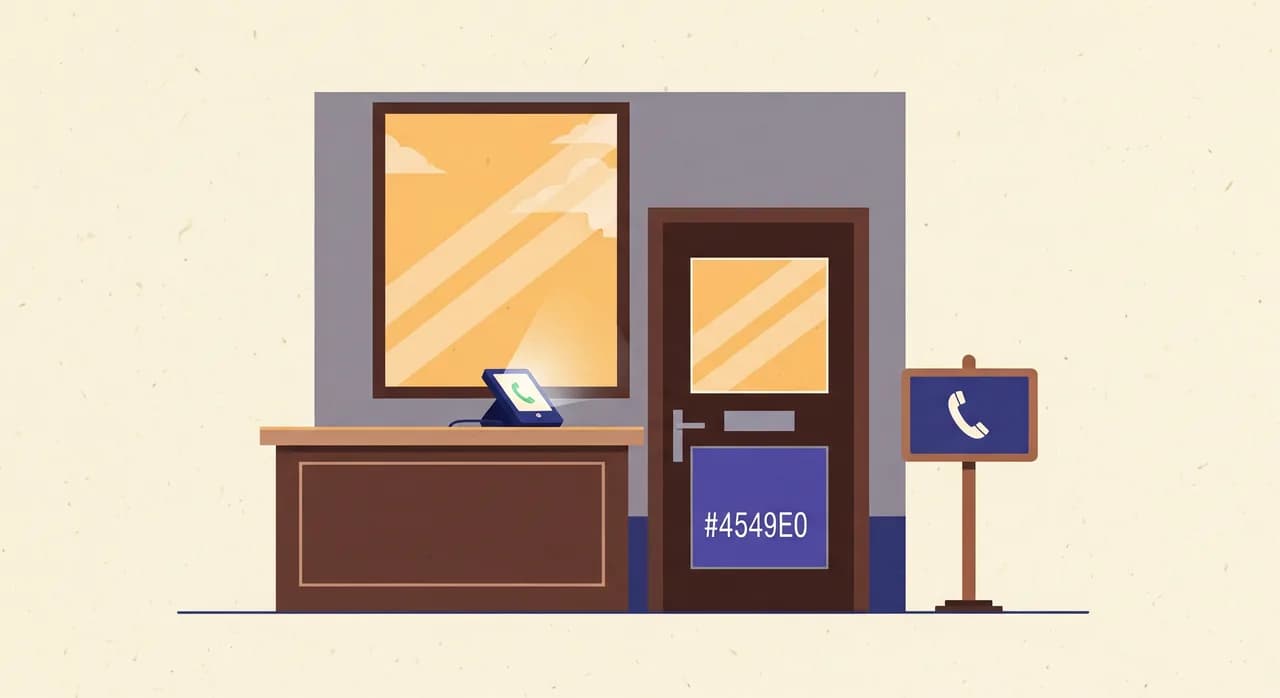
The four places to say it
You don't announce this with one big proclamation. You spread it across the few places a customer naturally encounters, so the message is low-key and consistent. There are really only four spots worth using, and most businesses need just two of them.
1. A short note on your website
This is your calmest channel — people read it without pressure. A line on your contact page does the work: it explains, it reassures, and it's there for anyone curious enough to look. It doesn't need its own banner. It belongs right next to your phone number, where it answers the question someone forms the instant they think about calling.
Sample wording, contact page: "Call us any time — even after hours. Our phone is answered by a friendly digital assistant that can book appointments, answer common questions, and pass a message straight to us. Prefer a human? Just ask, and we'll call you back."
2. A line in the greeting itself
This is the single most important place, because it reaches everyone — including the customers who never visit your website. The greeting is where the assistant identifies itself in the first breath, so nobody spends the call quietly wondering. Done well, it takes about three seconds and lands as friendly, not robotic.
Sample greeting line: "Hi, thanks for calling Marchetti Plumbing. I'm the digital assistant here — I can book you in, answer quick questions, or take a message for the team. How can I help?" Notice it names the business, names itself, and immediately says what it can do for the caller. It never apologises for existing.
3. A one-time heads-up for regulars
New customers meet the assistant with no prior expectation, so they adapt instantly. Your regulars are the ones who might feel the change, because they had a mental picture of Sandra-at-the-front-desk picking up. These are the people worth a small, deliberate heads-up — not a mass email that makes it sound like a big deal, but a natural mention.
You can fold it into whatever you already send: a booking confirmation, a newsletter footer, a note by the till, a quick line from you in person. Something like: "Heads up — if you call us in the evening or when we're slammed, you'll now reach our digital assistant. It can book you in and get a message to us right away. Sandra's still here; the assistant just means you never get a busy signal."
4. In person, when it comes up
You don't need a script for this one, but it helps to have a comfortable sentence ready for when a regular says "hey, I called last night and got a robot." Meet it with ease, not defensiveness: "Yeah! We set that up so calls stop going to voicemail. Did it sort you out, or is there something I can do now?" The confidence in your tone does more reassuring than any words.
How regulars actually react (and how to read it)
Owners brace for outrage and are usually met with a shrug. Most people have called enough dentists, garages, and salons that hear a menu or a hold queue that a competent assistant which just helps them feels like a step up. The reactions cluster into three groups, and each one wants something slightly different from you.
- The unbothered majority. They wanted their appointment booked, it got booked, they moved on. They may not even register that anything changed. You don't need to do anything for this group except keep the assistant good.
- The mildly curious. They'll comment — "is that new?" — but they're neutral. Your calm, positive one-liner is all they need. If you're comfortable, they're comfortable.
- The one who really wants a human. A small group prefers people, full stop. The assistant should always give them an easy exit — "I'll have someone call you back" — and you should honour it fast. Handled well, even this person often comes away impressed that the handoff was smooth.
The reactions you fear — that customers will feel devalued or think you've gone impersonal — happen almost entirely when the assistant is bad, not when it's AI. A caller who gets stuck in a loop, or can't reach a person, or gets a wrong answer, blames the machine. A caller whose problem gets solved doesn't much care what solved it. Your disclosure sets the frame; the quality of the experience decides the outcome.
“Customers don't punish you for using an assistant. They punish you for using a bad one. Disclosure protects your honesty; quality protects your reputation.”
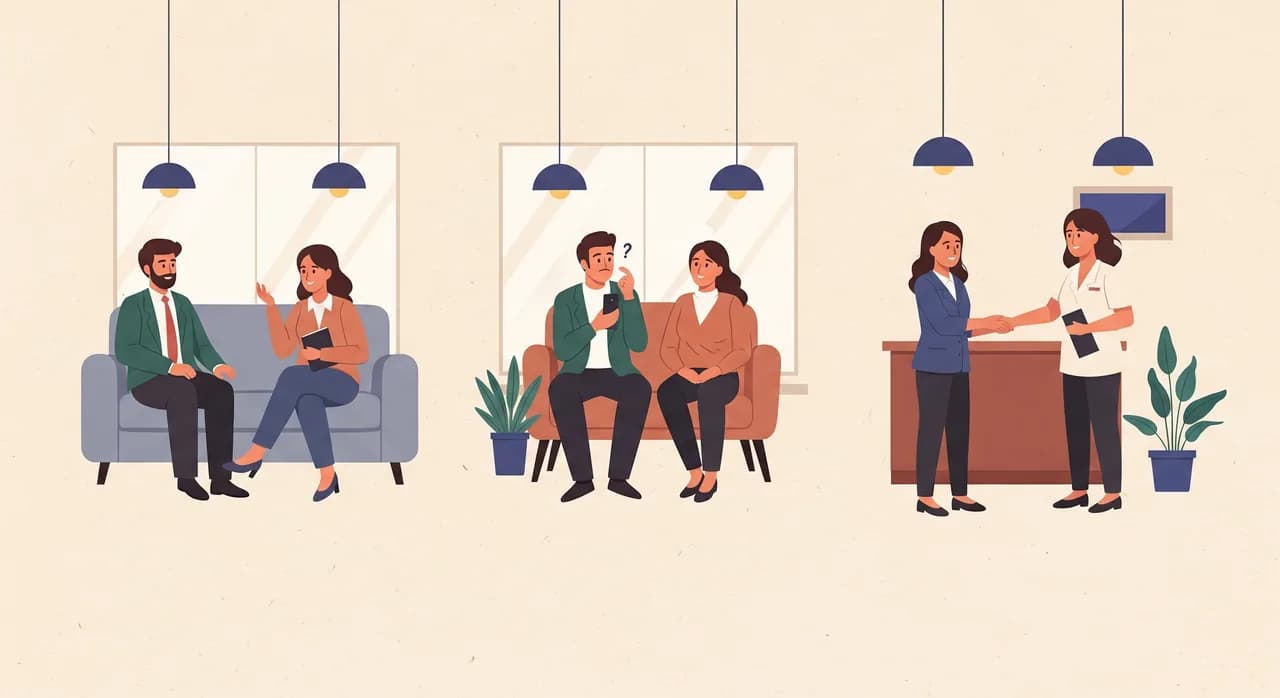
Sample wording you can copy and adapt
Here's a set of ready lines for the common cases. Swap in your business name and tone. The point isn't the exact words — it's the pattern: name the benefit to the caller, be honest about what it is, and always leave a door open to a human.
| Where | Sample wording |
|---|---|
| Website (contact page) | "Prefer to call? Go ahead — we answer around the clock. A friendly digital assistant handles bookings and quick questions, and passes anything else straight to us. Want a person? Just say so." |
| Greeting (service business) | "Hi, you've reached Northgate Auto. I'm the digital assistant — I can book a service, give you our hours, or take a message. What do you need?" |
| Greeting (health/clinic) | "Thanks for calling Riverside Dental. This is our automated assistant. I can book or move an appointment and answer common questions — and I'll get anything urgent to the team right away. How can I help?" |
| Regular heads-up (message) | "Small change: our phone's now answered day and night by a digital assistant, so you'll never hit voicemail. It books you in and messages us instantly. We're still just as reachable — more, actually." |
| In person (relaxed) | "Oh, that's our assistant! We added it so evening and weekend calls actually get answered. Everything okay, or can I help now?" |
Words and phrases to avoid
Some wording quietly undermines the whole message. A few to keep out of your mouth and off your website:
- "To save costs" — true or not, it tells the customer your budget outranked their call. Talk about availability instead.
- "Please note" or "unfortunately" — apologetic framing signals you think it's bad news. It isn't. Announce it the way you'd announce longer opening hours.
- Pretending it's human — a fake name presented as a real person, or dodging the "are you a robot?" question. The moment someone realises, you've lost more trust than honesty ever would have cost.
- Overpromising — "it can do everything our staff can." It can't, and you don't want to invite that test. Say what it's good at: booking, questions, messages. Be honest about handing off the rest.
- Techno-jargon — "AI-powered conversational voice agent." Nobody calling their plumber wants that sentence. "Digital assistant" is enough.
A simple rollout, start to finish
You don't need a communications plan. You need about an hour, spread across a few small tasks. Here's the order that keeps everything consistent.
- 1Get the greeting right firstBefore you tell anyone, call your own line and listen. Does the assistant name itself in the first breath? Does it offer a human if asked? Fix the greeting until you'd be happy for your fussiest regular to hear it. Everything else follows from this.
- 2Add the website noteOne or two sentences next to your phone number on the contact page. This is your reference point — the place you can send anyone who wants the fuller story.
- 3Give regulars a single heads-upFold one line into whatever you already send — a confirmation, a newsletter footer, a note at the counter. One mention, no drama. Don't send a dedicated "big announcement" email; it makes a small good thing sound like a problem.
- 4Brief anyone who works with youMake sure your team has the relaxed in-person line ready. The worst outcome is a customer mentioning the assistant and a staff member looking embarrassed. One shared sentence fixes that.
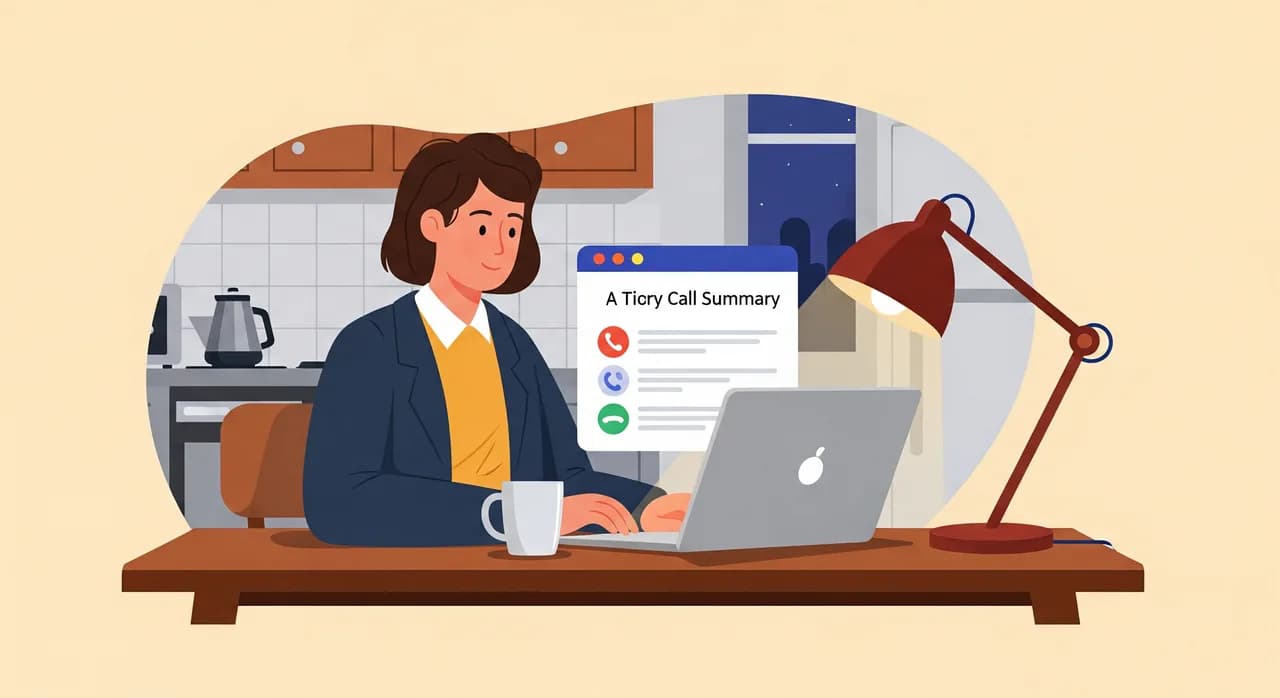
- 5Listen for two weeks, then relaxRead the call summaries and transcripts the assistant sends you. You'll spot the odd question it fumbles or a place the wording feels stiff. Tune those, and within two weeks the whole thing is just how your phone works now.
That last step matters more than it sounds. Because a tool like Vunoon emails you a summary and transcript of every call, you're not guessing at how customers react — you're reading it. If three people in a week ask something the assistant can't answer, that's not a disclosure problem, it's a two-minute edit to the business profile it answers from.
Two edge cases worth planning for
Most calls are routine. Two situations deserve a moment of thought, because they're where disclosure and empathy meet.
The upset or urgent caller
Someone in a genuine hurry or a bad mood doesn't want to negotiate with an assistant. The right design is a fast, obvious path to a message or a call back — and a greeting that doesn't make an anxious person feel trapped. A good assistant reads urgency and gets out of the way. If yours doesn't yet, that's the first thing to tune, and it's the one place where a clumsy assistant can genuinely cost you a customer.
The customer who distrusts anything automated
A share of every customer base — often, though not only, older callers — has been burned by bad phone menus and starts out sceptical. For them, the win isn't clever technology; it's that the assistant is shorter and clearer than a menu tree and that a real person is one sentence away. When a sceptic experiences a smooth handoff, they frequently become the most reassured group of all, because you exceeded a low expectation.
Do I legally have to tell customers I use an AI receptionist?
What's the best way to word the greeting?
Will regular customers be upset that a machine answers now?
Should I send an email announcing it to my customer list?
How do I frame it so it doesn't sound like cost-cutting?
See exactly what your callers will hear
The best way to feel confident about telling customers is to hear the assistant yourself. Set up a greeting, describe your business, and call your own line before anyone else does.
Explore how the assistant handles calls
Vunoon builds an AI phone assistant that answers your business calls 24/7 — it books appointments, answers common questions and sends you a summary of every conversation.