Deviazione di chiamata verso una segreteria telefonica: la guida passo passo
Incondizionata, occupato, nessuna risposta, non raggiungibile: i quattro tipi di deviazione di chiamata, i codici GSM che li attivano e quale combinazione fa davvero rispondere alle tue chiamate.
 Vunoon15 min di lettura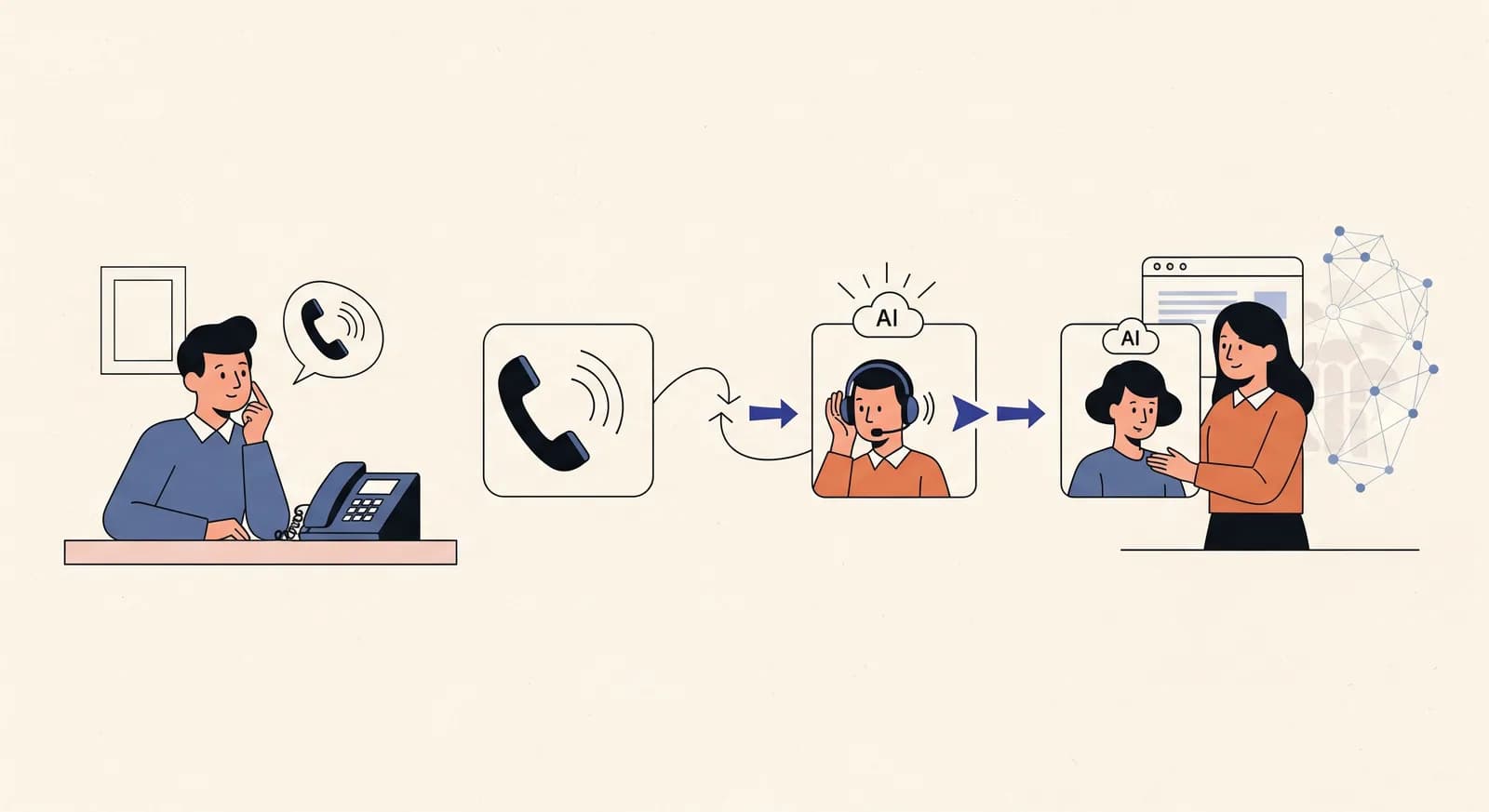
Impostare la deviazione di chiamata verso una segreteria telefonica sembra un lavoro da due minuti. Poi scopri che non c'è un solo interruttore: ce ne sono quattro, si comportano in modo diverso su ogni operatore, e scegliere la combinazione sbagliata significa o mandare chi ti chiama su una linea morta o smettere del tutto di far squillare il tuo telefono. Questa guida ti accompagna attraverso tutti e quattro, i codici che li controllano e come testare ogni percorso prima di affidargli un cliente vero.
Ecco lo scenario da cui parte quasi chiunque. Ti sei iscritto a una segreteria telefonica — magari con operatore umano, magari un assistente telefonico AI come Vunoon — e ti ha fornito un numero verso cui deviare le chiamate. Digiti qualche codice sul telefono, le chiamate sembrano andare da qualche parte, e vai avanti. Due settimane dopo un cliente abituale ti dice che ha chiamato tre volte ed è finito in segreteria. Cos'è successo?
È successo che la deviazione di chiamata non è una sola funzione. È una famiglia di funzioni, e le differenze tra i suoi membri decidono se il tuo telefono squilla per primo, se squilla mai, e cosa accade quando sei già impegnato in un'altra chiamata. Azzecca la famiglia giusta e il passaggio è invisibile. Sbagliala e hai costruito in silenzio una macchina per perdere clienti.
I quattro tipi di deviazione di chiamata
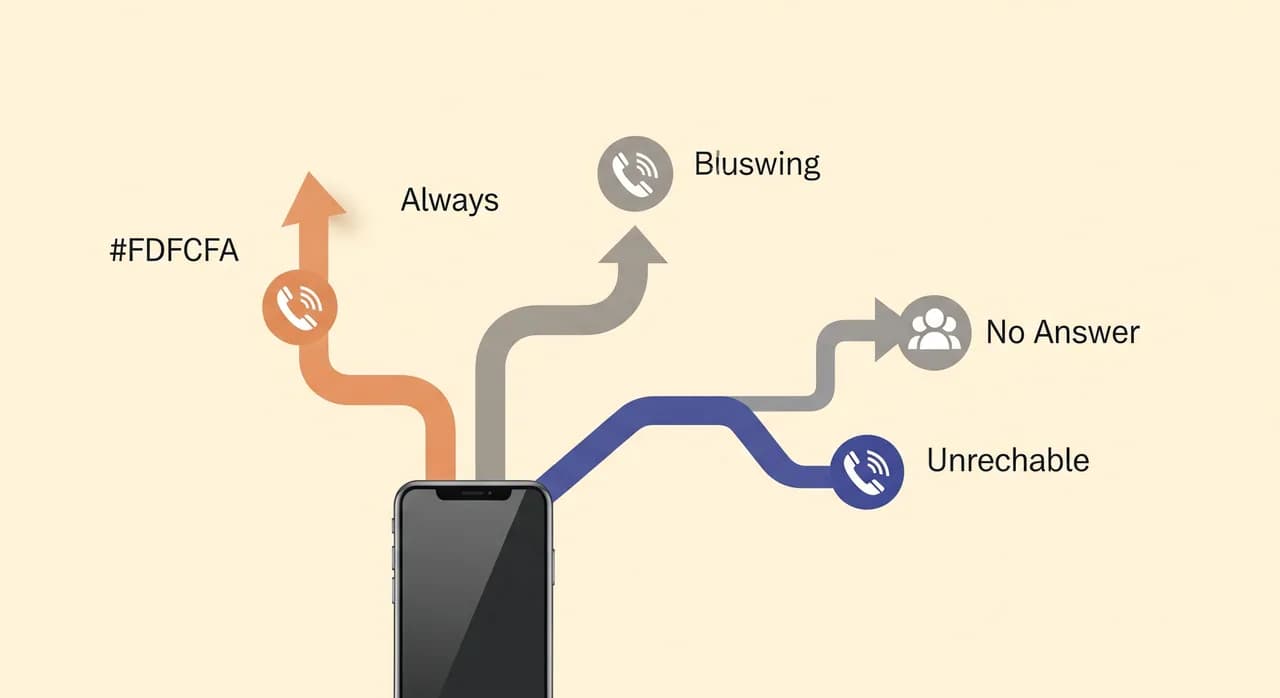
Quasi ogni rete telefonica al mondo supporta quattro distinte condizioni di deviazione. Sono standardizzate — i servizi supplementari GSM sottostanti sono gli stessi tanto su un cellulare a Vienna quanto su una linea fissa a Denver — anche se i nomi dei menu e le etichette di marketing cambiano da operatore a operatore. Impara i quattro concetti e le diciture dell'operatore smettono di avere importanza.
- Incondizionata (CFU): ogni chiamata va dritta al numero di deviazione. Il tuo telefono non squilla mai.
- Occupato (CFB): le chiamate vengono deviate solo quando sei già impegnato in un'altra chiamata.
- Nessuna risposta (CFNRy): le chiamate fanno prima squillare il tuo telefono, poi vengono deviate se non rispondi entro un certo numero di secondi.
- Non raggiungibile (CFNRc): le chiamate vengono deviate quando il telefono è spento, fuori copertura o in modalità aereo.
Le ultime tre — occupato, nessuna risposta e non raggiungibile — vengono chiamate collettivamente deviazione condizionata. Si attivano solo a una condizione specifica, ed è proprio questo che le rende interessanti. L'incondizionata è lo strumento grezzo. La deviazione condizionata è il bisturi.
Perché la differenza conta davvero
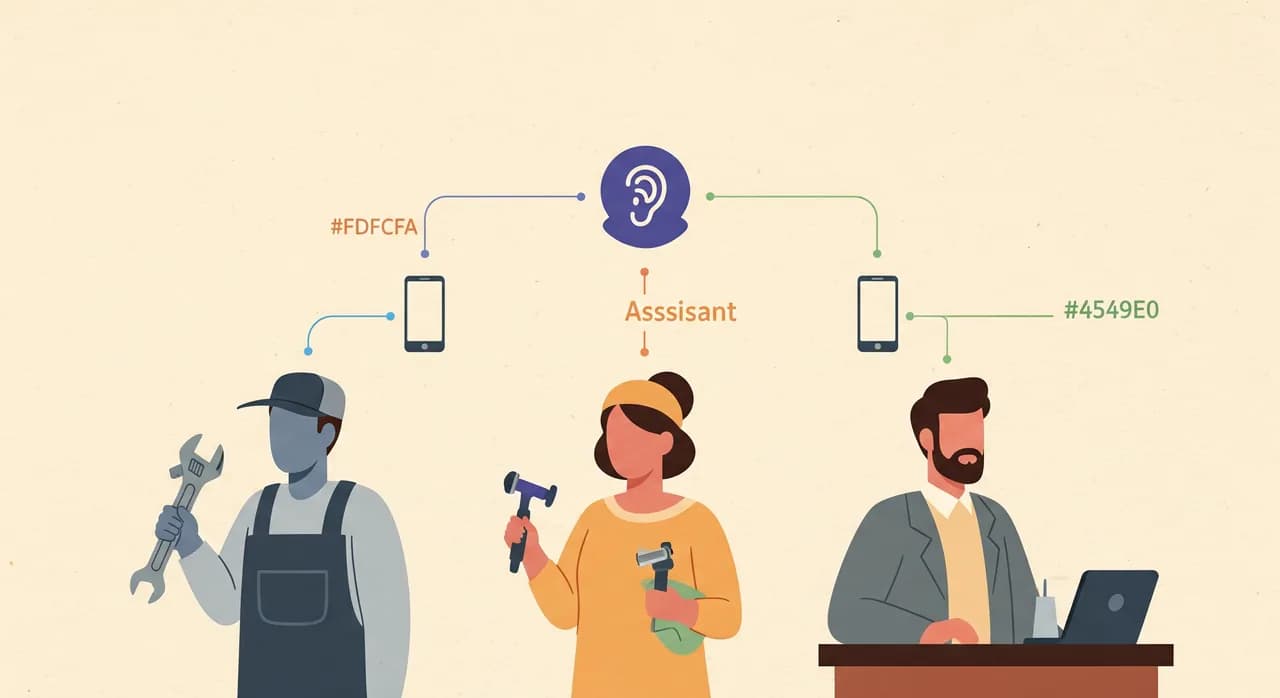
Immagina un'impresa idraulica con due furgoni. Il titolare vuole ancora rispondere al telefono di persona quando può — una voce dal vivo del vero idraulico chiude il lavoro più in fretta di qualsiasi altra cosa. Semplicemente non può rispondere quando è sotto un lavandino con entrambe le mani occupate, o mentre guida in autostrada, o quando dorme alle 23 e una tubatura scoppiata lo chiama.
Se imposta la deviazione incondizionata, ogni singola chiamata — comprese quelle che avrebbe potuto tranquillamente prendere — salta il suo telefono e finisce alla segreteria. Sta pagando un centralino per intercettare chiamate che voleva. Se invece combina occupato + nessuna risposta + non raggiungibile, il suo telefono squilla per ogni chiamata, e solo quelle a cui davvero non riesce ad arrivare passano al servizio. Stesso numero di deviazione, risultato per l'attività completamente diverso.
“La deviazione incondizionata cede ogni chiamata. La deviazione condizionata cede solo quelle che avresti comunque perso.”
Adesso ribalta lo scenario. Un'estetista che lavora da sola ha appuntamenti uno dietro l'altro e fisicamente non può rispondere al telefono durante un trattamento senza rovinarlo per la cliente sulla poltrona. Non vuole affatto che il telefono vibri durante l'orario di lavoro. Per lei, la deviazione incondizionata durante il giorno — con l'assistente telefonico AI che prende prenotazioni e risponde alle domande — è esattamente la scelta giusta, e la disattiva la sera quando è ben contenta di parlare. La configurazione corretta dipende da come lavori davvero, non da un'impostazione predefinita.
I codici GSM che attivano ciascuna
Di solito puoi configurare tutto questo dal menu impostazioni del telefono, ma i menu nascondono opzioni, le rinominano e a volte espongono solo la deviazione incondizionata. Il modo affidabile — quello che funziona su quasi qualsiasi rete GSM per il mobile — è digitare direttamente brevi codici asterisco. Sono i comandi grezzi dei servizi supplementari che il menu impostazioni richiama dietro le quinte.
Lo schema è coerente. Per attivare una deviazione digiti un codice, un asterisco, il numero di destinazione e un cancelletto. Per disattivarla digiti cancelletto-asterisco-codice. Nelle tabelle qui sotto, sostituisci DEST con il numero fornito dalla tua segreteria telefonica, compreso il prefisso internazionale dove serve.
| Condizione | Attiva | Disattiva | Verifica stato |
|---|---|---|---|
| Incondizionata (CFU) | **21*DEST# | ##21# | *#21# |
| Occupato (CFB) | **67*DEST# | ##67# | *#67# |
| Nessuna risposta (CFNRy) | **61*DEST# | ##61# | *#61# |
| Non raggiungibile (CFNRc) | **62*DEST# | ##62# | *#62# |
| Tutte le condizionate insieme | **004*DEST# | ##004# | *#004# |
| Annulla tutto | ##002# | — | — |
Per il codice nessuna risposta puoi spesso specificare il ritardo di squillo prima della deviazione aggiungendolo alla stringa: **61*DEST**20# devia dopo circa 20 secondi — più o meno cinque squilli. Gli operatori di solito ammettono valori tra 5 e 30 secondi, a scatti di cinque secondi. Questo singolo numero conta più di quanto ci si aspetti, e ci torneremo.
Quale combinazione per quale obiettivo
Non esiste una configurazione giusta in assoluto. Esiste la configurazione che corrisponde al tuo obiettivo di copertura. Ecco le tre che coprono la maggior parte delle piccole attività.
Obiettivo: continuare a rispondere tu, raccogliendo solo ciò che ti sfugge
È l'impostazione che la maggior parte dei titolari vuole davvero. Attiva tutte e tre le deviazioni condizionate (occupato, nessuna risposta, non raggiungibile) puntandole sulla tua segreteria telefonica — la scorciatoia **004*DEST# lo fa in un colpo solo. Il tuo telefono squilla per tutto. Quando sei già in chiamata, il chiamante successivo viene raccolto. Quando non riesci a raggiungere il telefono in tempo, viene raccolto. Quando la batteria muore a metà giornata, viene raccolto lo stesso. Non perdi nulla, e il servizio si guadagna il suo posto solo sulle chiamate che altrimenti avresti perso.
Obiettivo: non essere mai interrotto durante il lavoro
Per chiunque abbia le mani occupate — trattamenti, riparazioni, guida, cucine — imposta la deviazione incondizionata durante l'orario di lavoro così il telefono davvero non squilla mai, poi annullala quando sei libero. Il compromesso è onesto: stai cedendo ogni chiamata al servizio, comprese quelle facili. È proprio questo il punto. Un assistente telefonico AI che prende prenotazioni e risponde alle domande di routine rende questo scambio molto più accettabile che mandare tutti in segreteria.
Obiettivo: coprire solo fuori orario e i picchi
Se hai qualcuno che risponde durante il giorno e ti serve copertura solo la sera, nei weekend e nei giorni festivi, l'approccio più pulito è la deviazione a fasce orarie anziché i codici GSM grezzi. La maggior parte dei sistemi VoIP e alcuni operatori mobili ti permettono di programmarla — deviazione incondizionata dalle 18 alle 8, disattivata durante l'orario di lavoro. Se il tuo operatore non consente la programmazione, ripieghi sull'attivare e disattivare a mano la deviazione incondizionata, che funziona ma dipende dal tuo ricordartelo.
“La configurazione di deviazione giusta non è quella più avanzata. È quella che corrisponde a come sono occupate le tue mani durante il giorno.”
La trappola del ritardo di squillo di cui nessuno ti avverte
Il ritardo di nessuna risposta — quanto a lungo il telefono squilla prima di deviare — è la singola causa più comune di «è finita in segreteria anche se avevo impostato la deviazione». Ecco la trappola: la segreteria del tuo operatore è essa stessa una deviazione per nessuna risposta. Di solito è impostata per agganciare la chiamata dopo circa 20-25 secondi. Se poi aggiungi una deviazione per nessuna risposta verso la tua segreteria telefonica con un ritardo più lungo, la segreteria vince la corsa e ingoia la chiamata per prima.
Quindi quando punti la deviazione per nessuna risposta verso una segreteria telefonica, non stai aggiungendo una deviazione — la stai sostituendo a quella che puntava alla segreteria. Impostare **61*DEST# sovrascrive la deviazione nascosta verso la segreteria con il numero del tuo servizio. Bene. Ma se imposti il ritardo troppo lungo — diciamo 30 secondi — alcune reti afferrano comunque la chiamata per la segreteria prima. Tieni il ritardo di nessuna risposta nell'intervallo tra i 15 e i 20 secondi così il servizio vince in modo affidabile.
Passo passo: deviare verso un assistente telefonico AI
Ecco la sequenza completa per l'obiettivo più comune — raccogliere ciò che ti sfugge — usando Vunoon come destinazione. I passaggi sono gli stessi per qualsiasi segreteria telefonica; cambia solo il numero verso cui devii.
- 1Ottieni prima il tuo numero di deviazionePrima di toccare le impostazioni del telefono, assicurati che il servizio sia davvero pronto a rispondere. Con Vunoon ti iscrivi, descrivi la tua attività in una breve procedura guidata e la testi parlandoci tu stesso. Solo quando risponde nel modo che ti piace ottieni il numero verso cui deviare.
- 2Prendi nota del comportamento attuale della segreteriaChiama il tuo numero da un altro telefono e lascia squillare. Cronometra quanto ci mette la segreteria a rispondere. Quel numero è all'incirca il ritardo di nessuna risposta integrato del tuo operatore, ed è ciò che stai per sostituire.
- 3Cancella eventuali vecchie deviazioniDigita ##002# per annullare ogni deviazione esistente. Così parti da una tabula rasa ed eviti di sovrapporre una nuova configurazione a una vecchia dimenticata.
- 4Imposta il pacchetto condizionatoDigita **004*DEST# (sostituendo DEST con il tuo numero di deviazione). Questo attiva insieme le deviazioni per occupato, nessuna risposta e non raggiungibile, tutte puntate sul servizio. Il tuo telefono continua a squillare per ogni chiamata.
- 5Riduci il ritardo di squillo se consentitoSe il tuo operatore lo supporta, imposta il ritardo di nessuna risposta in modo esplicito con **61*DEST**15# per una finestra di 15 secondi. Abbastanza breve da battere la segreteria, abbastanza lungo da afferrare il telefono quando puoi.
- 6Conferma lo statoDigita *#004# per rileggere lo stato della tua deviazione condizionata. Dovresti vedere tutte e tre le condizioni attive e puntate sul numero del tuo servizio.
Testa ogni percorso prima di fidartene
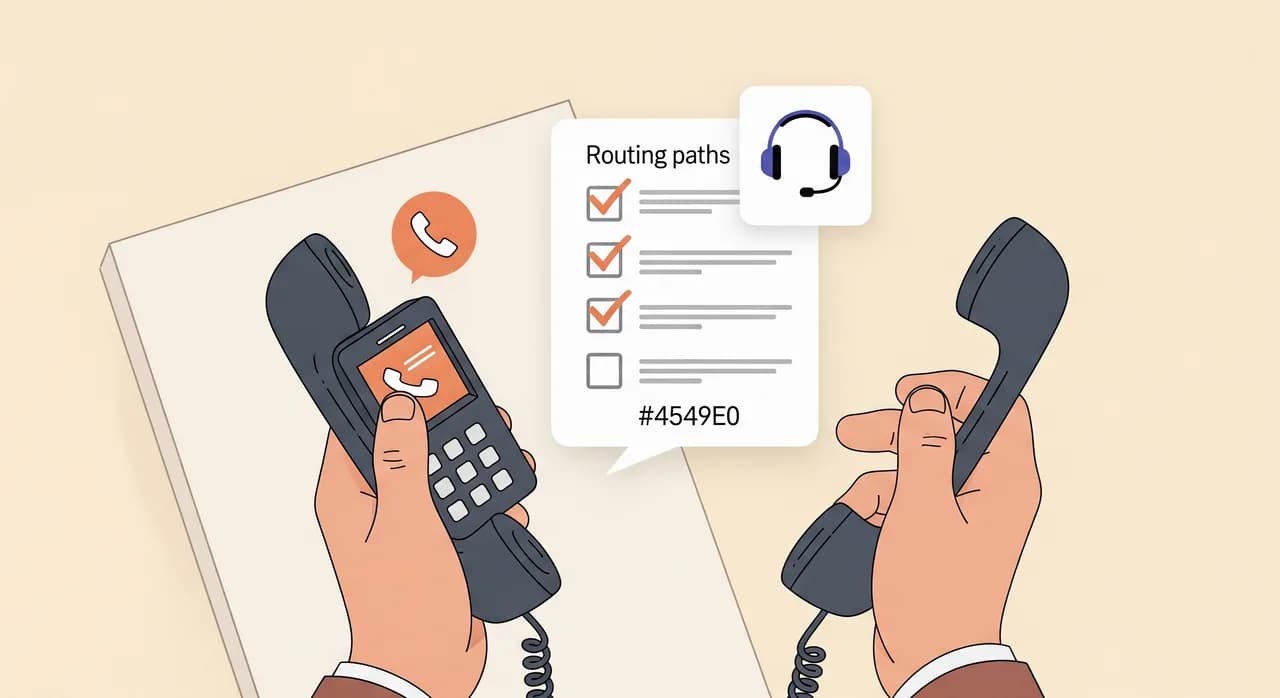
È il passaggio che tutti saltano e di cui tutti si pentono. Hai configurato quattro condizioni; devi dimostrare che ciascuna instrada davvero verso il servizio. Prendi un secondo telefono — quello di un amico, uno di scorta, qualsiasi cosa con un numero diverso — e percorri i percorsi di proposito. Ci vogliono cinque minuti ed è la differenza tra «ho impostato la deviazione» e «la deviazione funziona».
- Testa non raggiungibile: spegni completamente il telefono, poi chiamalo dal secondo telefono. Il servizio dovrebbe rispondere entro un paio di squilli.
- Testa nessuna risposta: riaccendi il telefono, chiamalo e semplicemente non rispondere. Dopo il tuo ritardo di squillo dovrebbe rispondere il servizio — non la segreteria.
- Testa occupato: metti il telefono in chiamata (chiama l'ora esatta, o qualcuno), poi fai chiamare il secondo telefono. Dovrebbe deviare dritto al servizio.
- Testa la qualità della risposta stessa: in almeno una di queste chiamate, comportati come un cliente vero. Fai una domanda che ti aspetteresti da chi chiama e verifica che il servizio risponda correttamente.
Errori comuni e come evitarli
La maggior parte dei problemi di deviazione nasce da una manciata di errori prevedibili. Se la tua configurazione si comporta male, è quasi certamente uno di questi.
- Impostare l'incondizionata quando intendevi la condizionata. Se il tuo telefono smette del tutto di squillare, hai attivato la CFU. Annullala con ##21# e usa invece **004*DEST#.
- Dimenticare il prefisso internazionale. Un numero di deviazione senza il prefisso internazionale corretto fallisce in silenzio su alcune reti. Includi il numero completo.
- Lasciare che la segreteria vinca la corsa. Un ritardo di nessuna risposta troppo lungo e la segreteria afferra la chiamata. Accorcialo a circa 15 secondi.
- Sovrapporre nuove deviazioni a quelle vecchie. Se le cose si ingarbugliano, azzera sempre prima con ##002#.
- Non testare mai il percorso non raggiungibile. Si attiva solo quando il telefono è spento, quindi è quello che la gente dimentica — ed è quello che ti salva quando la batteria muore a metà turno.
Un'ultima nota onesta: i codici di deviazione dipendono dall'operatore. I codici in questa guida sono lo standard GSM e funzionano sulla stragrande maggioranza delle reti mobili, ma una manciata di operatori usa varianti proprie o limita la deviazione condizionata su certi piani. Se un codice restituisce un errore, la pagina di assistenza del tuo operatore o una chiamata di due minuti confermeranno l'equivalente locale. È l'unica parte di tutto questo che non puoi controllare completamente dal tuo telefono.
L'obiettivo è un passaggio invisibile
Quando la deviazione è impostata bene, chi ti chiama non sa mai che c'è stato un passaggio. Compone il tuo numero, e o rispondi tu o lo fa un centralino capace — niente silenzio, niente «la persona che sta chiamando non è disponibile», niente buco nero della segreteria. Un buon assistente telefonico AI prende la prenotazione, risponde alla domanda di routine, oppure prende un messaggio e ti invia un riepilogo e una trascrizione, così non si perde nulla nemmeno sulle chiamate che non hai mai visto.
Quell'invisibilità è tutto il senso di azzeccare le quattro condizioni. La deviazione è impiantistica — nessuno dovrebbe mai accorgersi che funziona. Se ne accorgono solo quando è rotta e la loro chiamata svanisce. Dedica i dieci minuti a configurarla con cura e a testare tutti e quattro i percorsi, e avrai un impianto che funziona in silenzio, chiamata dopo chiamata.
Qual è la differenza tra deviazione di chiamata incondizionata e condizionata?
Quale codice di deviazione manda tutte le mie chiamate perse a una segreteria telefonica in una volta sola?
Perché le mie chiamate deviate finiscono ancora in segreteria?
La deviazione di chiamata funziona su linea fissa o solo sui cellulari?
Come faccio a testare che la mia deviazione di chiamata sia impostata correttamente?
Configuralo, poi devia con fiducia
Crea il tuo assistente telefonico AI in pochi minuti, testalo parlandoci tu stesso e devia il tuo numero solo quando risponde nel modo che vuoi. Scopri esattamente come funzionano la configurazione e il passaggio.
Scopri come funziona la configurazione
Vunoon sviluppa un assistente telefonico IA che risponde alle chiamate della tua attività 24 ore su 24, 7 giorni su 7 — fissa appuntamenti, risponde alle domande più frequenti e ti invia un riepilogo di ogni conversazione.