Så bokar du tider över telefon utan att äta upp hela dagen
Ett praktiskt system för att boka tider snabbt via telefon: 90-sekundersmanuset, exakt vilka uppgifter du ska fånga varje gång och hur du dödar det fram-och-tillbaka som i det tysta stjäl timmar.
 Vunoon14 min läsning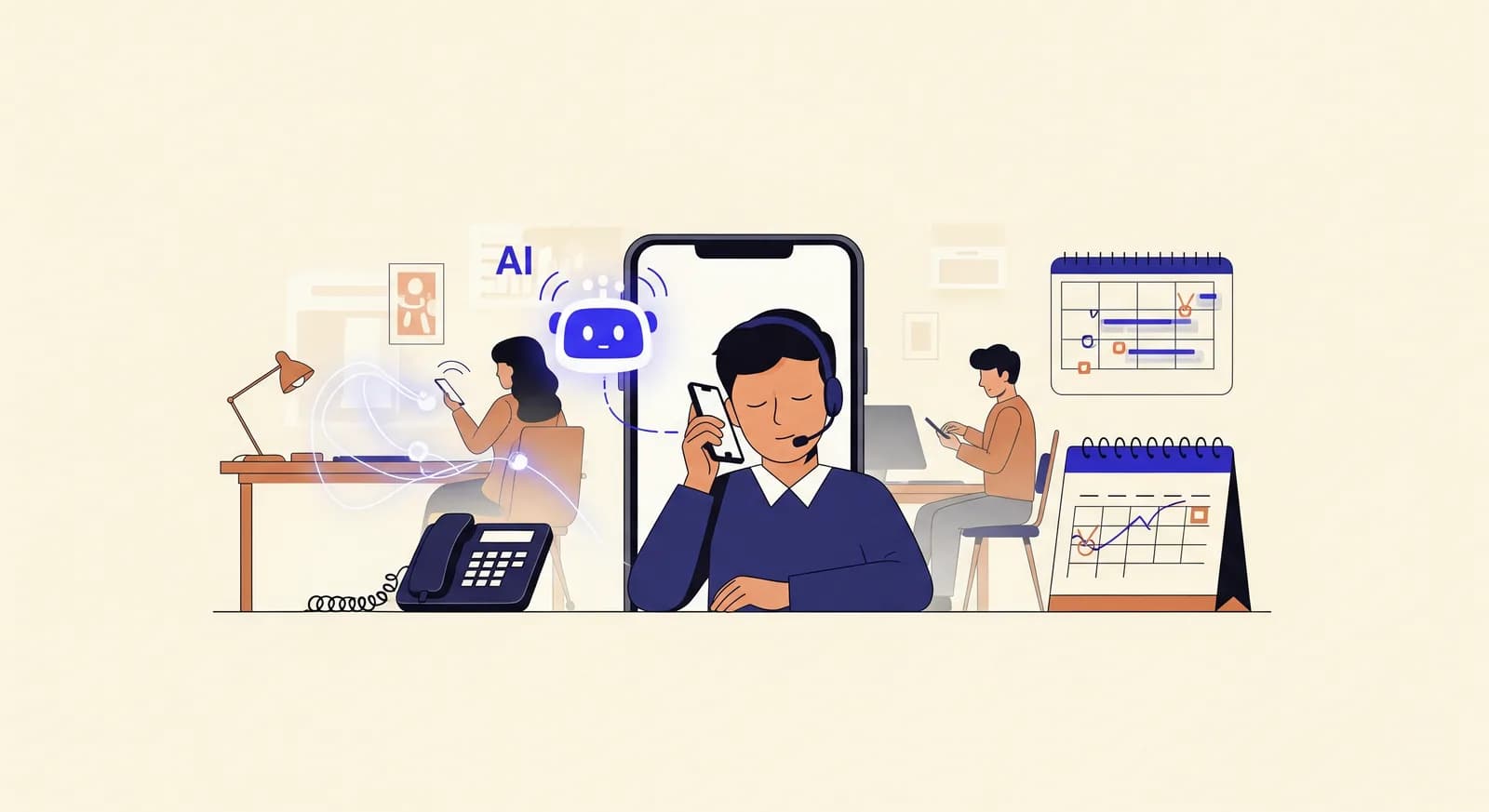
Telefonen ringer mitt i en syssla, händerna fulla, ett öga på kunden framför dig. Någon vill boka en tid. Du sträcker dig efter kalendern, ställer en fråga, får ett vagt svar, ställer en till, tappar tråden. Tio minuter senare har du bokat en tid och glömt vad du höll på med. Multiplicera det med ett dussin samtal om dagen så har du lagt en timme på att boka — och dåligt dessutom. Det finns ett snabbare sätt, och det mesta handlar bara om att ha ett system.
Att kunna boka tider över telefon bra handlar inte om att prata fortare eller vara kortfattad. Det handlar om att ta bort de ögonblick där samtalet stannar av: pauserna medan du letar efter kalendern, de upprepade frågorna för att du glömde fråga något, den krystade förhandlingen om tider som ändå aldrig skulle fungera. Den här texten är en fungerande process för telefonbokningar — ett stramt manus, exakt vilka uppgifter du fångar varje enda gång, och de specifika vanor som hindrar ett tvåminuterssamtal från att bli ett tiominuterssamtal.
Den är skriven för den som faktiskt svarar i telefonen: ägaren, receptionisten, vem som nu lyfter luren. Inget här kräver mjukvara. På slutet är vi ärliga om den del av jobbet som ett manus inte kan lösa — samtalen som kommer vid sämsta tänkbara tidpunkt — och var en AI-telefonassistent i det tysta gör rätt för sig.
Varför telefonbokning i det tysta äter upp din dag
En telefonbokning borde ta nittio sekunder. De flesta tar tre till fem minuter, och skillnaden ligger nästan aldrig hos kunden. Det är friktion på din sida av samtalet.
Den största boven är kontextväxling. Du höll på med något annat, telefonen ringde, och nu måste du ladda in en helt annan uppgift från kallt. Du famlar efter kalendern. Du glömmer den uppringandes namn och måste fråga igen. Du bokar tiden, lägger på och inser att du aldrig frågade vad besöket egentligen gällde — så nu gissar du hur lång tid du ska blocka.
Den andra boven är öppna frågor. ”När skulle du vilja komma in?” låter vänligt. I praktiken räcker du den uppringande en tom kalender och ber hen förhandla mot ingenting. Hen säger ”någon gång nästa vecka, kanske tisdag, men inte för tidigt”, och nu är du inne i ett fram-och-tillbaka som kunde ha varit två erbjudna alternativ och ett ja.
Den tredje är ofullständig registrering. Du bokar tiden men missar en detalj — ett telefonnummer, om det är en ny kund, vilken tjänst de behöver — och den dyker upp senare som ett förvirrat sms, en bortkastad tid, eller en utebliven kund du inte kunde bekräfta eftersom du aldrig fick ett nummer. Kostnaden för ett missat fält betalas inte under samtalet. Den betalas tre dagar senare, med ränta.
“Kostnaden för ett missat fält betalas inte under samtalet. Den betalas tre dagar senare, med ränta.”
Gör dig redo innan telefonen ringer
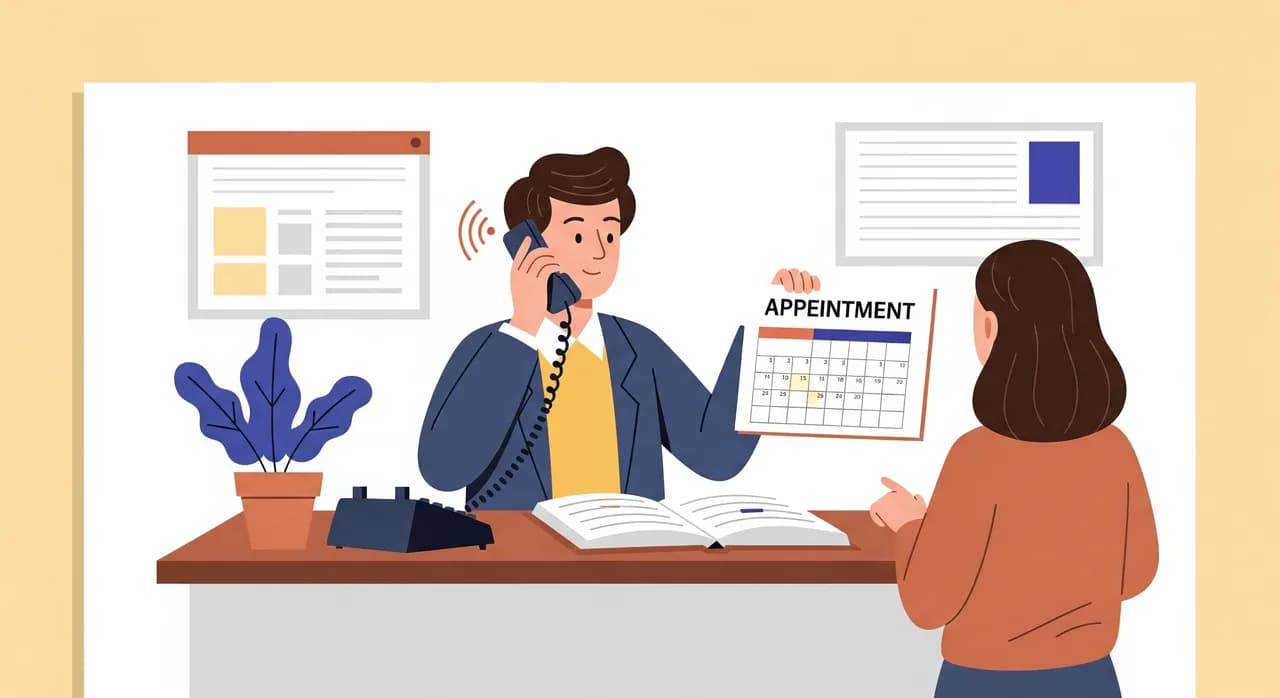
Du kan inte manusa dig ur en dålig förberedelse. De snabbaste bokningssamtalen händer för att allt den uppringande kan tänkas behöva redan finns inom räckhåll. Fem minuters förberedelse en gång sparar dig ett famlande vid varje samtal därefter.
- En kalender, alltid öppen. Inte en papperskalender och en app som är oense. En sanningskälla, synlig med en blick, med din verkliga tillgänglighet blockad — lunch, resor, tiderna du håller för drop-in.
- Ett bokningskort eller en mall. På papper eller på skärm, med de exakta fält du fångar varje gång. När formuläret påminner dig glömmer du aldrig att fråga.
- Dina standardtider i huvudet. Kan dina tjänstelängder utantill. Om en rengöring är 30 minuter och en fullservice är 90 ska du inte behöva fundera på hur mycket du ska blocka.
- Två svar på dina tre vanligaste frågor. Prisintervall, parkering, vad man ska ta med. När du kan svara direkt gör samtalet ingen omväg.
90-sekundersmanuset för bokning
Här är ryggraden i ett effektivt bokningssamtal. Det är inte ett manus att läsa ord för ord som en robot — det är en ordning på momenten. Följ sekvensen så sköter samtalet nästan sig självt, eftersom varje steg bygger upp nästa.
- 1Hälsa och identifiera (10 sekunder)”God morgon, Lönngatans tandvård, Sam här.” Ta sedan den uppringandes namn direkt: ”Vem har jag nöjet att tala med?” Du använder det tre gånger innan samtalet är slut, och att fråga nu gör att du aldrig behöver fråga igen.
- 2Ta reda på vad de behöver (15 sekunder)”Vad kan jag boka in dig för?” Den enda frågan berättar tjänsten, och därmed hur mycket du ska blocka och vilka tider du ska erbjuda. Rör inte kalendern förrän du vet det här.
- 3Erbjud två konkreta tider (15 sekunder)Inte ”när passar det dig”. Erbjud: ”Jag har torsdag klockan 14, eller fredag klockan 10 — funkar någon av dem?” Du förankrar samtalet i verkliga luckor i stället för i ett tomt fält.
- 4Bekräfta tiden och lås in den (10 sekunder)”Toppen, torsdag den tolfte klockan 14. Jag lägger in dig nu.” Säg tillbaka hela datumet så att det inte råder någon tvekan mellan ”den här torsdagen” och ”nästa torsdag”.
- 5Fånga resten (25 sekunder)Bästa telefonnumret, om de är nya eller återkommande, och allt tjänstespecifikt. Läs tillbaka numret siffra för siffra — det är det enda du inte har råd att få fel.
- 6Avsluta med sammanfattningen (15 sekunder)”Så det blir torsdag den tolfte klockan 14, en kontroll, och jag har dig på 070... — jag skickar en påminnelse dagen innan. Något mer?” Sammanfattningen fångar fel medan den uppringande fortfarande är på tråden, vilket är enda tillfället de är fria att rätta dem.
Det är ungefär nittio sekunders faktiskt prat. Anledningen till att det fungerar är ordningen: tjänst före tider (så du vet vad du ska erbjuda), tider före detaljer (så den uppringande binder sig innan du lägger möda på att registrera), och en sammanfattning på slutet (så misstag dör i samtalet i stället för i din kalender).
Uppgifterna att fånga vid varje enda samtal
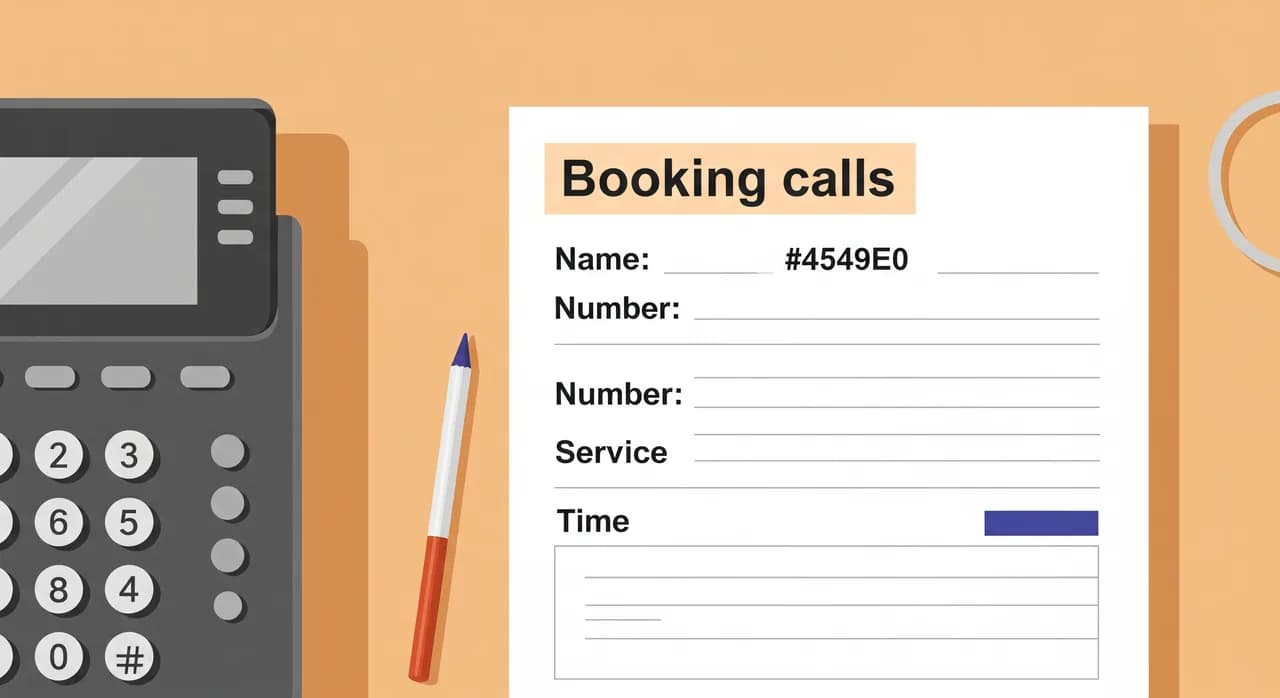
En bokning är inte klar när du valt en tid. Den är klar när du har allt du skulle behöva för att köra besöket smidigt och nå personen om något ändras. Använd samma checklista varje gång så att inget glider igenom — målet är att inget fält är valfritt i ditt huvud, ens när samtalet är stressigt.
| Fält | Varför det spelar roll | Hur du frågar |
|---|---|---|
| Fullständigt namn | Du behöver det för journalen och för att hälsa | ”Vem har jag nöjet att tala med?” — i början |
| Telefonnummer | Din enda livlina om tiden ändras eller de uteblir | ”Bästa numret att nå dig på?” — läs tillbaka det |
| Tjänst som behövs | Avgör tidens längd och personal | ”Vad kan jag boka in dig för?” |
| Ny eller återkommande | Påverkar förberedelse, journal och tid som behövs | ”Har du varit hos oss förut?” |
| Önskad tid bekräftad | Hela poängen — uttalad som ett helt datum | ”Så det blir torsdag den tolfte klockan 14” |
| Något tjänstespecifikt | Undviker överraskningar på dagen | ”Något jag bör notera innan du kommer?” |
Telefonnumret är fältet folk hoppar över mest och ångrar mest. Om din dag skiftar och du behöver flytta någon, eller en lucka öppnas och du vill fylla den, eller någon helt enkelt inte dyker upp — numret är det som låter dig göra något åt det. Läs tillbaka det siffra för siffra. Ett omkastat nummer är en bokning du inte kan rädda.
Att döda fram-och-tillbaka
”Telefontennis” är den tysta skatten på schemaläggning. Den uppringande vill ha en tid du inte har, du erbjuder en de inte kan, någon säger ”jag kollar och ringer tillbaka”, och nu är bokningen utsträckt över tre samtal och ett och ett halvt dygn. Så här klämmer du ihop det till en enda växling.
Förankra med två alternativ, vidga sedan
Inled alltid med två konkreta tider. De flesta som ringer tar en av dem, eftersom att välja mellan två alternativ är lätt och att välja från en tom kalender är svårt. Om ingen fungerar, vidga då: ”Inga problem — passar förmiddagar eller eftermiddagar bättre? Tidigt eller sent i veckan?” Du snävar in sökningen snabbt i stället för att gissa tid efter tid.
Lägg aldrig på för att kolla
”Jag kollar och ringer tillbaka” är där bokningar går för att dö. Kundens dag rullar vidare, du blir upptagen, och när ni väl kopplas ihop igen har de bokat någon annanstans. Behöver du verkligen kolla något, sätt dem på ett kort vänteläge och kom tillbaka — avsluta inte samtalet. En bokning som hålls på tråden är en bokning. En bokning du lovat ringa tillbaka om är ett kanske.
Hantera den vaga uppringaren
Vissa som ringer vet uppriktigt inte när de vill komma. Jaga dem inte runt i kalendern. Ställ en insnävande fråga — ”Passar den här veckan eller nästa bättre?” — och erbjud inom den. Kan de fortfarande inte binda sig, fånga deras namn och nummer och erbjud att sms:a dem två alternativ. Du har vänt en öppen slinga till en stängd utan att lägga fem minuter på att utforska hela deras schema.
“En bokning som hålls på tråden är en bokning. En bokning du lovat ringa tillbaka om är ett kanske.”
Bekräfta för att minska uteblivna besök
Fram-och-tillbaka händer inte bara vid bokning — det händer som uteblivna besök, som helt enkelt är bokningar som i det tysta avbokade sig själva. En påminnelse dagen innan, via sms eller ett snabbt samtal, fångar dem som glömt och frigör tiden hos dem som inte kan komma. Nämn påminnelsen under samtalet så att den landar som en artighet, inte en jakt: ”Jag skickar en påminnelse dagen innan.”
Vanliga misstag som drar ut på ett bokningssamtal
- Att sträcka sig efter kalendern för tidigt. Du kan inte erbjuda en tid förrän du vet tjänsten. Ta reda på vad de behöver först, titta sedan.
- Att fråga ”när passar det dig?” Det känns artigt och kostar minuter. Erbjud två tider i stället.
- Att hoppa över namnet i början. Fråga en gång, direkt. Att fråga två gånger mitt i samtalet är en liten sak som får hela växlingen att kännas rörig.
- Att inte läsa tillbaka numret. Det enda fältet där ett fel inte går att rädda, och det folk oftast stressar igenom.
- Ingen sammanfattning. ”Den här torsdagen” mot ”nästa torsdag” har kostat fler uteblivna besök än några andra tre ord i schemaläggning.
- Att överförklara. Den uppringande vill ha en tid, inte hela din prislista. Svara på det de frågade, boka tiden, gå vidare.
Samtalen ett manus inte kan lösa
Här är den ärliga gränsen för allt ovan. En bra process gör samtalen du svarar på snabba och rena. Den gör ingenting för samtalen du inte kan svara på — och för de flesta småföretag är det just de som i det tysta kostar mest.
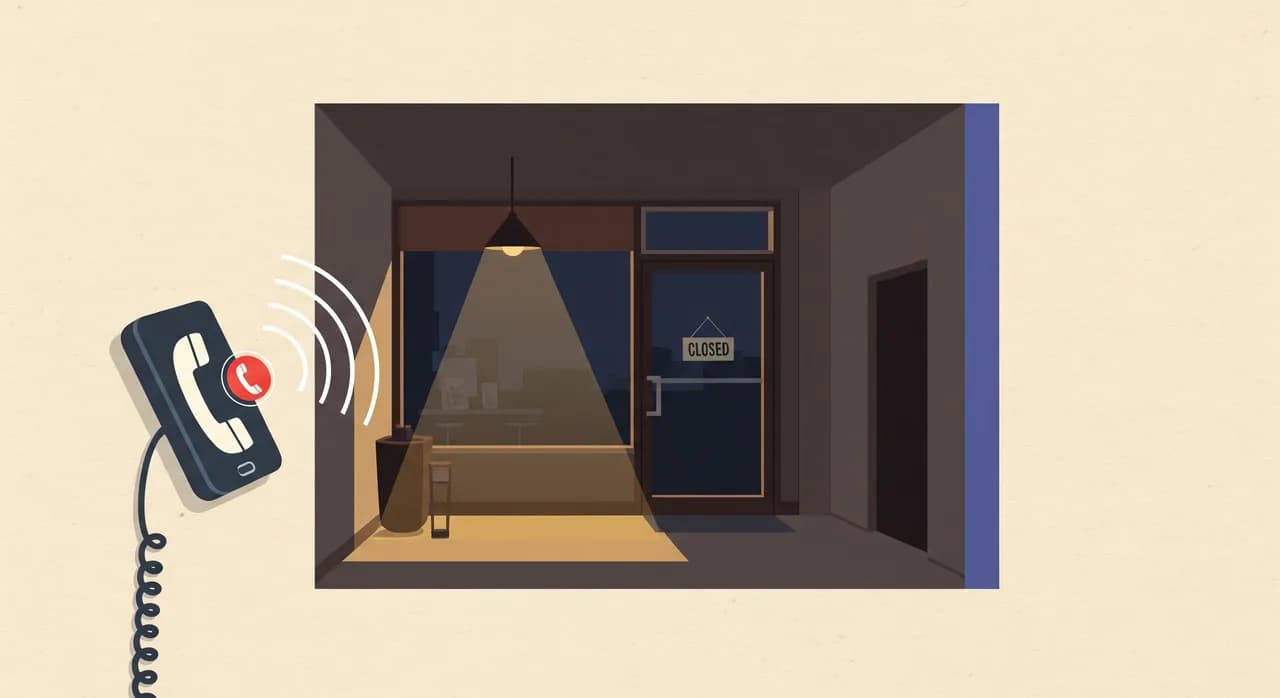
Du är med en kund och telefonen ringer. Du står på en stege, kör bil, är mitt i en behandling, eller så är det helt enkelt efter stängning. Den uppringande vill boka, hamnar i röstbrevlådan — som många inte lämnar meddelande i — och ringer i stället nästa namn på sin lista. Den bokningen dyker aldrig upp i din kalender, så du känner aldrig förlusten. Den bara uteblir. Tio missade samtal på en vecka, ett per bokning, är ett verkligt antal tider som gick någon annanstans.
Inget manus fixar detta, för problemet är inte samtalet — det är att ingen var ledig att ta det. Det är den specifika, tråkiga luckan där automatisering av den rutinmässiga delen av bokning gör sig förtjänt: inte att ersätta bedömningarna, bara att fånga de samtal som annars skulle ringa ut i tomma intet.
Att automatisera den rutinmässiga delen av bokning
Bokningssamtalen som följer ditt manus är per definition rutin — samma hälsning, samma frågor, samma fält som fångas, samma sammanfattning. Rutin är precis vad en telefonassistent hanterar bra. Vunoon svarar i din lina när du inte kan: den hälsar på den uppringande, går igenom samma ordning på momenten som du skulle, erbjuder tider, fångar namn, nummer och tjänst i en ren journal, och tar bokningen eller ett meddelande. Sedan skickar den dig en sammanfattning och en utskrift av samtalet så att du aldrig behöver gissa vad som hände.
Den kör processen du skulle köra — tjänst först, erbjud tider, bekräfta tiden, sammanfatta — dygnet runt och på över 25 språk. När något faller utanför rutinen bluffar den inte: den tar ett meddelande eller ordnar så att du ringer tillbaka, och den låtsas inte vara en människa om den uppringande frågar. Poängen är inte att ta bort dig från bokningen. Det är att se till att samtalet klockan 19 en tisdag, eller det som ringer medan du är mitt i ett jobb, ändå slutar i en bokning i stället för en missad möjlighet du aldrig ens hör talas om.
Hur länge bör ett bokningssamtal via telefon ta?
Vilken information bör jag alltid fånga vid bokning per telefon?
Hur stoppar jag det ändlösa fram-och-tillbaka om tider?
Hur minskar jag uteblivna besök från telefonbokningar?
Vad händer med bokningar jag inte kan svara på personligen?
Fånga bokningssamtalen du inte kan svara på
Vunoon svarar i din telefon när du är upptagen eller stängd, tar bokningar med samma disciplin som i den här guiden, och skickar dig en sammanfattning av varje samtal. Sätt upp det på några minuter och testa det själv först.
Se hur tidsbokning fungerar
Vunoon bygger en AI-telefonassistent som svarar på ditt företags samtal dygnet runt — den bokar tider, svarar på vanliga frågor och skickar dig en sammanfattning av varje samtal.