Eskalačné pravidlá: kedy má AI recepčná prepojiť hovor na človeka
Väčšinu hovorov zvládne AI sama. Zopár z nich by malo okamžite vyzváňať u skutočného človeka. Takto nastavíte eskalačné pravidlá, ktoré zachytia tie dôležité, no nevytiahnu vás z každej porady.
 Vunoon15 min čítania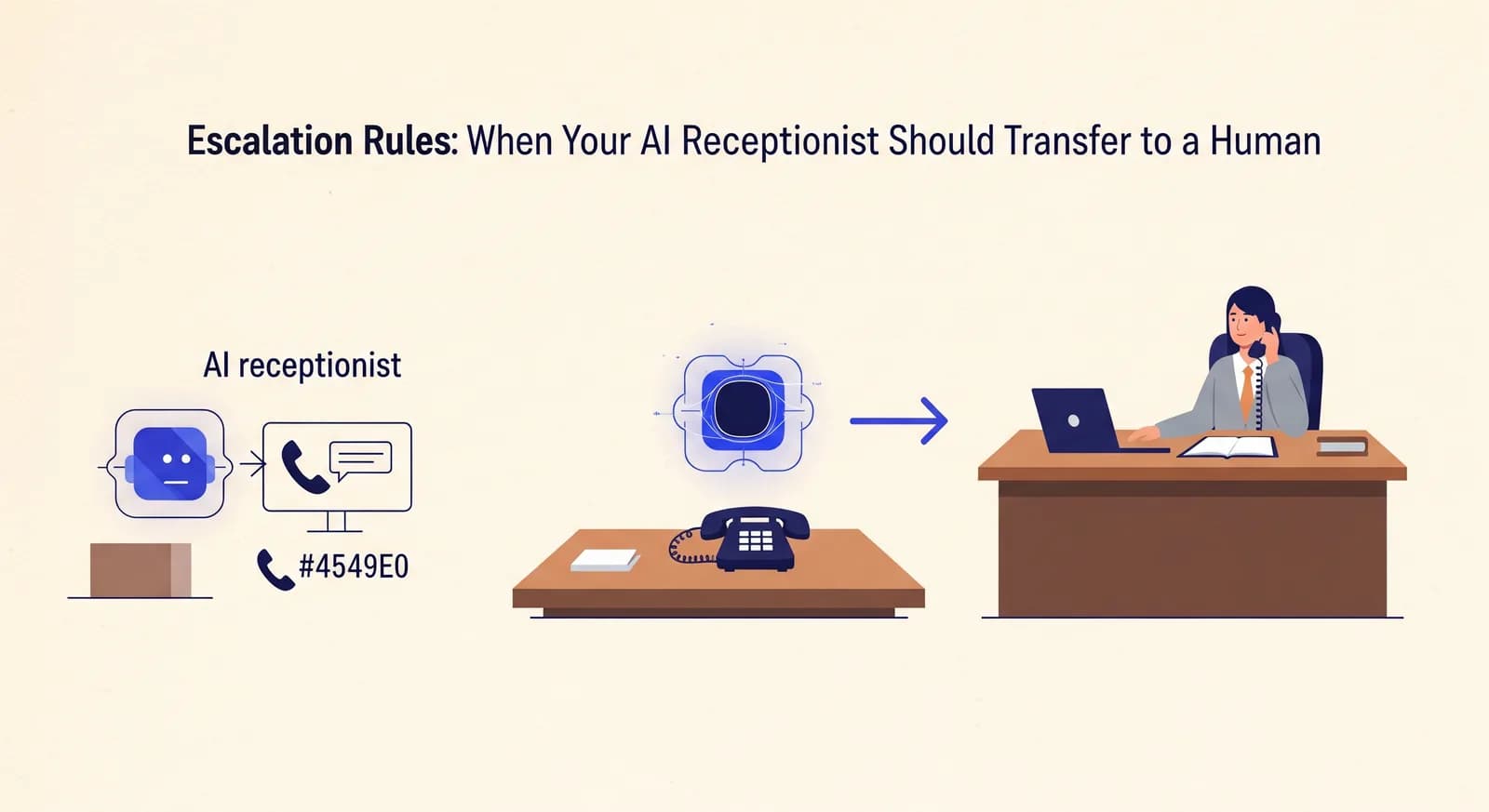
AI recepčná, ktorá nikdy neprepojí ani jeden hovor, buď robí zázraky, alebo klame. Celý zmysel eskalačných pravidiel spočíva v tom, že si rovno priznáte, že niektoré hovory patria človeku – a postaráte sa, aby sa k nemu naozaj a rýchlo dostali, kým všetko ostatné sa v tichosti vybaví na pozadí.
Keď si ľudia prvýkrát zriaďujú AI recepčnú, zvyčajne celé hodiny pilujú privítanie a priebeh rezervácie. Čo je pochopiteľné – práve tam sa odohráva väčšina hovorov. Lenže nastavenie, ktoré rozhodne, či tej veci v piatok o deviatej večer budete veriť, je oveľa nenápadnejšie: pravidlo, kedy má AI prepojiť na človeka. Nastavíte ho príliš voľne a telefón vám zvoní pri každej otázke na cenu. Nastavíte ho príliš prísne a naozaj naliehavý volajúci nakoniec skončí pri hlasovej schránke, ktorú si nikto nevypočuje skôr než v pondelok.
Tento návod ukazuje, ako nastaviť eskalačné pravidlá, ktoré sadnú skutočnej malej firme: pri ktorých spúšťačoch sa oplatí prerušiť deň, ako podľa hodiny nasmerovať prepojenia na rôznych ľudí a – na túto časť všetci zabúdajú – čo sa stane, keď sa samotné prepojenie nespojí. Nič z toho nevyžaduje skúsenosti z call centra. Stačí, aby ste si raz ujasnili, ktorých päť druhov hovorov nechcete nikdy premeškať.
Čo „eskalácia“ v skutočnosti znamená pre malú firmu
Vo veľkom kontaktnom centre je eskalácia stupňovitý rituál: prvá úroveň, druhá úroveň, fronta na nadriadeného. Pre inštalatéra, zubnú ambulanciu alebo dvojčlennú advokátsku kanceláriu znamená čosi oveľa jednoduchšie. Znamená: tento konkrétny hovor už nemá riešiť softvér, ale má začať vyzváňať na telefóne, ktorý niekto zdvihne. Nič viac.
Hovor sa dá eskalovať vlastne len dvoma spôsobmi. Buď sa AI sama – podľa pravidiel, ktoré nastavíte – rozhodne, že tento hovor to spĺňa, alebo volajúci požiada o človeka a AI mu vyhovie. Dobre nastavený asistent zvládne oboje bez okolkov. Neháda sa s volajúcim, ktorý chce živého človeka, a nečaká, kým ho o to niekto požiada, vo chvíli, keď padne slovo „núdza“.
Päť druhov hovorov, ktoré si živé prepojenie naozaj zaslúžia
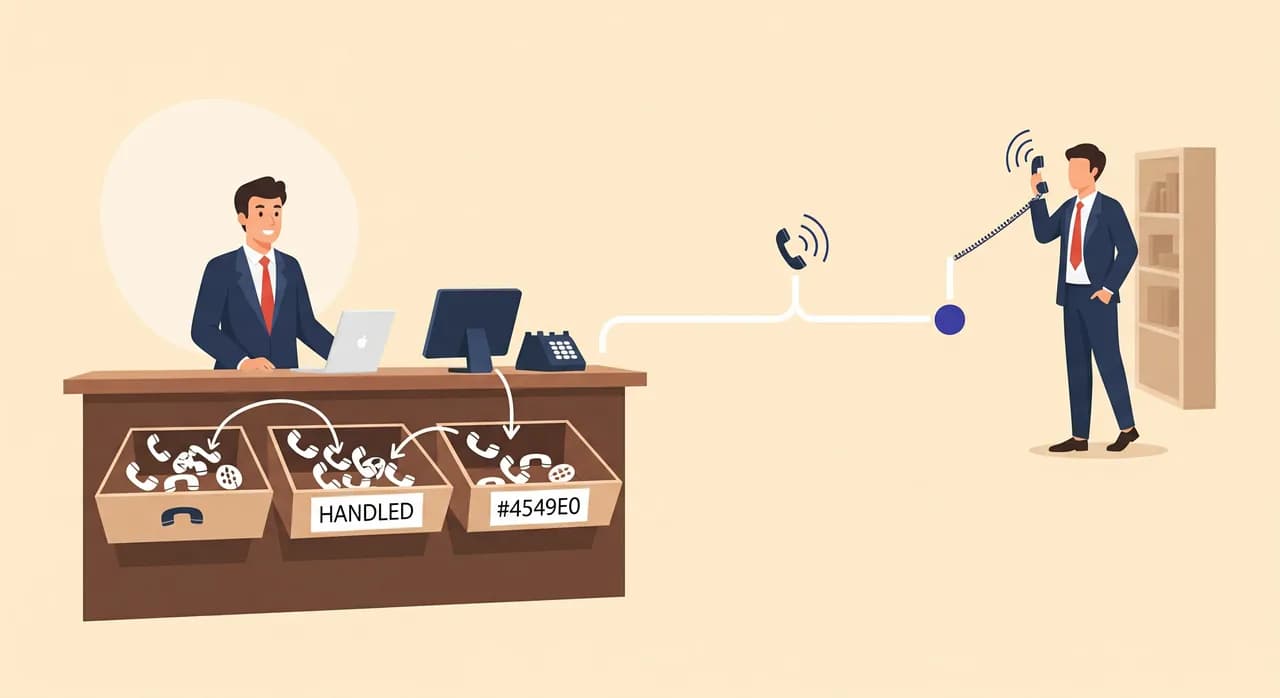
Skôr než siahnete na akékoľvek nastavenie, rozhodnite sa, ktoré hovory si zaslúžia vyrušiť človeka. Ak toto preskočíte a len zapnete „prepojiť v prípade neistoty“, budú vás neustále vyťahovať zo stretnutí a do týždňa tú funkciu vypnete. Väčšina firiem nakoniec dôjde k rovnakému krátkemu zoznamu.
- Skutočné núdzové situácie. Prasknuté potrubie, pacient v bolestiach, o polnoci zabuchnuté dvere. Volajúci je v strese a hrá sa o čas. Tieto hovory by sa mali eskalovať vo chvíli, keď ich AI rozpozná.
- Volajúci si výslovne vyžiada človeka. Niektorí ľudia jednoducho so softvérom jednať nebudú a nútiť ich do toho je najlepší spôsob, ako o nich prísť. „Môžem hovoriť s niekým živým?“ je platný a okamžitý spúšťač.
- Hodnotné alebo zložité dopyty. Cenová ponuka na veľkú zákazku, firemný účet, nezvyčajná požiadavka, ktorú profil nepokrýva. Stratiť jeden taký kvôli neobratnej hlasovej schránke stojí oveľa viac než jedno vyrušenie.
- Čokoľvek, čo AI nedokáže s istotou zodpovedať. Nie „čokoľvek trochu nejednoznačné“ – naozaj otázky mimo scenára, kde by hádanie bolo horšie než odovzdanie človeku.
- Situácie s právnou alebo bezpečnostnou váhou. Sťažnosť, ktorá znie, akoby smerovala k niečomu vážnemu, zdravotná otázka, ktorú by softvér nemal zodpovedať vôbec.
Všimnite si, čo na tomto zozname nie je: bežné rezervácie, otváracie hodiny, „beriete karty?“, presúvanie termínov, cesta k vám. To sú hovory, ktoré má vaša AI zvládnuť úplne sama. Ak zistíte, že chcete eskalovať aj tieto, čestné riešenie je doplniť odpovede do firemného profilu, nie ich prepájať.
“Cieľom nie je prepojiť čo najviac hovorov. Cieľom je prepojiť tie tri hovory týždenne, ktorých premeškanie by naozaj zabolelo.”
Spúšťač 1: naliehavé kľúčové slová a zámer
Najčastejšie eskalačné pravidlo sa odvíja od toho, čo volajúci hovorí. Moderní asistenti sa neriadia len doslovným zoznamom slov – čítajú zámer – no aj tak sa oplatí premýšľať v pojmoch, ktoré vaši naliehaví volajúci skutočne používajú, pretože práve to budete neskôr prechádzať a ladiť.
Pri remeselnej firme znie naliehavý jazyk ako „vytápa nás“, „nekúri“, „cítim plyn“, „nedostanem sa dnu“. Pri zubnej alebo lekárskej ambulancii je to „silná bolesť“, „opuch“, „nedá sa zastaviť krvácanie“. Pri advokátskej kancelárii to môže byť „zatkli ma“, „zajtra mám súd“, „vyprší lehota“. Spíšte si vlastný zoznam podľa panických hovorov, ktoré už teraz dostávate. Poznáte ich; sami ste ich dvíhali.
Jedno praktické vylepšenie: rozpoznanie naliehavého zámeru spojte s vysloveným potvrdením. Namiesto toho, aby asistent prepájal mlčky, môže povedať: „Znie to, že to nepočká – práve vás prepájam, chvíľu prosím vydržte.“ Jediná taká veta upokojí vystresovaného volajúceho a hlavne nastaví očakávania ešte predtým, než sa ozve vyzváňanie.
Spúšťač 2: volajúci si jednoducho vyžiada človeka
Toto je eskalačné pravidlo, ktoré chráni vašu povesť viac než ktorékoľvek iné – a zároveň to, ktoré ľudia najčastejšie zabudnú poriadne nastaviť. Volajúci, ktorý povie „len ma prepojte na živého človeka“ a narazí na múr zo softvéru, si to zapamätá – a povie to ďalej. Vunoon je postavený tak, aby sa na otázku nikdy nevydával za človeka a aby hovor odovzdal elegantne namiesto toho, aby volajúceho vodil dokola. Vašou úlohou je rozhodnúť, kam to odovzdanie povedie.
Buďte k sebe úprimní v tom, ako často to vôbec dokážete zdvihnúť. Ak pracujete sami a väčšinu dňa ste po lakte v robote, pravidlo, ktoré každé „môžem s niekým hovoriť?“ prepojí rovno na váš mobil, bude len vyzváňať naprázdno a volajúceho sklame dvakrát – raz pri AI, druhýkrát na vašej mŕtvej linke. V takom prípade je lepšie odovzdanie: „[Majiteľ] vám do hodiny zavolá späť – na akom čísle vás najlepšie zastihne?“ Sľúbené spätné zavolanie, ktoré sa naozaj uskutoční, poráža živé prepojenie, ktoré zlyhá.
- 1Okamžite potvrďte žiadosťAI potvrdí, že počula: „Samozrejme, prepojím vás na človeka.“ Žiadne hádky, žiadne dotláčanie k predaju, žiadna slučka typu „s tým vám pomôžem aj ja sám“.
- 2Skúste živé prepojenie na správny cieľVytočí toho, kto má práve teraz na starosti ľudské hovory – vás, kolegu, pohotovostnú linku – podľa vašich pravidiel pre danú dennú dobu.
- 3Keď nikto nezdvihne, prejdite na zaznamenanie a spätné zavolanieAk prepojenie vyzváňa naprázdno, AI si vezme meno, číslo a dôvod a pošle vám zhrnutie, aby sa spätné zavolanie naozaj uskutočnilo.
Spúšťač 3: hodnotné a zložité dopyty
Niektoré hovory stoja za to, aby ste kvôli nim prerušili popoludnie, aj keď nikto nepovedal „naliehavé“. Volajúci, ktorý sa pýta na kompletnú rekonštrukciu kuchyne, majiteľ viacerých nehnuteľností, firma, ktorá si chce založiť účet – to sú hovory, kde ľudský kontakt ešte v ten istý deň obchod uzavrie a odklad ho nechá vyprchať. Kumšt je v tom, ako „hodnotný“ definovať tak, aby to AI dokázala rozpoznať už z prvého hovoru.
Zvyčajne ide o pár signálov: volajúci spomenie rozsah („celá budova“, „dvanásť izieb“, „naša kancelária“), žiada ponuku na mieru namiesto služby z cenníka alebo naráža na rozhodnutie, ktoré by ste chceli osobne ovplyvniť. Asistenta môžete nastaviť tak, aby tieto hovory označil a ponúkol živé prepojenie – „To je väčšia zákazka, než aby som ju nacenil tu; mám vás prepojiť na majiteľa?“ – a pritom si aj tak zaznamenal všetky podrobnosti pre prípad, že by volajúci dal prednosť spätnému zavolaniu.
Jeden detail, ktorý sa oplatí zabudovať: nie každý chce byť prepojený, ani pri veľkej zákazke. Ponuka – „Môžem vás spojiť hneď, alebo vám [meno] zavolá späť dnes popoludní“ – rešpektuje čas volajúceho a často vám vynesie vľúdnejší rozhovor než prepojenie bez varovania. Eskalačné pravidlo môže tú možnosť ponúknuť, namiesto toho, aby vyrušenie vynucovalo.
Voľba cieľov prepojenia podľa dennej doby
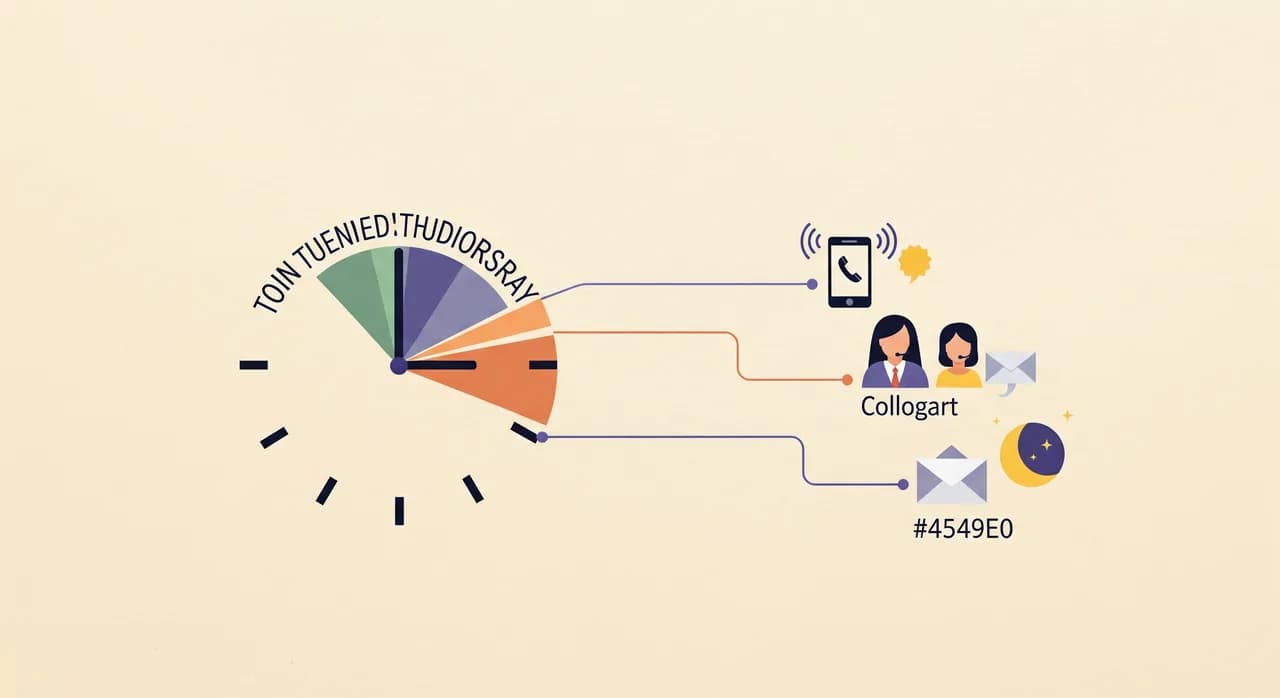
Jediné číslo „prepojiť na majiteľa“ funguje fajn až do dňa, keď prestane. Tá istá eskalácia by mala o desiatej doobeda zastihnúť iného človeka než o desiatej večer. Práve tu vám trocha prípravy vopred ušetrí kopu zmeškaných hovorov – a zvyčajne je to rozdiel medzi AI recepčnou, ktorá pôsobí spoľahlivo, a tou, ktorá pôsobí náhodne.
Poctivo si zmapujte týždeň. Väčšina malých firiem má tri alebo štyri stavy: otvorené a s obsluhou, otvorené, ale plné ruky práce, zatvorené, ale zastihnuteľní (večery, niekto v pohotovosti) a zatvorené a nedostupní (cez noc, sviatky). Každý stav si zaslúži vlastné správanie pri prepájaní.
| Časové okno | Naliehavý hovor ide na | „Chcem človeka“ ide na | Keď nikto nezdvihne |
|---|---|---|---|
| Pracovný čas, s obsluhou | Recepcia / kancelársky telefón | Recepcia | Vziať odkaz, upozorniť majiteľa |
| Pracovný čas, na zákazke | Mobil majiteľa | Ponúknuť spätné zavolanie do hodiny | Zaznamenať údaje, SMS majiteľovi |
| Večer / pohotovosť | Pohotovostný mobil | Ponúknuť spätné zavolanie ráno | Zaznamenať údaje, e-mail + SMS |
| Cez noc / zatvorené | Len núdzová linka (alebo nikto) | Spätné zavolanie ďalší pracovný deň | Zaznamenať údaje, zhrnutie e-mailom |
Riadok „cez noc“ je miesto, kde na úprimnosti záleží najviac. Ak naozaj nemáte nikoho, kto by zdvihol hovor o tretej ráno, nepredstierajte, že máte. Nastavte AI tak, aby bola jasná a láskavá – „Teraz máme zatvorené, ale vezmem si všetky vaše údaje a hneď ráno vám zavoláme“ – a aby k tomu núdzovému kontaktu, ktorý naozaj máte, eskalovala len skutočné núdzové situácie. Volajúci, ktorému poviete pravdu, si vás váži viac než ten, ktorého prepojíte do prázdna.
Bez okolkov: eskalačné pravidlo, ktoré prepája na telefón, ktorý nikto nezdvihne, nie je záchranná sieť – je to prepadlisko, ktorým volajúci padá dolu. Každý cieľ, ktorý nastavíte, musí byť cieľ, ktorý sa naozaj zdvihne, alebo musí byť pokrytý záložným riešením, ktoré volajúceho zachytí, keď sa tak nestane.
Záložné riešenie, ktoré nikto nenastaví – a vždy ho potrebuje
Tu je scenár, ktorý oddeľuje robustné nastavenie od krehkého. AI správne rozpozná naliehavý hovor. Vytočí váš mobil presne podľa nastavenia. A vy ste práve v tuneli, alebo sami v kresle u zubára, alebo ste to jednoducho nepočuli. Prepojenie vyzváňa naprázdno. Čo teraz?
Ak je odpoveď „hovor jednoducho spadne“, postavili ste systém, ktorý zlyháva presne vo chvíli, keď na tom najviac záleží – pri naliehavých hovoroch, ktoré mal zachytiť. Každé eskalačné pravidlo potrebuje záložné riešenie a to by malo byť takmer vždy rovnaké: nestraťte volajúceho; zaznamenajte všetko a postarajte sa, aby to človek rýchlo videl.
- 1Zavolajte na primárny cieľ s rozumným časovým limitomDajte tomu dosť času na zdvihnutie – ale nie toľko, aby to volajúci vzdal. Zvyčajne je správne okolo 20–25 sekúnd vyzváňania.
- 2Skúste sekundárny cieľ, ak nejaký máteSpoločník, kolega, druhé pohotovostné číslo. Nepovinné, ale cenné pri všetkom, o čo naozaj nechcete prísť.
- 3Vráťte hovor k AI, žiadna slepá uličkaKeď nezdvihne žiadny človek, asistent sa vráti na linku namiesto toho, aby hovor zhodil: „Teraz sa mi ich nepodarilo zastihnúť – vezmem si vaše údaje, aby vám hneď zavolali späť.“
- 4Zaznamenajte a hneď odošlite zhrnutieMeno, číslo a dôvod putujú do zhrnutia hovoru a prepisu, ktorý dorazí naraz do vašej e-mailovej schránky aj telefónu – označený ako naliehavý, nie zahrabaný v dennom súhrne.
Ako sa vyhnúť dvom spôsobom, akými sa eskalácia pokazí
Takmer každé zle nastavené riešenie zlyháva jedným z dvoch smerov a tie ťahajú proti sebe. Poznať oba vás ochráni pred tým, aby ste to prehnali na opačnú stranu.
Prílišná eskalácia: telefón, ktorý nikdy neprestane
Nastavíte spúšťače príliš široko – „prepojiť v prípade neistoty“, „prepojiť čokoľvek ohľadom cien“, „prepojiť, keď volajúci znie podráždene“ – a AI vás teraz vyrušuje pri hovoroch, ktoré mala vybaviť sama. Hodnota automatizácie vášho telefónu sa vyparí. Riešením je disciplína: v zozname spúšťačov nechajte len skutočné núdzové situácie, výslovné žiadosti o človeka a naozaj hodnotné hovory alebo hovory mimo scenára. Všetko ostatné dostane odpoveď alebo zaznamenaný odkaz, nie prepojenie.
Nedostatočná eskalácia: hovor, ktorý mal prejsť až k vám
Opačné zlyhanie je tichšie a nebezpečnejšie, pretože si ho nevšimnete – hovor vám jednoducho nikdy nedôjde. Núdzová situácia opísaná slovami, ktoré váš zoznam spúšťačov nepokrýval. Hodnotný volajúci, ktorý zavesil nad hlasovou schránkou. Obranou je tu prechádzanie prepisov. Prečítajte si týždeň hovorov, nájdite každý, pri ktorom si poviete „tento som si mal vziať“, a rozšírte pravidlá, aby nabudúce tento typ hovoru zachytili.
“Eskalačné pravidlá nie sú nastav a zabudni. Nastavíte ich a potom ladíte podľa toho, čo k vám naozaj prišlo.”

Ako eskalačné pravidlá nastaviť v praxi
Nie je to na žiadny veľký projekt. Vunoon má logiku eskalácie zabudovanú priamo do toho krátkeho nastavenia, ktoré aj tak robíte, keď opisujete svoju firmu, a môžete ju kedykoľvek upraviť podľa toho, ako zisťujete, čo vaši volajúci naozaj potrebujú. Nasledujúce poradie zvyčajne vedie k nastaveniu, ktoré nemusíte stále dokola opravovať.
- 1Spíšte si naliehavé frázyZapíšte si slová a situácie, ktoré vo vašom odbore znamenajú „toto nepočká“. Vložte ich do asistenta, aby ich rozpoznával ako spúšťače eskalácie.
- 2Určte, kto berie ľudské hovory a kedyZadajte primárne číslo na prepojenie v pracovnom čase a iné – alebo sľub spätného zavolania – pre večery a noc.
- 3Rozhodnite o správaní pri žiadosti volajúcehoZvoľte, či „chcem človeka“ znamená živé prepojenie, alebo sľúbené spätné zavolanie – podľa toho, ako spoľahlivo to vôbec dokážete zdvihnúť.
- 4Nastavte záložné riešenieZaistite, aby neúspešné alebo nezdvihnuté prepojenie zaznamenalo údaje a hneď vám poslalo zhrnutie – nikdy len tak nespadlo.
- 5Otestujte to ako volajúciZavolajte vlastnému asistentovi. Vyskúšajte núdzovú frázu. Požiadajte o človeka. Spýtajte sa na niečo mimo scenára. Sledujte, kam každý hovor putuje, a upravte to skôr, než presmerujete svoje skutočné číslo.
Ten posledný krok ľudia vynechávajú, a pritom práve on odhalí každú chybu. Päť minút rozhovoru s vlastným asistentom vám povie viac než hodina čítania nastavení. Hneď počujete, či prepája až príliš horlivo alebo či mu vaše „naliehavé“ formulácie prekĺznu popod ruky, a stihnete to opraviť skôr, než to pocíti jediný skutočný volajúci.
Prvé dva týždne po spustení si denne prebehnite zhrnutia hovorov. Hľadáte dve veci: prepojenia, ku ktorým nemalo dôjsť, a hovory, pri ktorých by ste si priali, aby prepojené boli. Hŕstka drobných úprav v prvom týždni vám vykúpi mesiace nastavenia, ktoré jednoducho funguje – lacnejšie ladenie už nikdy robiť nebudete.
Kedy je čestná odpoveď „neprepájať“
Oplatí sa to povedať natvrdo: niekedy je najlepšie eskalačné pravidlo vôbec žiadne živé prepojenie. Ak pracujete sami a cez deň nedokážete spoľahlivo dvíhať, nútiť každý zložitý hovor, aby vyzváňal na telefóne, ktorý aj tak nezdvihnete, len pridáva jeden krok, ktorý zlyhá. V takej realite poslúži volajúcim lepšie sebaistá AI, ktorá odpovie, čo vie, a pri všetkom ostatnom vezme podrobný odkaz – s príznakom naliehavé pri tom, na čom záleží – než prepojenie, ktoré vyzváňa naprázdno.
Práve tu si AI recepčná zarobí na seba aj bez človeka na druhom konci: hovor, ktorý by ste inak úplne zmeškali, premení na písomné zhrnutie, podľa ktorého môžete konať, hneď ako budete mať chvíľu. Pre firmy, ktoré sa topia v návale hovorov, je toto často celá výhra – a živé prepojenia môžete pridať neskôr, keď budete vedieť, ktoré hovory ich naozaj potrebujú. Ak je vaším hlavným problémom práve preťaženie, oplatí sa túto podobu premyslieť samostatne.
Dokáže AI recepčná naozaj prepojiť hovor na človeka?
Kedy má AI prepojiť namiesto toho, aby hovor vybavila sama?
Čo sa stane, keď prepojený hovor nezdvihnem?
Môžu prepojenia ísť na rôznych ľudí podľa času?
Bude AI predstierať, že je človek, keď sa volajúci spýta?
Ako spoznám, že mám eskalačné pravidlá nastavené správne?
Nastavte si eskalačné pravidlá za pár minút
Opíšte svoju firmu, povedzte, ktoré hovory má Vunoon prepojiť na človeka, a otestujte to rozhovorom s ním skôr, než presmerujete jediný hovor.
Pozrite sa, ako nastavenie funguje
Vunoon vyvíja AI telefónneho asistenta, ktorý prijíma hovory vašej firmy nonstop — objednáva termíny, odpovedá na bežné otázky a posiela vám zhrnutie každého hovoru.