Tekoälyvastaanottaja hammaslääkäriasemalle: käytännön opas
Hammaslääkäriaseman vastaanotto on meluisa, jatkuvasti keskeytyvä ja rakenteellisesti alimiehitetty. Näin tekoälyvastaanottaja oikeasti sopii hammaslääkäriin — muistutussoitot, hygieniavaraukset, hammassäryn triage ja vakuutuskysymykset — ilman hypeä.
 VunoonLukuaika 12 min
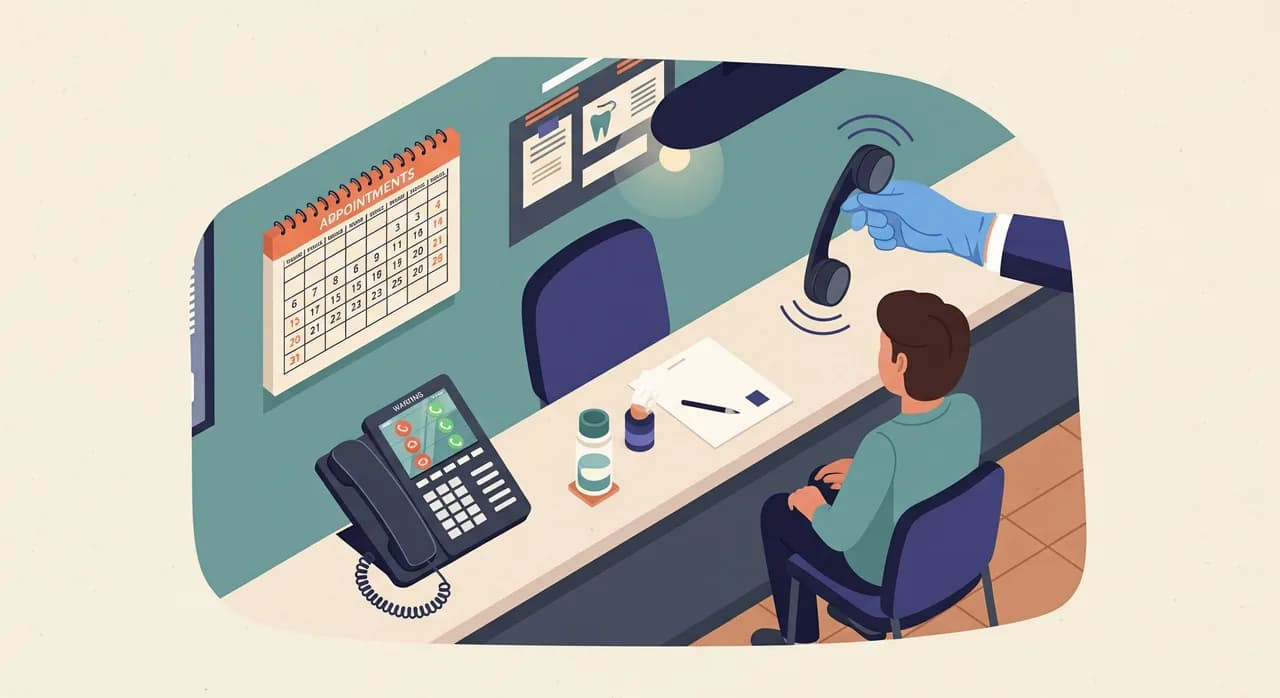
Hammaslääkäriaseman vastaanotto on yksi vaikeimmista puhelimista, jotka pienyrityksessä voi hoitaa hyvin. Puhelin soi juuri silloin, kun se, joka vastaisi, seisoo hoitotuolin vieressä käsineet kädessä ja imu kädessä. Se ei ole miehitysvirhe — se on työn luonne. Tekoälyvastaanottaja hammaslääkärille ei tarkoita tuon ihmisen korvaamista. Se tarkoittaa niiden puheluiden vastaamista, joihin ei muutenkaan olisi vastattu.
Tämä opas on kirjoitettu vastaanoton omistajalle, ei IT-osastolle. Se käy läpi, mitä hammaslääkärin puhelin todella kantaa päivässä — muistutussoitot, hygieniavaraukset, uusien potilaiden kyselyt, hammassärkypuhelut, vakuutuskysymykset — ja näyttää, missä tekoälyvastaanottaja lunastaa paikkansa ja missä sen pitäisi siirtää puhelu ihmiselle. Ei taikatemppuja, ei lupauksia liikevaihdosta. Vain konkreettinen käyttöönotto kahden, kolmen tai viiden tuolin asemalle, joka on kyllästynyt vastaajaan täynnä katkaistuja puheluita.
Miksi hammaslääkärin puhelin on erilainen
Useimmilla pienyrityksillä on puhelin, joka soi kun on hiljaista ja vaikenee kun on kiire. Hammaslääkäriasemalla on päinvastoin. Puhelin on kiireisimmillään juuri silloin, kun tiimi pystyy vähiten vastaamaan: keskiaamulla kun kolme tuolia on käynnissä, tai maanantaina viikonlopun jälkeen, kun moni on hoivannut haljennutta poskihammasta. Tuloksena on ennustettava kaava — puhelut kasautuvat, ja vastaanotto priorisoi aivan oikein edessään olevat ihmiset, kun taas linja menee vastaajaan.
Hukkuvat puhelut eivät ole roskaa. Menetetty muistutussoitto on hygieniakäynti, joka jää hiljaa uudelleen varaamatta. Menetetty uuden potilaan puhelu on joku, joka soittaa listan seuraavalle vastaanotolle ennen kuin edes tiesit hänen olevan olemassa. Ja hammassärkypuhelu kello seitsemältä illalla on aidosti kivulias ihminen, joka päättää, jaksaako hän odottaa sinua vai ajaako päivystykseen. Kukaan näistä soittajista ei jätä luotettavasti viestiä. Useimmat vain katkaisevat ja kokeilevat jotakuta muuta.
Rehellinen kysymys ei siis ole „voiko ohjelmisto olla yhtä hyvä kuin vastaanottoni?“ Se on „mitä tapahtuu kolmannelle samanaikaiselle soittajalle ja sille, joka soittaa kello kahdeksalta illalla?“ Juuri nyt vastaus on yleensä ei mitään. Tekoälyvastaanottaja muuttaa vastauksen juuri tälle puheluiden siivulle — ylivuodolle ja aukioloaikojen ulkopuolelle — koskematta vastaanoton inhimilliseen suhteeseen.
Mitä hammaslääkärin puhelin kantaa päivässä
Ennen kuin määrität mitään, on hyödyllistä nimetä liikenne. Kun kuuntelet läpi tavallisen päivän, hammaslääkärin puhelin kantaa kourallisen toistuvia puhelutyyppejä, ja jokainen kaipaa hieman erilaista vastausta.
- Muistutus ja hygienia. „Sanoitte, että minun on aika hammaskiven poistoon“ — usein suurin yksittäinen kategoria ja se, joka liittyy eniten vastaanoton pitkän aikavälin terveyteen.
- Varaaminen ja uudelleenvaraaminen. Uudet potilaat, olemassa olevat potilaat, jotka siirtävät aikaa, ja loputon „olisiko aikaisemmin mitään?“
- Hammassärky ja äkillinen kipu. Vähäinen määrä, korkeat panokset, tunnepitoinen ja usein aukioloaikojen ulkopuolella.
- Vakuutus- ja kustannuskysymykset. „Otatteko vakuutukseni?“, „paljonko kruunu maksaa?“, „korvataanko konsultaatio?“
- Käytännön asiat. Aukioloajat, pysäköinti, osoite, myöhästyminen, „voinko tuoda lapseni tiedot?“
- Toimittajat ja roskaposti. Ne puhelut, joiden toivoisit loppuvan kokonaan.
Tekoälyvastaanottajan ei pitäisi kohdella kaikkia kuutta samalla tavalla. Käytännön ja vakuutuskelpoisuuden puhelut se voi usein hoitaa loppuun itse. Varauspuhelut se voi käsitellä ottamalla pyynnön ja vahvistamalla sen, tai varaamalla suoraan, jos kytket sen kalenteriisi. Hammassärkypuheluissa harkinta ratkaisee eniten — ja siellä hyvin määritetty assistentti tekee sen yhden asian, jota vastaaja ei koskaan tee: se pysyy linjalla, kerää oikeat tiedot ja saa ihmisen mukaan nopeasti.
Muistutus ja hygienia: hiljainen raha
Hygieniamuistutus on tämän listan vähiten dramaattinen asia ja luultavasti arvokkain. Ylläpitopotilas, joka käy kahdesti vuodessa, on vakaan vastaanoton selkäranka, ja jokainen, joka ajautuu pois, tekee sen hiljaa — he eivät soita irtisanoakseen suhdettaan, he vain lakkaavat vastaamasta, kun sinä soitat heille.
Tässä on epäsymmetria, jonka tekoälyvastaanottaja korjaa. Kun vastaanottosi soittaa potilaille heidän puolivuotismuistutuksestaan, puolet ei vastaa — he ovat töissä, ajamassa, kokouksessa. Joten he soittavat takaisin myöhemmin, ja myöhemmin on kiireisimpinä tunteinasi, ja nyt tuo takaisinsoitto laskeutuu vastaajakasaan. Ihminen, joka oli valmis varaamaan hammaskiven poiston, luovuttaa. Assistentti nappaa juuri sen takaisinsoiton. Se tietää, että vastaanotto tarjoaa hygienia-aikoja, se tietää aukioloaikasi ja se voi ottaa varauksen tai kirjata pyynnön vastaanoton vahvistettavaksi — kello 18.40, kun vastaanotto on pimeä.
“Muistutuspotilas ei lopeta vastaanotollasi käymistä puhelulla. Hän lopettaa jättämällä vastaamatta sinun soittoosi ja katkaisemalla sitten vastaajaasi.”
Laske asia mahdollisimman tylsällä tavalla. Jos kymmenen muistutustakaisinsoittoa viikossa osuu kuolleeseen vastaajaan, ja jopa kolme niistä olisi varannut hygieniakäynnin, se on kolme aikaa viikossa, jotka yksinkertaisesti haihtuvat ilmaan. Ei siksi, että tiimisi teki jotain väärin — vaan siksi, että puhelin voi olla vain yhdessä paikassa kerrallaan. Pelasta puolet niistä, ja olet maksanut paljosta ohjelmistosta.
Hammassäryn triage: oikeat sanamuodot
Tämä on se osio, joka saa omistajat hermostumaan, ja aivan syystä. Tekoälyvastaanottaja ei saa — eikä hyvin rakennettu tee niin — antaa kliinisiä neuvoja. Sen ei pitäisi koskaan kertoa soittajalle, onko kipu vakava, mitä ottaa vai pitäisikö odottaa aamuun. Se on raja, jota et ylitä, ja sinun tulisi suhtautua epäluuloisesti mihin tahansa työkaluun, joka teeskentelee toisin.
Mitä se voi tehdä, on käyttäytyä kuin rauhallinen, pätevä ihminen, joka vastaa puhelimeen: huomioida soittaja, kerätä ne tiedot, joita hammaslääkäri haluaa, ja saada viesti nopeasti ihmiselle. Tavoite on triage ohjaamalla, ei triage diagnosoimalla. Sanamuodolla on väliä, joten se kannattaa kirjoittaa profiiliin harkiten.
- 1Huomioi ja rauhoita prosessin osalta„Olen pahoillani, että teillä on kipuja — otan muutaman tiedon ylös, jotta vastaanotto voi ottaa teihin nopeasti yhteyttä.“ Ei arviota vakavuudesta, vain selkeä lupaus seuraavasta askeleesta.
- 2Kerää tiedot, joita hammaslääkäri kysyy joka tapauksessaNimi, takaisinsoittonumero, milloin kipu alkoi, onko turvotusta, onko sattunut vamma tai irronnut paikka/kruunu, ja onko kyseessä olemassa oleva potilas. Nämä ovat käytännön tietoja, eivät diagnoosi.
- 3Anna rehellinen ohje aukioloaikojen ulkopuolelleJos on aukioloaikojen ulkopuolella, assistentti kertoo todellisen käytäntösi — esimerkiksi „vastaanotto avautuu klo 8 ja soittaa teille heti aamulla“ — ja halutessasi ohjaa vakavien oireiden osalta päivystykseen sinun omilla, etukäteen kirjoitetuilla sanoillasi. Sinä hallitset sen lauseen; tekoäly lukee sen, ei keksi sitä.
- 4Eskaloi välittömästiLähetä omistajalle tai päivystävälle hammaslääkärille yhteenveto ja litterointi heti, kiireelliseksi merkittynä, jotta ihminen voi päättää, soittaako takaisin tänä iltana vai aamulla.
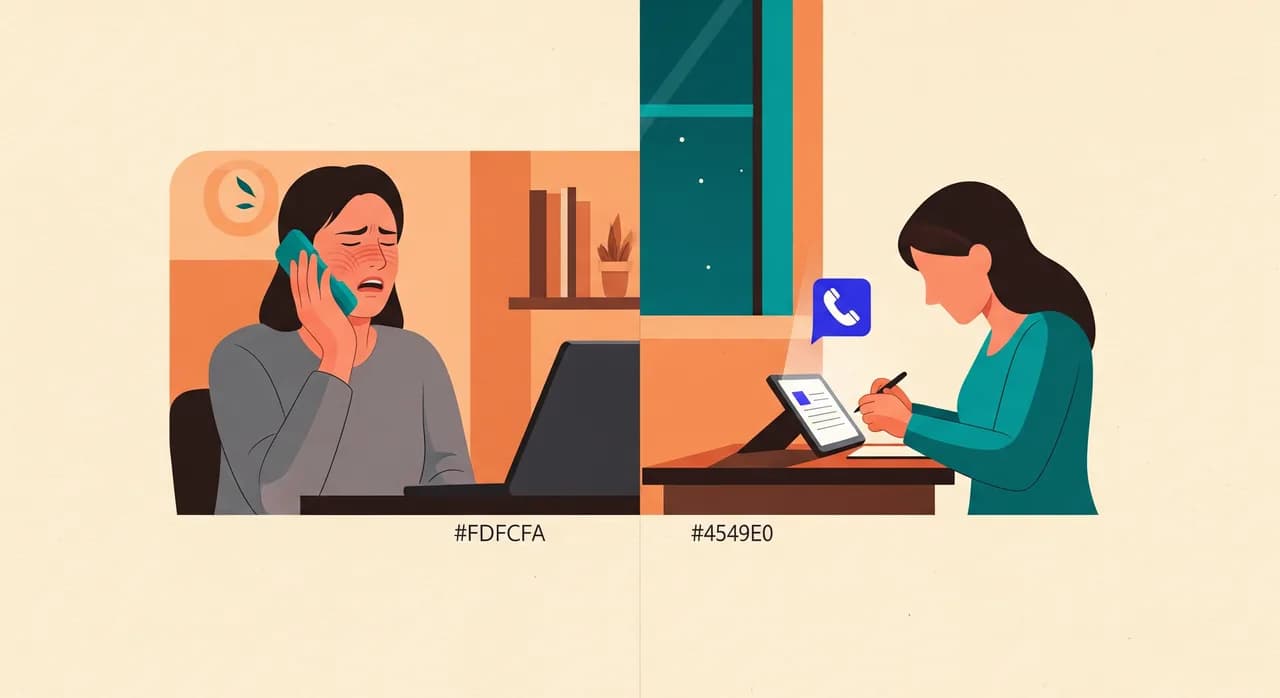
Näin tehtynä hammassärkyinen soittaja kello yhdeksältä illalla saa jotain, mitä ei koskaan saanut vastaajasta: aidon vuorovaikutuksen, selkeän odotuksen siitä, milloin otat yhteyttä, ja luottamuksen siihen, että sinulla on jo hänen tietonsa. Jo pelkästään tämä estää merkittävää osaa heistä ajamasta päivystykseen tai soittamasta kilpailijalle turhautuneena.
Vakuutus- ja kustannuskysymykset ilman ylilupauksia
„Otatteko vakuutukseni?“ on yksi yleisimmistä puheluista, joita hammaslääkäriasema saa, ja yksi puuduttavimmista vastaanoton vastattavaksi kaksikymmentä kertaa päivässä. Sitä on myös riskialtista automatisoida huonosti, koska korvattavuus on tarkkaa ja väärin osuminen rapauttaa luottamuksen nopeasti.
Järkevä jako on tämä: anna assistentin vastata määrittämiisi yleisiin, vakaisiin faktoihin, ja siirrä yksityiskohtaiset kelpoisuuskysymykset eteenpäin. Se voi siis luottavaisin mielin kertoa, minkä vakuutusten tai verkostojen kanssa toimit, tarjoatko maksuaikaa ja miten uuden potilaan tarkastus suunnilleen etenee — koska kirjoitit ne faktat profiiliin. Mitä sen ei pidä tehdä, on ilmoittaa tarkkaa omavastuusummaa tietylle kruunulle tietyllä vakuutuksella tai vahvistaa etua, jota se ei voi tarkistaa. Niiden osalta se ottaa tiedot ja ohjaa ne henkilölle, joka voi tarkistaa.
- Turvallista vastata: mitä vakuutuksia hyväksyt, oletko verkostossa, julkaisemasi yleiset hintahaarukat, rahoitusvaihtoehdot, mitä ensikäynti sisältää.
- Ohjattava ihmiselle: tietyn nimetyn toimenpiteen tarkka korvattavuus, jäljellä olevat vuosikatot, ennakkohyväksynnän tila, mikä tahansa portaalista haettava.
- Ei koskaan: arvata summaa kuulostaakseen avuliaalta. „Minulla ei ole tarkkaa lukua, mutta pyydän jonkun vahvistamaan sen ja soitan takaisin“ voittaa joka kerta luottavaisen väärän vastauksen.
Rehellisyys on tässä ominaisuus. Soittaja, jolle sanotaan suoraan „tätä yhtä en voi vahvistaa, mutta laitan sen tarkistettavaksi“, luottaa vastaanottoon enemmän kuin se, jolle annettiin väärä hinta, joka räjähtää kassalla. Määritä assistentti vastaanottajaksi, joka tietää tarkalleen, mitä tietää — ja myöntää, mitä ei tiedä.
Käyttöönotto: käytännön läpikäynti
Tämän käyttöönotto ei ole projekti. Se on lyhyt istunto ohjatussa asennuksessa, jossa kuvailet vastaanottosi, testipuhelu kuullaksesi, miltä se kuulostaa, ja päätös siitä, mitkä puhelut ohjaat eteenpäin. Tässä on järjestys, joka toimii erityisesti hammaslääkäriasemalle.
- 1Kuvaile vastaanottoNimi, aukioloajat, osoite, pysäköinti, hoidatko lapsia, puhutut kielet ja palveluluettelosi. Hammaslääkäriasemalla listaat tässä tarkastukset, puhdistukset, valkaisut, kruunut ja hätätapaukset — jotta assistentti tunnistaa ne, kun soittajat mainitsevat ne.
- 2Aseta varaussääntösiMitä ajantyyppejä on, kuinka kauan ne kestävät ja pitäisikö assistentin varata suoraan kalenteriisi vai vain kirjata pyyntö vastaanoton vahvistettavaksi. Monet vastaanotot aloittavat kirjaa-ja-vahvista-mallilla ja siirtyvät suoraan varaamiseen, kun luottavat siihen.
- 3Kirjoita arkaluontoiset käsikirjoituksetHammassärky-/aukioloaikojen ulkopuolinen sanamuotosi ja vakuutusrajasi. Nämä ovat ne kaksi kohtaa, joissa haluat omat tarkat sanasi, et generoituja. Kymmenen minuuttia tässä säästää paljon myöhempää epäröintiä.
- 4Testaa soittamallaSoita omalle assistentillesi ja esitä kolme soittajaa: muistutuspotilas, hermostunut hammassärky ja vakuutuskysymys. Kuuntele sävyä ja tarkkuutta, säädä profiilia, toista. Tämän askeleen ihmiset ohittavat, eikä pitäisi.
- 5Päätä, miten ohjaat numerosiKaksi yleistä mallia ovat ylivuoto (ohjaus vain, kun linjasi on varattu tai siihen ei vastata muutaman soiton jälkeen) ja aukioloaikojen ulkopuolinen (ohjaus iltaisin ja viikonloppuisin). Useimmat hammaslääkäriasemat haluavat molemmat, ja voit yhdistää ne.
Koska se toimii yli kahdellakymmenelläviidellä kielellä, sekakielisellä alueella toimiva vastaanotto voi antaa assistentin tervehtiä ja hoitaa soittajat sillä kielellä, jota he puhuvat, mikä poistaa hiljaa kokonaisen kitkakategorian, jonka kanssa vastaanotot painivat aikapaineessa.
Hoitotuolin vieressä työskentelevän tiimin suojaaminen
On yksi näkökulma, joka jää huomiotta: tämä koskee yhtä paljon vastaanoton ihmisiä kuin soittajia. Kun puhelin soi jatkuvasti hoitojen aikana, joku vaihtaa kontekstia — riisuu käsineet, rikkoo steriiliyden, pyytää anteeksi tuolissa olevalta potilaalta, vastaa ja yrittää sitten palata toimenpiteeseen. Se on vero sekä keskittymiselle että infektioiden torjunnalle.
Ylivuodon luovuttaminen tekoälyvastaanottajalle ei tee vastaanotosta tarpeetonta; se antaa heidän tehdä sen osan, joka aidosti vaatii ihmisen — tervehtiä edessään seisovaa ihmistä, hoitaa tunnepitoisesti mutkikkaan puhelun, napata sen yksityiskohdan, jonka käsikirjoitus jäisi paitsi. Puuduttavat, keskeyttävät puhelut ovat niitä, jotka ulkoistat. Se on parempi työ sen tekijälle ja rauhallisempi odotushuone.
“Et automatisoi vastaanottajaasi. Annat hänelle kyvyn olla kahdessa paikassa yhtä aikaa niiden ainoiden tuntien aikana, joilla on merkitystä.”
Mitä se ei tee (ja miksi se on ihan hyvä)
Opas, joka luettelee vain voitot, on myyntiesite. Tässä ovat rehelliset rajat, koska niiden tunteminen on tapa ottaa se hyvin käyttöön.
- Se ei diagnosoi. Tarkoituksella. Jos soittaja haluaa tietää, onko hänen kipunsa hätätapaus, assistentti kerää tiedot ja ohjaa — se ei arvioi. Se on raja, ei bugi.
- Se ei teeskentele olevansa ihminen. Kun soittaja kysyy suoraan, se on rehellinen siitä, että se on assistentti. Jotkut omistajat huolestuvat tästä; käytännössä soittajat välittävät paljon enemmän siitä, että heitä autetaan nopeasti, kuin siitä, kuka auttoi.
- Se ei korvaa kliinistä harkintaa eikä varmenna mutkikasta korvattavuutta. Niistä puheluista tulee nopeita, hyvin dokumentoituja siirtoja, ei ratkaisuja.
- Se ei korjaa rikkinäistä aikataulua. Jos kalenterilogiikkasi on sekaisin, useampien pyyntöjen kirjaaminen vain siirtää sotkua. Siisti varaussäännöt ensin.
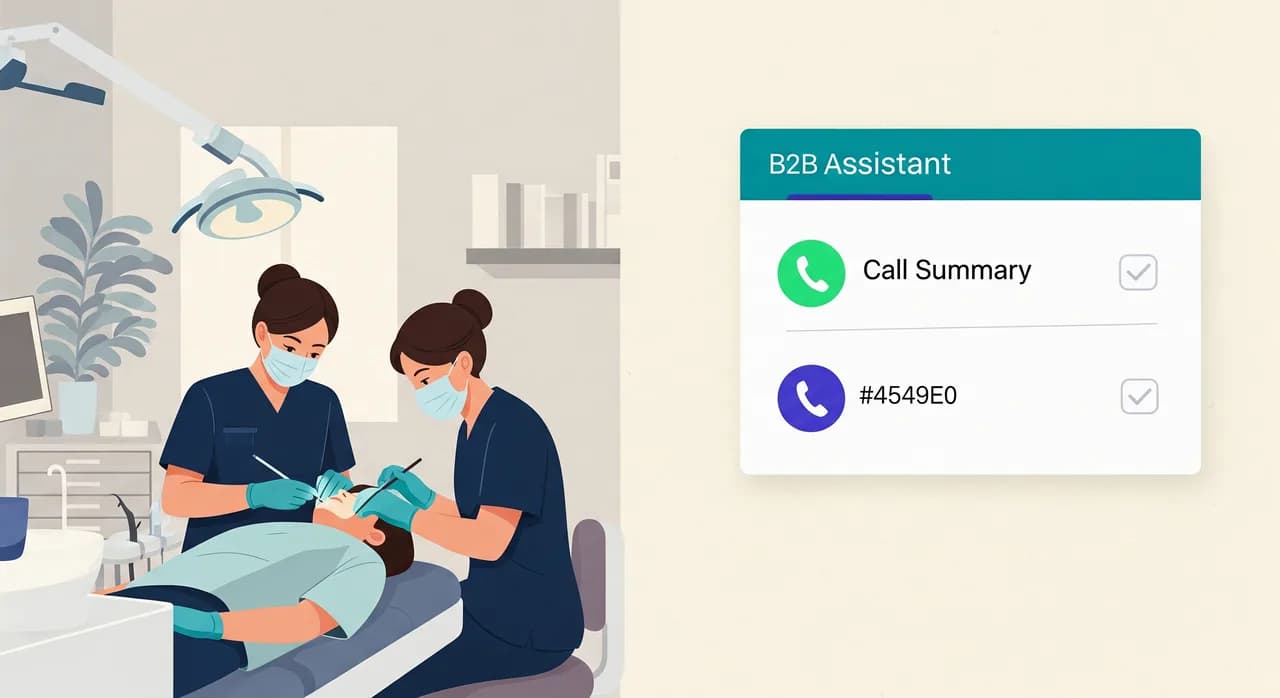
Näitä rajoja vasten arvo on kapea ja todellinen: se vastaa puheluihin, joita nyt menetät, hoitaa rutiininomaiset siististi ja muuttaa arkaluontoiset yhteenvedoksi ja litteroinniksi postilaatikkoosi sen sijaan, että ne olisivat katkaisu, josta et koskaan kuule. Hammaslääkäriasemalla tuo kapea siivu sattuu sisältämään suurimman osan siitä rahasta, joka vuotaa kiireisestä puhelimesta.
Yksi päivä, kuviteltuna
Kuvittele kolmen tuolin vastaanotto tavallisena tiistaina. Klo 10.20 kaikki kolme hoitohuonetta ovat käynnissä ja vastaanotto uloskirjaa potilasta. Kolme puhelua tulee yhtä aikaa. Vastaanotto ottaa yhden; kaksi muuta vierii assistentille. Yksi on takaisin soittava muistutuspotilas — varattu paikan päällä hygienia-aikaan. Toinen on toimittaja — hänelle kerrotaan kohteliaasti, että ostaja soittaa takaisin, viesti kirjattu, kukaan ei häiriinny.
Klo 13, lounastauon aikana, joku soittaa kysyäkseen, otatteko hänen vakuutuksensa. Assistentti vahvistaa, että olet verkostossa sen vakuutuksen kanssa, selittää, mitä ensitarkastus sisältää, ja tarjoutuu pitämään uuden potilaan ajan varattuna, kirjaten pyynnön vastaanoton vahvistettavaksi klo 14. Se on uusi potilas, joka vastaajapäivänä olisi siirtynyt muualle.
Klo 20.45 haljennut hammas soittaa kivuissaan. Ei diagnoosia, ei draamaa — assistentti on lämmin, ottaa tiedot, lukee aukioloaikojen ulkopuolisen sanamuotosi aamun takaisinsoitosta ja päivystyksestä vakavien oireiden osalta, ja pingaa päivystävälle hammaslääkärille koko litteroinnin. Potilas nukahtaa tietäen, että hänelle soitetaan klo 8. Yksikään näistä kolmesta hetkestä ei vaatinut ihmistä istumaan puhelimen ääressä. Kaikki kolme katosivat hiljaa niinä päivinä ennen kuin otit sen käyttöön.
| Puhelutyyppi | Assistentti hoitaa | Siirtää ihmiselle |
|---|---|---|
| Muistutus- / hygieniatakaisinsoitto | Varaa tai kirjaa ajan | Vain jos kalenteri on mutkikas |
| Uuden potilaan kysely | Vastaa perusasioihin, pitää ajan | Vastaanotto vahvistaa varauksen |
| Hammassärky / äkillinen kipu | Kerää tiedot, lukee aukioloaikojen ulkopuolisen käytännön | Välitön eskalointi päivystävälle hammaslääkärille |
| Vakuutuskelpoisuus | Yleinen hyväksyntä ja hintahaarukat | Tarkan korvattavuuden haku |
| Käytännön asiat (ajat, pysäköinti) | Vastaa täysin | Harvoin tarpeen |
| Toimittajat / roskaposti | Kirjaa viestin tai lopettaa kohteliaasti | Ostaja soittaa takaisin, jos oleellista |
Hammaslääkäriyrittäjien yleisiä kysymyksiä
Voiko tekoälyvastaanottaja varata suoraan hammaslääkärikalenteriini?
Miten se hoitaa kivuissaan olevan potilaan, joka soittaa aukioloaikojen ulkopuolella?
Antaako se potilaille väärää vakuutustietoa?
Korvaako se vastaanottovirkailijani?
Mitä minun oikeastaan pitää tehdä ottaakseni sen käyttöön?
Kuule, miltä se kuulostaa vastaanotollasi
Kuvaile hammaslääkäriasemasi lyhyessä ohjatussa asennuksessa, soita assistentille testataksesi sitä ja ohjaa numerosi ylivuodolle tai aukioloaikojen ulkopuolelle. Kuule, miten se hoitaa muistutuksen, hammassäryn ja vakuutuskysymyksen, ennen kuin päätät mitään.
Tutustu hammaslääkärin käyttöönottoon
Vunoon kehittää tekoälypuhelinassistenttia, joka vastaa yrityksesi puheluihin ympäri vuorokauden — se varaa ajat, vastaa yleisiin kysymyksiin ja lähettää sinulle yhteenvedon jokaisesta puhelusta.