Hiçbir Aramayı Kaçırmamak: %100 Yanıt Gerçekte Neyi Gerektirir
"Hiçbir aramayı kaçırma" kolay bir slogan, zor bir sözdür. Tam telefon kapsamının gerçekte neye ihtiyaç duyduğunu ele alıyoruz: aramaların kayıp gittiği dört yol, yönlendirme kurallarının nasıl kenetlendiği ve ilk haftanızda neyin değiştiği.
 Vunoon12 dk okuma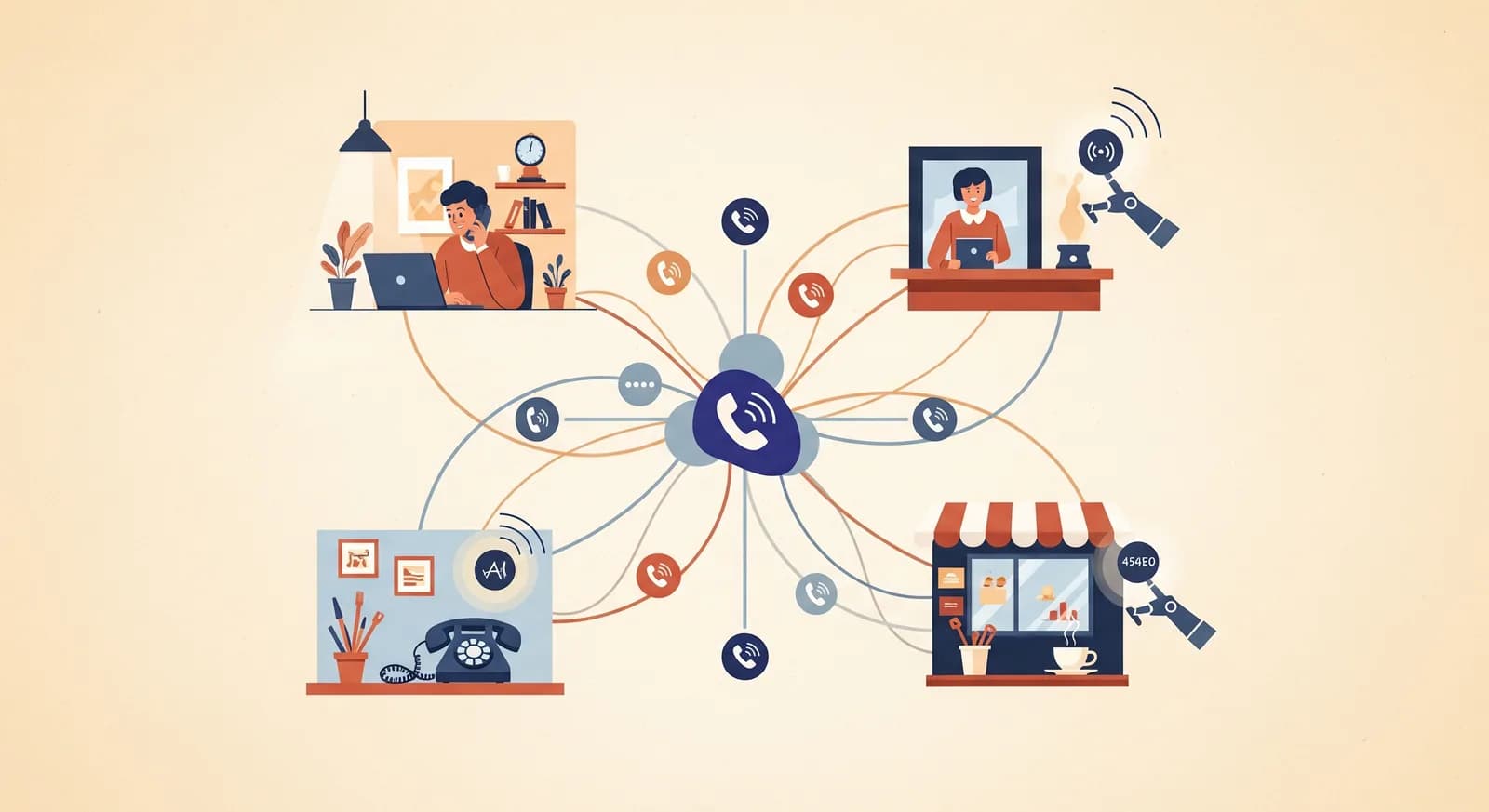
Her küçük işletmenin sessizce para kaybettiren bir cihazı zaten vardır: siz saç keserken, kolunuz motor bölmesine gömülüyken ya da uyurken çalan telefon. "Hiçbir aramayı kaçırma" pek çok ana sayfaya basılır. Bunu gerçekten yerine getirmek ise başka bir iştir; sihirli olmaktan çok mekaniktir. Bu, %100 yanıtın gerçekte neyi gerektirdiğine ve bir yapay zeka çağrı asistanının buraya nasıl oturduğuna dair derinlemesine bir inceleme.
Çoğu işletme sahibi aramaları ara sıra kaçırdığını sanır. Aslında sürekli kaçırırlar; sadece bunu görmezler, çünkü kaçırılan bir arama geride hiçbir kanıt bırakmaz. Gelen kutunuza geri dönen bir e-posta, kırmızı bir rozet, bir makbuz yoktur. Arayan kişi tekrar dener, yanıt alamaz ve arama sonuçlarındaki bir sonraki isme geçer. Var olduklarını hiç öğrenemezsiniz.
Bu yüzden araçlardan konuşmadan önce sorunu net tanımlamakta fayda var. "Bir aramayı kaçırdım" tek bir şey değildir. En az dört farklı başarısızlıktır; her birinin kendi nedeni ve kendi çözümü vardır. Birini çözersiniz, bir sızıntıyı tıkamış olursunuz. Dördünü de çözersiniz, hiçbir aramayı kaçırma ifadesini hak edersiniz.
Bir aramanın gerçekte kaybolduğu dört yol
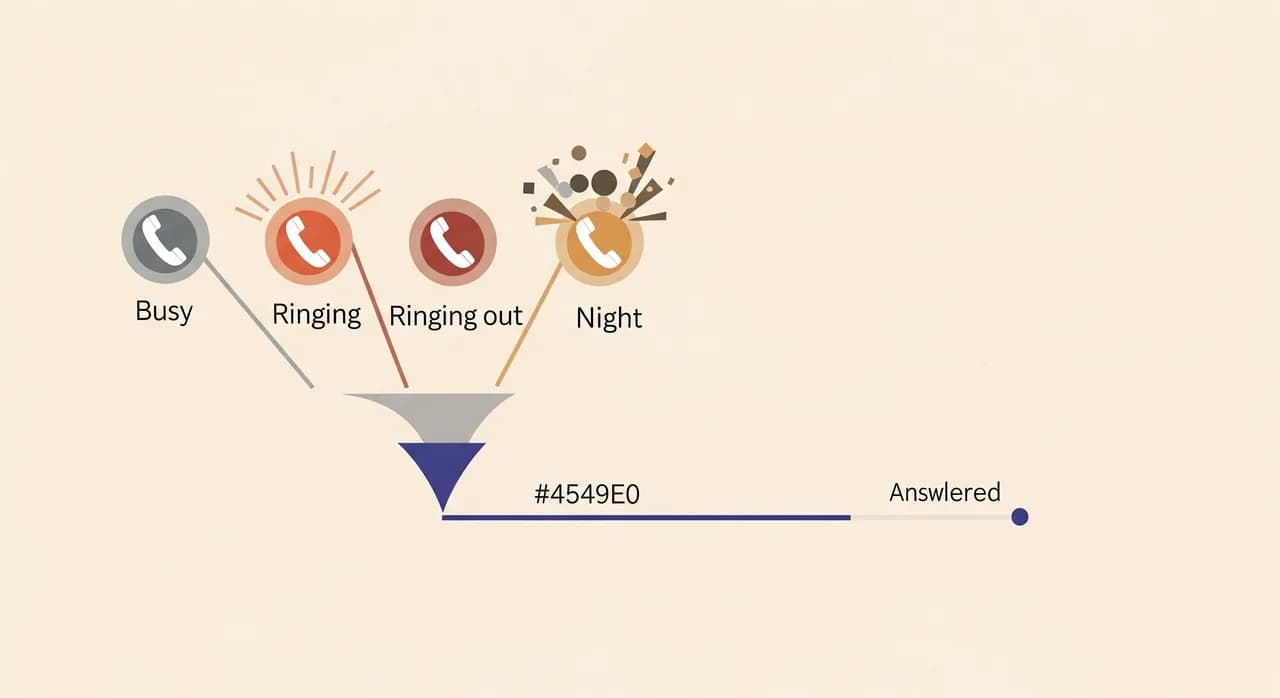
Kendi telefon kaydınızın bir haftasını dürüstçe incelerseniz, kaybettiğiniz her arama bu kovalardan birine düşer. Size hepsi aynı gelir; hiç konuşmadığınız bir isim. Ama başarısızlık anı her birinde farklıdır ve bu önemlidir, çünkü birini yakalayan bir çözüm diğerlerini yakalamaz.
- Meşgul. Zaten başka bir görüşmedesiniz. İkinci arayan meşgul sesi alır ya da doğrudan sesli mesaja düşer. En yoğun iki üç saatinizde bu muhtemelen tek başına en büyük sızıntınızdır.
- Yanıt yok. Telefon çalar ama elleriniz doludur; bir müşterinizle birliktesiniz, araba kullanıyorsunuz ya da telefon başka odadadır. Çalar çalar susar. İstatistiksel olarak kaçırılan aramaların sessiz çoğunluğu budur.
- Mesai dışı. Arama akşam 19.00'da, bir pazar günü ya da uzakta olduğunuz iki hafta boyunca gelir. Kimse yoktur. Pek çok esnaf için gelen aramaların üçte birinden fazlası kapı kilitliyken gelir.
- Taşma. Bir yoğunluk basar; bir kampanya, yerel bir etkinlik, kapanan bir rakip ve aramalar kimsenin yanıtlayabileceğinden hızlı gelir. Bir kişi, bir hat, aynı anda üç arayan: ikisi kaybolur.
Şuna dikkat edin: sesli mesaj bunlardan yalnızca birini kötü bir şekilde çözer, geri kalanını hiç çözmez. Sesli mesaj teknik anlamda yanıt yok ve mesai dışı durumlarını yakalar; arayan bir mesaj bırakabilir. Ama arayanlar giderek bunu yapmıyor. Karşılama anonsunda kapatıp bir sonraki işletmeyi arıyorlar. Sesli mesaj kutusu, gidecek başka yeri olan müşteri adaylarının mezarlığıdır.
“Kaçırılan bir arama geride kanıt bırakmaz. İşletme sahiplerinin ne kadar çok kaybettiklerini hafife almasının nedeni tam olarak budur.”
Neden "%100", "çoğu"ndan bambaşka bir hayvandır
Aramalarınızın %80'ini yanıtlamak kolaydır ve bir söz olarak neredeyse değersizdir. Müsaitken herkes yanıtlar. Değerin tamamı, şu an yanıtlayamadığınız aramalardadır: yoğun saatteki taşma, gece 21.00'deki randevu, matkap sesinin altında duymadığınız çalma. Bunlar tanımı gereği, işe alamayacağınız bir insanın yakalayacağı aramalardır.
"Hiçbir aramayı kaçırma" bu yüzden bir çaba sorunu değil, bir kapsam sorunudur. Buna daha çok çabalayarak ulaşamazsınız. İki elli ve uyku düzeni olan tek bir hata noktasısınız. Gerçek %100 yanıta giden tek yol, sizin kısıtlarınızın hiçbirine sahip olmayan ikinci bir yanıtlayıcıdır: asla başka bir görüşmede değildir, asla uyumaz, asla sinirlenmez ve hiçbiri fark etmeden aynı anda üç görüşme yürütebilir.
İşte bir yapay zeka çağrı asistanının dürüst gerekçesi budur. Sizden daha zeki olması değil; öyle değildir ve öyle olmaya çalışmamalıdır. Mesele, onun her zaman ulaşılabilir olmasıdır; yapısal olarak sizin asla olamayacağınız tek şey. Zekânın ise sadece o boşlukta gerçekten faydalı olacak kadar iyi olması yeterlidir.
Yönlendirme kuralları her boşluğu kapatmak için nasıl kenetlenir
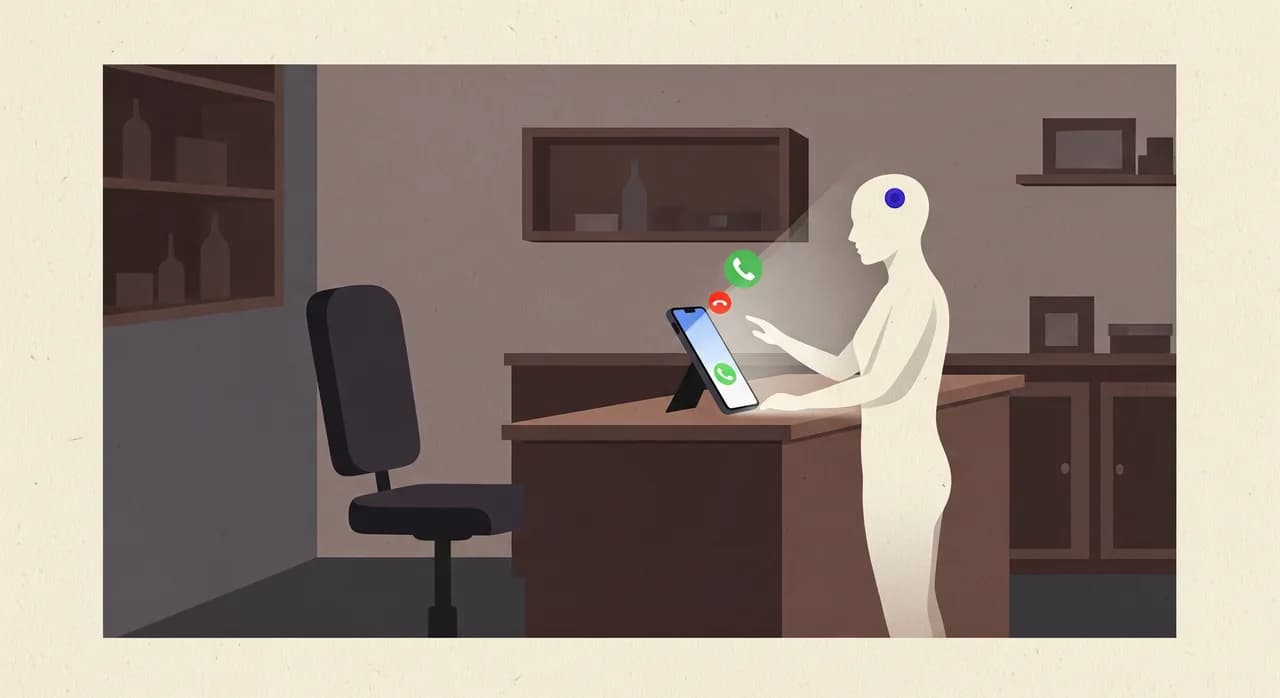
Çoğu yazının atladığı kısım burası, çünkü pek göz alıcı değil: mekanizma, telefonunuzun kendi çağrı yönlendirme ayarlarıdır. Numaranızı değiştirmezsiniz, donanım almazsınız ve müşterilerinizden farklı bir numara çevirmelerini istemezsiniz. Operatörünüze, belirli bir koşul sağlandığında bir aramayı nereye göndereceğini söylersiniz. Her mobil şebeke ve çoğu işletme hattı bunu destekler ve genellikle dört ayrı kuraldır.
- Meşgulken yönlendir — hattınız meşgul olduğu an arama asistana gider. Bu, meşgul sızıntısını kapatır.
- Yanıt yokken yönlendir — belirlenen sayıda çalıştan sonra (siz seçersiniz; genellikle 15–20 saniye) yanıtlanmayan arama asistana düşer. Bu, yanıt yok sızıntısını kapatır.
- Ulaşılamazken yönlendir — sinyal yok, telefon kapalı, dolaşımda: arama yine de işe yarar bir yere iner.
- Tüm aramaları yönlendir — uzakta, kapalı olduğunuzda ya da yanıtlayamayacağınız bir dönemde çevirdiğiniz tek bir anahtar. Bu, mesai dışını istediğinizde kapatır.
Zekice olan kısım bunların nasıl üst üste bindiğidir. Koşullu yönlendirme açıkken (meşgul, yanıt yok, ulaşılamaz), siz müsaitken telefonunuz tıpkı bugünkü gibi davranır; siz yanıtlarsınız, hiçbir şey değişmez. Asistan yalnızca bir aramanın aksi halde kaybolacağı tam o anda devreye girer. Almak istediğiniz her aramayı tutarsınız ve düşüreceğiniz her aramayı yakalarsınız. Kenetlenme budur.
Taşma durumu biraz farklı ele alınır, çünkü aslında bir meşgul-artı-meşgul sorunudur: üç arama, tek siz. İşin püf noktası, asistanın tek bir hat olmamasıdır. İki arayan aynı anda ona ulaştığında iki görüşmeyi aynı anda yürütür; sıra yok, bekleme müziği yok, "aramanız bizim için önemlidir" yok. Bir insanın çözmesi en zor olan dördüncü başarısızlık modu, bir yapay zeka yanıtlayıcının en doğal şekilde ele aldığı moddur.
Gerçekten iyi bir yanıt kulağa nasıl gelir
Yetkinlik olmadan kapsam, aramayı kaybetmenin daha uzun bir yoludur yalnızca. Asistan yanıtlar ama sonra bocalarsa, arayan yine kapatır; üstelik daha da sinirli. Yani ikinci gereklilik, cevap verdiğinde gerçekten yardımcı olmasıdır. Küçük bir işletme için "yardımcı olmak" kısa bir listedir ve fazlasıyla ulaşılabilir:
- 1İşletmeniz olarak karşılayınGenel bir "alo" ile değil, adınızla yanıtlar. Arayan, yanlış numaraya ya da bir çağrı merkezine değil, doğru yere ulaştığını bilir.
- 2Rutin soruları yanıtlayınÇalışma saatleri, neredesiniz, cumartesi açık mısınız, bir hizmet kabaca neyi içerir, randevusuz kabul ediyor musunuz; bir nefeste yanıtlayacağınız, kurduğunuz profilden çekilen şeyler.
- 3Randevuyu ya da mesajı alınKimin aradığını, numarasını, ne istediğini ve ne zaman istediğini yakalar; bir randevu talebi, bir geri arama, bir fiyat sorusu ve bunu telefon tenisi oynamadan harekete geçebileceğiniz şekilde yapılandırır.
- 4Dürüstçe devredinYetki alanının dışındaki her şey için bunu açıkça söyler, mesaj alır ve arayana geri döneceğinizi bildirir. Tahmin yürütmez ve sorulduğunda insan gibi davranmaz.
- 5Size ne olduğunu anlatınKısa süre içinde aramanın yazılı bir özetini ve tam dökümünü alırsınız. Uyanır, telefonunuza bir göz atar ve gece boyunca ne geldiğini tam olarak bilirsiniz.
Hepsi bu. Bir Fortune 500 şirketi için santral olmaya çalışmıyor. Şu an düşürdüğünüz aramalarda, iyi bir yarı zamanlı resepsiyonistin yapacağı şeyi yapmaya çalışıyor; ve "kaçırılan bir aramadan iyi" olma çıtası yüksek değil. Bir asistanla konuştuğunu fark eden bir arayan bile randevu almış, sorusunu sormuş ya da geri arama sözü almış olarak ayrılır. O arayan tamamen kaybolacaktı. Şimdi bir müşteri adayı.
Önemli olan tek matematik
Uydurma yüzdelerle dolu bir tabloya ihtiyacınız yok. Kendi işletmeniz için tek bir sayıya bakmanız gerekir: randevu alan bir müşterinin size değeri nedir. Gerisi kafadan yapabileceğiniz bir aritmetik.
Şu an yakalamanın hiçbir yolu olmayan, haftada diyelim on arama kaçıran iki koltuklu bir kuaförü düşünün; yoğunlukta meşgul, birkaç mesai dışı randevu, boya sırasında ara sıra çalan telefon. Diyelim ki bu onun sadece üçü randevuya dönüşecekti. Ortalama bir ziyaret mütevazı bir değer taşıyorsa ve memnun bir müşteri yılda birkaç kez geri geliyorsa, haftada üç kurtarılan randevu bir yuvarlama hatası değildir. Durgun bir ayla dolu bir ay arasındaki farktır.
Aynı hesabı, tek bir işin çok değer taşıyabildiği bir tesisatçı için yapın; mantık iyice keskinleşir: aksi halde kaybedeceğiniz tek bir acil aramayı yakalamak (arama sonuçlarındaki bir sonraki isme giden o arama) asistanın masrafını uzun süre karşılayabilir. Çoğunu yakalaması gerekmiyor. Şu an görünmez bir şekilde kaybettiklerinizi yakalaması gerekiyor.
| Başarısızlık modu | Ne zaman olur | Bugün onu ne yakalıyor | Onu gerçekte ne kapatır |
|---|---|---|---|
| Meşgul | Başka bir görüşmedesiniz | Meşgul sesi / sesli mesaj | Meşgulken asistana yönlendirme |
| Yanıt yok | Eller dolu, çalıp susuyor | Sesli mesaj (genelde göz ardı edilir) | N çalış sonrası yanıt yokken yönlendirme |
| Mesai dışı | Akşamlar, hafta sonları, tatiller | Hiçbir şey | Kapalıyken tüm aramaları yönlendirme |
| Taşma | Yoğunluk, aynı anda birkaçı | Hiçbir şey (tek hat, tek siz) | Asistan paralel aramaları tutar |
İlk haftada gerçekte ne değişir
Kurulum gerçekten öğle yemeğinden önce bitirdiğiniz bir iştir ve asıl faydalı olan sonrasında fark ettiğinizdir. İşte ilk yedi günün pazarlama cilası olmadan gerçekçi seyri.
- 1Birinci gün — kurarsınız ve biraz tekinsiz gelirİşletmenizi kısa bir sihirbazda tanımlarsınız (hizmetler, saatler, en çok aldığınız sorular) sonra kendiniz arar ve bir sohbet edersiniz. İşletmeniz olarak ilk kez yanıt verip cumartesi saatlerinizi bildiğinde, hafiften ürkütücüdür. Onu gerekenden fazla test edersiniz. Bu normaldir; güven böyle başlar.
- 2İkinci gün — meşgul ve yanıt yok yönlendirmesini açarsınızİki operatör ayarı, birkaç dakika. Normalde yanıtlayacağınız her aramayı yine yanıtlarsınız. Gününüzde farklı hiçbir şey hissedilmez; asistan, bir arama düşene dek görünmezdir.
- 3Üçüncü ya da dördüncü gün — sizi şaşırtan ilk özet düşerKaçıracağınızı bildiğiniz bir aramadan gelen bir randevu ya da bir soru; o sırada bir müşteriyle birlikteydiniz. İşte o an bir oyuncak olmaktan çıkar. Yanıtlayamayacağınız bir anda biri size ulaştı.
- 4Hafta ortası — mesai dışını eklersinizArtık kendinize güvenerek, mesai saatleri dışında tüm aramaların yönlendirilmesini açarsınız. Pazartesi sabahı boş bir sesli mesaj kutusu yerine bekleyen iki üç gece mesajı bulursunuz. Güne çoktan önde başlarsınız.
- 5Hafta sonu — kaydı kontrol eder ve yeniden ayarlarsınızEle aldığı her şeye bakar ve ilk kez, eskiden ne kadar aramanın buharlaştığını görürsünüz. Asıl mesele o sayıdır. Çoğu işletme sahibi, daha önce kaybettiklerine sessizce sinirlenir; ki doğru tepki budur.
“Kaçırılan bir aramayı hissedemezsiniz. Ama aksi halde asla haberiniz olmayacak bir aramanın özetini kesinlikle hissedersiniz.”
Ciddiye alınmayı hak eden itirazlar
Tereddüt etmek için gerçek nedenler var ve aksini iddia etmek size yardımcı olmaz. İşte işletme sahiplerinin gerçekten dile getirdikleri, dürüstçe yanıtlanmış itirazlar.
"Müşterilerim bir robotla konuşmaktan nefret edecek"
Bazıları bir insanı tercih edecek; elbette. Ama asistana ulaşan müşteriler, tasarım gereği, aksi halde hiçbir şeye ulaşacak olanlardır: bir meşgul sesi, çalan bir telefon, gece 21.00'de ölü bir sesli mesaj kutusu. Kıyas "asistan ile siz" değildir. "Asistan ile sessizlik"tir. Sessizliğe karşı, randevusunu alan yetkin bir yanıt neredeyse her zaman kazanır. Ve arayan sorduğunda asla insan gibi davranmaz.
"Ya bir şeyi yanlış yaparsa?"
Bu doğru bir endişe ve tasarımın yanıtı ölçülülüktür. İyi bir asistan, bilmediği şeylerde doğaçlama yapmamak üzere kurulur. Profilinizden yanıt verir ve dışındaki her şey için bir yanıt uydurmak yerine mesaj alıp geri arama sözü verir. Belirlemediğiniz bir fiyat söylemez ya da onaylayamayacağı bir randevu sözü vermez. Başarısızlık modu "sizi geri aramalarını sağlayacağım"dır; bir yerinize bakan kişiden tam da isteyeceğiniz şey.
"Yine de herkesi geri aramam gerekecek; o zaman ne kazandım?"
Bazen, evet. Ama "beni ara" diyen bir sesli mesaj ile arayanın adını, numarasını, ne istediğini ve ne zaman istediğini söyleyen yapılandırılmış bir özet arasında dünyalar kadar fark vardır. Bağlamı bilerek, size uyan bir zamanda, çoktan fark edilmiş ve henüz rakibinizi aramamış bir müşteri adayını geri ararsınız. Ve sıradan randevular için çoğu zaman geri aranacak bir şey yoktur; iş çoktan halledilmiştir.
Buna dürüstçe ihtiyacınız olmadığında
Güven çift yönlü işler, o yüzden işte karşı argüman. Her açık saati kapsayan bir resepsiyonistiniz varsa, aramalarınız neredeyse hiç çakışmıyorsa ve telefonu 17.00'de gerçekten kapatıp sonrasında hiçbir şey kaybetmiyorsanız, o zaman yedi gün yirmi dört saat kapsama ihtiyacınız olmayabilir ve bunu kaygıdan almamalısınız. Araç, yerini yalnızca gerçekten arama kaybettiğiniz yerde hak eder.
Ama çoğu küçük işletme bu durumda değildir ve bunu anlamanın yolu utanç verecek kadar basit: bir hafta boyunca meşgul-ve-yanıt-yok yönlendirmesini açın ve özetleri okuyun. Kayıt boşsa, haklıydınız ve kontrol etmek size hiçbir şeye mal olmadı. Değilse (ki genelde değildir) kapıdan çıkıp giden parayı yeni buldunuz demektir. Bütün deney bu.

Her şeyi bir araya getirmek
"Hiçbir aramayı kaçırma" satın aldığınız bir slogan değildir; kapattığınız bir dizi boşluktur. Bunlardan dört tane vardır (meşgul, yanıt yok, mesai dışı, taşma) ve her birinin özel, sıradan, güvenilir bir çözümü vardır. Koşullu yönlendirme, meşgul ve yanıtlanmayan aramaları her zaman müsait bir asistana devreder. Tüm aramaları yönlendirme anahtarı, kapalıyken sizi kapsar. Paralel işleme, yoğunluğu emer. Ve iyi bir yanıt artı yazılı bir özet, yakalanan her aramayı kayıp bir müşteri adayından bir randevuya ya da geri aramaya dönüştürür.
Bunların hiçbiri numaranızı, müşterilerinizin alışkanlıklarını ya da zaten iyi ele aldığınız aramaları değiştirmez. Yalnızca şu an kaybettiğiniz aramalara dokunur; ki bunlar da tam olarak düzeltmeye değer tek aramalardır. Kurun, taşmayı yönlendirin, bir hafta kaydı okuyun ve kararı kanıt versin.
Bir yapay zeka çağrı asistanı numaramı değiştirmeden hiçbir aramayı kaçırmamama nasıl yardımcı olur?
Aynı anda tam olarak iki kişi ararsa ne olur?
Asistan gerçek bir insan gibi mi davranacak?
Alamadığım bir aramadan sonra gerçekte ne alırım?
Yönlendirmeyi yanıtlayacağım aramaları kapmayacak şekilde nasıl ayarlarım?
Aramaları yanıtlamaya başlaması için kurulum ne kadar sürer?
Şu an neyi kaçırdığınızı görün
Asistanınızı dakikalar içinde kurun, taşmayı yönlendirin ve bir haftalık arama özetlerini okuyun. Kayıt boşsa, kontrol etmek size hiçbir şey kaybettirmedi. Değilse, onu yeni buldunuz.
Yapay zeka çağrı asistanınızı kurun
Vunoon, işletmenizin telefonlarına 7/24 yanıt veren bir yapay zekâ telefon asistanı geliştiriyor — randevu alır, sık sorulan soruları yanıtlar ve her görüşmenin özetini size gönderir.