Kako naučiti telefonskega AI-asistenta na podlagi pogostih vprašanj
Kakovost telefonskega AI-asistenta je skoraj v celoti odvisna od tega, kaj mu podate. Tukaj je razlaga, kako zgraditi bazo znanja: izluščite vprašanja, ki jih klicatelji dejansko postavljajo, zapišite odgovore tako, kot bi jih izrekli na glas, označite, kaj ostane nedotakljivo, in poskrbite, da vse ostane pošteno tudi čez čas.
 Vunoon16 min branja
Nihče tega ne sliši rad, a resnica o vsakem telefonskem AI-asistentu je dolgočasna in nekoliko streznjujoča: dober je natanko toliko, kolikor mu poveste. Tisti bistroumni del — razumeti klicatelja, voditi pogovor, zveneti človeško — je večinoma rešen namesto vas. Del, ki odloči, ali klicatelj odloži zadovoljen ali zmeden, pa je del, ki je v vaših rokah: odgovori. To je vodnik, kako jih dobro napisati.
Ko ljudje sprašujejo, kako naučiti telefonskega AI-asistenta, si običajno predstavljajo nekaj tehničnega — nalaganje podatkov, nastavljanje parametrov, morda malo programiranja. Pa ni tako. Delo je bliže pisanju spomina, ki bi ga izročili bistremu novemu sodelavcu prvo jutro: tukaj je, o čem ljudje kličejo, tukaj je, kaj naj reče, in tukaj je, česa naj nikoli ne reče. Če to opravite skrbno, asistent zveni, kot da že leta dela pri vas. Če ga preskočite, zveni, kot da je enkrat prebral vašo spletno stran in zdaj blefira.
Dobra novica je, da že imate vse, kar potrebujete. Vprašanja, ki jih klicatelji postavljajo, niso skrivnost — vi in vaše osebje nanje odgovarjate petdesetkrat na teden. Trik je v tem, da jih izvlečete iz glav in spravite v obliko, ki jo asistent lahko dejansko uporabi. Poglejmo, kako.
Zakaj so pogosta vprašanja pravzaprav celotno delo
Koristno je razjasniti, kaj tu pomeni »učenje«, saj beseda naredi vtis, da je vse skupaj bolj skrivnostno, kot v resnici je. Asistent, kot je Vunoon, se ne uči tako, da opazuje vaše klice ali vpija vaše podjetje z osmozo. Odgovarja iz baze znanja — urejenega nabora dejstev in odgovorov, ki mu jih podate ob namestitvi. Vse, kar reče, se da izslediti do nečesa, kar ste zapisali.
To je prednost, ne omejitev. Pomeni, da si asistent nikoli ne izmisli cene, nikoli ne ugiba o vašem parkirišču in nikoli komu samozavestno ne pove, da ste v nedeljo odprti, ko niste. A hkrati pomeni, da vrzel v vaši bazi znanja postane vrzel v pogovoru. Če klicatelj vpraša nekaj, česar nikoli niste pokrili, se mora asistent zateči k prevzemu sporočila — kar je občasno v redu, a nerodno, če se zgodi pri najpogostejšem vprašanju, ki ga dobivate.
Cilj celotne vaje je torej neblesteč in natančen: zberite dvajset do štirideset stvari, o katerih vaši klicatelji dejansko sprašujejo, in zapišite, kaj bi na vsako odgovoril odličen človeški sprejemnik klicev. Če to naredite prav, ste opravili devetdeset odstotkov dela pri dobrem telefonskem AI-asistentu.
Prvi korak: izluščite vprašanja, ki jih ljudje dejansko postavljajo
Prvi nagib je, da se usedete in poskusite predstavljati vsako vprašanje, ki bi ga klicatelj lahko imel. Ne počnite tega. Ustvarili boste čeden, logičen seznam, ki nima skoraj nič skupnega s tem, o čemer resnični ljudje kličejo. Prava vprašanja so bolj zmedena, bolj ponavljajoča in bolj vsakdanja od tistih, ki bi si jih izmislili. Zato namesto ugibanja pojdite in zberite dokaze — čakajo na štirih mestih.
Vaš spomin in spomin vašega osebja
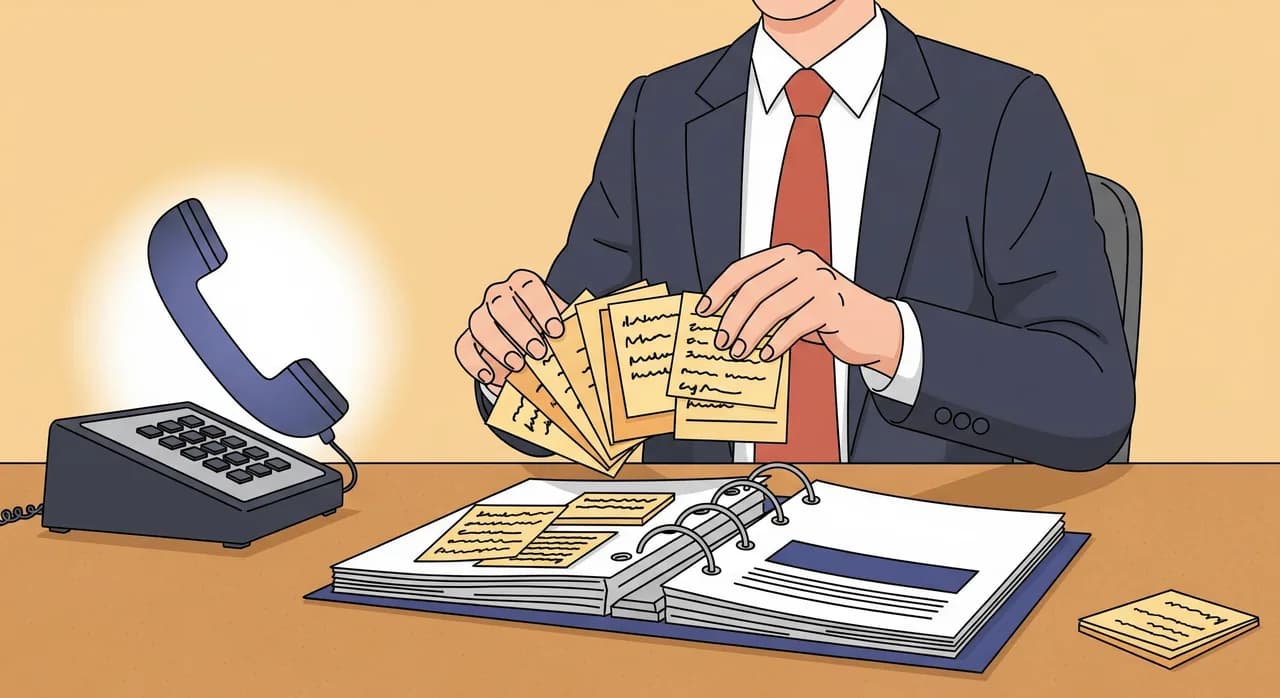
Vi in kdorkoli odgovarja na telefon ste živ arhiv pogostih vprašanj. Težava je, da je to znanje tako samodejno, da ste ga nehali opažati. Rešitev je, da ga naredite vidnega. En teden imejte ob telefonu list — papir je čisto dovolj — in naredite črtico vsakič, ko kdo kaj vpraša, ter zraven na hitro zapišite, kaj je bilo. Ne merite na eleganco; merite na surov štetec pogostosti.
Do petka boste imeli sliko, ki vas bo presenetila. Redko prevladujejo zanimiva vprašanja. Prevladujejo »ali imate zdaj odprto«, »ali sprejemate brez naročila«, »kje se parkira«, »ali delate X« in »koliko približno stane Y«. Dolgočasna vprašanja so cela igra, saj so tista, ki se ponavljajo. Razvrstite seznam po črticah in prednostni vrstni red vam je izročen sam od sebe.
Vaši nabiralniki in pogovori v sporočilih
Ljudje ista vprašanja postavljajo po telefonu, e-pošti in v sporočilih — zato so vaš e-poštni predal, sporočila iz rezervacijskega obrazca in vaše niti WhatsApp ali SMS iskljiv prepis vaših pogostih vprašanj. Preletite zadnja dva ali tri mesece. Iščete vprašanja, ki se ponavljajo pri različnih strankah: isto skrb, ubesedeno na pet malce različnih načinov, je znak, da sodi v bazo znanja.
Posebno pozornost namenite vprašanjem, ob katerih se zalotite, da odgovor kopirate in prilepite. Če ste si za nekaj pripravili že napisan odgovor, vam vaša podzavest govori, da je to pogosto vprašanje. Ti že pripravljeni odgovori so, čisto dobesedno, osnutki odgovorov, ki jih lahko prevzamete skoraj od besede do besede.
Ocene in to, kar ljudje vtipkajo v iskalnik
Dva manjša, a razkrivajoča vira. Prvič, vaše spletne ocene — zlasti mlačne. Ko kdo napiše »čudovit kraj, a nisem uspel razbrati, ali se moram vnaprej naročiti«, vam je pravkar povedal o manjkajočem vnosu med pogostimi vprašanji, ki vas stane naklonjenosti. Drugič, če imate spletno stran s kakršno koli analitiko, so iskalni izrazi, ki jih ljudje vtipkajo na vaši strani, prikrita vprašanja. Skok v iskanjih po eni stvari pomeni, da nikjer ni dovolj jasno pojasnjena.
Med temi štirimi viri — spominom, nabiralniki, ocenami in iskanjem — vam bo redko treba izmisliti eno samo vprašanje. Skoraj vse, kar je vredno odgovoriti, je že bilo vprašano. Vaše delo je zbiranje, ne ustvarjanje.
“Ne domišljajte si vprašanj, ki bi jih vaši klicatelji morda postavili. Pojdite in poiščite tista, ki jih že postavljajo — glasnejša, neumnejša in bolj ponavljajoča so od česarkoli, kar bi uganili.”
Drugi korak: odgovore pišite v govorjenem jeziku, ne v jeziku spletne strani
Tukaj je napaka, ki jo dela skoraj vsak, in je razumljiva: odgovore prepišejo naravnost s svoje spletne strani. Zdi se učinkovito. Informacija je pravilna, že je napisana, zakaj je ne bi ponovno uporabili? Ker sta jezik spletne strani in govorjeni jezik dva različna jezika, telefonski asistent pa živi povsem v drugem.
Besedilo spletne strani je napisano, da ga preleti oko. Je gosto, spredaj postavlja ključne besede in uporablja fraze, ki jih noben človek ne izgovori na glas — »Ponujamo celovit nabor storitev, prilagojenih vašim individualnim potrebam.« Preberite ta stavek na glas med telefonskim klicem in klicatelj se bo dobesedno zdrznil. Govorjeni odgovor na »kaj počnete« je krajši, toplejši in konkreten: »Delamo striženje, barvanje in nego — večinoma za ženske, a pride tudi veliko moških. Kaj ste iskali?«
Tehnika, ki to popravi, je skoraj smešna v tem, kako dobro deluje: izrecite odgovor na glas in se sami prepišite. Predstavljajte si, da je klicatelj pravkar postavil vprašanje. Odgovorite mu, kot da je resničen. Nato zapišite natanko to, kar vam je prišlo iz ust, z okrajšavami in vsem vred. Ta prepis je vaš odgovor. Malce bolj bo razmršen od pisane proze, in v tem je bistvo — namenjen je poslušanju, ne branju.
- 1Vzemite eno vprašanjeIzberite prvo vprašanje z razvrščenega seznama. Samo eno — ne poskušajte spisati celega nabora v enem sedenju.
- 2Odgovorite nanj na glas namišljenemu klicateljuGovorite naravno, tako kot bi za pultom. Ne igrajte; preprosto odgovorite.
- 3Zapišite, kar ste dejansko rekliOkrajšave, sproščen slog, vse. Uprite se skušnjavi, da bi ga »očistili« v uradno prozo.
- 4Obrežite besedičenje, ohranite toplinoIzrežite ponavljanje, a pustite naravno, človeško ubeseditev nedotaknjeno. Merite na dva ali tri govorjene stavke.
- 5Kjer se prilega, dodajte naravni naslednji korakMnogi odgovori naj se končajo tako, da klic premaknejo naprej: »Vas naročim?« ali »Naj vas kdo pokliče nazaj?«
Ena podrobnost loči dobro bazo znanja od odlične: naj se odgovori končajo z dejanjem. Človeški sprejemnik klicev ne odgovori zgolj »ja, to počnemo« in obmolkne — reče »ja, to počnemo, bi radi prišli ta teden?«. Če asistenta naučite enako, spremenite stroj za vprašanja in odgovore v nekaj, kar dejansko prinaša naročila. Kjer odgovor naravno vodi nekam — k rezervaciji, povratnemu klicu, sporočilu — vpišite tisto spodbudo vanj.
Dejstva, ki vse skupaj podpirajo
Pred niansiranimi odgovori obstaja plast golih dejstev, ki jih asistent potrebuje kot ogrodje — stvari, ki jih nikoli ne bi smel improvizirati. To pravzaprav niso »odgovori«, temveč resnica, na kateri stoji vsak odgovor. Naj bodo natančna, saj je samozavestno napačno dejstvo hujše od uglajenega »naj zapišem sporočilo«.
- Delovni čas — vključno z izjemami: pozne ure, polovični dnevi, dejstvo, da imate ob sredah med eno in dveh zaprto.
- Lokacija in dostop — naslov tako, kot bi ga opisal človek, plus parkiranje, zahteven vhod, zvonec, ki ne dela.
- Kaj počnete in česa ne — vaše dejanske storitve in prav tako pomembno stvari, za katere ljudje domnevajo, da jih počnete, pa jih ne.
- Okvirne cene, kjer jih z lahkoto navedete — celo »začne se pri približno toliko in je odvisno od dela« je veliko koristneje od molka.
- Kako rezervirati, plačati in odpovedati — praktični postopki, o katerih ljudje nenehno kličejo.
- Na koga se obrniti za kaj — pri katerih poizvedbah naj asistent zapiše sporočilo in pri katerih odgovori sam.
Opazite, da nekatere od teh vključujejo nerodne izjeme — sredino zaprtje ob kosilu, vhod zadaj. Prav te izjeme so tisto, kar klicatelji kličejo preverit, in prav to spletna stran rada izpusti. Baza znanja, ki vključuje neurejene resnične podrobnosti, je vredna več kot čedna, ki jih izpušča.
Tretji korak: določite, kaj ostane nedotakljivo
To je korak, na katerega ne pomisli skoraj nihče, in prav ta loči vrednega zaupanja asistenta od tveganja. Enako pomembno kot odločiti, kaj naj asistent reče, je odločiti, česa nikoli ne sme reči. Asistent, ki bo samozavestno odgovoril na karkoli, ni prednost — je način, kako obljubljati, česar ne moreš izpolniti, in dajati informacije, ki jih ne bi smel.
Nekaterih stvari po telefonu res ne morete odgovoriti brez tveganja in pošteno, strokovno dejanje je, da jih preusmerite k človeku. Asistent fizioterapevtske ambulante nikoli ne bi smel diagnosticirati klicateljeve bolečine v hrbtu; naročiti bi ga moral na pregled. Asistent odvetniške pisarne nikoli ne bi smel ponuditi niti vonja pravnega nasveta; sprejeti bi moral podatke in poskrbeti, da pokliče nazaj odvetnik. Meja ni šibkost, ki bi jo skrivali — vedeti, na kaj ne odgovoriti, je tisto, zaradi česar klicatelji zaupajo odgovorom, ki jih daste.
Seznam nedotakljivih tem sestavite premišljeno. Pri večini malih podjetij obsega peščico kategorij: vse, kar pomeni strokovni nasvet (medicinski, pravni, finančni), trdne zaveze, za katere asistent nima pooblastila (prilagojene ponudbe, jamstva, roki), občutljive osebne zadeve in pritožbe — ki skoraj vedno zaslužijo človeško uho. Za vsako od teh je navodilo enako: ne ugibaj, zapiši sporočilo in ga predaj človeku.
- Strokovni nasvet — medicinski, pravni, finančni ali karkoli, po čemer bi klicatelj lahko ravnal sebi v škodo. Naroči ga na pregled ali sprejmi podatke.
- Trdne zaveze — natančne prilagojene ponudbe, zajamčeni roki, obljube o izidih. Če želiš, navedi razpone; nikoli si ne izmišljaj podrobnosti.
- Občutljive ali čustvene situacije — izgube, spori, stiska. Te naj obravnava človek, asistent pa naj to prijazno pove.
- Pritožbe — nikoli se ne prepiraj, nikoli ne zavračaj. Na kratko se opraviči, zajemi podrobnost in jo hitro spravi predte.
Obstaja pomirjujoč razlog, zakaj dobro zgrajen asistent privzeto ostane znotraj teh meja: odgovarja iz vaše baze znanja, ne z odprtega interneta. Če mu niste podali cene za posebno naročilo, si je ne bo izmislil — namesto tega zapiše sporočilo. Njegov naravni nagon je previdnost, vaša pravila o nedotakljivem pa zgolj utrdijo, kje naj bo ta previdnost najtrdnejša. Prav tako se ne bo delal, da je človek, če ga klicatelj to naravnost vpraša, in prav takšna poštenost ohranja zaupanje nedotaknjeno.
Četrti korak: preizkusite ga tako, kot bi ga resnični klicatelj
Ko ste vnesli vprašanja, odgovore in meje, se uprite skušnjavi, da bi razglasili zmago. Razkorak med tem, kaj menite, da ste napisali, in tem, kako dejansko zveni po telefonu, je vedno večji, kot pričakujete. Zato ga preizkusite — in preizkusite ga kot nekoliko neroden kupec, ne kot oseba, ki ga je zgradila.
Najhitreje je, da se z njim preprosto pogovorite. Z Vunoonom lahko asistenta preizkusite tako, da se z njim pogovorite, še preden preusmerite pravo številko — vprašate ga stvari, on odgovarja, vi pa takoj slišite, kje je jasen in kje se lovi. Vstopite z razvrščenim seznamom vprašanj in se pomaknite navzdol. Nato, kar je ključno, odstopite od scenarija: postavite čudna, na pol izoblikovana, malce nesramna vprašanja, ki jih postavljajo resnični klicatelji, saj se prav tam skrivajo vrzeli.
- 1Prevrtite prvih deset vprašanj dobesednoVprašajte natanko to, kar pravi vaš list s črticami, da ljudje sprašujejo. Preverite, da odgovori zvenijo prav na glas, ne le pravilno na papirju.
- 2Vprašajte jih znova, slaboPreoblikujte vsako vprašanje tako, kot bi ga zmeden, nestrokoven klicatelj. »Torej, a delate to reč s tisto ... veste, z barvo?« Še vedno mora zadeti.
- 3Preizkusite mejeNamerno vprašajte kaj nedotakljivega. Prepričajte se, da asistent uglajeno odkloni in zapiše sporočilo, namesto da bi improviziral.
- 4Poskusite ga zmestiVprašajte kaj nejasnega, česar niste pokrili. Dober odziv je pošten »naj zapišem sporočilo« — slab je samozavestno ugibanje.
- 5Prisluhnite tonu, ne le dejstvomTudi pravilni odgovori lahko zvenijo hladno. Zabeležite vsako mesto, kjer se zdi tog, in tisti odgovor prepišite topleje.
Vsako mesto, kjer se spotakne, je opravilo, ne obsodba. Spotikanja so cel smisel preizkušanja — vsako je manjkajoč ali slabo ubeseden odgovor, ki ga zdaj lahko popravite v nekaj minutah. Veliko ceneje je te vrzeli poiskati sami, na preizkusu, kot jih odkriti pri izgubljeni rezervaciji tri tedne pozneje.
Peti korak: vsak mesec preglejte vrzeli
Baza znanja ni dokument, ki ga dokončaš. Je stvar, ki jo vzdržuješ. Vaše podjetje se spreminja — nova storitev, prilagoditev cene, prazniški delovni čas, prostor, ki je zaradi prenove izven uporabe — in vsaka sprememba je priložnost, da asistent pove nekaj, kar je bilo nekoč res, zdaj pa ni. Vzdrževanje je lahkotno, a ni nič.
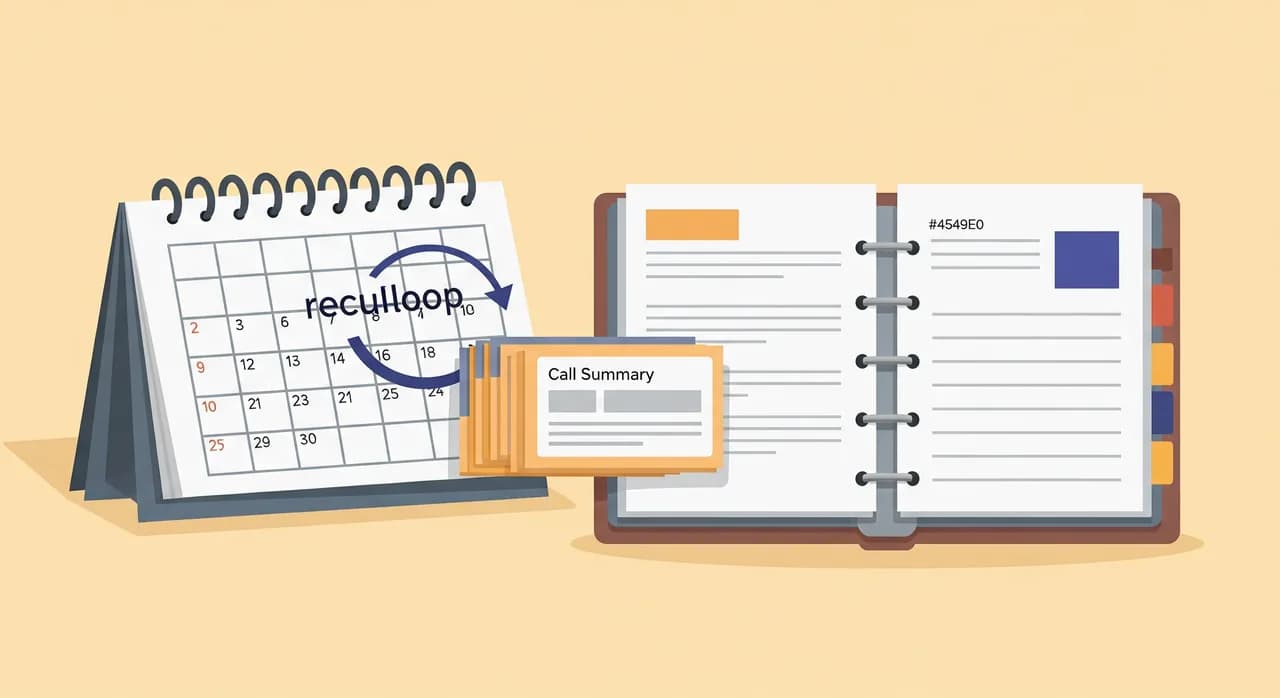
Mehanizem, ki to olajša, je že vgrajen v to, kako deluje dober asistent. Vunoon vam pošlje povzetek in prepis vsakega klica, tako da imate sprotni zapis natanko tega, kaj so ljudje spraševali in kako je asistent ravnal. Ta zapis je vaš mesečni pregled, opravljen namesto vas. Ni vam treba ugibati, kje so vrzeli — klici vam povedo.
Enkrat na mesec si v koledar vnesite dvajset minut in preletite nedavne povzetke klicev z dvema vprašanjema v mislih. Prvič: kaj je bilo vprašano, česar ni bilo v bazi znanja? Vsako vprašanje, ki se je končalo z »naj zapišem sporočilo«, ko se ne bi smelo, je manjkajoč odgovor — dodajte ga. Drugič: kaj je asistent rekel, kar ni več res? Cene, delovni čas, storitve, ki ste jih opustili ali dodali. Popravite to in za ta mesec ste opravili.
Ta mesečni ritem je tisto, kar spremeni spodoben asistent v takega, ki tiho postaja boljši vse leto. Prva različica, ki jo zgradite, bo dobra. Različica čez šest mesecev — izostrena z resničnimi klici, z zapolnjeno vsako ponavljajočo se vrzeljo — je tista, ki resnično zveni, kot da je pri vas delala od nekdaj.
Kako izgleda realistična prva ura
Lahko preberete vse to in si predstavljate projekt, ki požre cel konec tedna. Ni nujno tako. Predstavljajte si frizerski salon z dvema stoloma, ki to nastavlja. V prvih desetih minutah lastnica na hitro zapiše petnajst vprašanj, na katera odgovarja vsak dan — delovni čas, okvirne cene, ali strižete moške, ali sprejemate brez naročila, kje se parkira. To pokrije veliko večino njenih klicev, še preden se je lotila redkih.
V naslednji pol ure zapiše vsak odgovor tako, kot bi ga izrekla, in tiste, povezane z rezervacijami, konča z »naj vas vpišem v knjigo?«. Deset minut porabi za določanje meja — brez medicinskih nasvetov o stanju lasišča, zapiši sporočilo in poklicala bo nazaj. Nato se petnajst minut pogovarja z asistentom, ujame tri okorne odgovore, jih popravi in preusmeri svojo številko. Skupaj: dobro uro, večino tega zgolj zapisovanje stvari, ki jih že pozna. To je poštena velikost naloge.
“Baze znanja ne gradite iz nič. Zapisujete odgovore, ki jih že daste štiridesetkrat na teden — prvič na enem mestu.”
Koliko časa dejansko traja, da naučiš telefonskega AI-asistenta?
Ali potrebujem kakšno tehnično znanje za namestitev?
Kaj se zgodi, če klicatelj vpraša nekaj, na kar se nisem pripravil?
Ali lahko uporabim odgovore kar s svoje spletne strani?
Kako preprečim, da bi dajal nasvete, ki jih ne bi smel?
Kako pogosto naj posodabljam bazo znanja?
Postavite svoje odgovore v pogon
Poglejte, kako čarovnik za namestitev vprašanja, na katera že vsak dan odgovarjate, spremeni v asistenta, ki dvigne vsak klic. Preizkus vzame le nekaj minut, z njim pa se lahko pogovorite, še preden preusmerite enega samega pravega klicatelja.
Poglejte, kako poteka namestitev
Vunoon razvija AI telefonskega asistenta, ki odgovarja na klice vašega podjetja 24 ur na dan — rezervira termine, odgovarja na pogosta vprašanja in vam pošlje povzetek vsakega pogovora.